Skip to content
View in the app

A better way to browse. Learn more.

Pokemon Revolution Online

A full-screen app on your home screen with push notifications, badges and more.

To install this app on iOS and iPadOS
  1. Tap the Share icon in Safari
  2. Scroll the menu and tap Add to Home Screen.
  3. Tap Add in the top-right corner.
To install this app on Android
  1. Tap the 3-dot menu (⋮) in the top-right corner of the browser.
  2. Tap Add to Home screen or Install app.
  3. Confirm by tapping Install.

Dikenson

Registered User
  • Joined

  • Last visited

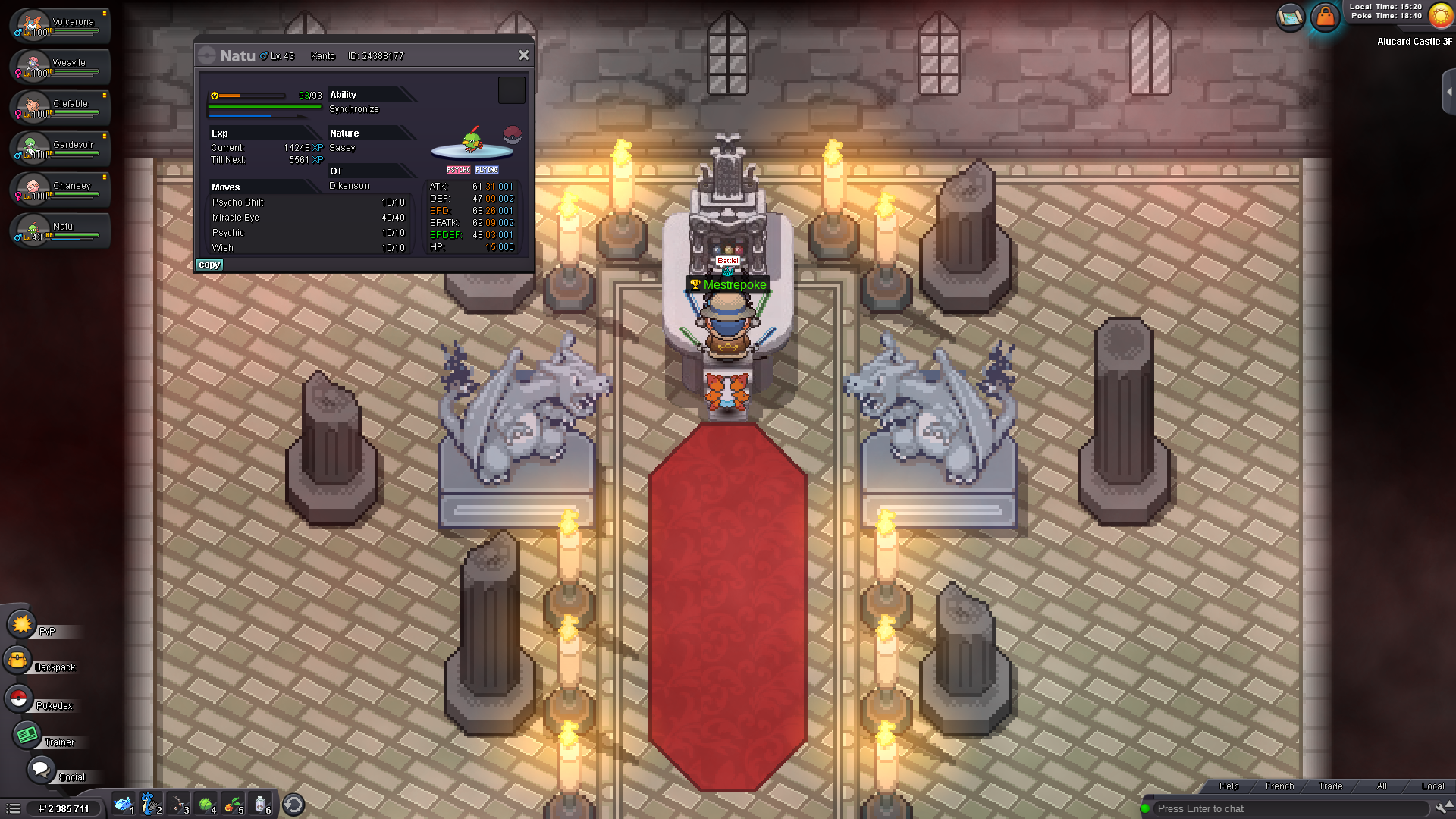
  1. It worked for me, thanks!
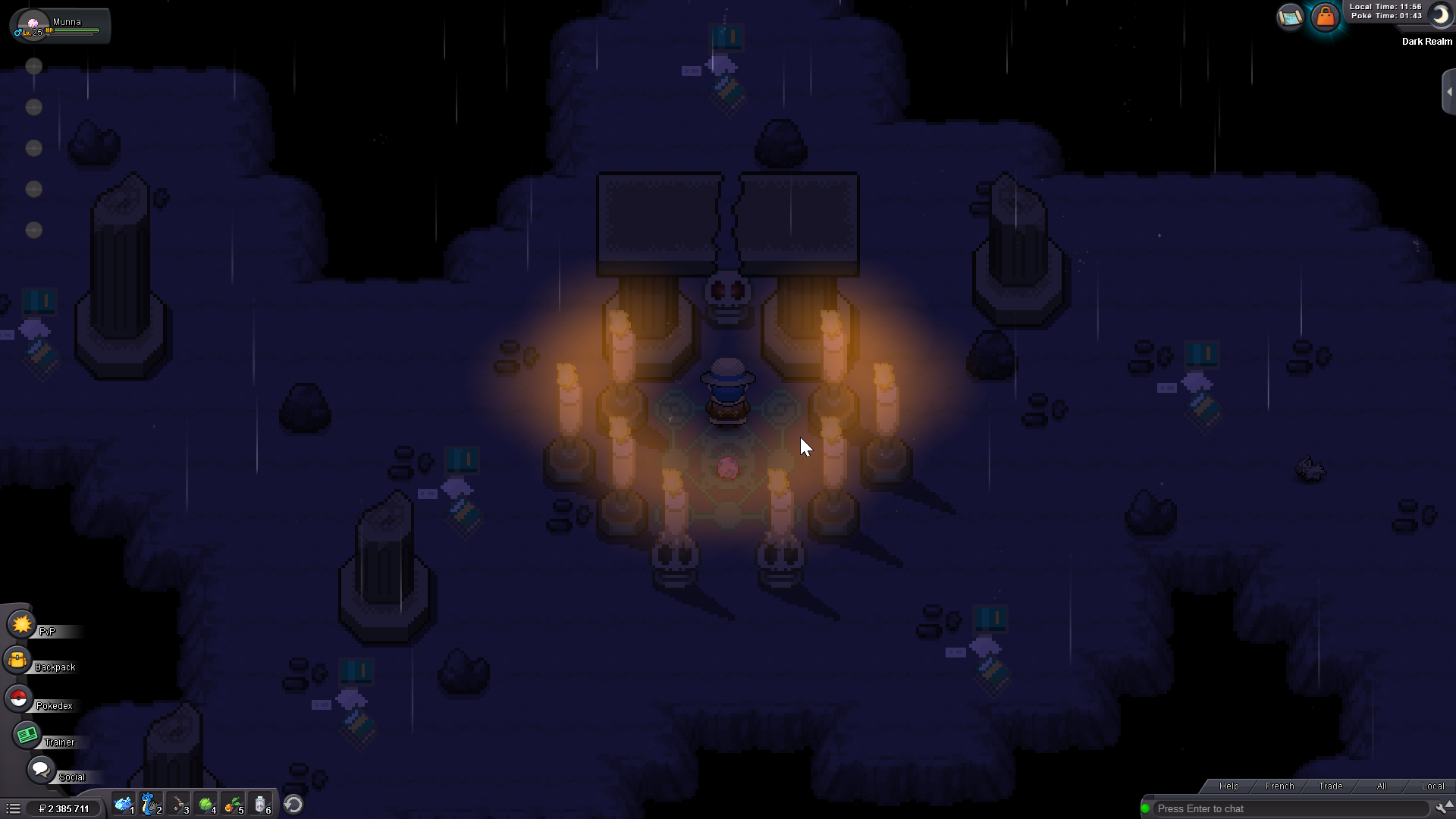
  2. I have the same problem. No poke once I get in the dark realm and no Munna appearing either...
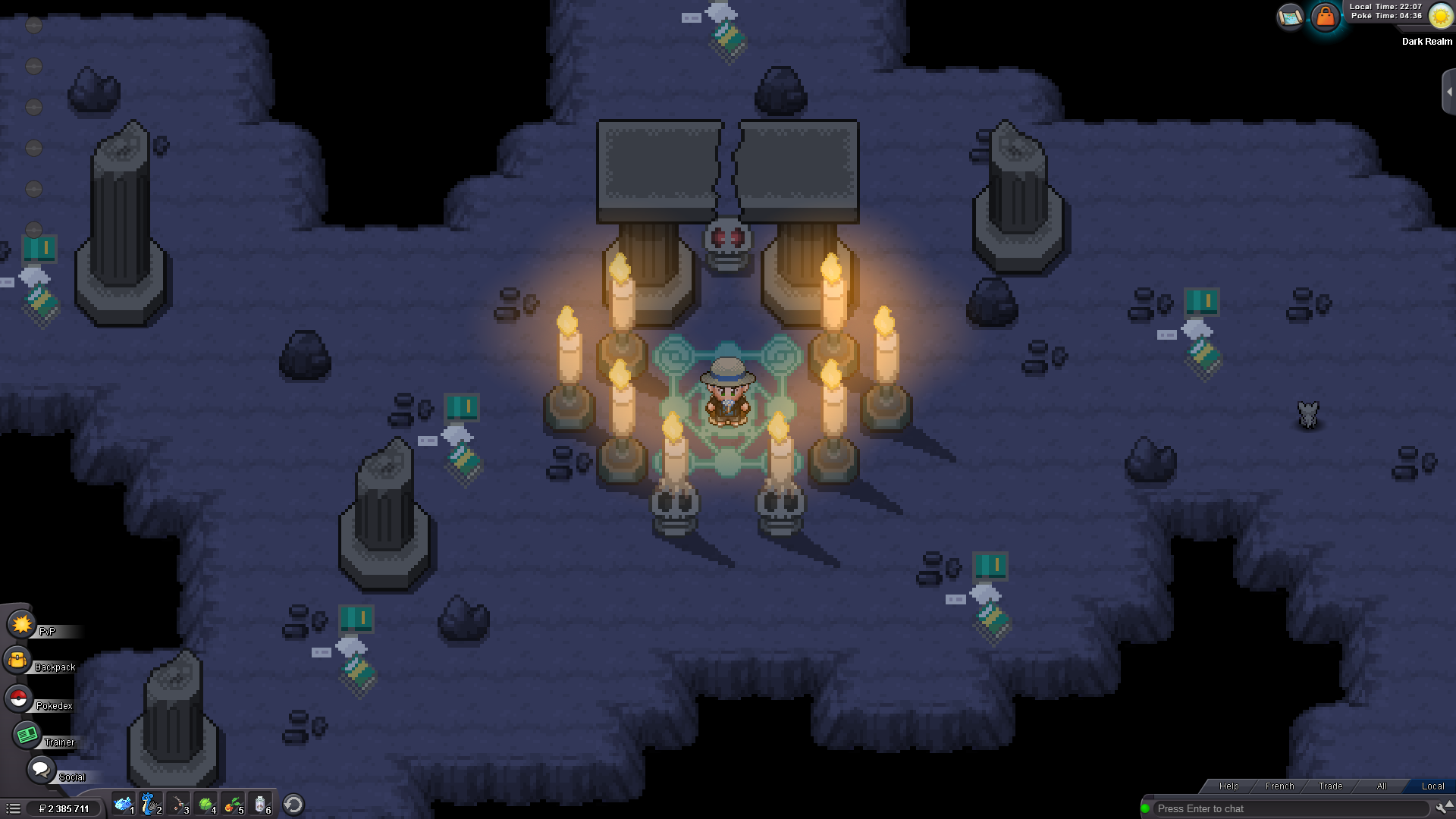
  3. Please could you reset the dark realm so I can resume the quests for the mega stone and the new one ? Thanks!
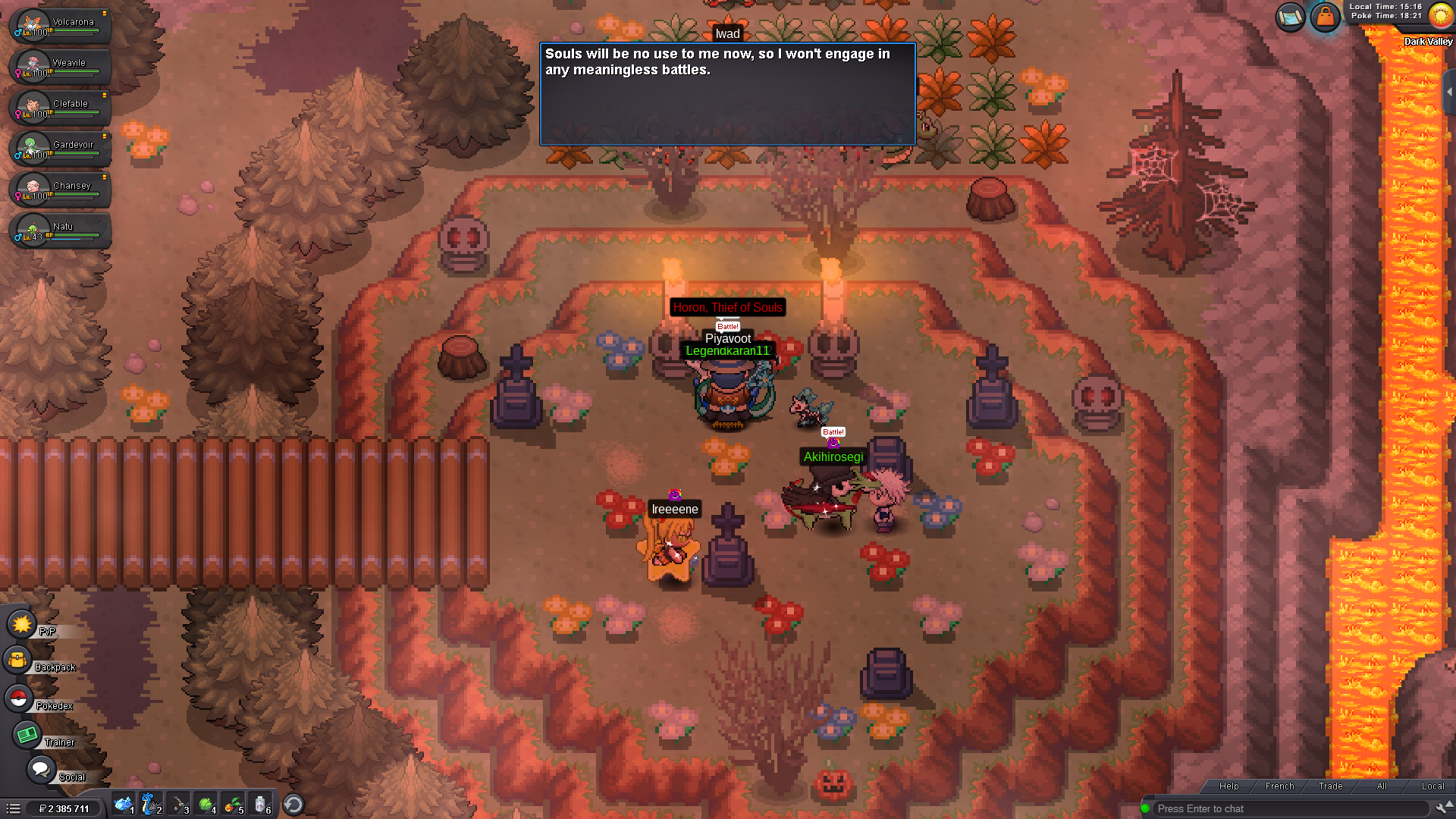
  4. Hello, I cannot enter the dark realm. Nothing happens when I talk to Horon or Alucard... please help ! Thanks
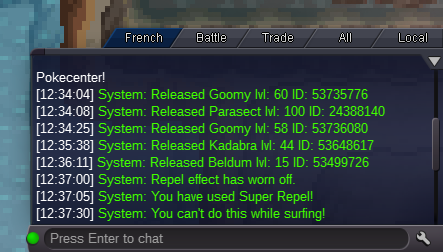
  5. Hi guys, I released my hunter Parasect by mistake. Could you please restore it ? Thanks !
  6. Re: ❄ Christmas Event 2017 Walkthrough! ❆ <t>Sludge Bomb + Thunderbolt for the 5th</t>

Account

Navigation

Search

Search

Configure browser push notifications

Chrome (Android)
  1. Tap the lock icon next to the address bar.
  2. Tap Permissions → Notifications.
  3. Adjust your preference.
Chrome (Desktop)
  1. Click the padlock icon in the address bar.
  2. Select Site settings.
  3. Find Notifications and adjust your preference.