




New Trade Zone
Trade Zone is now live
Use the new Trade Zone for auctions and instant-price trades so Pokemon and item offers are easy to find.

Angelluissolana
Registered User
-
Joined
-
Last visited
-
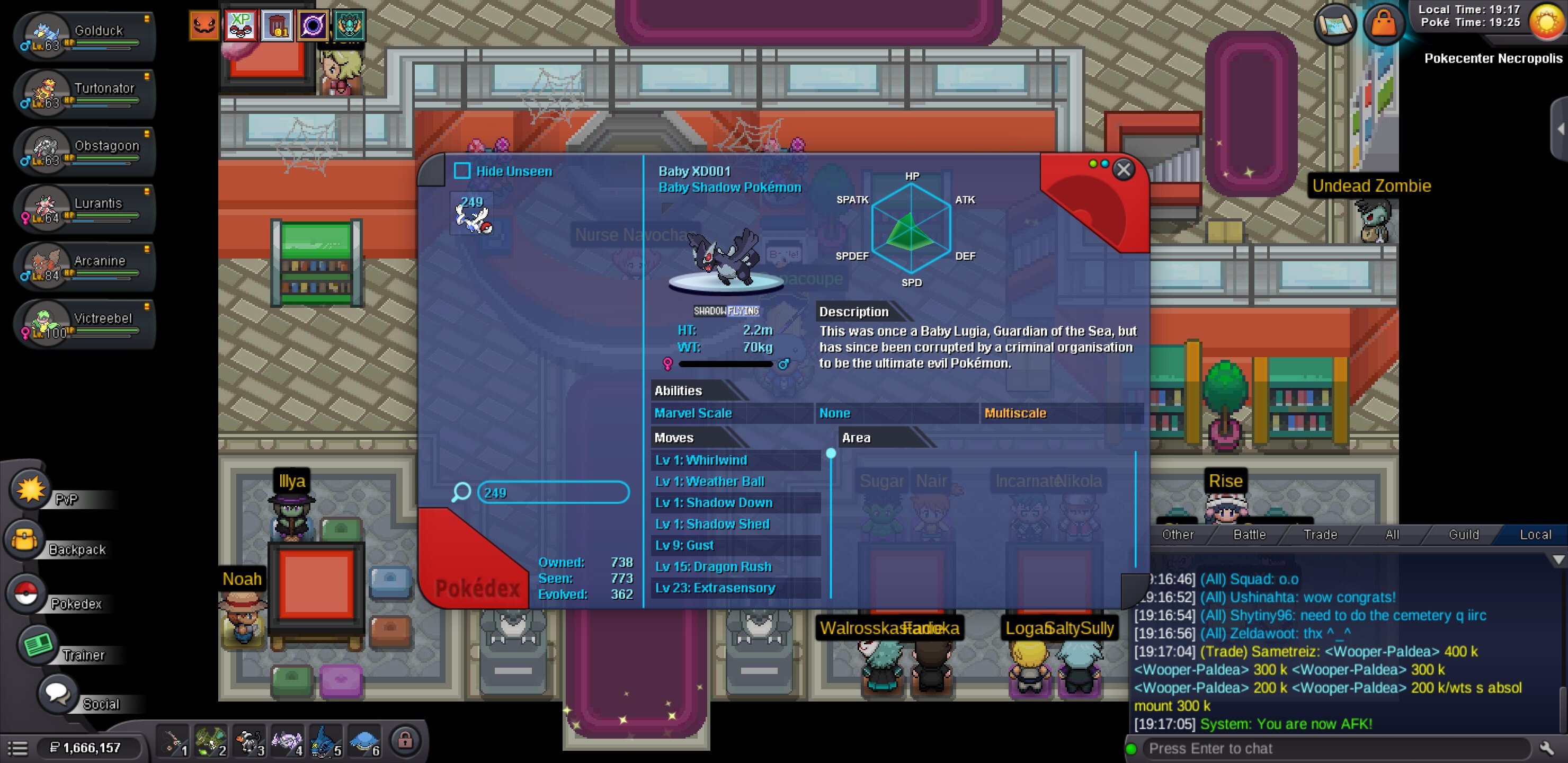
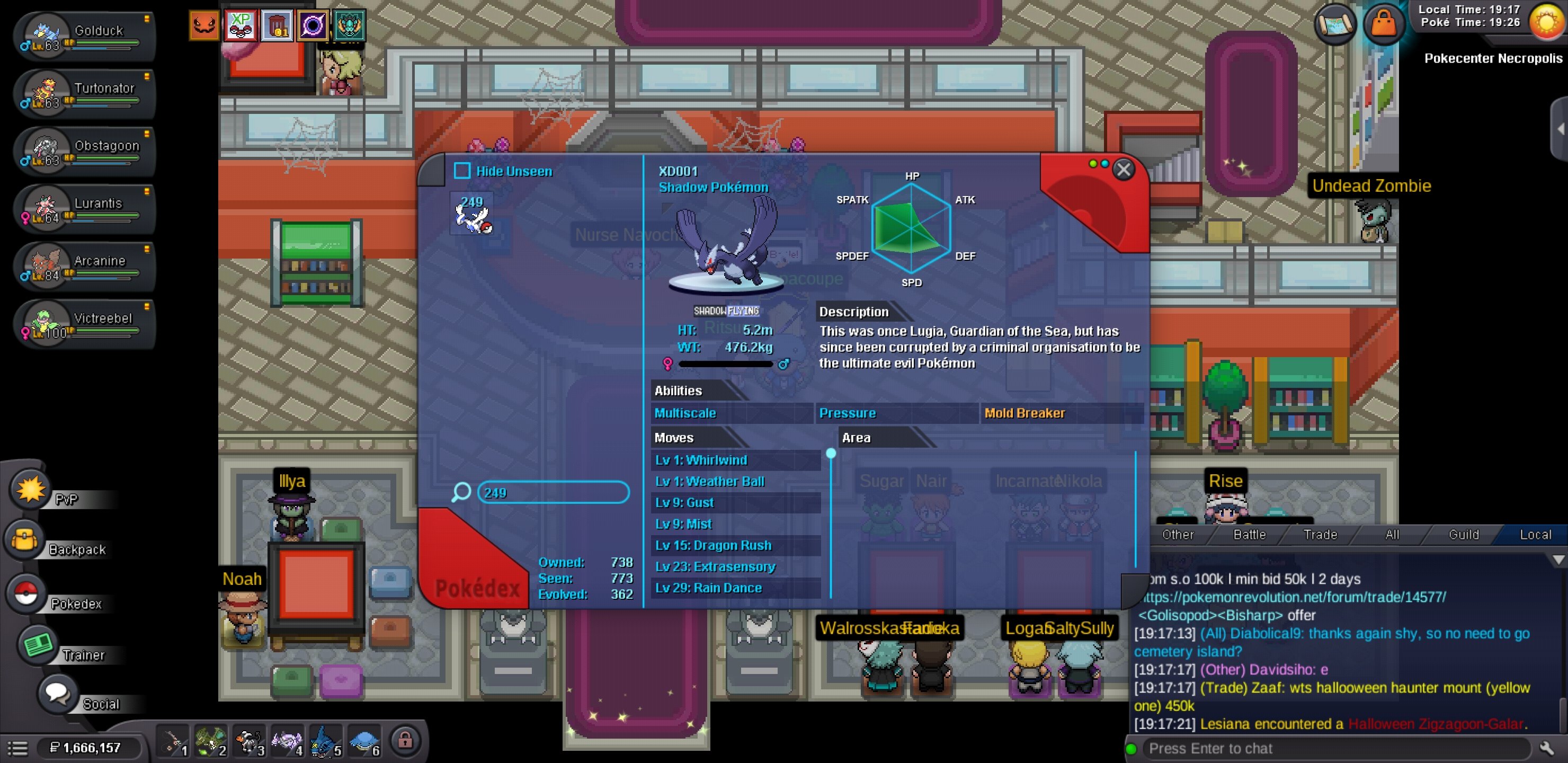
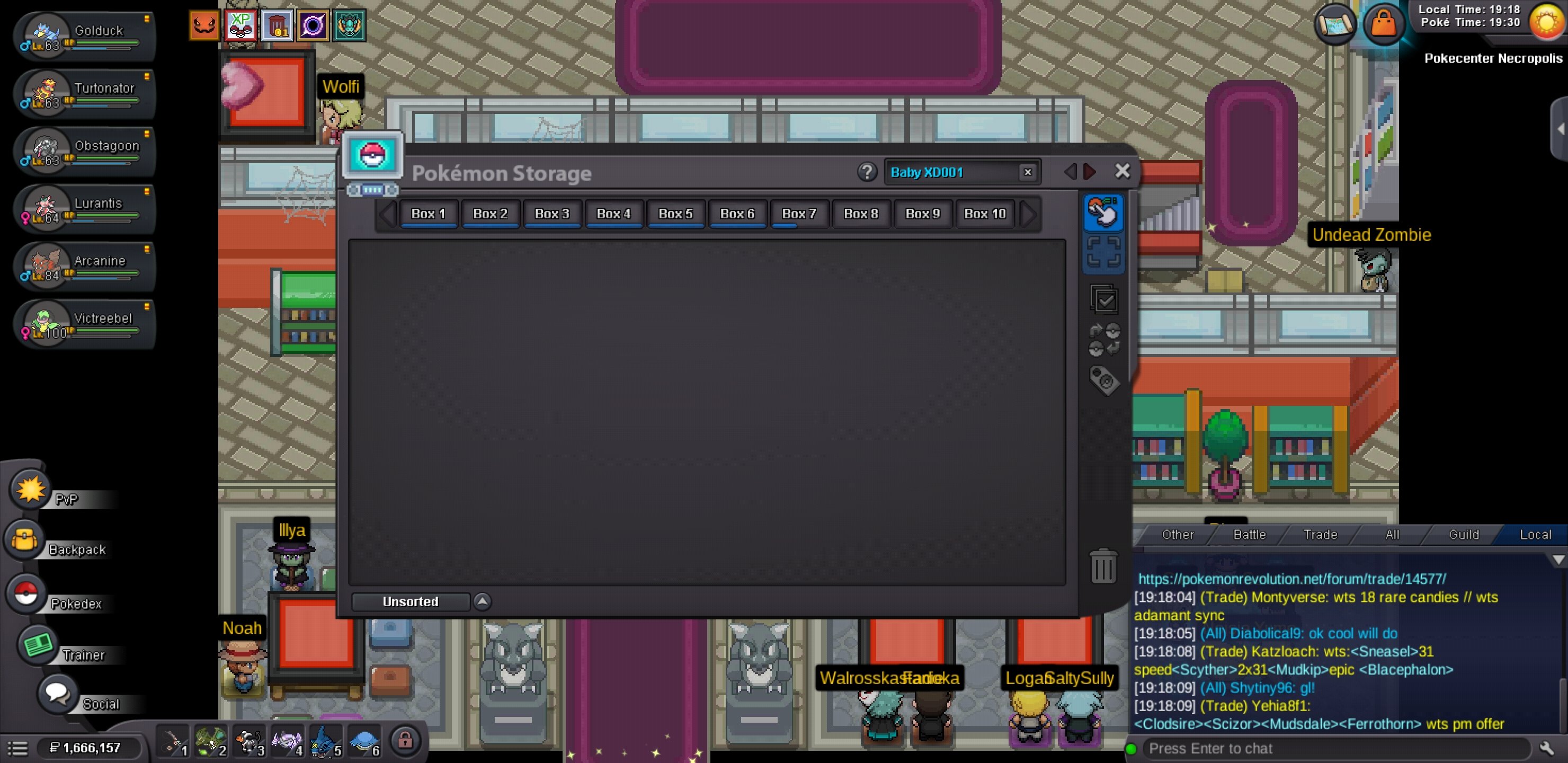
Username: angelluissolana Server: Silver Pokemon: Baby XD001 Issue: Deleted after Crystal removal update - Bug. I had Crystal equipped. Proof: Pokedex SEEN / Storage EMPTY. Please check logs for angelluissolana. Restore to Box 1 please. ID Screenshot: No ID - Storage shows EMPTY but Dex shows SEEN. Had Crystal equipped. Screenshots attached. EDIT: Correction - I am not 100% sure if Crystal was equipped on Baby XD001. What I know: After Crystal removal update, both my Crystals AND my Baby XD001 (Baby Lugia Shadow) disappeared at same time, from one day to another. Please check logs for angelluissolana (Silver) - Baby XD001. Screenshots show Pokedex SEEN but Storage EMPTY. Thank you. Server: Silver
-
Muchas gracias a todos.en cuanto el colega me diga algo os dire
-
mi colega dice q se lo ha descargao para window.q ha hecho todo lo q le pone y esta esperando el email.no sabes si alguien le ha pasado y ha sido capaz d solucionarlo?
-
Tengo un amigo intentando registrarse y dice q no le llega el email.este es su correo
