




New Trade Zone
Trade Zone is now live
Use the new Trade Zone for auctions and instant-price trades so Pokemon and item offers are easy to find.

Leoreece
Registered User
-
Joined
-
Last visited
Everything posted by Leoreece
-
@Ehkoe Hi, would you be able to help us with a force trade? I can't seem to be able to contact @GoldenP1kachu Thanks.
-
Ill ask someone to force trade for us @GoldenP1kachu our timezones might be off.
-
Let me know when you're on @GoldenP1kachu
-
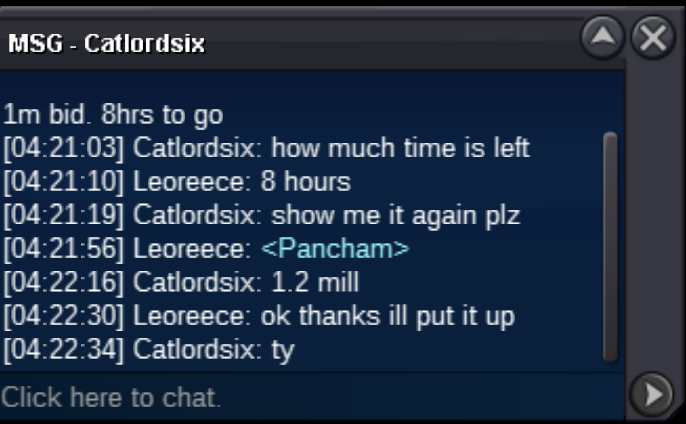
bump 15ish hrs left
-
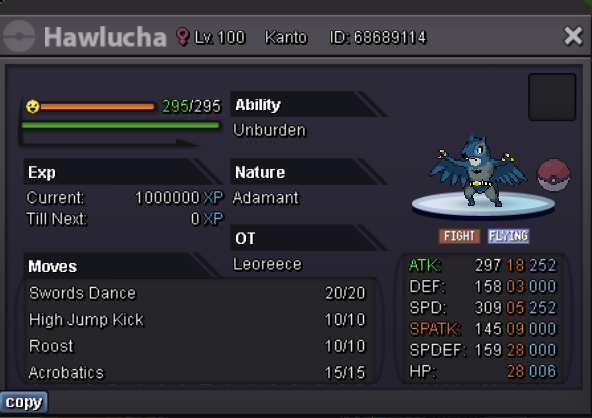
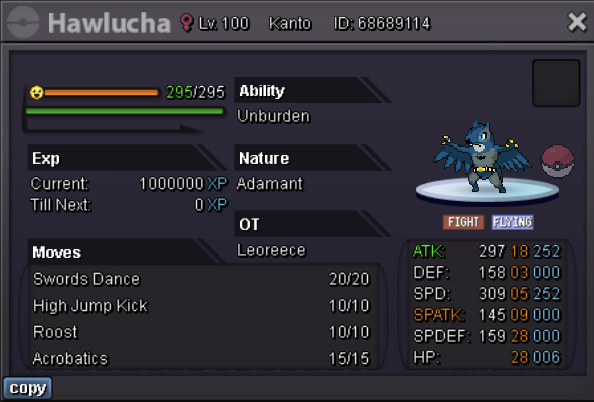
S.O: 1m Min Raise: 100k 5m insta Auction ends 48hr after first bid Cash only thanks
-
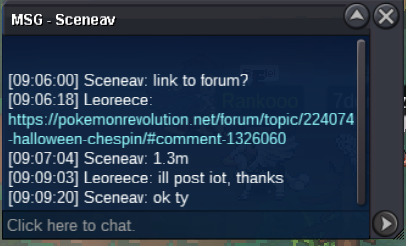
2m5
-
Thanks @Ehkoe
-
seems like it. ill look into it and see if I can get them to assist. is your ign the lolurface too?
-
how about now
-
Let me know when you're available @Lolurface
-
Hey @Lolurface you won, I wont be able to log on for a couple days though.
-
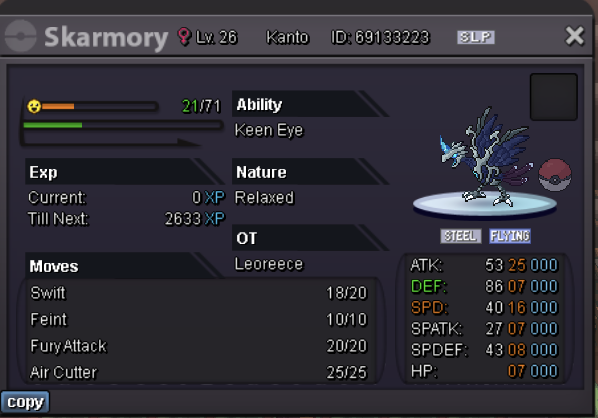
2m Start 10m insta 100k min raise Accept Cash or rerolls @ 520k ea 48 hr auction
-
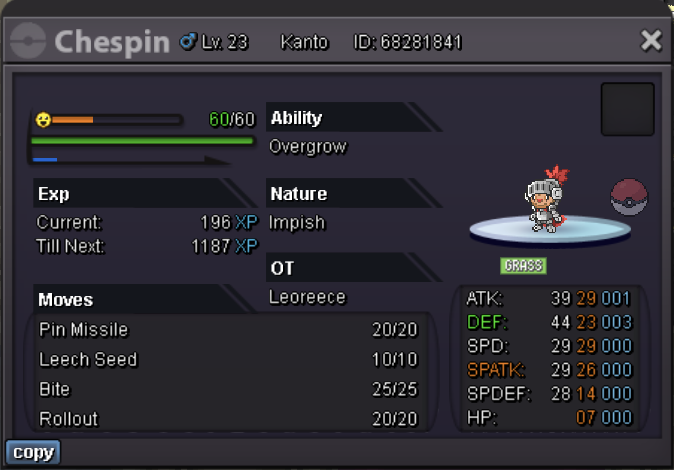
1m Start no insta 100k min raise Accept Cash or rerolls @ 520k ea 48 hr auction
-
-
-
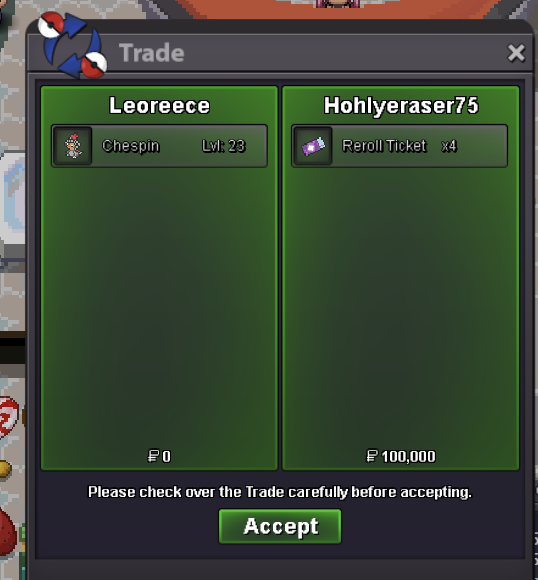
it was a 48 hr auction, not 24hr @Boomsmoke@Hohlyeraser you won. let me know when youre availables.o 1m min bid 100k instant : N/A Time : 48 hrs after start Accept Poke dollars and rr @ 500k ea *PARTY XP SHARE HAS INCREASED ITS LEVEL. ITS NOW LEVEL 23, STILL A CHESPIN
 @Zoruami understood. I addressed this and rectified it after being reminded by some guild mates. Apologies.@catlordsix wins1m by pog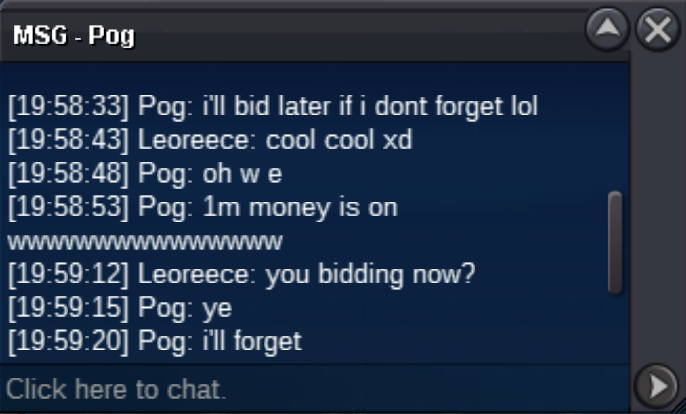



Account
Navigation
Search
Configure browser push notifications
Chrome (Android)
- Tap the lock icon next to the address bar.
- Tap Permissions → Notifications.
- Adjust your preference.
Chrome (Desktop)
- Click the padlock icon in the address bar.
- Select Site settings.
- Find Notifications and adjust your preference.
Safari (iOS 16.4+)
- Ensure the site is installed via Add to Home Screen.
- Open Settings App → Notifications.
- Find your app name and adjust your preference.
Safari (macOS)
- Go to Safari → Preferences.
- Click the Websites tab.
- Select Notifications in the sidebar.
- Find this website and adjust your preference.
Edge (Android)
- Tap the lock icon next to the address bar.
- Tap Permissions.
- Find Notifications and adjust your preference.
Edge (Desktop)
- Click the padlock icon in the address bar.
- Click Permissions for this site.
- Find Notifications and adjust your preference.
Firefox (Android)
- Go to Settings → Site permissions.
- Tap Notifications.
- Find this site in the list and adjust your preference.
Firefox (Desktop)
- Open Firefox Settings.
- Search for Notifications.
- Find this site in the list and adjust your preference.