New Trade Zone
Trade Zone is now live
Use the new Trade Zone for auctions and instant-price trades so Pokemon and item offers are easy to find.

Leoreece
Registered User
-
Joined
-
Last visited
Everything posted by Leoreece
-
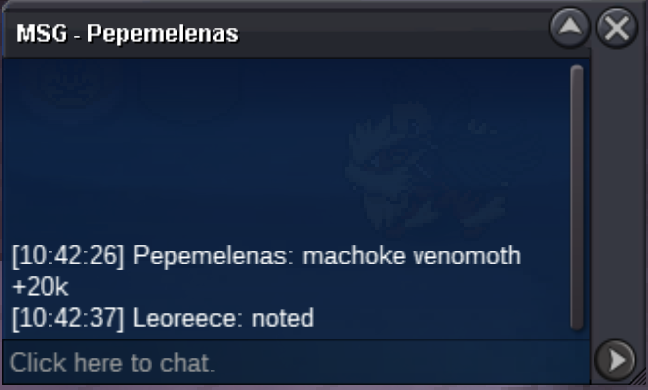
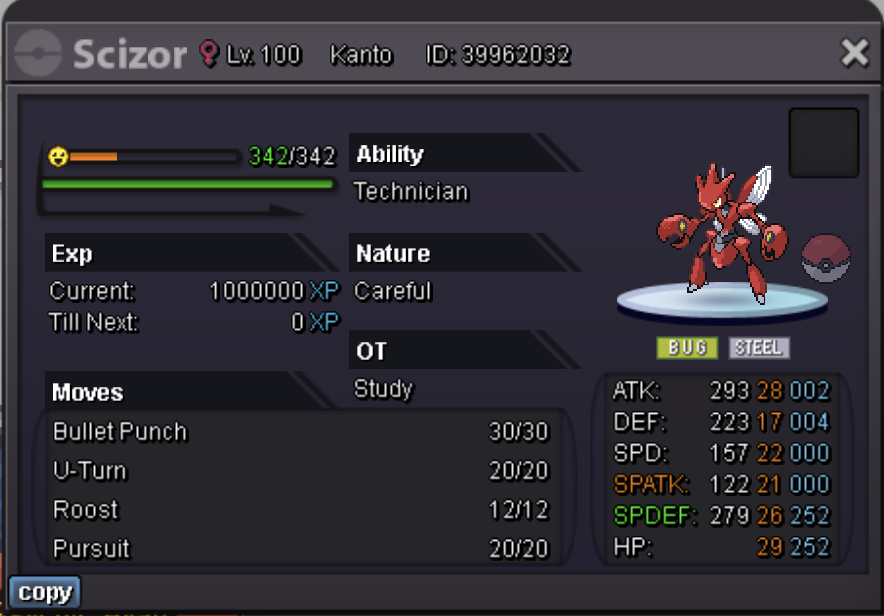
CURRENT OFFERS UPDATED, AUCTION FINISH TIMES ADDEDThey're updated as of right now.machoke 140k venomoth 90k
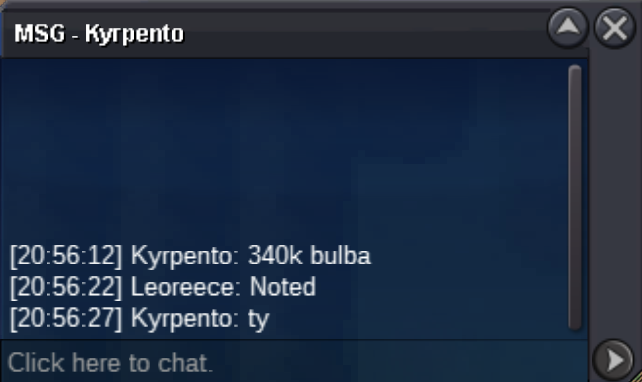
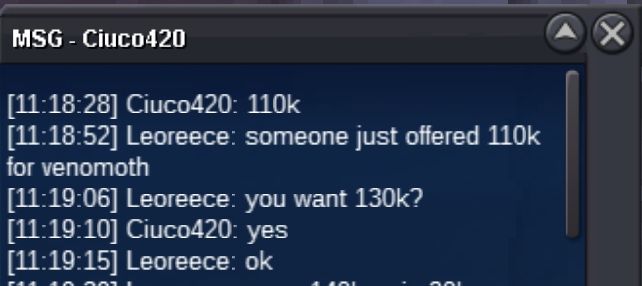
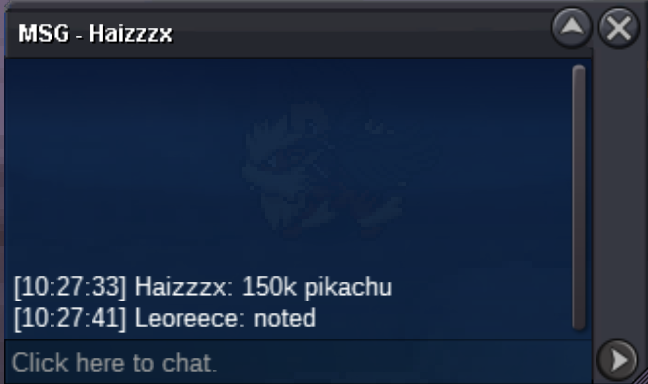
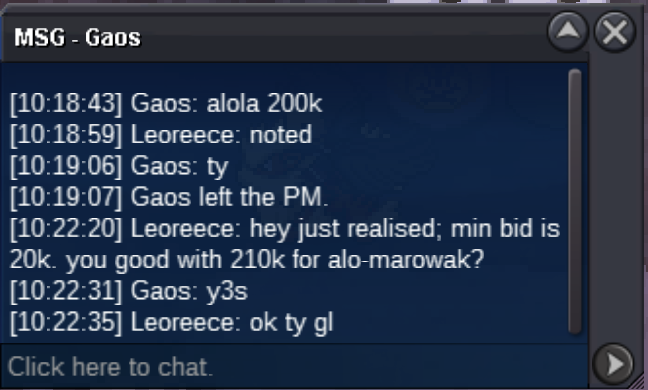
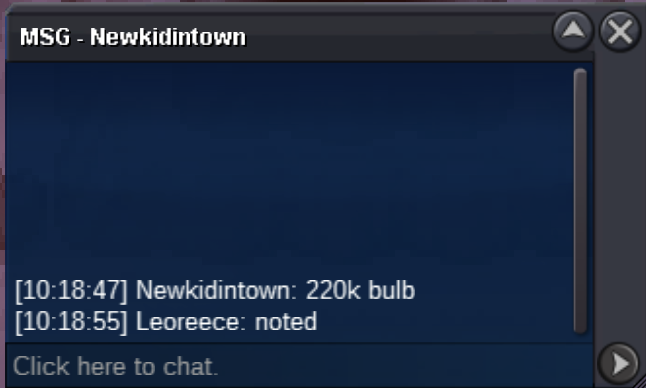
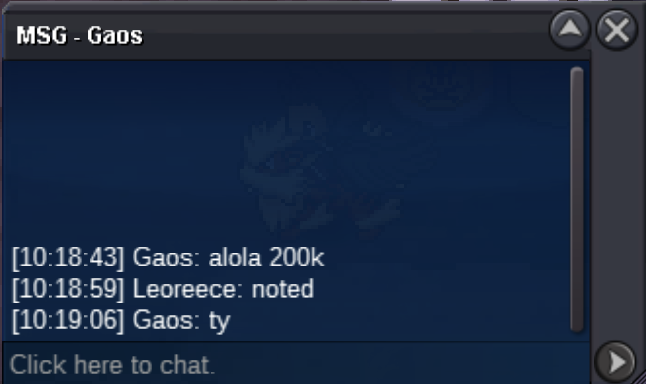
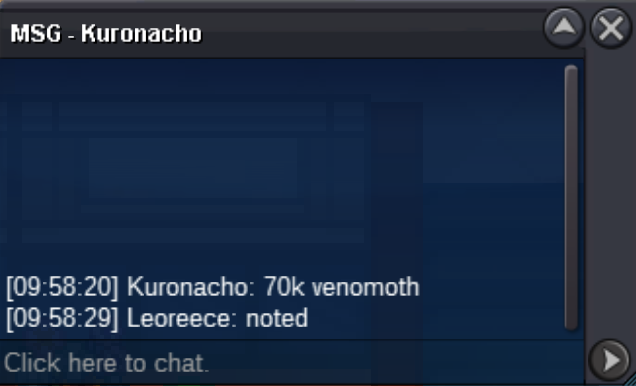
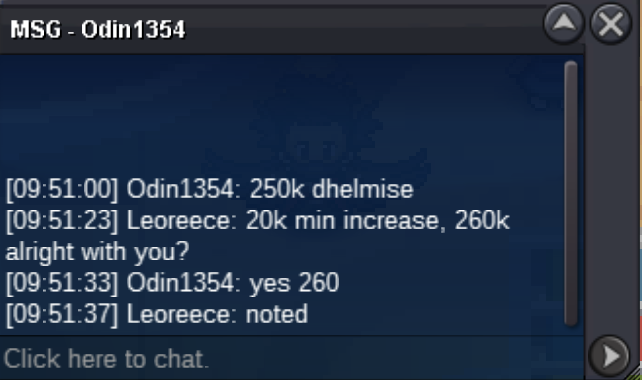
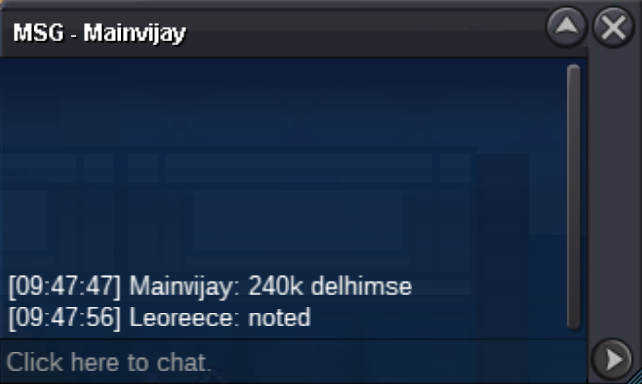
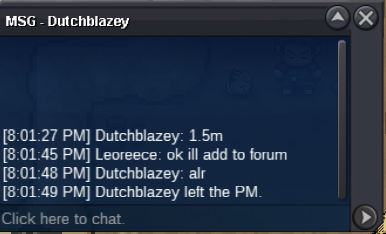
 yep, Scizor still 120kAuctions are for individual pokemon Minimum raise: 20k no insta Accepted payment Pokedollars Reroll ticket = 550k IGN: Leoreece Auctions end 48h after first bid on the relative pokemon DHELMISE Auction ends AUG-24 11:45PM GMT+0 "Tkl070701" wins with 1 X REROLL + 130K bid VENOMOTH Auction ends AUG-25 5:15AM GMT+0 "KURONACHO" WINS WITH 190K BID PHANTUMP Auction ends AUG-25 1:04AM GMT+0 Mainvijay WINS WITH 50K BID Auction ends AUG-25 12:19AM GMT+0 "MANAV861" wins with 560k bid PIKACHU Auction ends AUG-25 1:05PM GMT+0 "SUNCITY" WINS WITH 200K BID JELLICENT Auction ends AUG-24 11:17PM GMT+0 "SUNCITY" wins with 470k bid ALO-MAROWAK Auction ends AUG-24 11:45PM GMT+0 "SUNCITY" WINS WITH 240K BID MACHOKE Auction ends AUG-24 11:14PM GMT+0 "SIDEEFFECT" wins with 550k bid SCIZOR Auction ends AUG-24 11:45PM GMT+0 "SUNCITY" WINS WITH 200K BID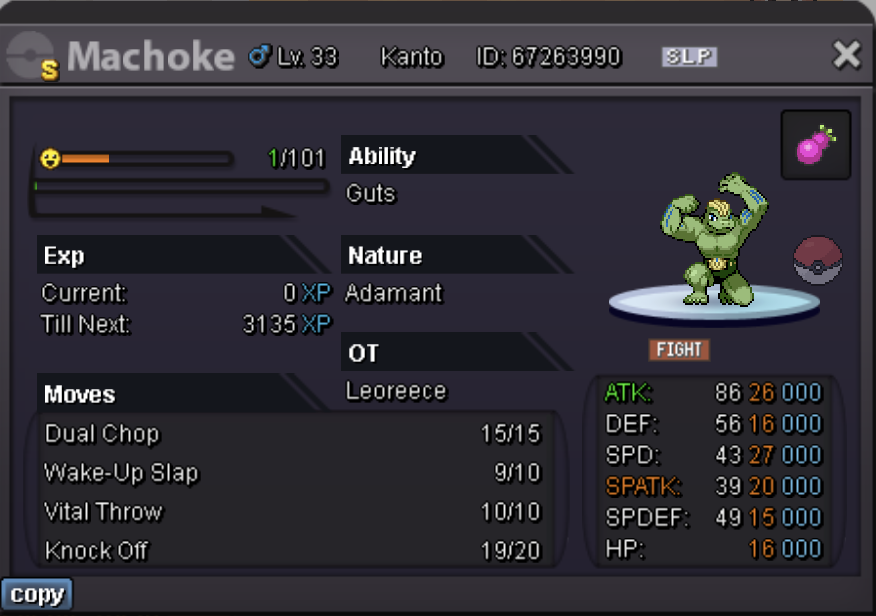
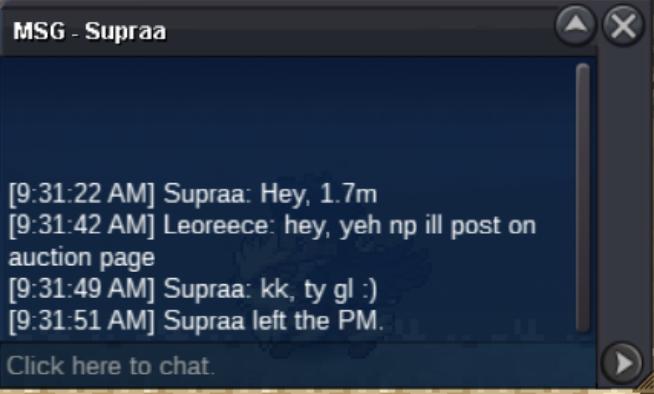
 1.2WTB 26+ Impish Scyther/Scizor. 2m budgetHey Supraa if I don't catch you today, get at me on discord to arrange a trade. Leoreece#49111hr to goCurrent offer is 1m2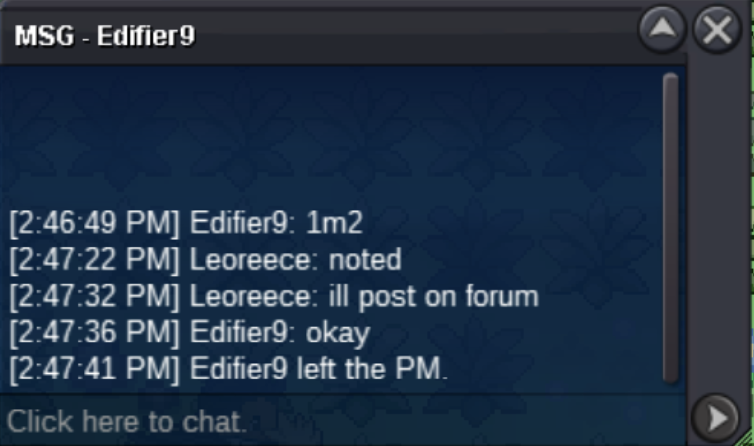
Account
Navigation
Search
Configure browser push notifications
Chrome (Android)
- Tap the lock icon next to the address bar.
- Tap Permissions → Notifications.
- Adjust your preference.
Chrome (Desktop)
- Click the padlock icon in the address bar.
- Select Site settings.
- Find Notifications and adjust your preference.
Safari (iOS 16.4+)
- Ensure the site is installed via Add to Home Screen.
- Open Settings App → Notifications.
- Find your app name and adjust your preference.
Safari (macOS)
- Go to Safari → Preferences.
- Click the Websites tab.
- Select Notifications in the sidebar.
- Find this website and adjust your preference.
Edge (Android)
- Tap the lock icon next to the address bar.
- Tap Permissions.
- Find Notifications and adjust your preference.
Edge (Desktop)
- Click the padlock icon in the address bar.
- Click Permissions for this site.
- Find Notifications and adjust your preference.
Firefox (Android)
- Go to Settings → Site permissions.
- Tap Notifications.
- Find this site in the list and adjust your preference.
Firefox (Desktop)
- Open Firefox Settings.
- Search for Notifications.
- Find this site in the list and adjust your preference.