




New Trade Zone
Trade Zone is now live
Use the new Trade Zone for auctions and instant-price trades so Pokemon and item offers are easy to find.
.gif.de0384538939711559126d785fe07ad4.gif)

Qwatte
Registered User
-
Joined
-
Last visited
Everything posted by Qwatte
-
Pls write me on discord if online @qwatte
-
Dear Admins! We have problem 🙂 my friend bekkistvan get naganadel wing from pvp shop some day ago and he try trade with other friend ricsi1994 and he can. Trade accepted, work. (In gold) I try to buy zekrom wing at silver server and found 1 ppl who want to trade my (Lynn1311). She/He ask me "100% can trade?" I say to he/she go to gold and try...she/he go to gold and bekk put him/her to...so come back and pay 250pvp point for zekrom wing...and cant tradeable...i was write to Norex and he try to naganadel work. So i think this is bug. And my problem is i feel so bad bc she/he lose 250pvp point for nothing...i think unfair he/she loss point bc something bugged...I would like to ask, respectfully, that the named player get her points back (Lynn1311) trade was i think with she/he alt account (n0ach or something like). Please admins i m feel so bad 😞
-
-
-
@qwatte my discord name if u online @Gaos pls write me 🙂 and thx
-
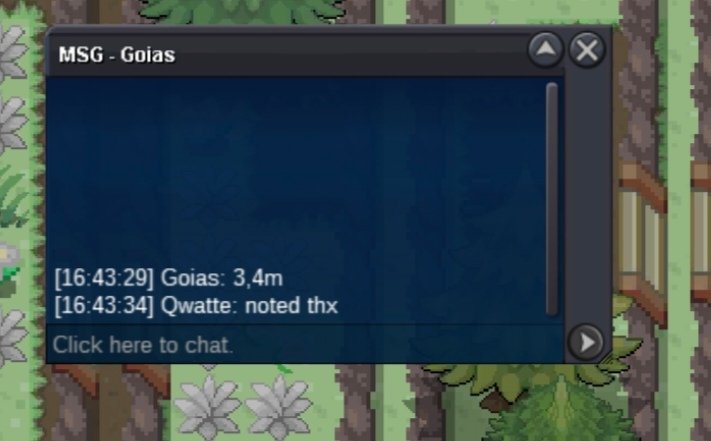
4.5
-
4
-
3.5
-
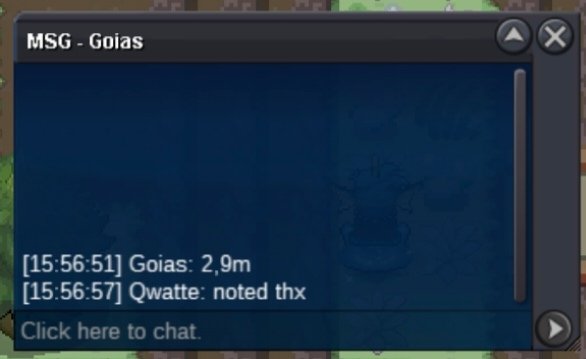
2.5
-
1.8
-
1.5m
-
900k
-
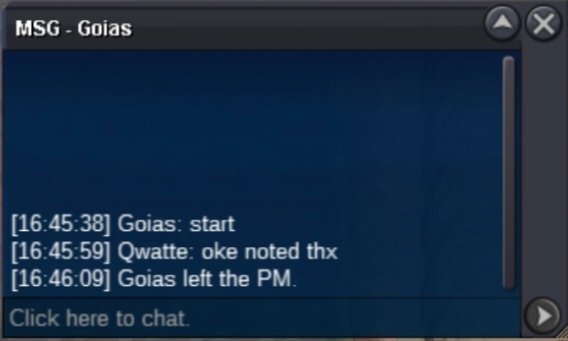
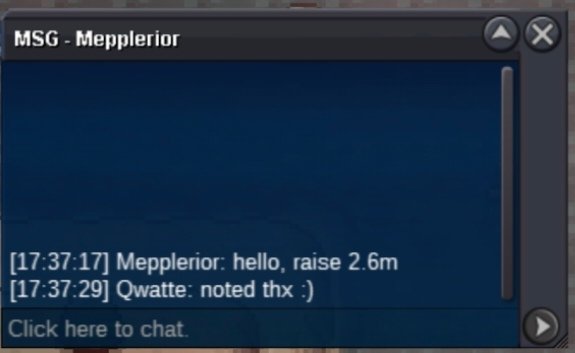
@Micael80i in silver now so if u will online write me 🙂@qwatte my discord 🙂I try but here +1hr 😄U won grat 😄 silver or gold?+15min
 +1515min leftStarted
 Start offer: 2.5m Min bid: 100k Insta: 7m Accept payment: pokedollar, cc (410k) End: 24 hr after first bid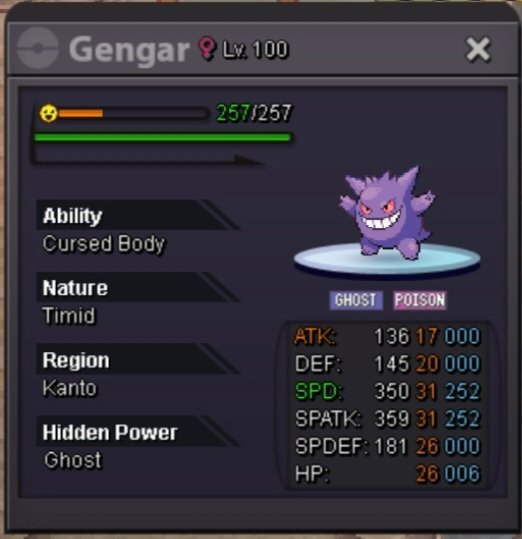


Account
Navigation
Search
Configure browser push notifications
Chrome (Android)
- Tap the lock icon next to the address bar.
- Tap Permissions → Notifications.
- Adjust your preference.
Chrome (Desktop)
- Click the padlock icon in the address bar.
- Select Site settings.
- Find Notifications and adjust your preference.
Safari (iOS 16.4+)
- Ensure the site is installed via Add to Home Screen.
- Open Settings App → Notifications.
- Find your app name and adjust your preference.
Safari (macOS)
- Go to Safari → Preferences.
- Click the Websites tab.
- Select Notifications in the sidebar.
- Find this website and adjust your preference.
Edge (Android)
- Tap the lock icon next to the address bar.
- Tap Permissions.
- Find Notifications and adjust your preference.
Edge (Desktop)
- Click the padlock icon in the address bar.
- Click Permissions for this site.
- Find Notifications and adjust your preference.
Firefox (Android)
- Go to Settings → Site permissions.
- Tap Notifications.
- Find this site in the list and adjust your preference.
Firefox (Desktop)
- Open Firefox Settings.
- Search for Notifications.
- Find this site in the list and adjust your preference.