




New Trade Zone
Trade Zone is now live
Use the new Trade Zone for auctions and instant-price trades so Pokemon and item offers are easy to find.

Zilrob18
Registered User
-
Joined
-
Last visited
-
I would like to participate GMT -6
-
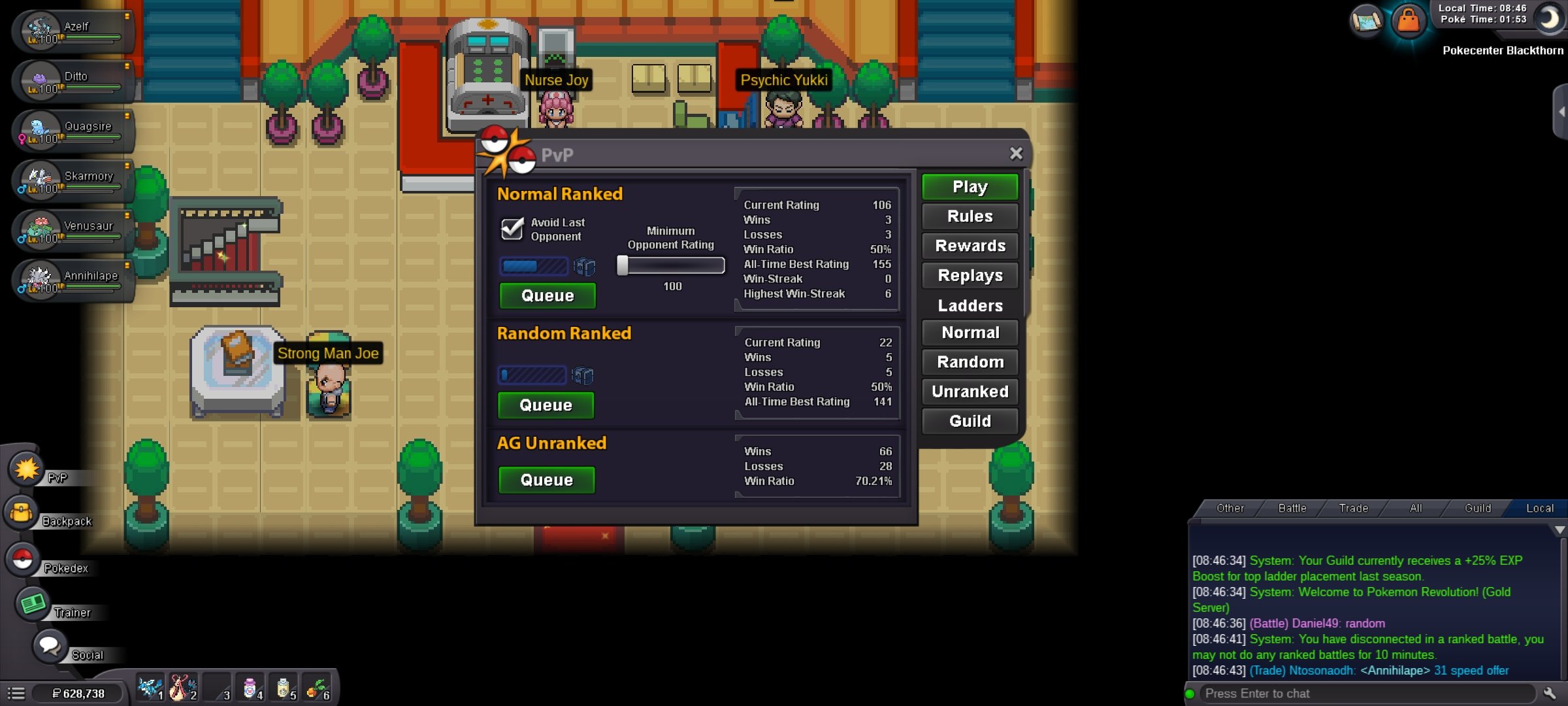
Hi the game is crashing everytime yo enter o go outside every house and also during pvp battle when l play on the phone the problem is worse than the computer. Today the game crashed while i was on pvp battle
-
200k larvesta
-
hi would you mind helping me to provide to me the new version of the game. In the store have not upload the version and I can not play the game
-
It depends for example your poke iv´s and check the sp atk the more is this value the more it will hit
-
I'm playing on andriod device and my phonemeet all the requirements to play de game... I have unistalled the game about 5 times and I have followed your recommendations and still crashing...
-
I was playing normally but suddenly the game crashed every time that i have a pokemon battle or with wild pokemon and the game restart in the pokemon center... this issue happened while i was playing in the ss anne now i can´t catch o challenge pc trainer
