New Trade Zone
Trade Zone is now live
Use the new Trade Zone for auctions and instant-price trades so Pokemon and item offers are easy to find.

Lnrd
Registered User
-
Joined
-
Last visited
Everything posted by Lnrd
-
I recently bought an Arcanine mount but after using Vulpix/Ninetales they will be my main fire pokemon and I wanted to see if an exchange of mounts is at all possible, any help/advice appreciated!
-
Trusting you guys, followed the steps and the client now works. Thanks for the support!
-
Same Here, this sucks!
-
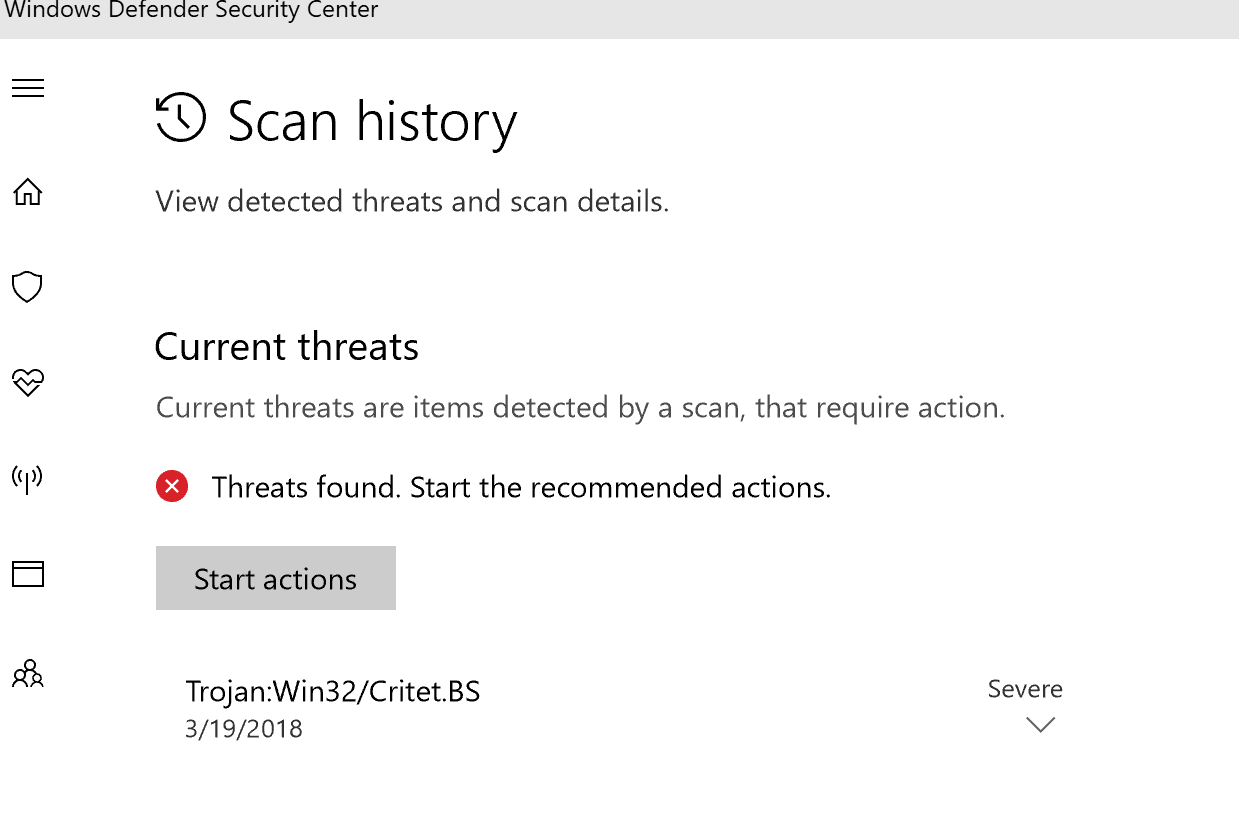
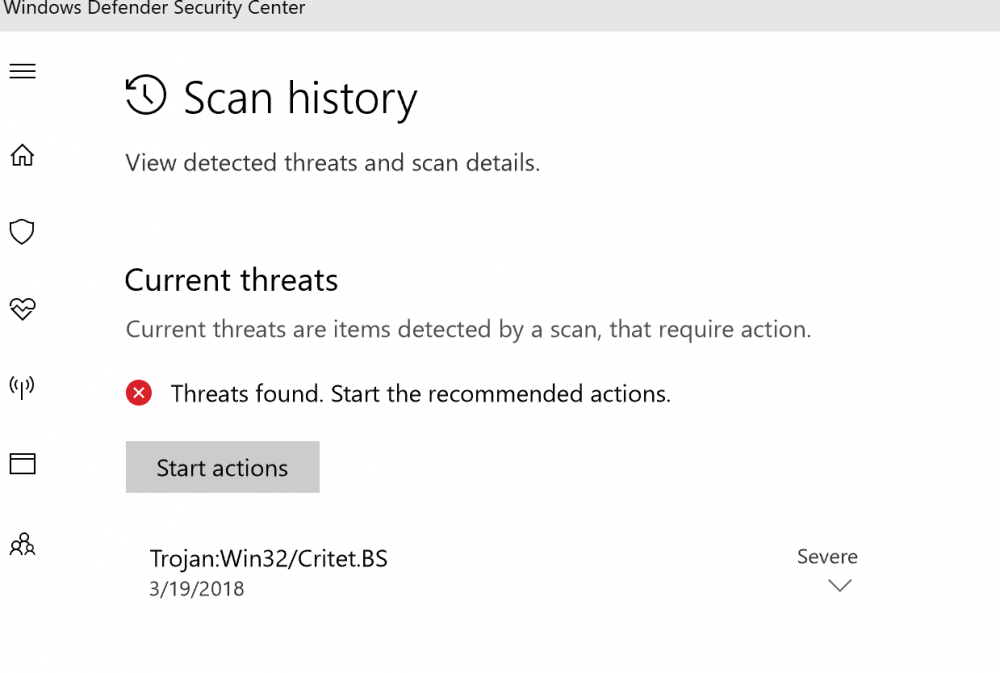
I did, I had the Failed Mono error, then tried following the resolution for it and Defender found that. Downloaded it just maybe 30 mins ago.
-
I wouldn't suggest turning it off if there is a Trojan in the downloadable.
-
Yes sir, media fire link for the x64
-
Anything you guys know?
-
Same, I am getting a Fatal Error - Failed to load mono