New Trade Zone
Trade Zone is now live
Use the new Trade Zone for auctions and instant-price trades so Pokemon and item offers are easy to find.

Allsmell
Registered User
-
Joined
-
Last visited
Everything posted by Allsmell
-
Well I'll go 500k, But I'm pretty sure you need a time alsoAienma this needs a finish timeKingdra sold 350k
 Togepi sold 1cc+20k Quagsire sold 100k

 Insta esp 2.2mDragonite sold 350k
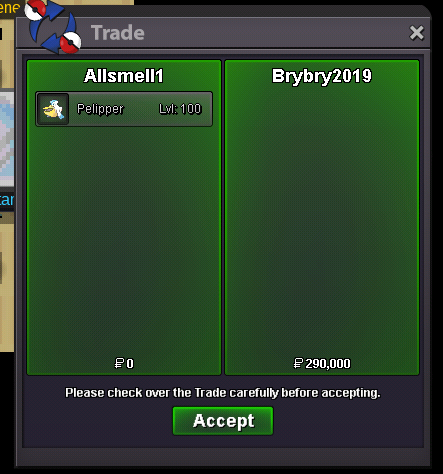
 Togekiss sold 200k pelipper sold 290k quagsire sold 140k mamoswine sold 210k weezing sold 130k
 Shop UpdatesStart darm tails and shiftPretend insta is 20m, sorted problemS T U V W X Y Shiny and Event Pokémon Thanks for having a look around, enjoy the rest of your day 🙂 Discord - @gje8974
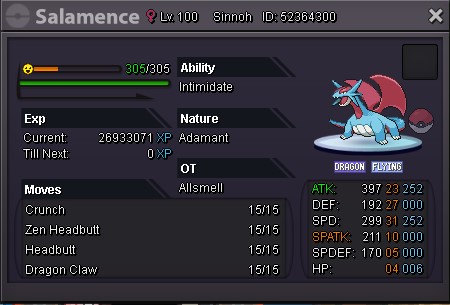
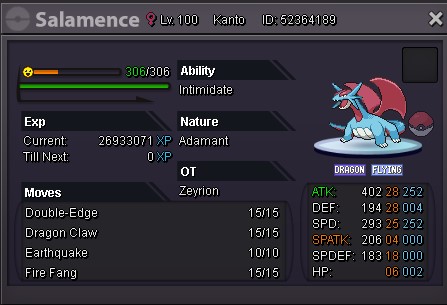
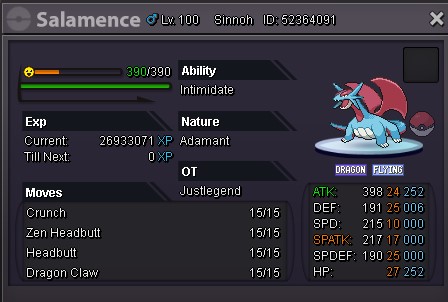
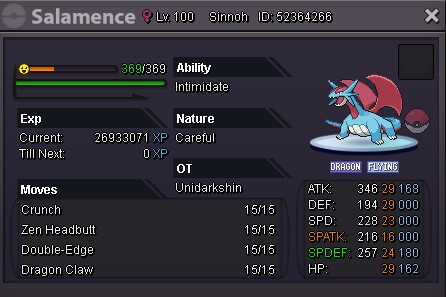
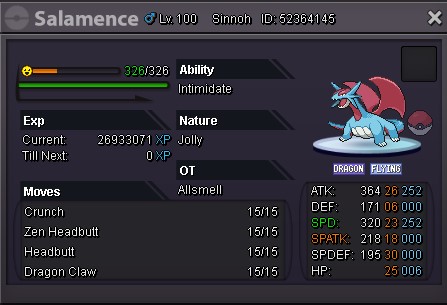
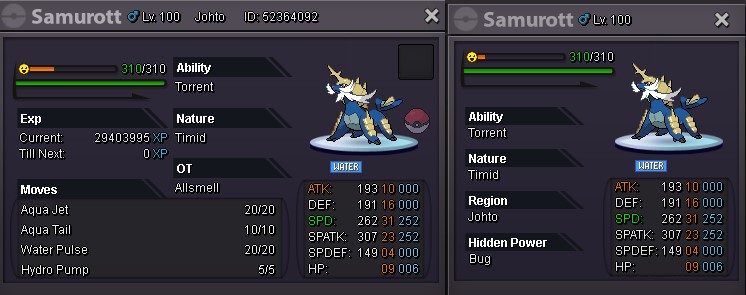
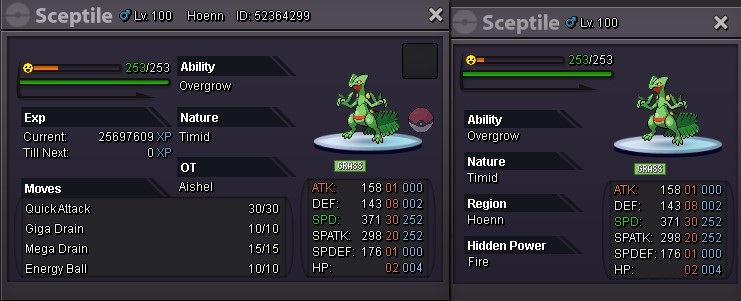
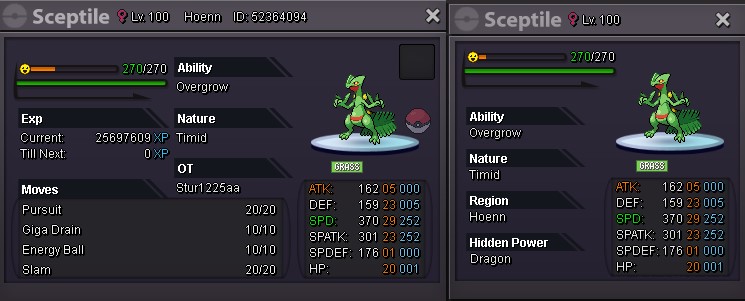
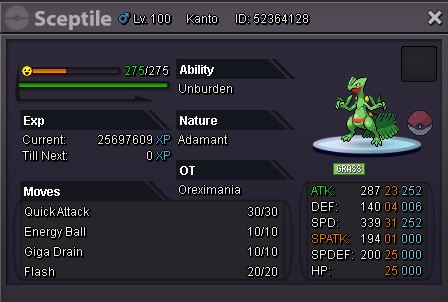
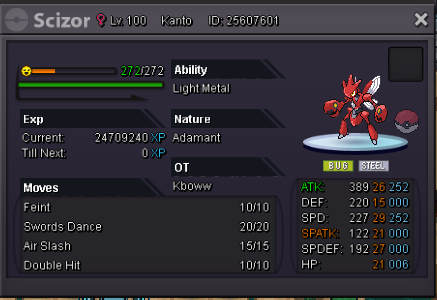
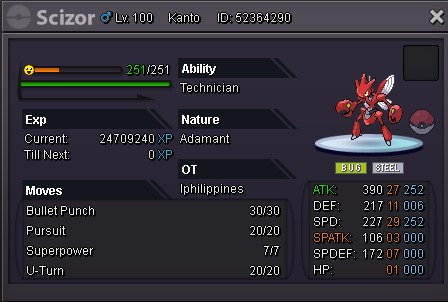
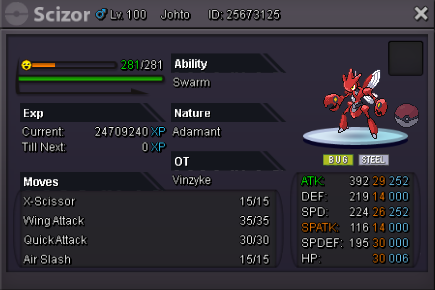
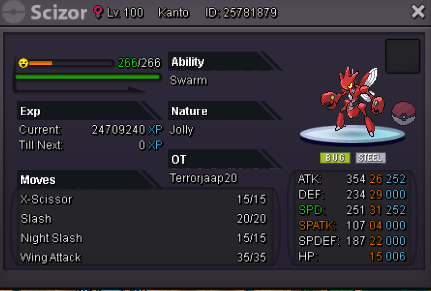
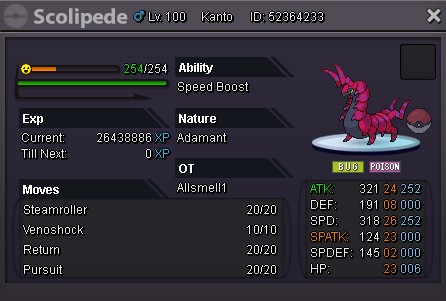
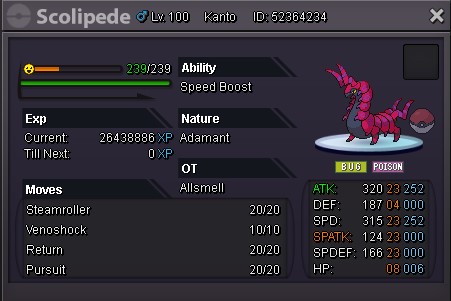
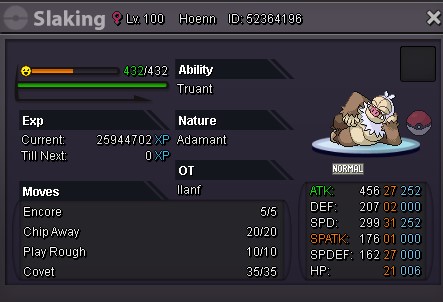
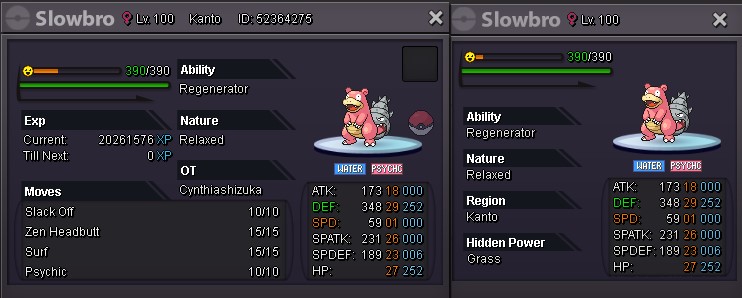
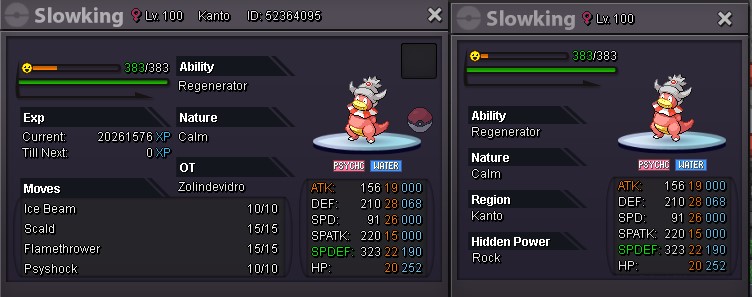
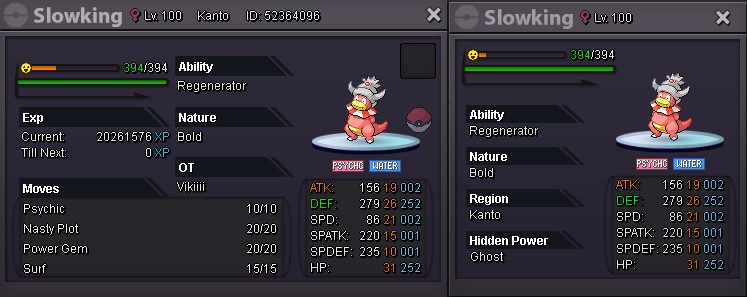
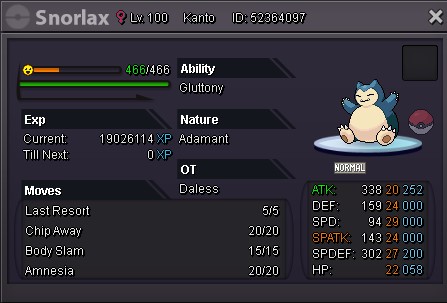
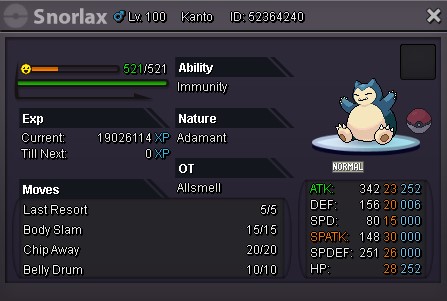
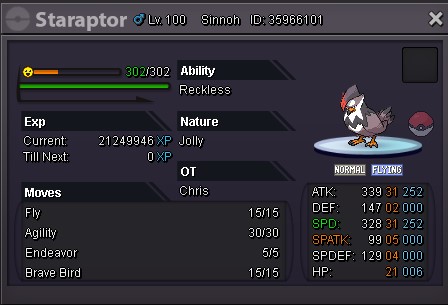
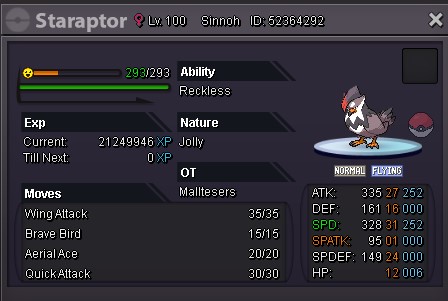
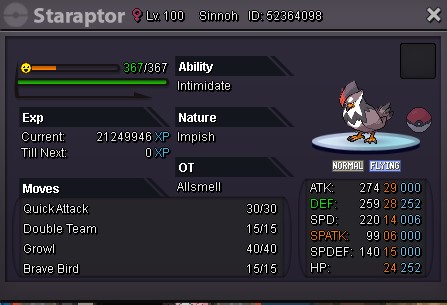

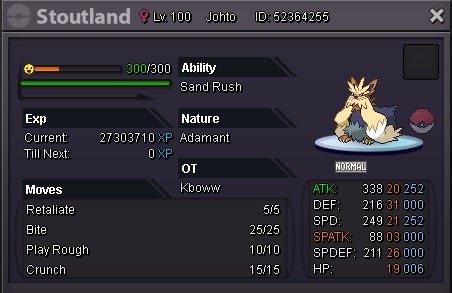
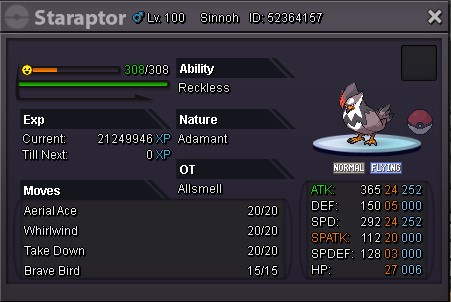
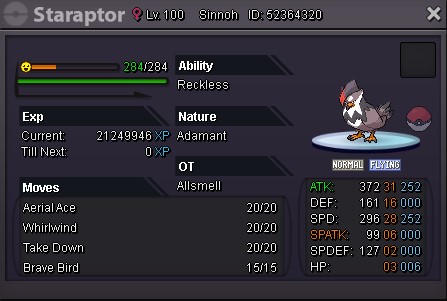
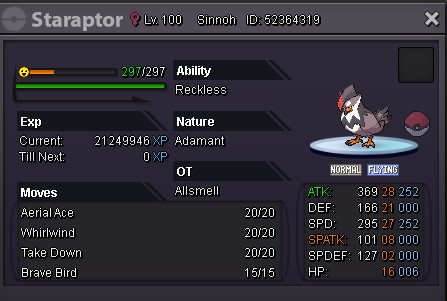
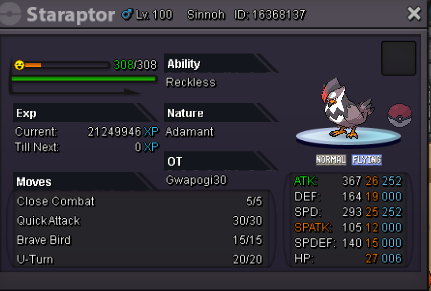
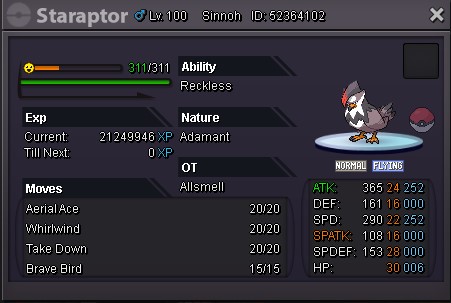
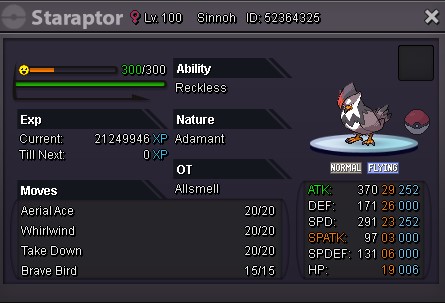
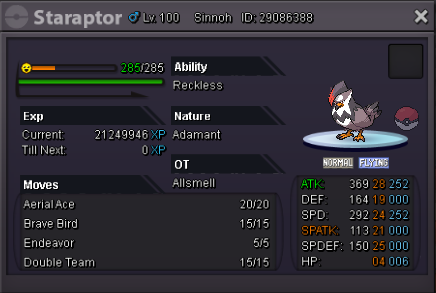
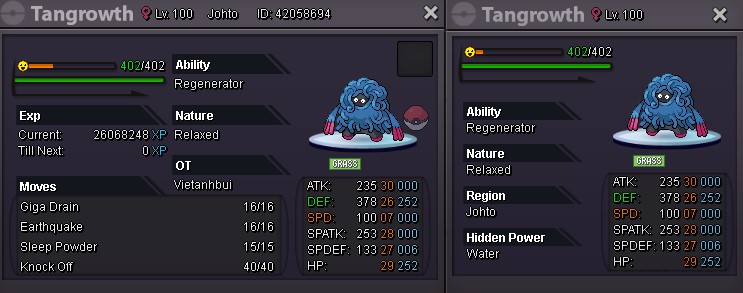
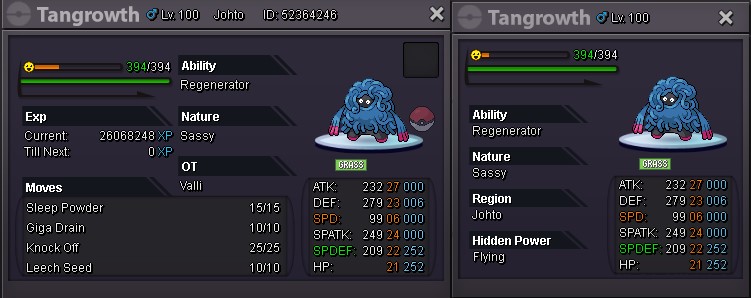
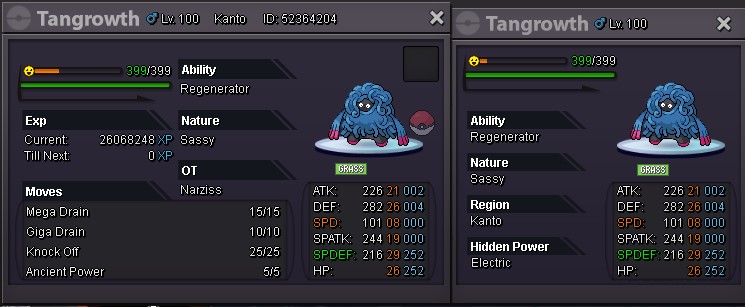
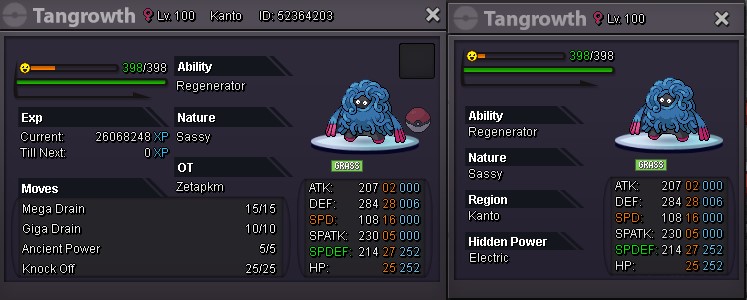
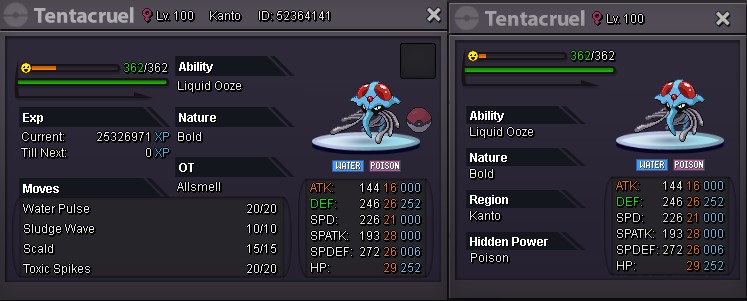

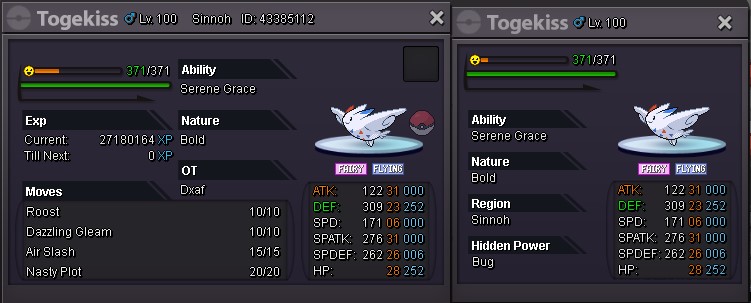
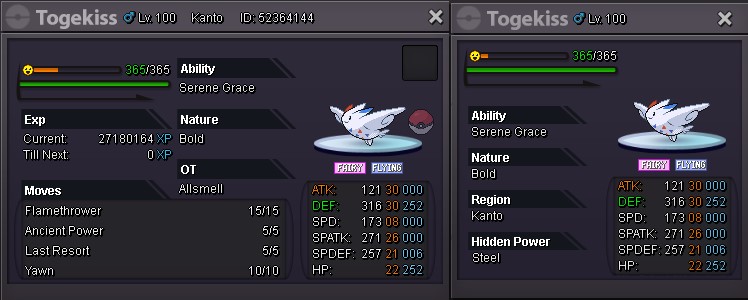
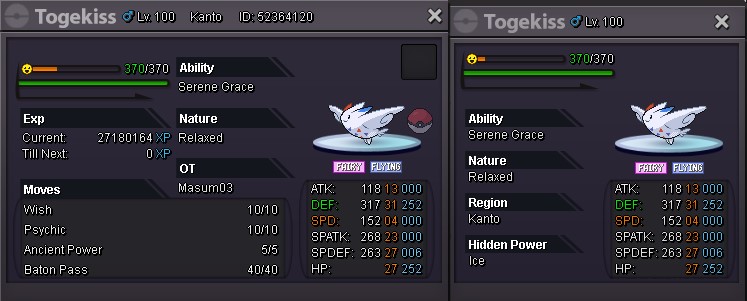
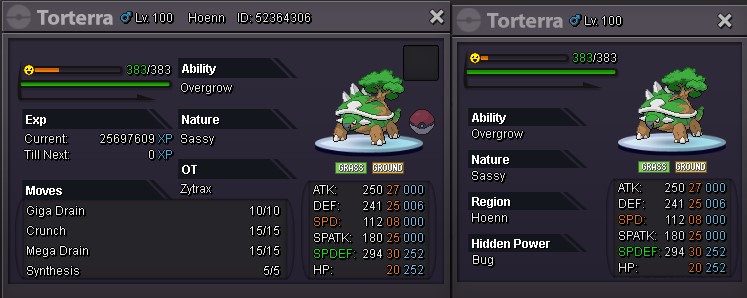
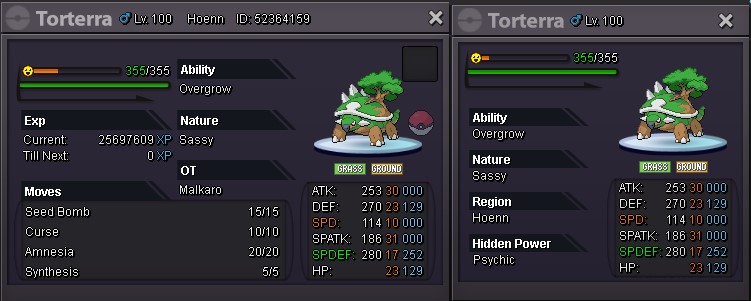
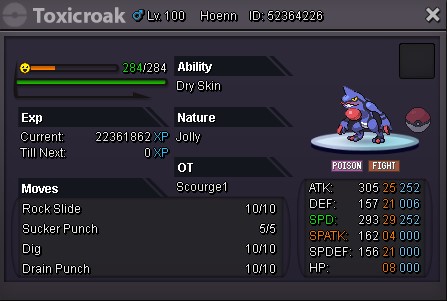
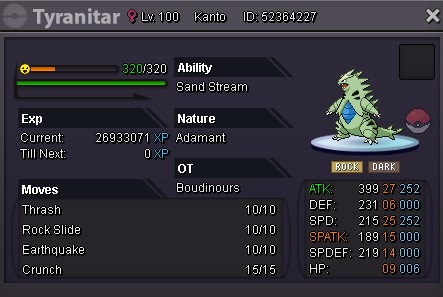
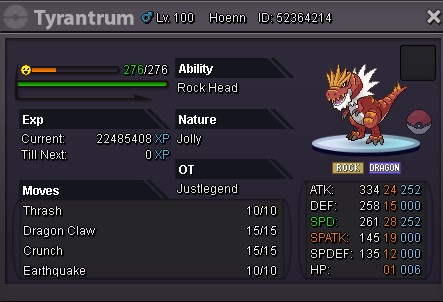

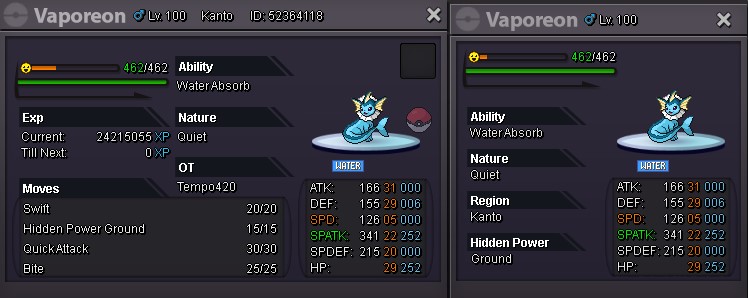
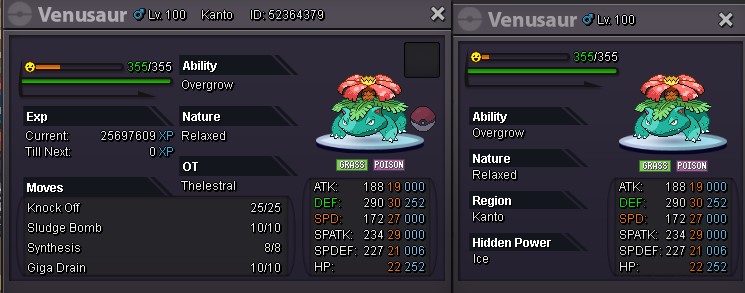
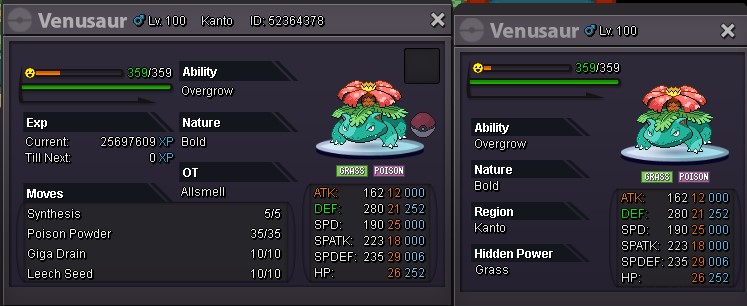
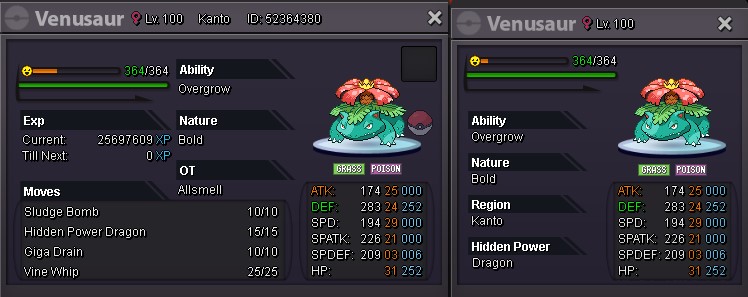


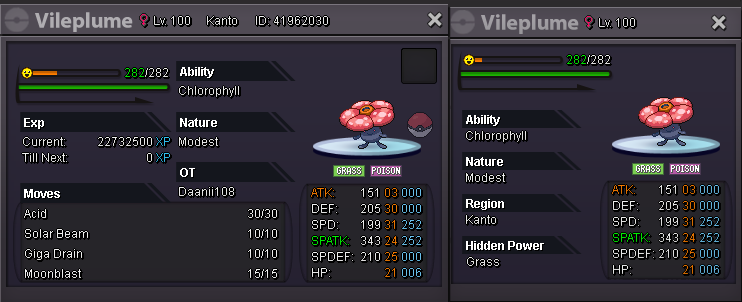
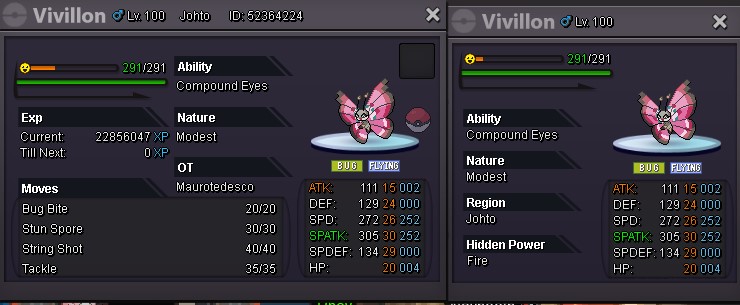
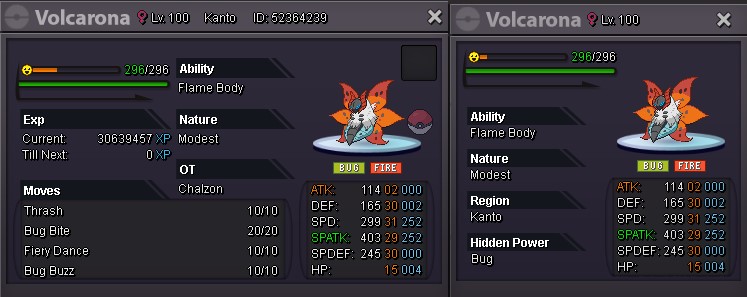
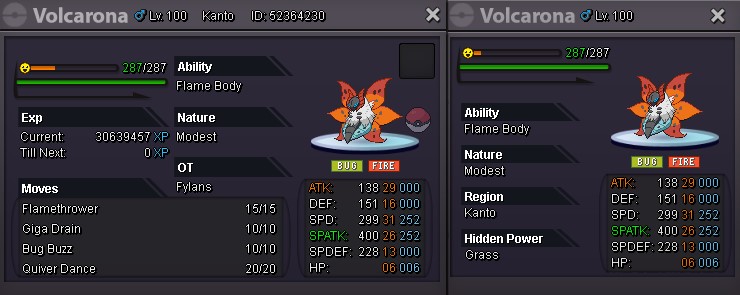
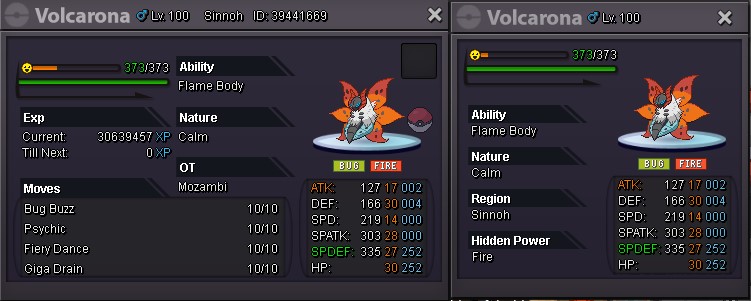
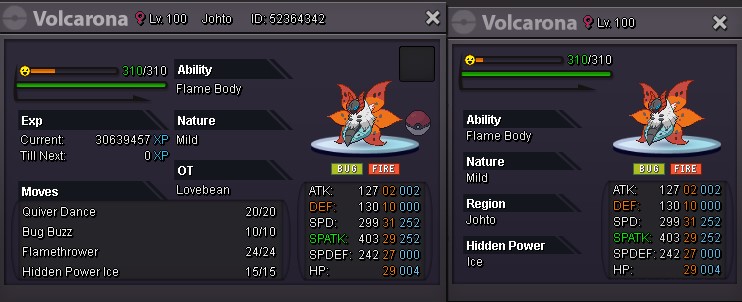
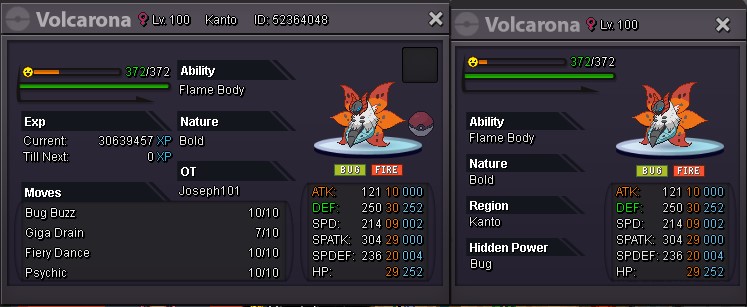
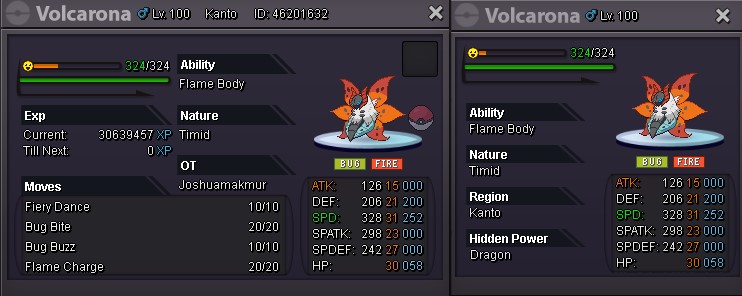
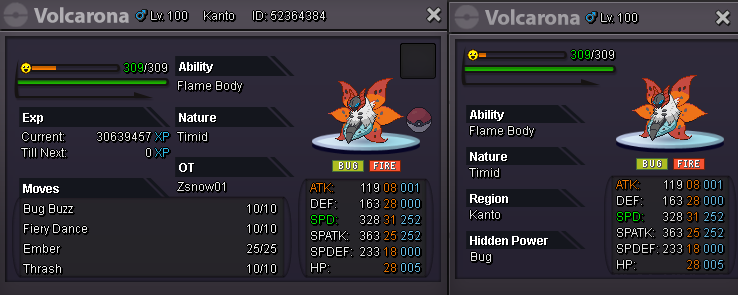
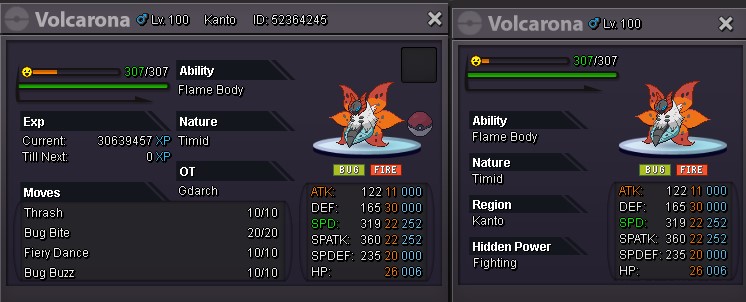
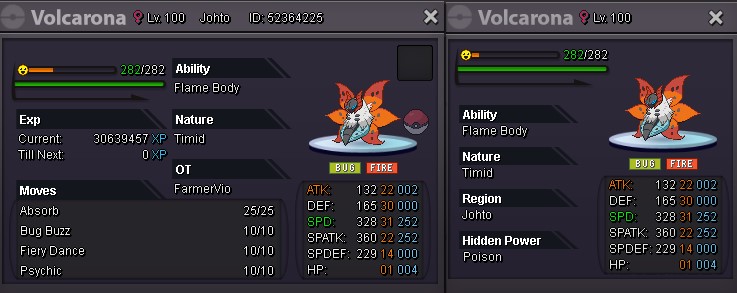
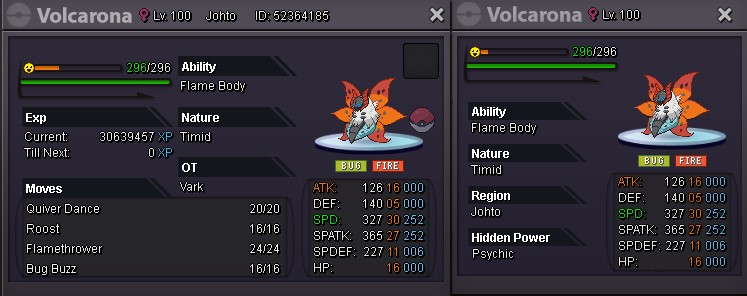
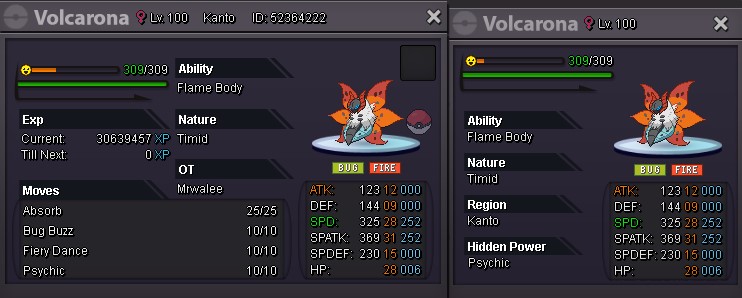
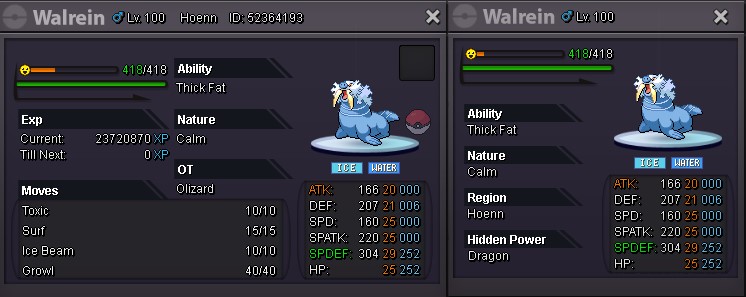
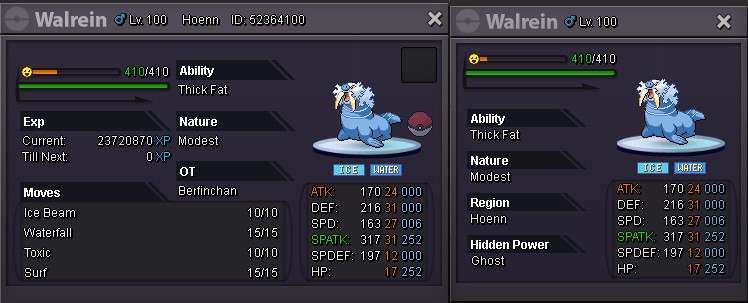
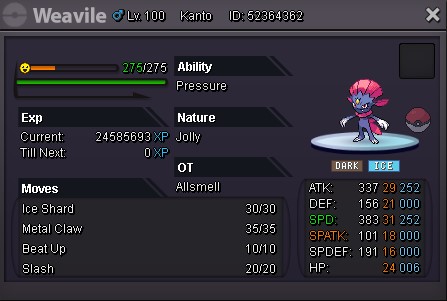
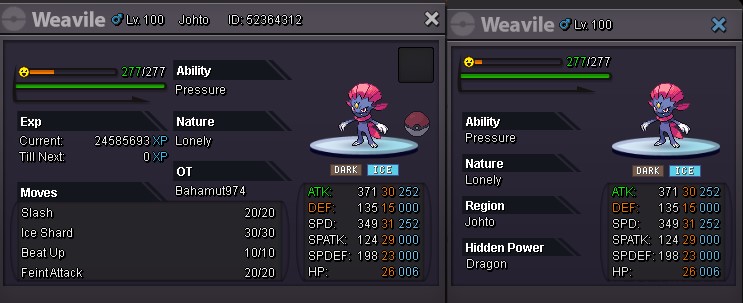
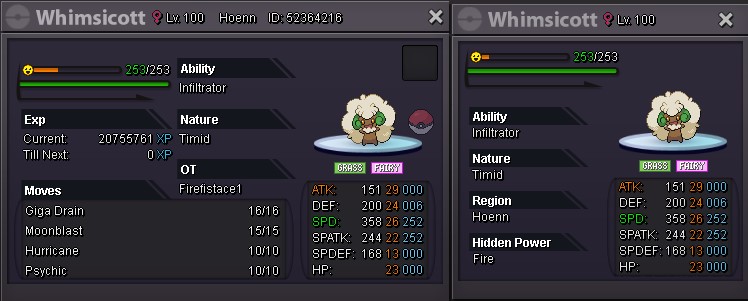


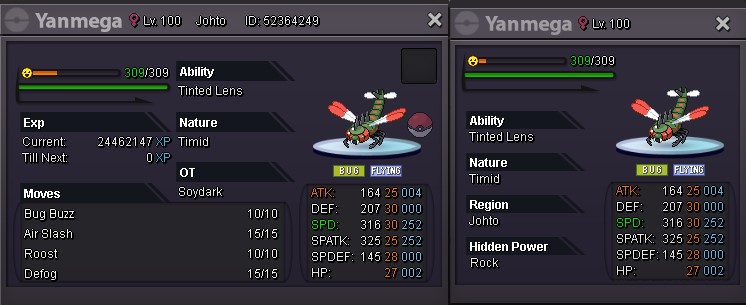
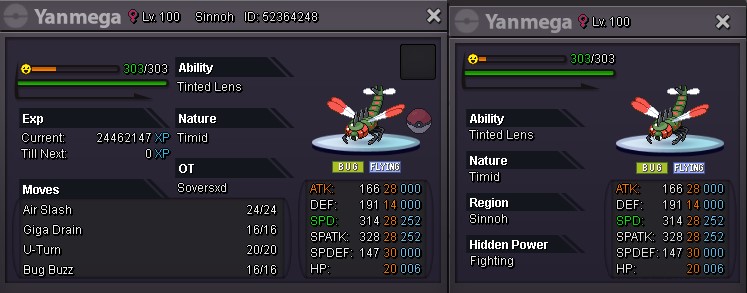
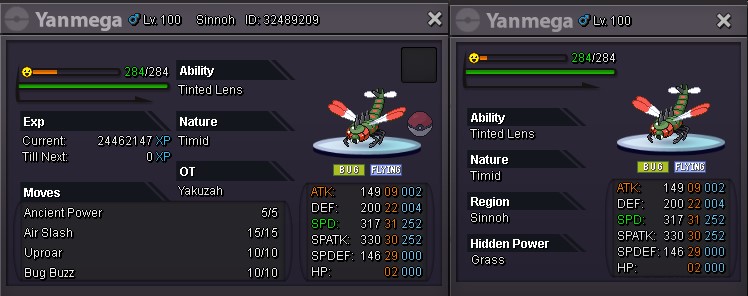
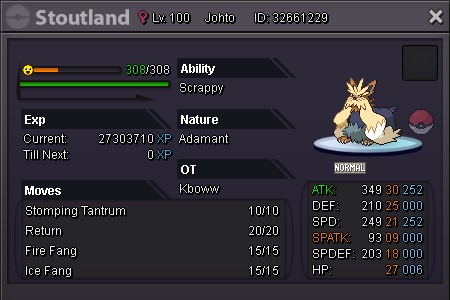
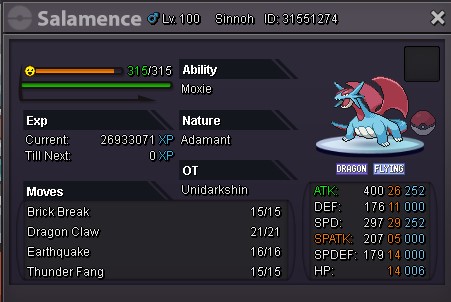
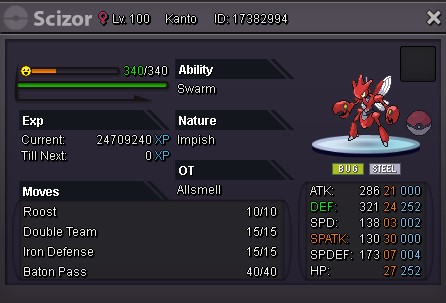
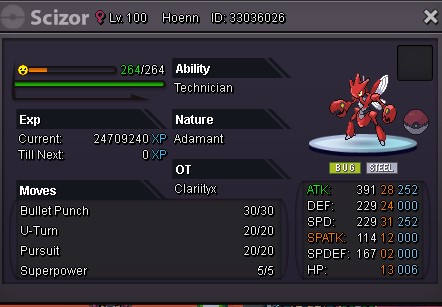
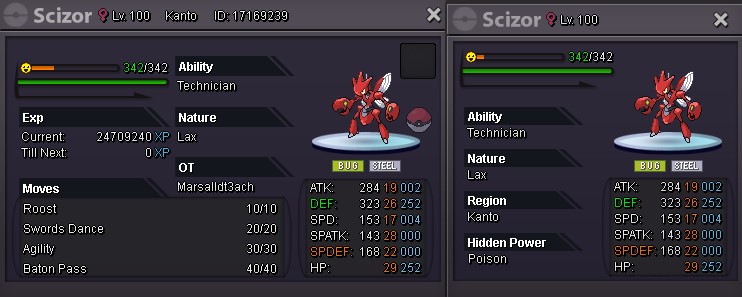
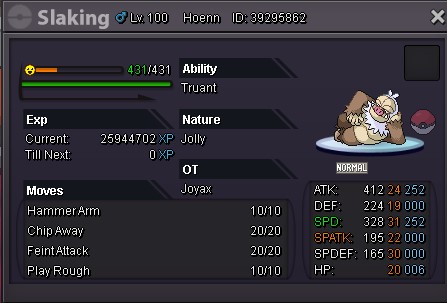
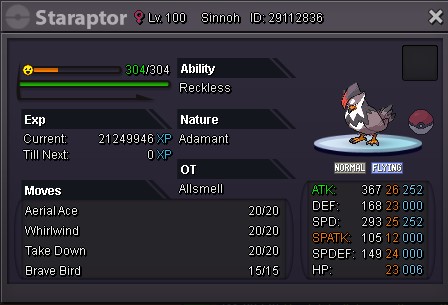
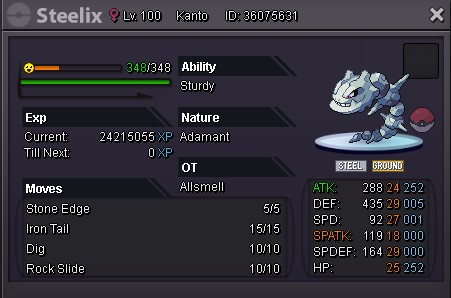
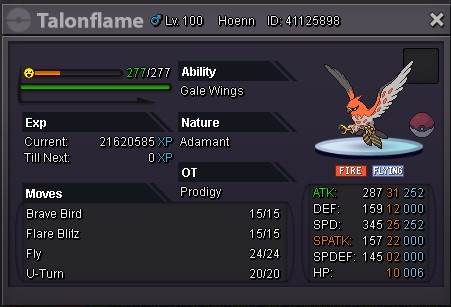
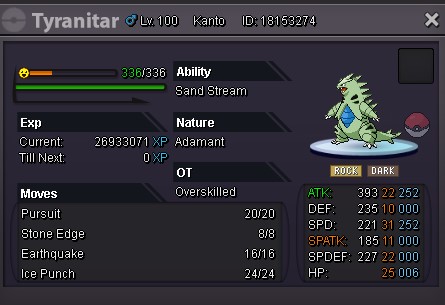
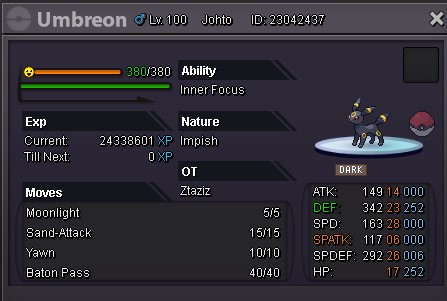
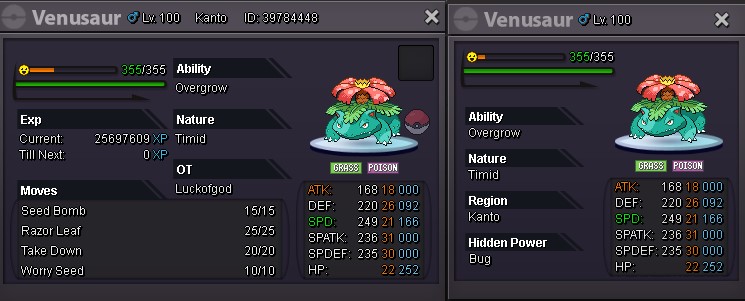
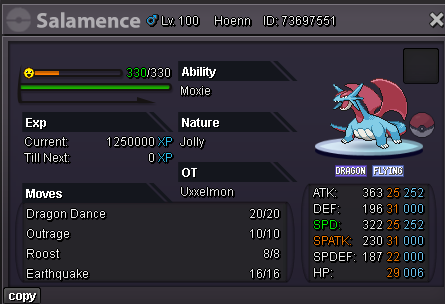
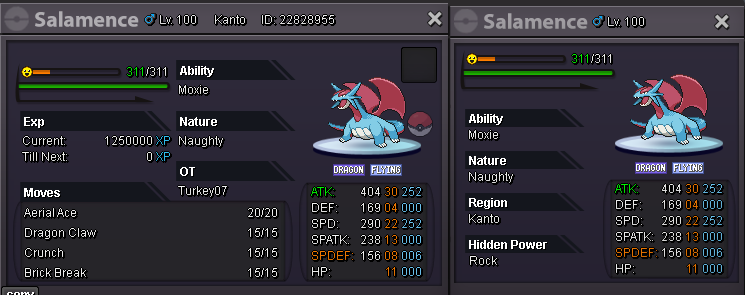
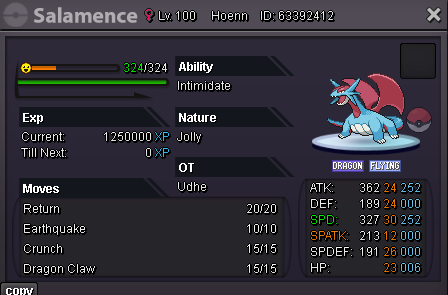
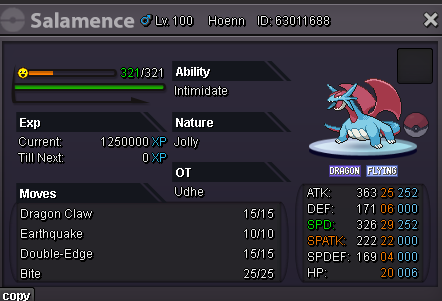
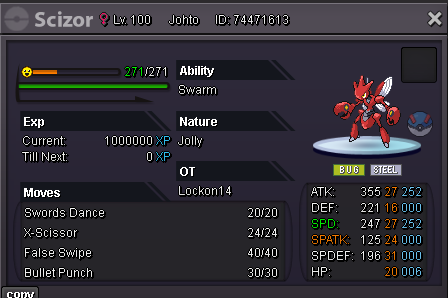
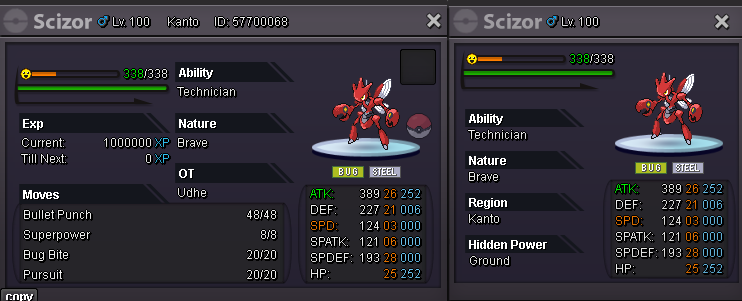
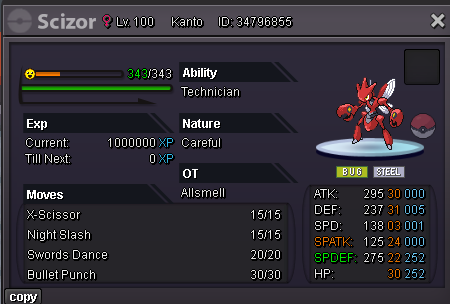

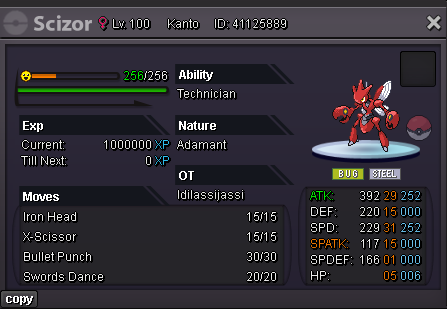
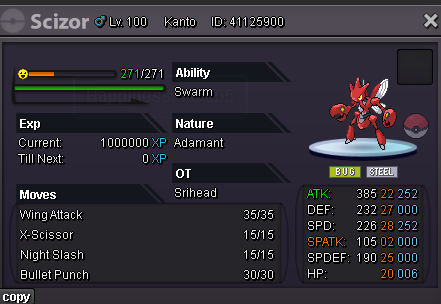
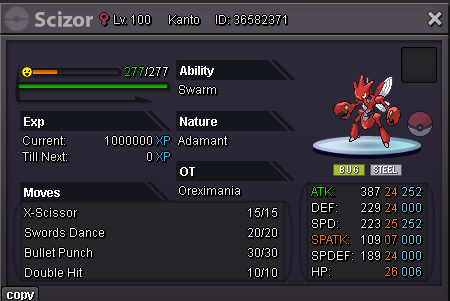
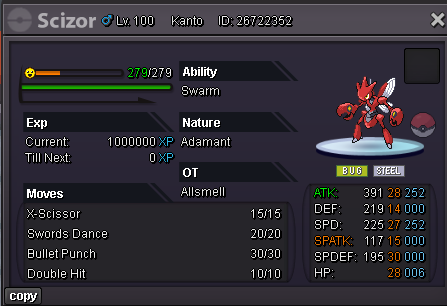
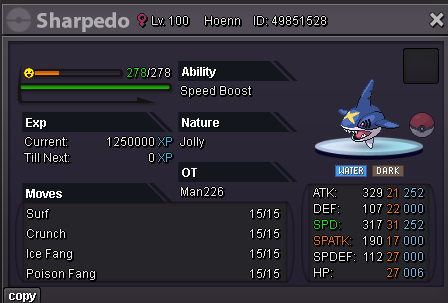
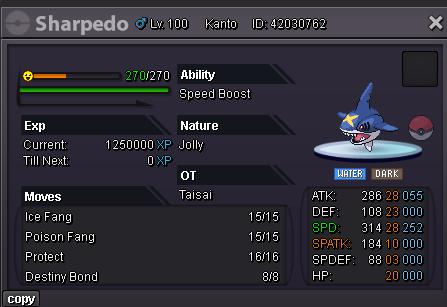
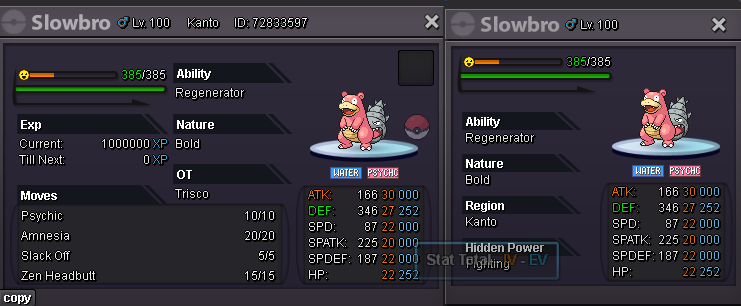
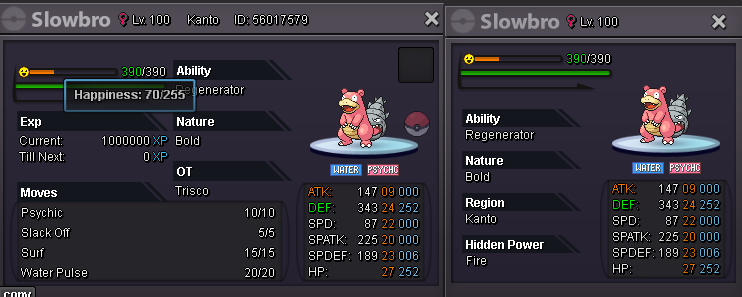
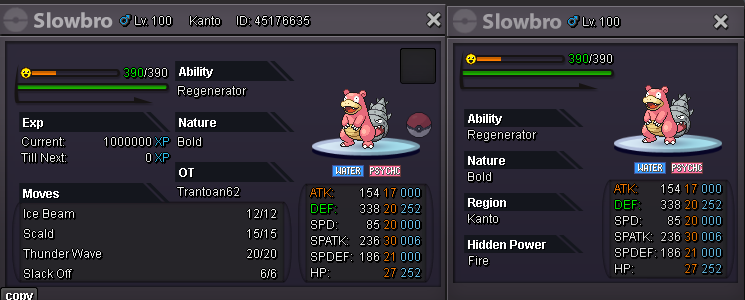
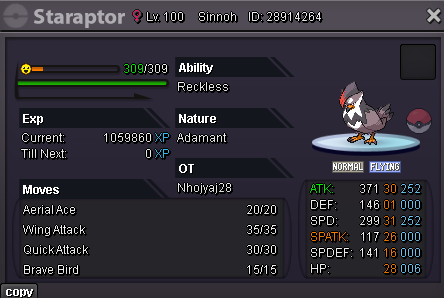
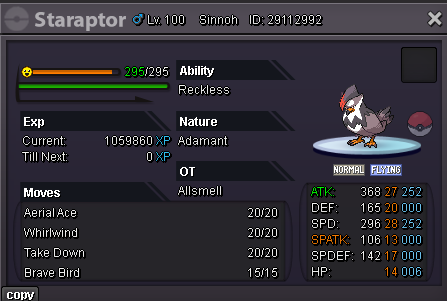
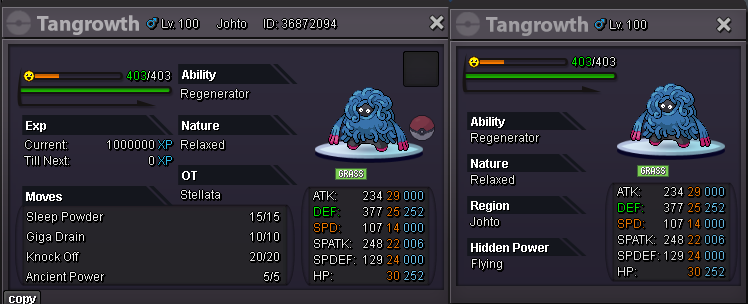
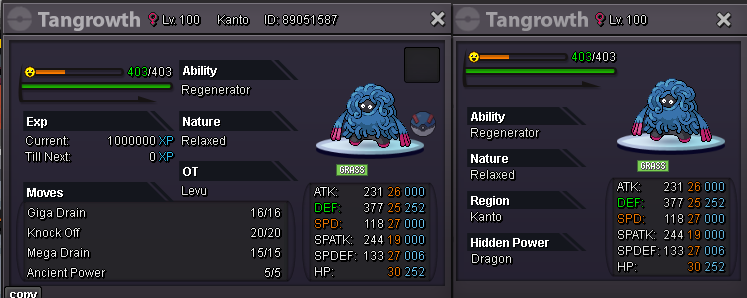
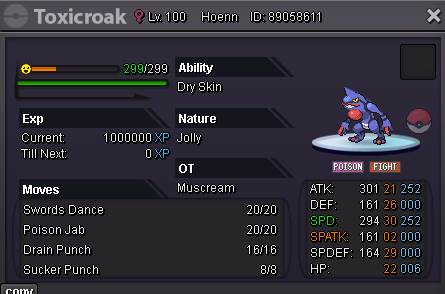
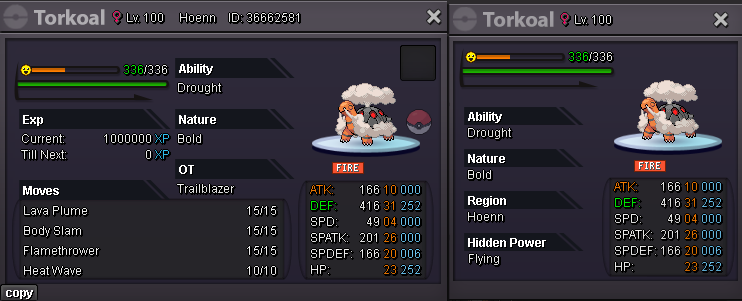
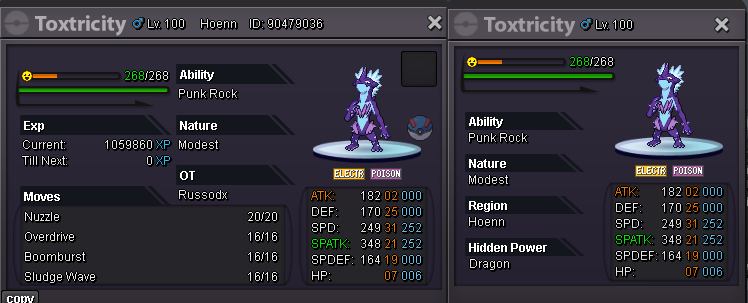
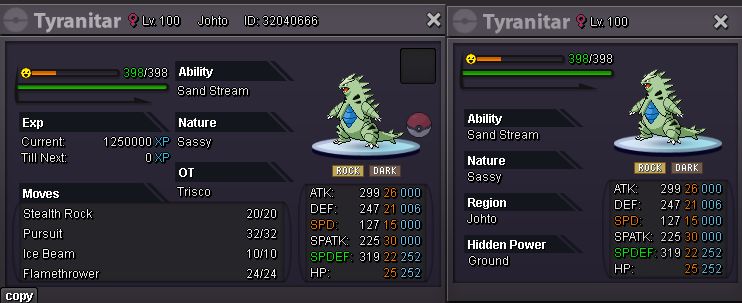
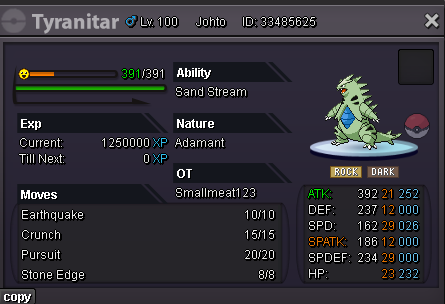
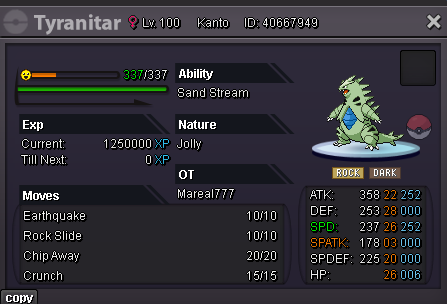

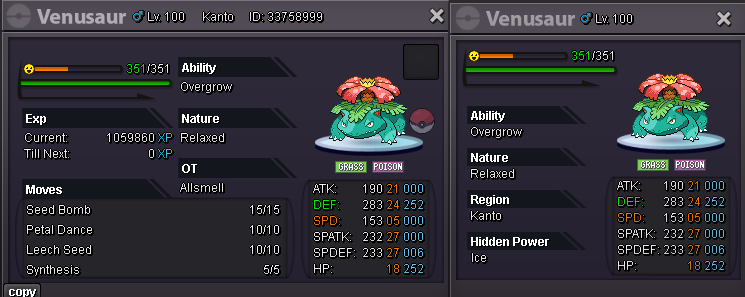
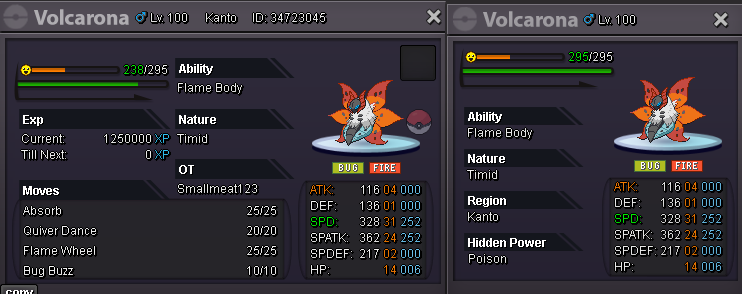
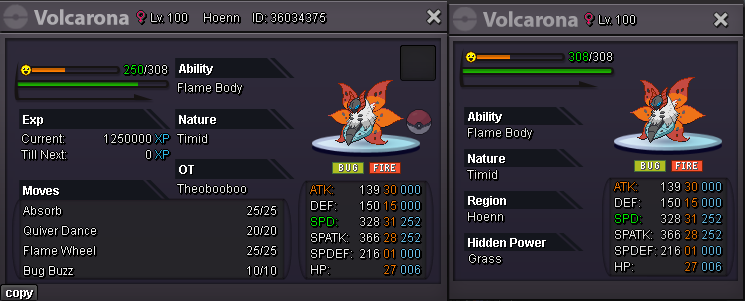
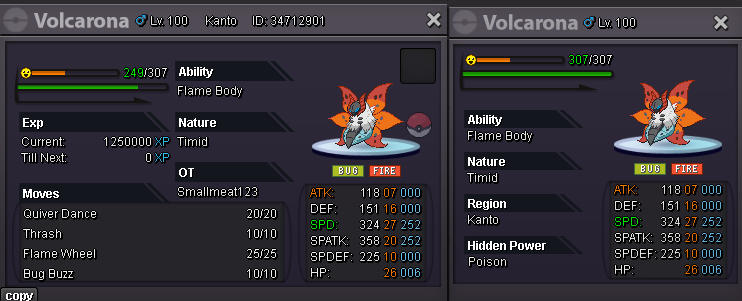
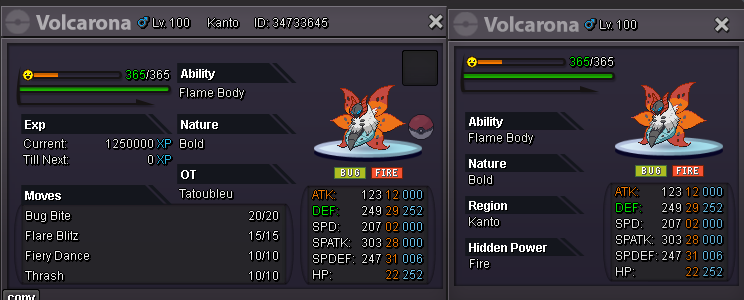
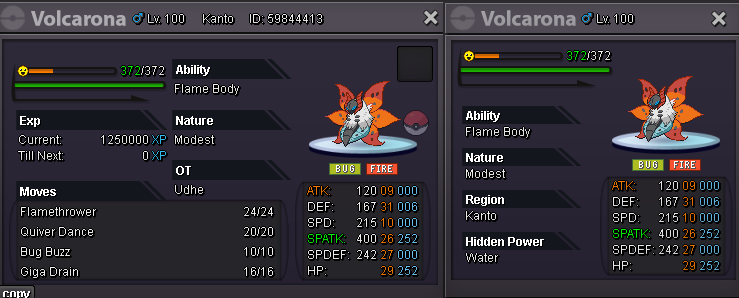
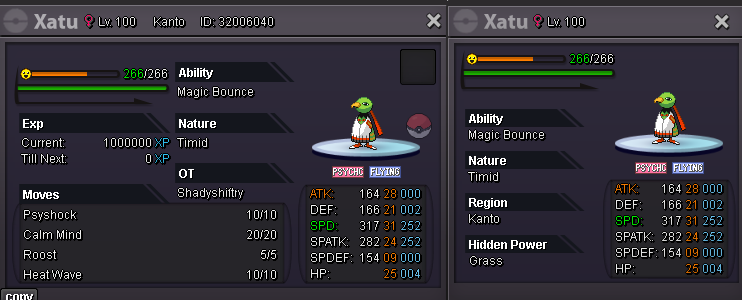
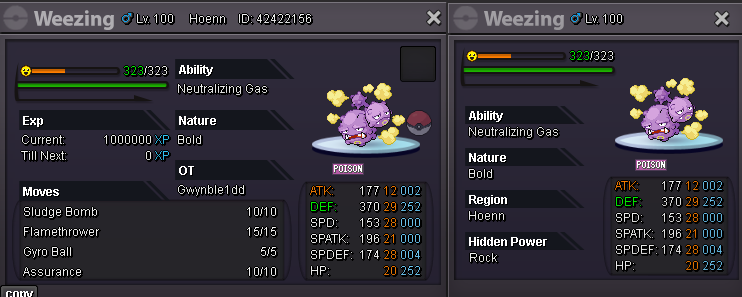
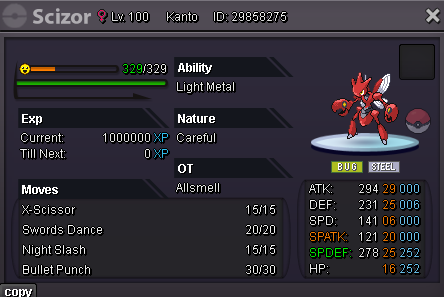
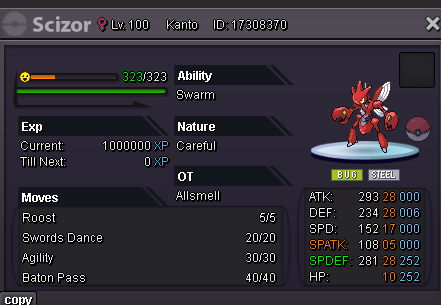

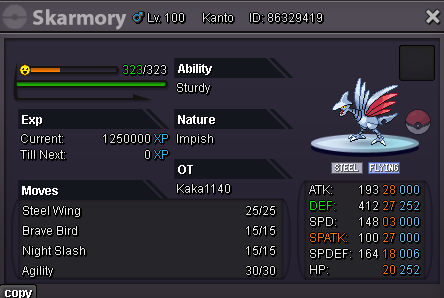
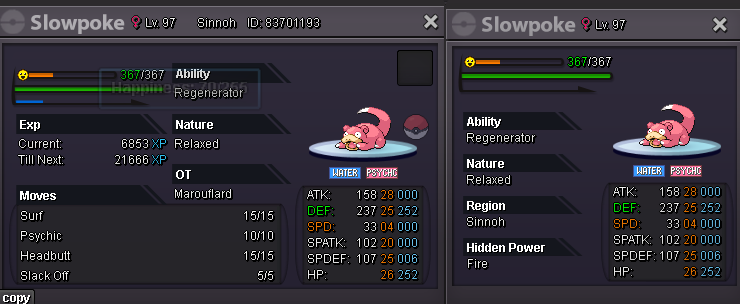
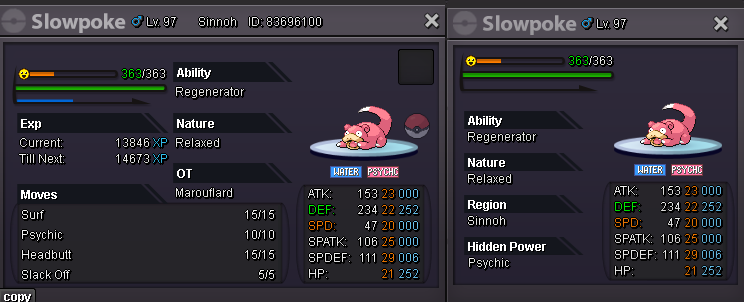
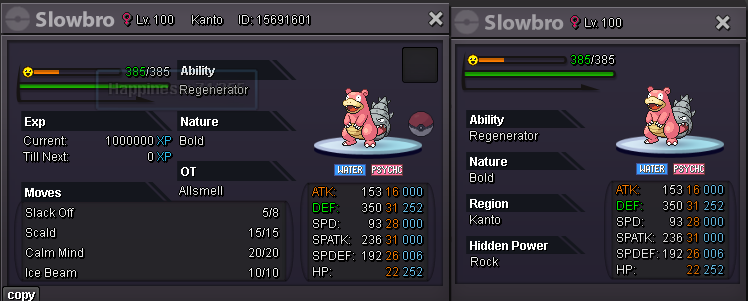
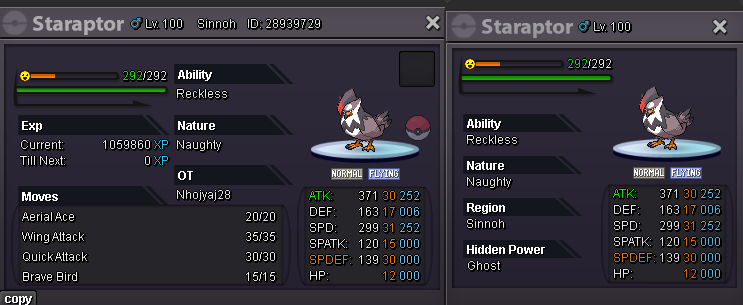
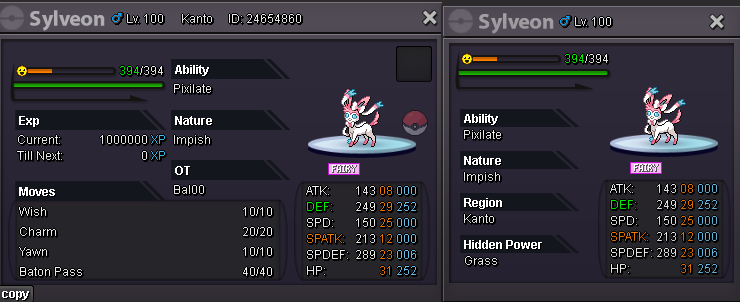
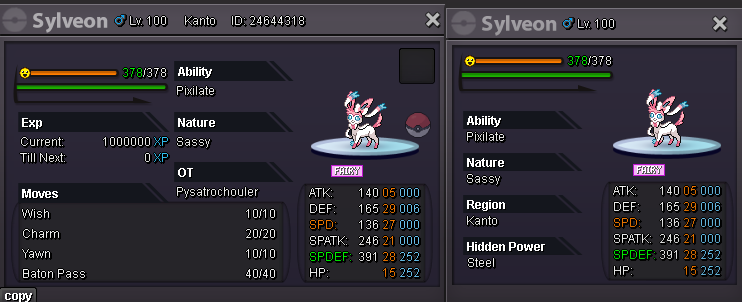
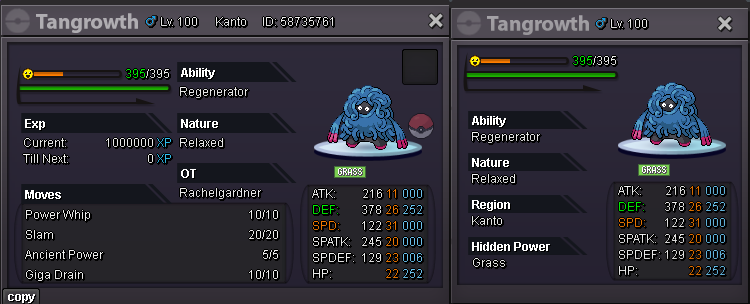
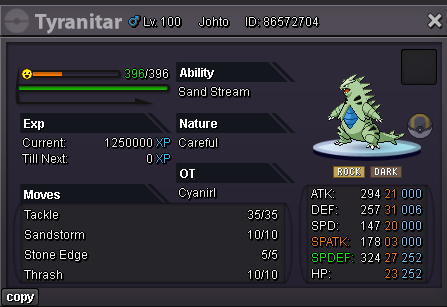
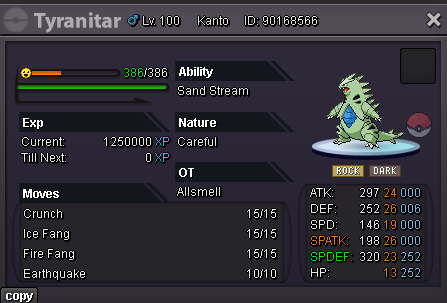
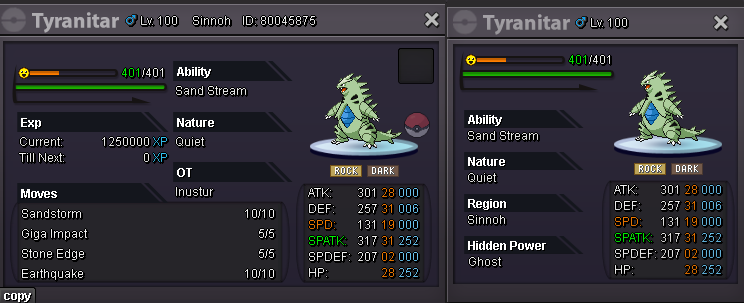
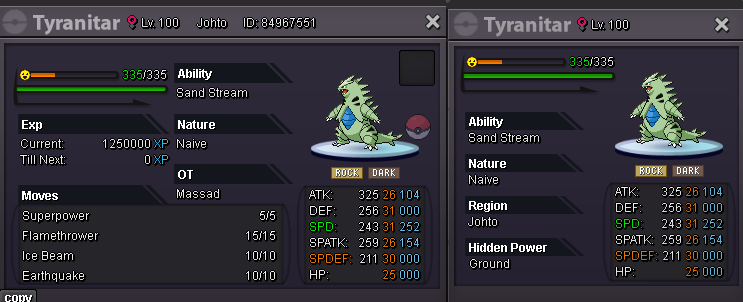
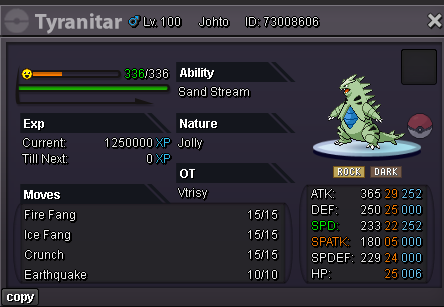
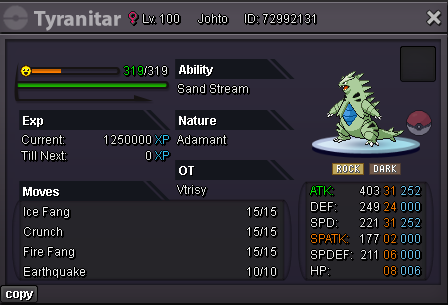
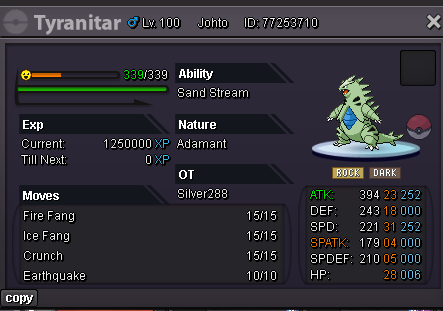
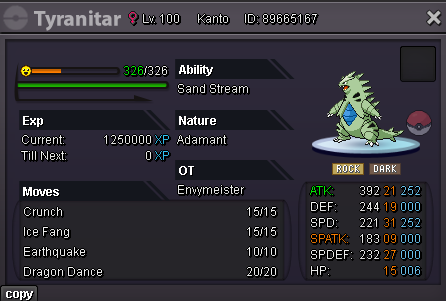
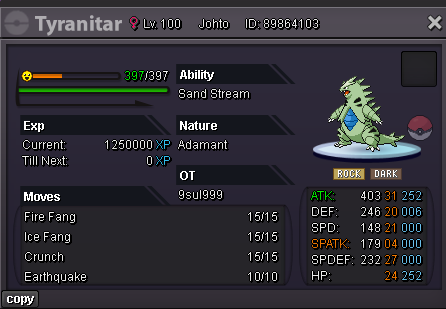
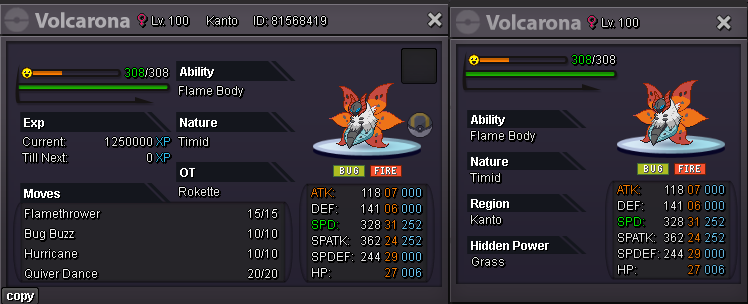
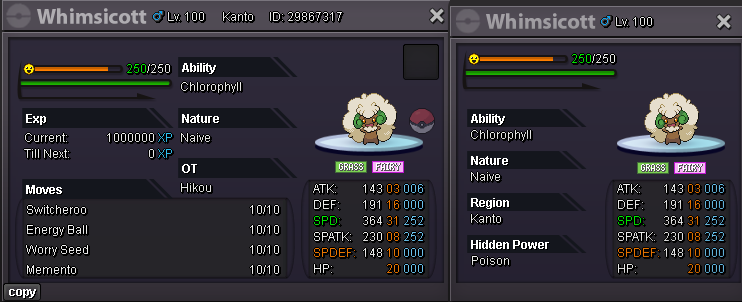
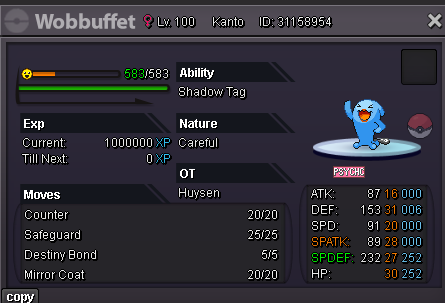
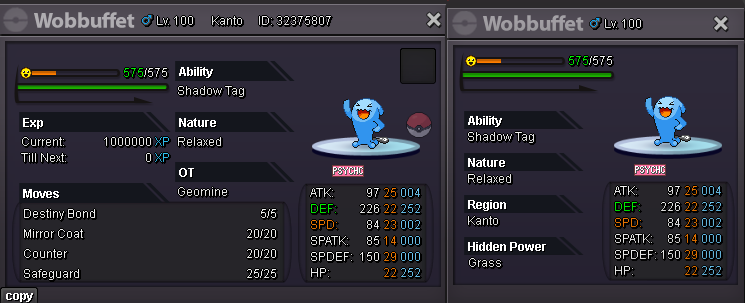 Well this lost all definition. Hate how if I use Android resize this forum can't pick the pictures up.
 H I J K L M N O P Q R S to Z continues on the next post
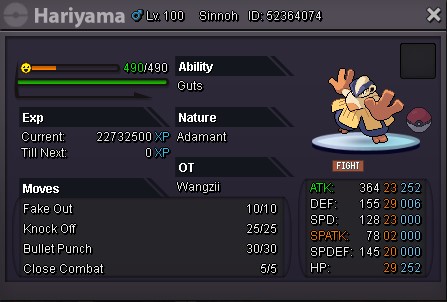
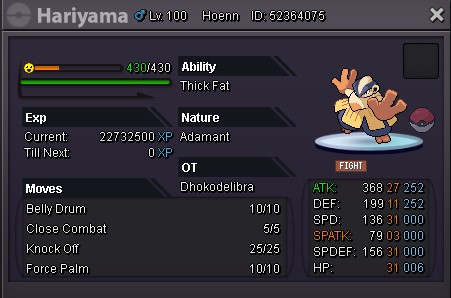
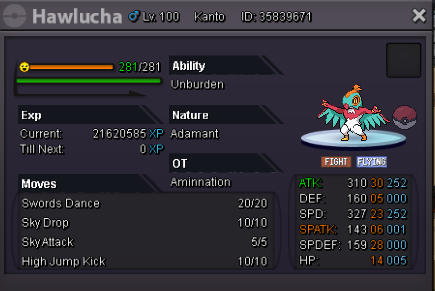
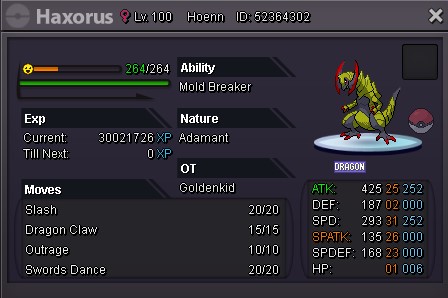
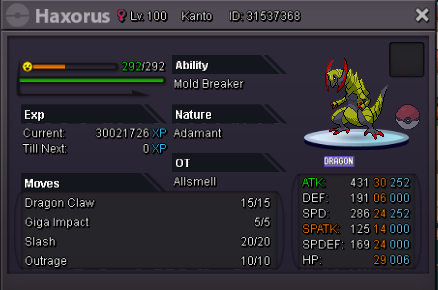
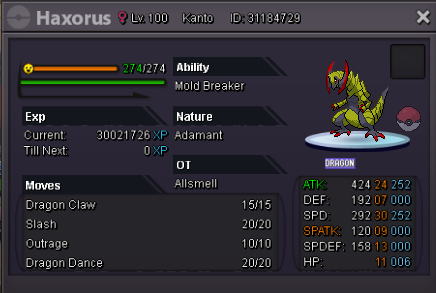
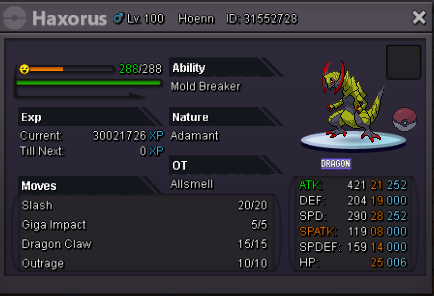
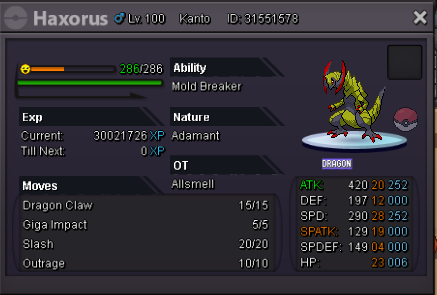
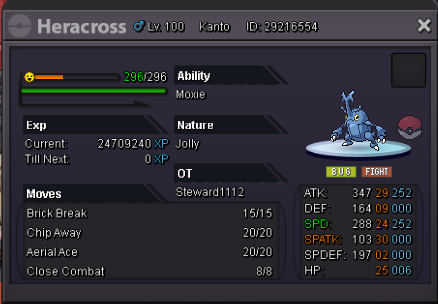
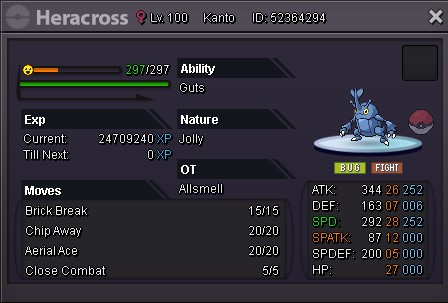
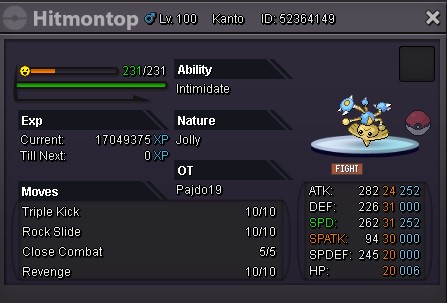
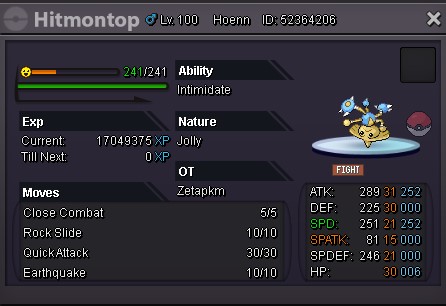
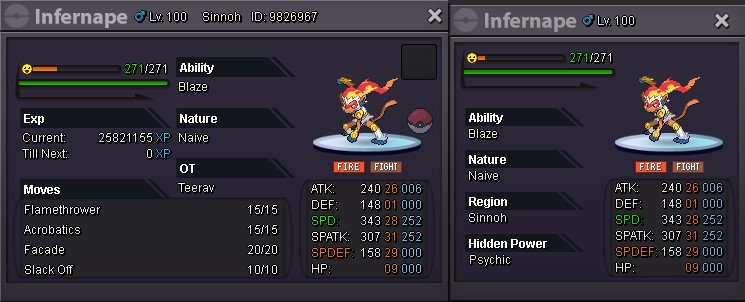
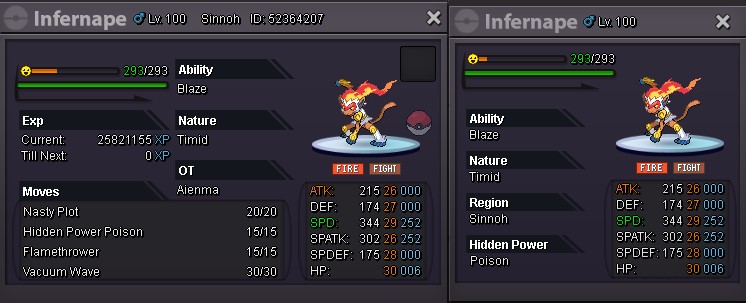
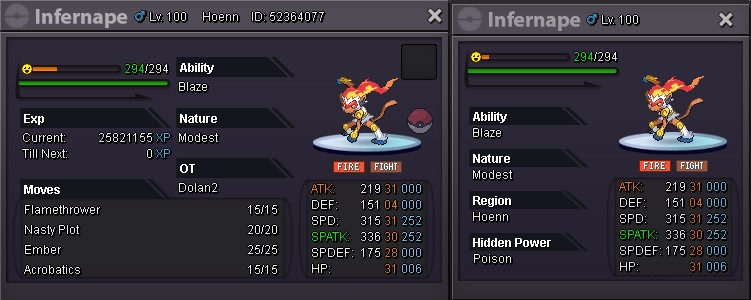
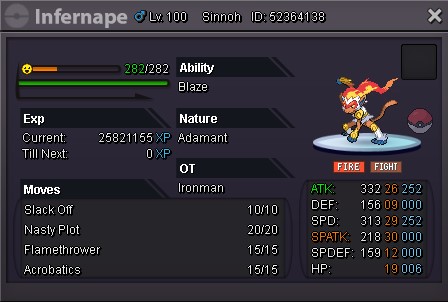
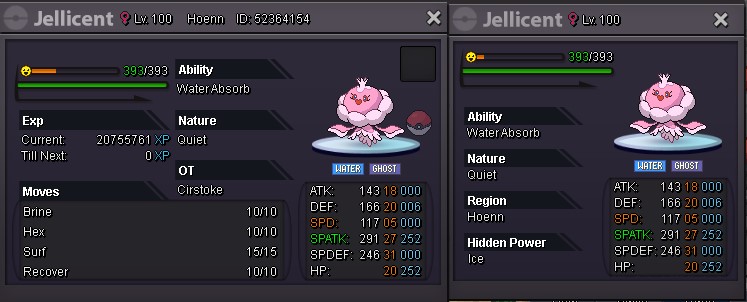
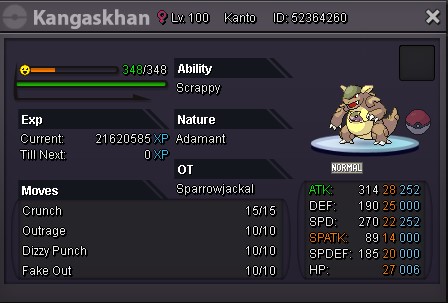
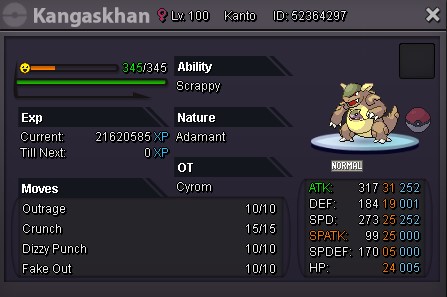
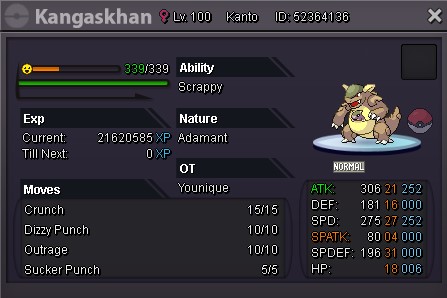
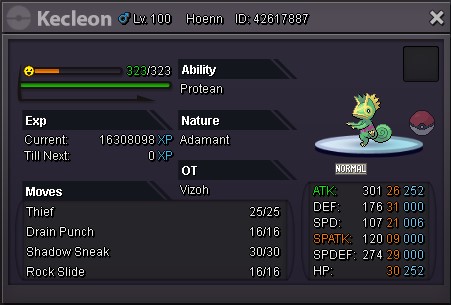
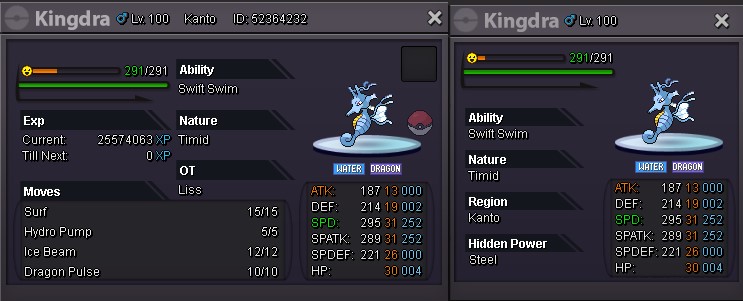
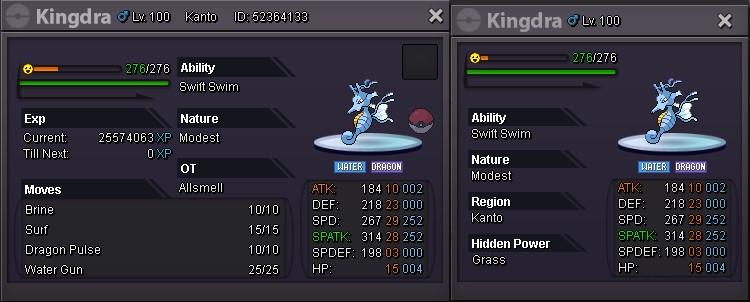
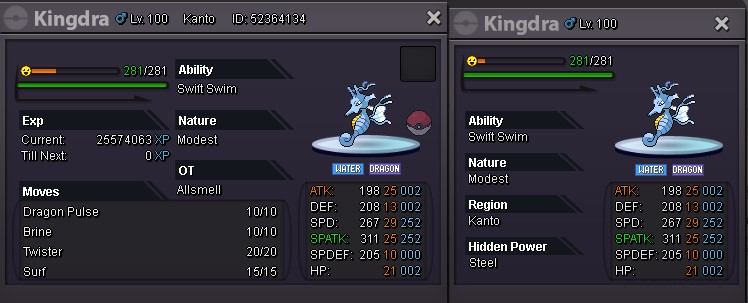
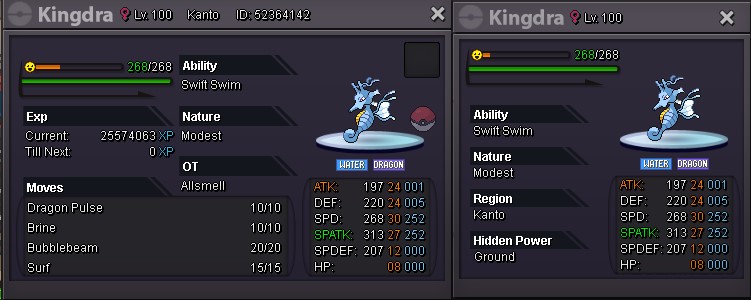
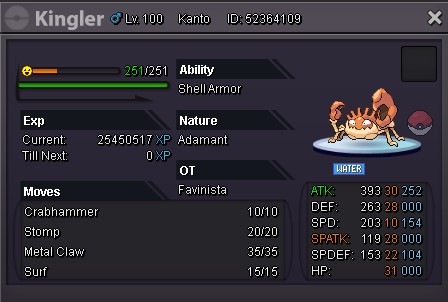

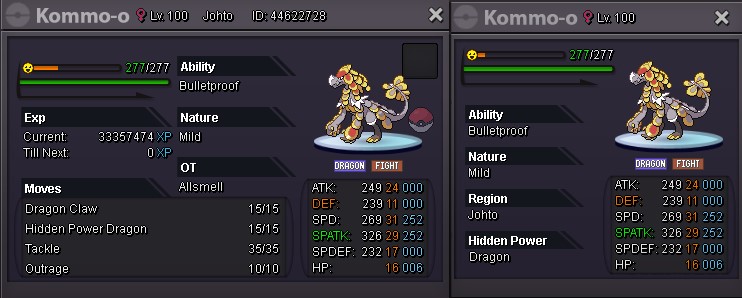
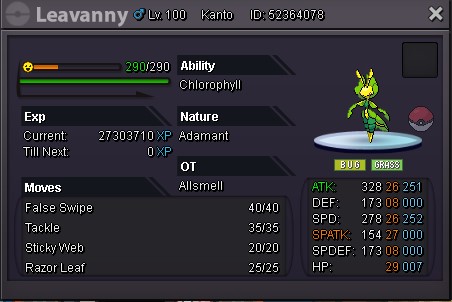
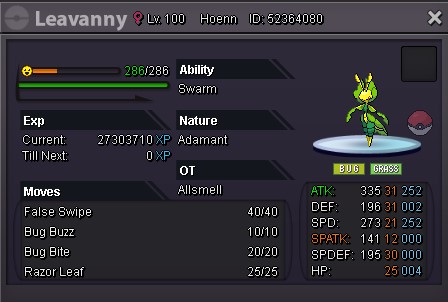
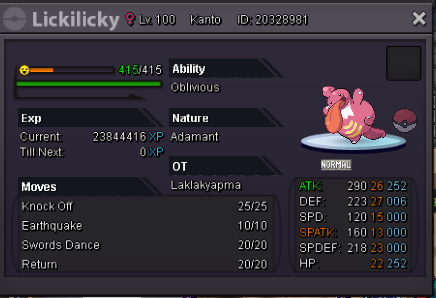
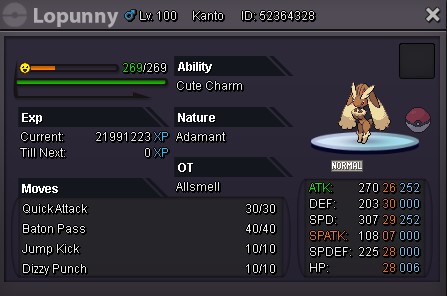
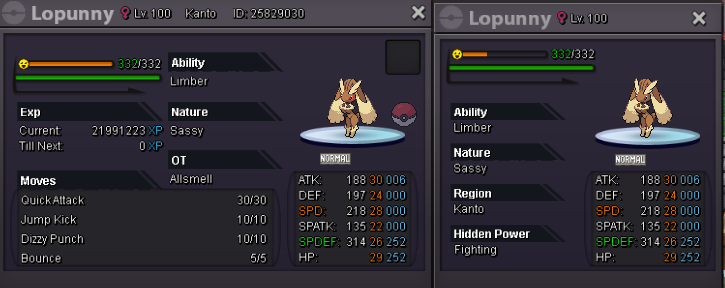
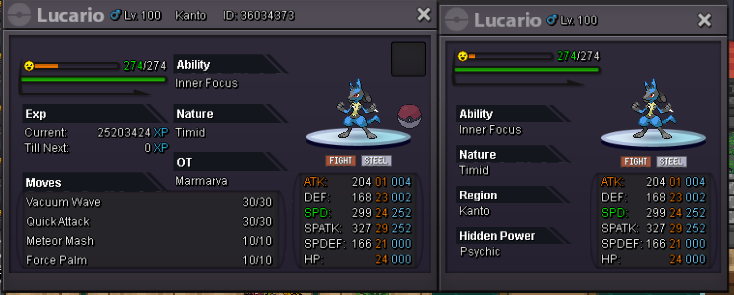
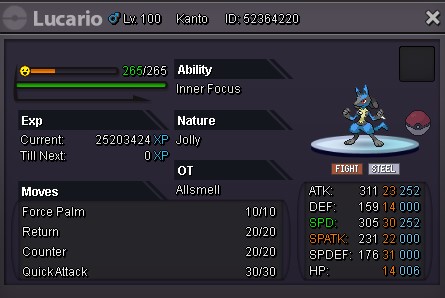
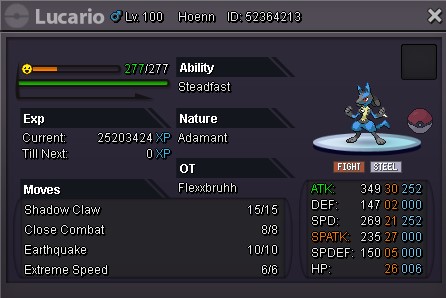


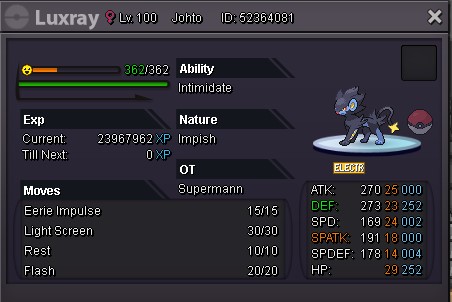
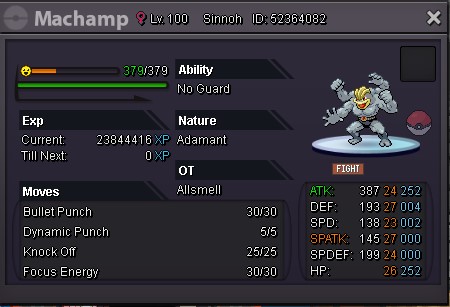
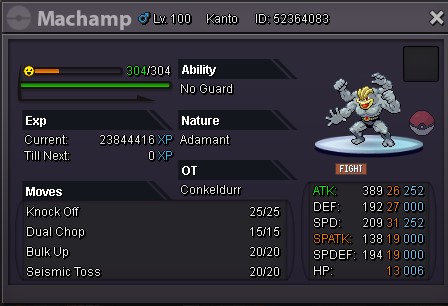
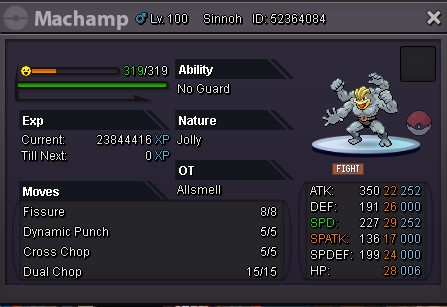
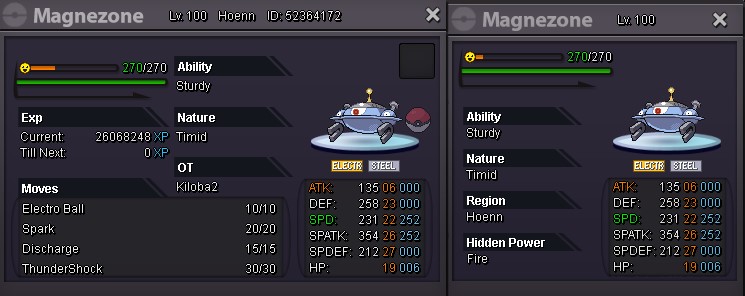
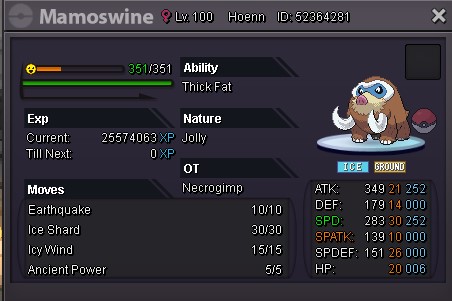
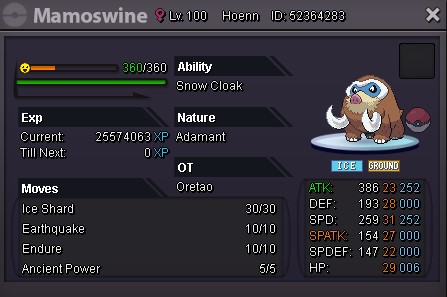
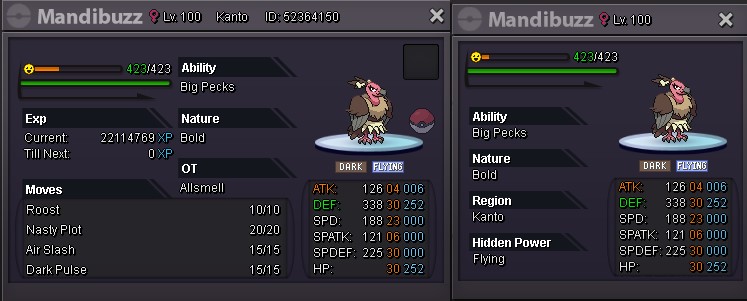
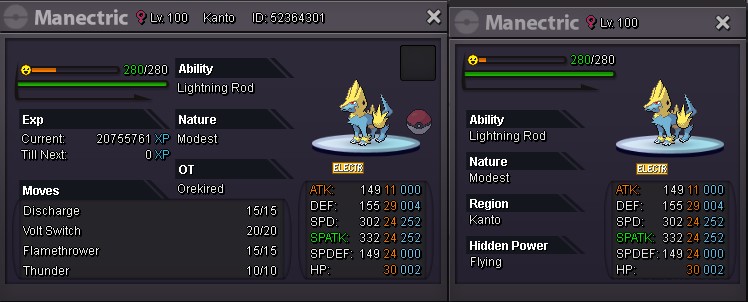
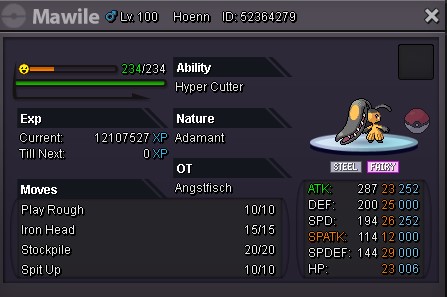
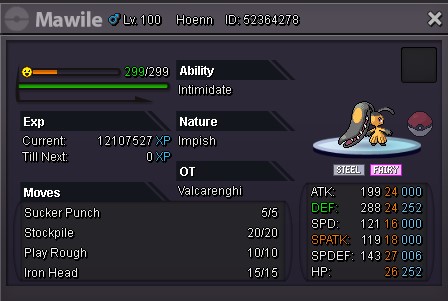
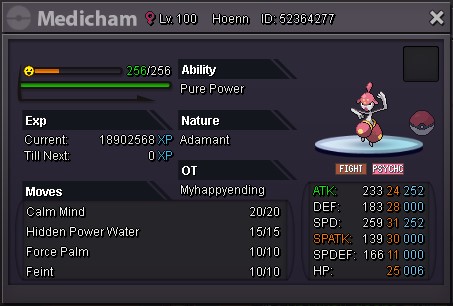
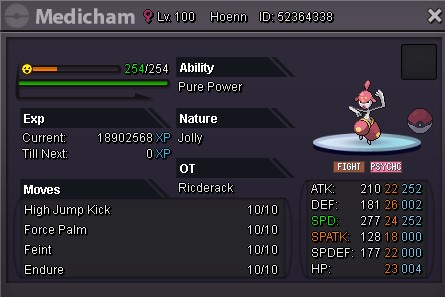
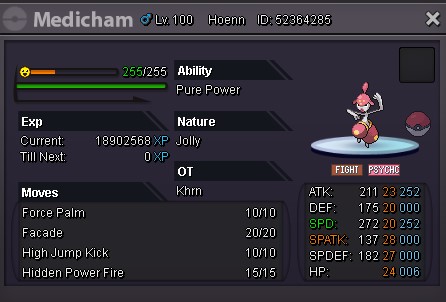
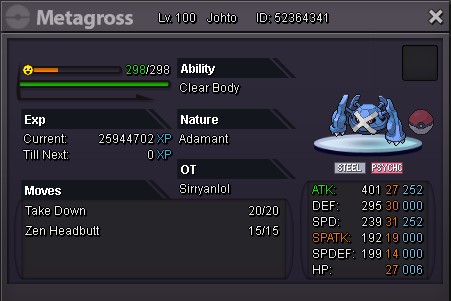
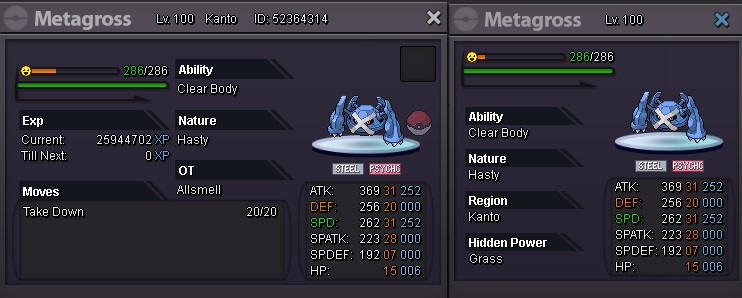
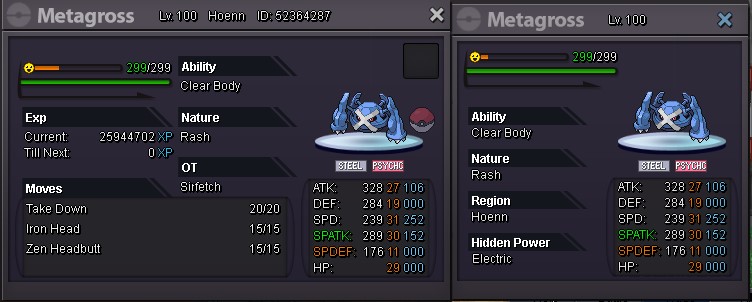
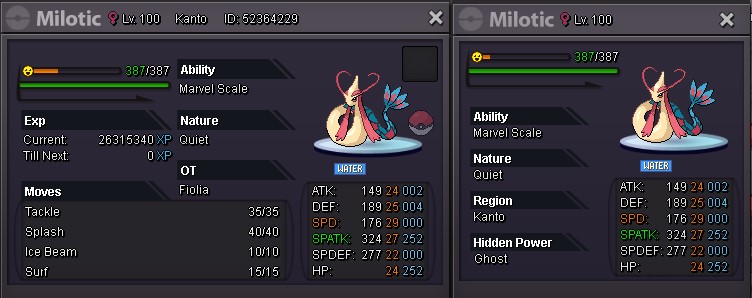
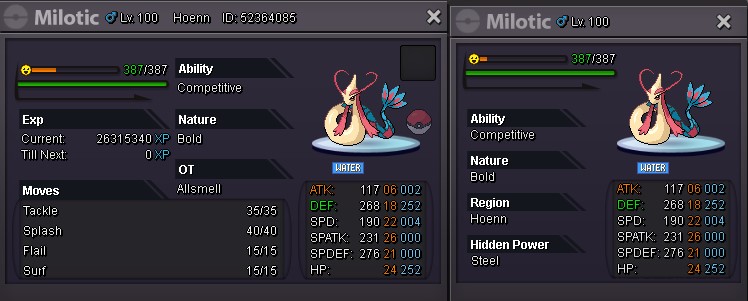
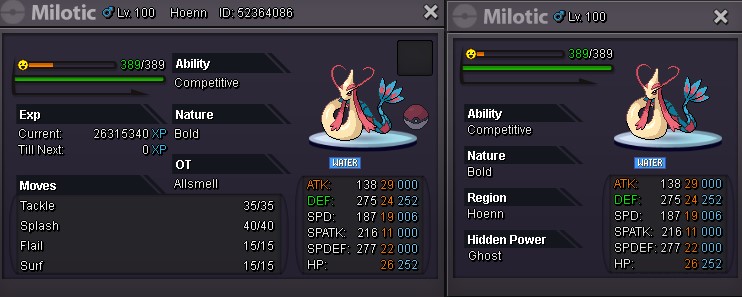

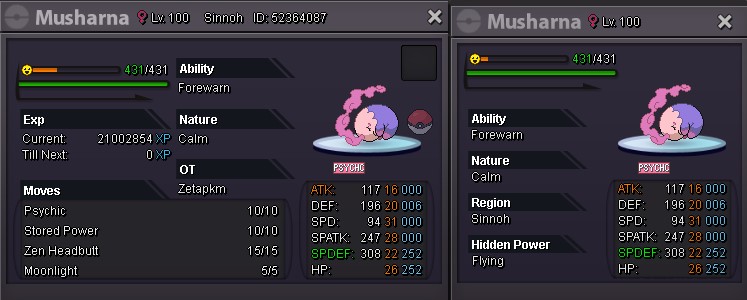
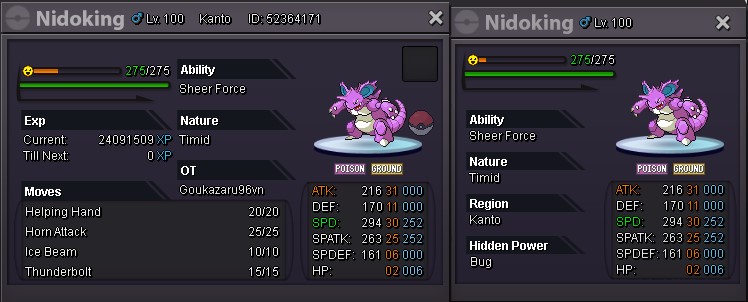
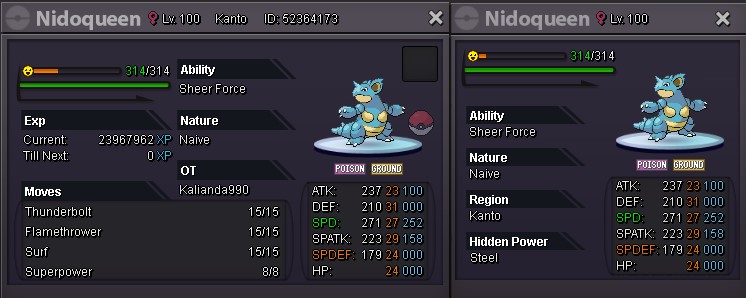
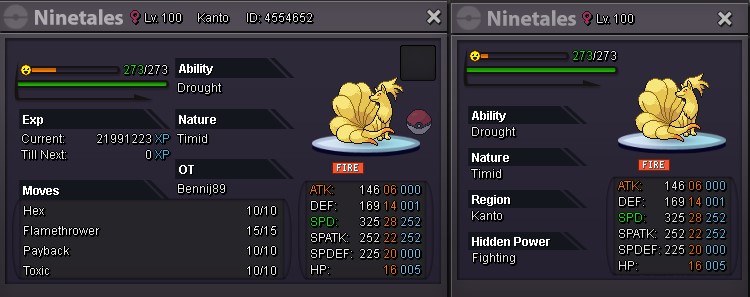
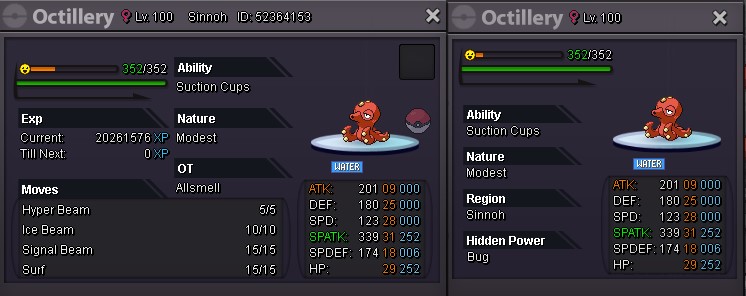
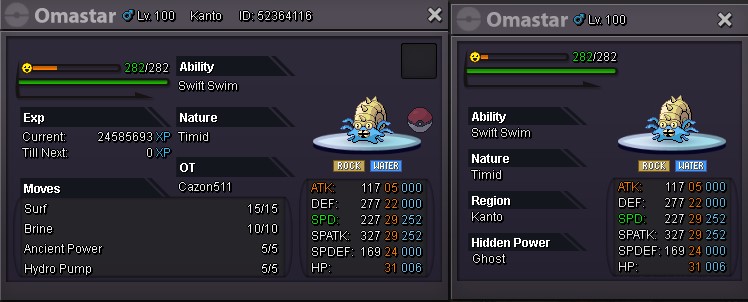
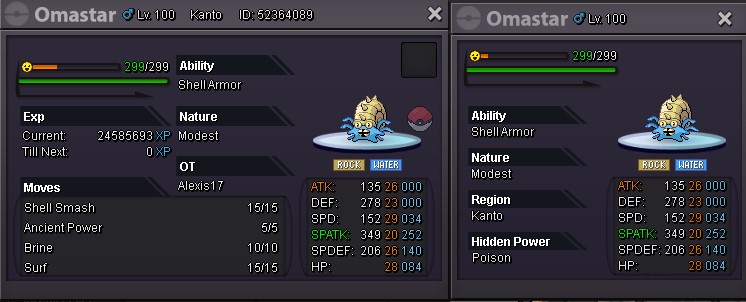


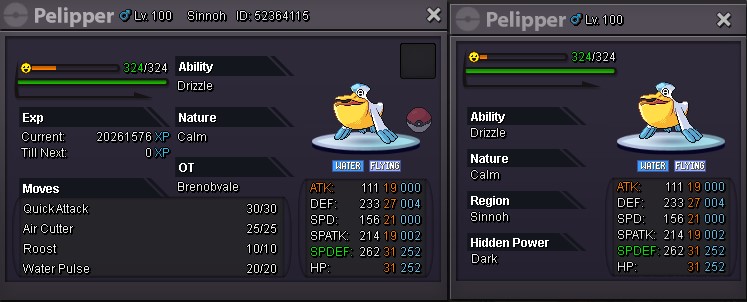
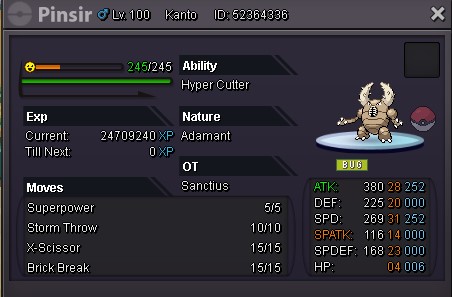
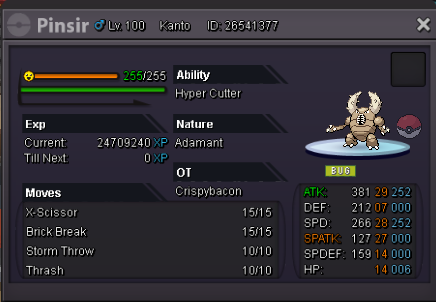
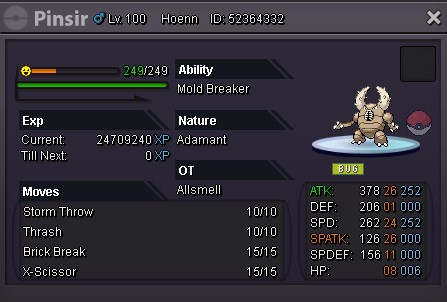
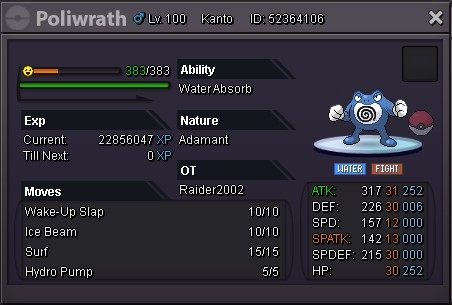
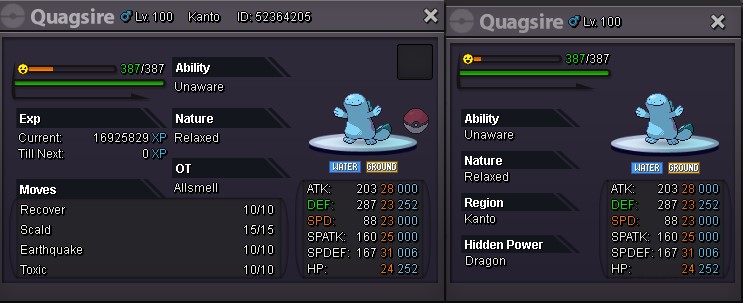
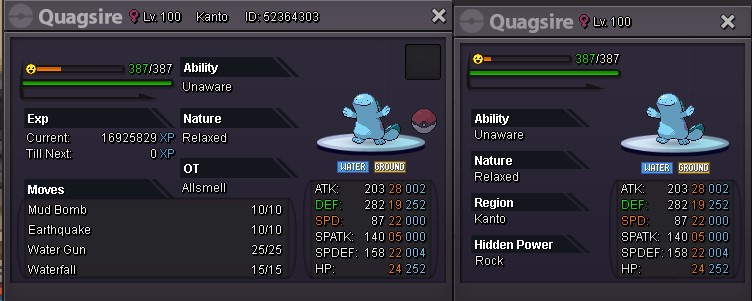
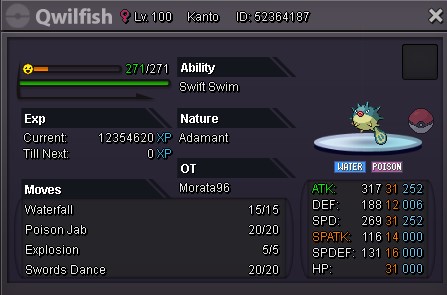

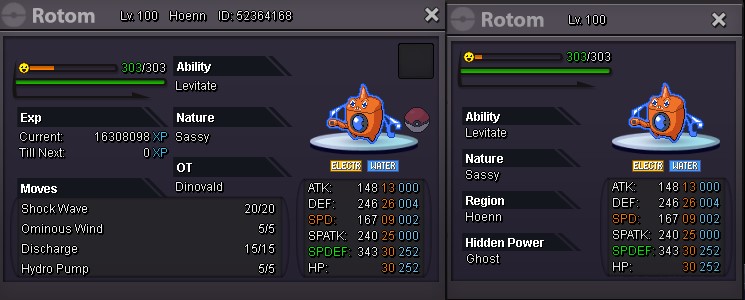
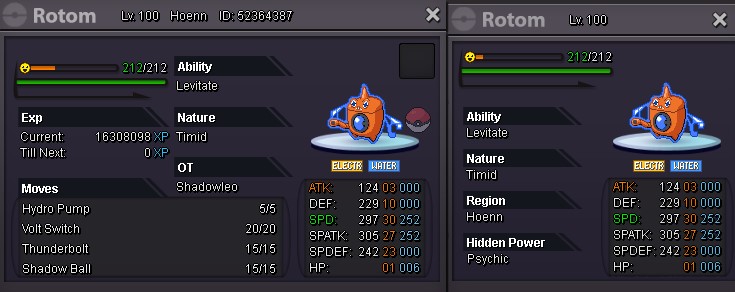
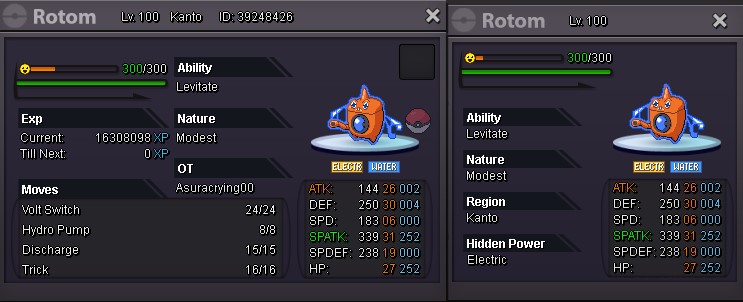
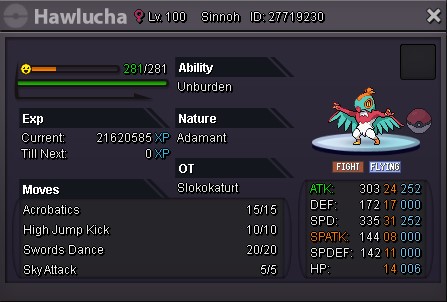
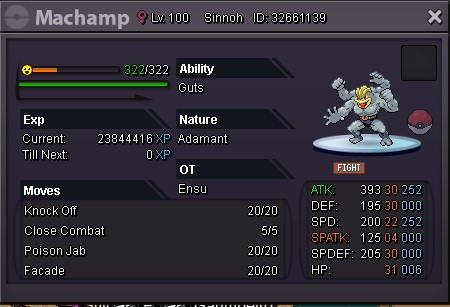
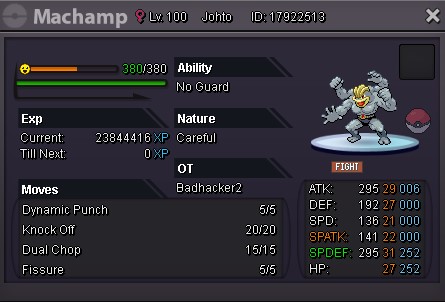
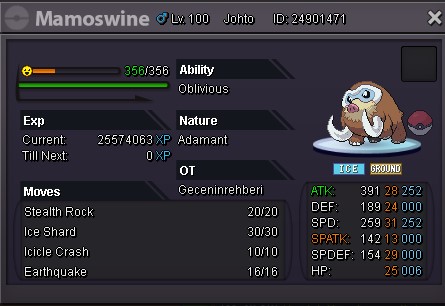
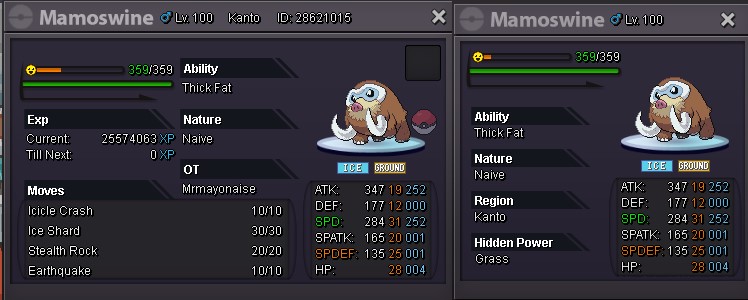
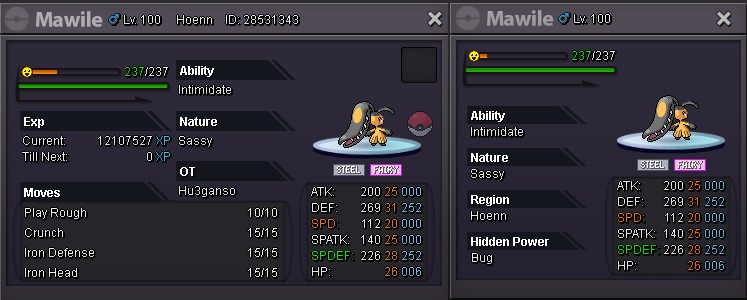
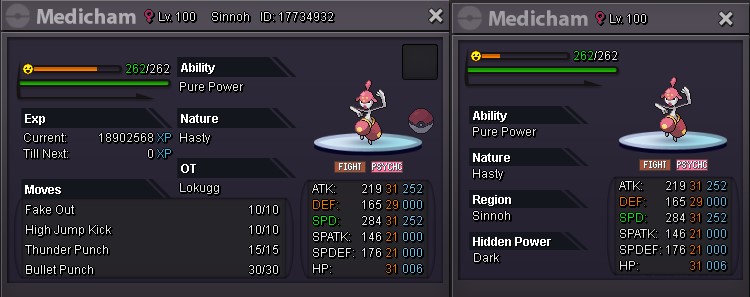

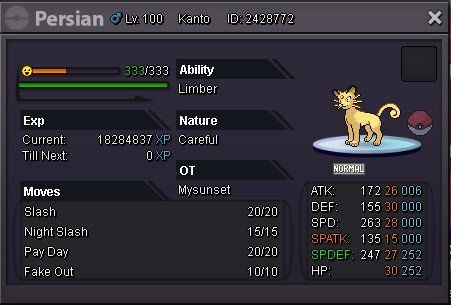
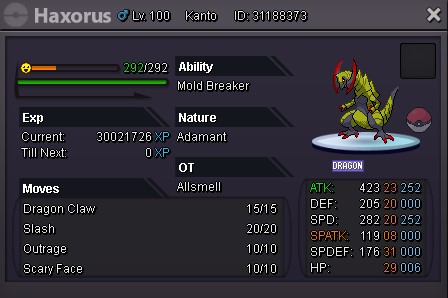
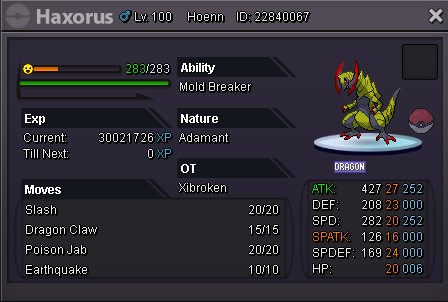

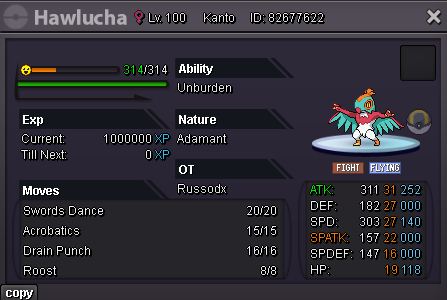
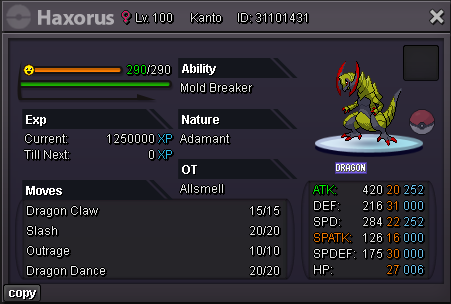
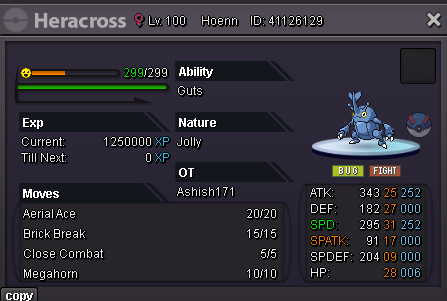
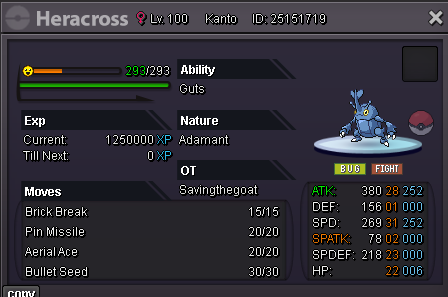
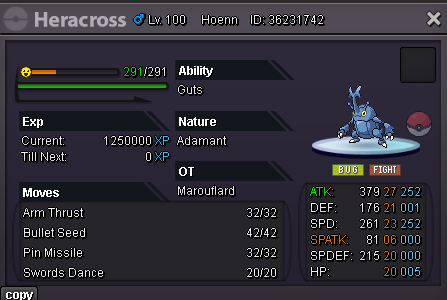
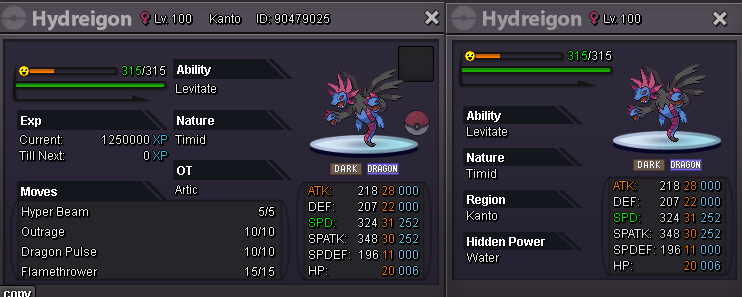
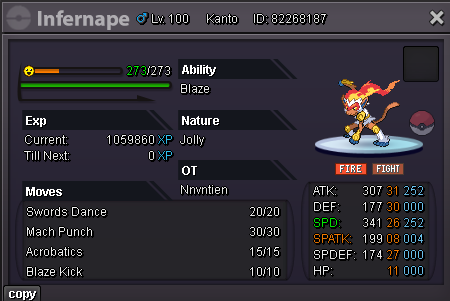
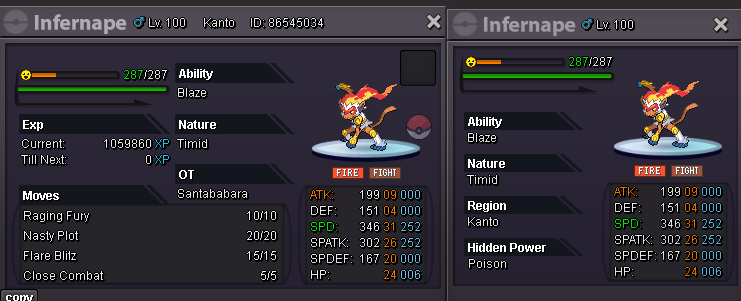
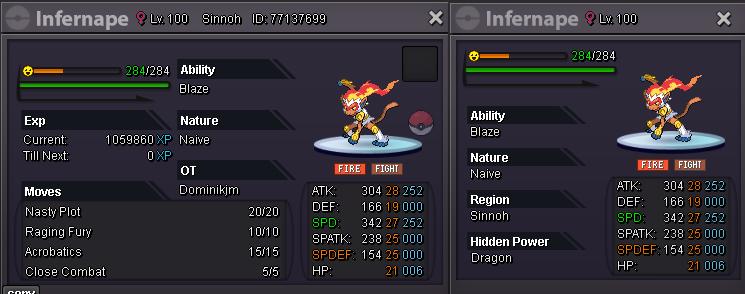
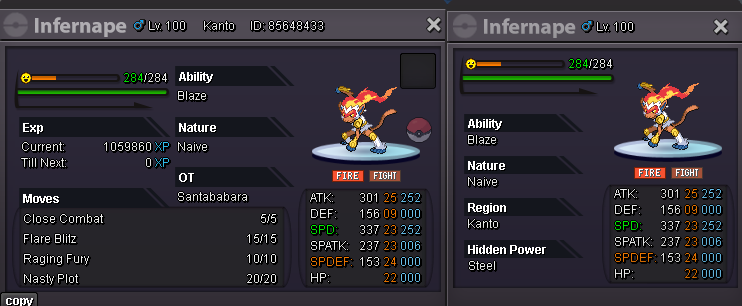
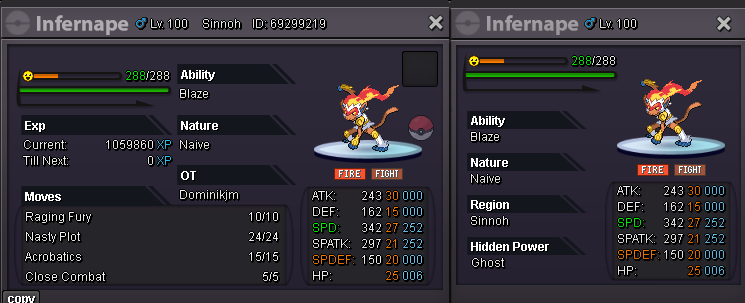
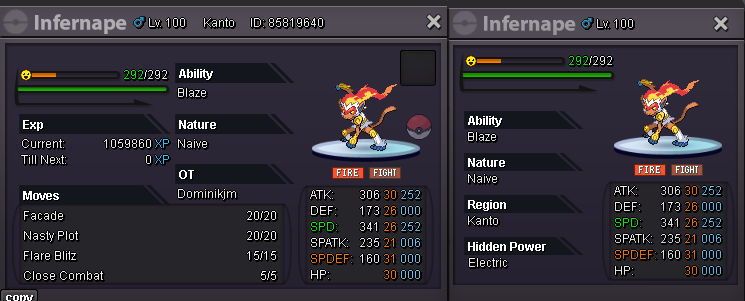
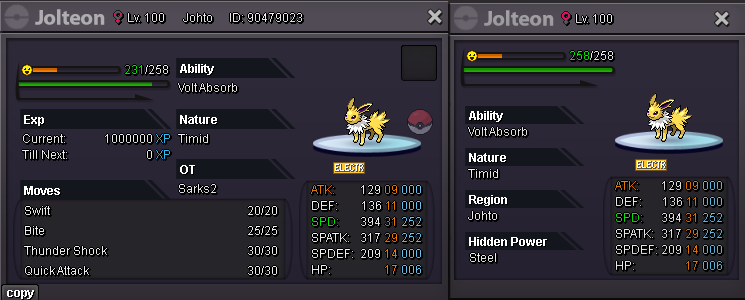
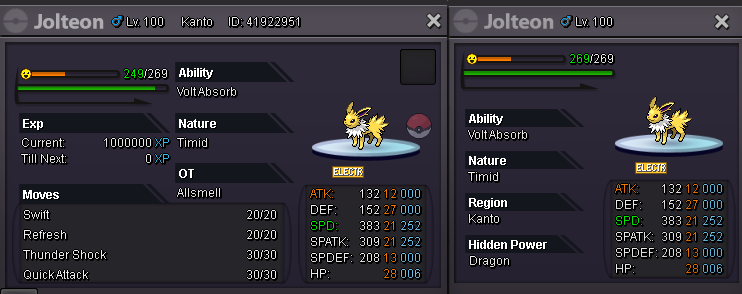
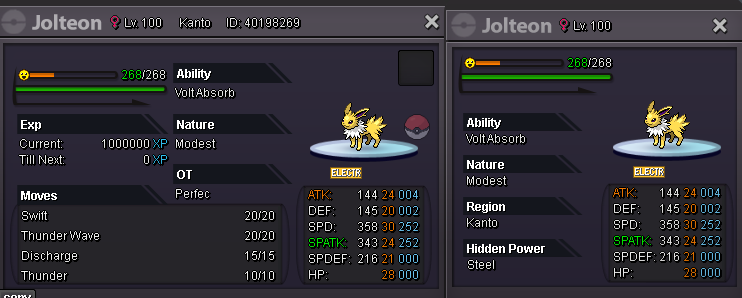
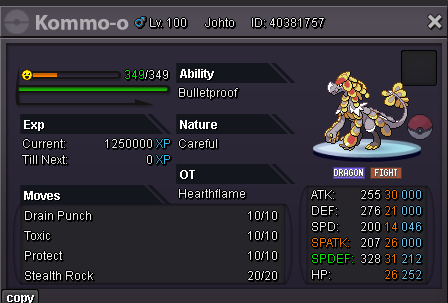
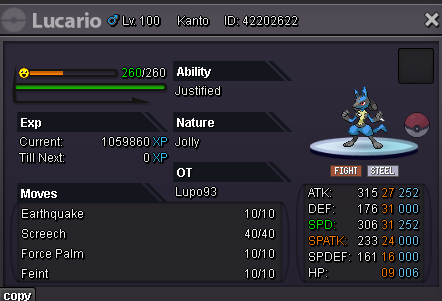
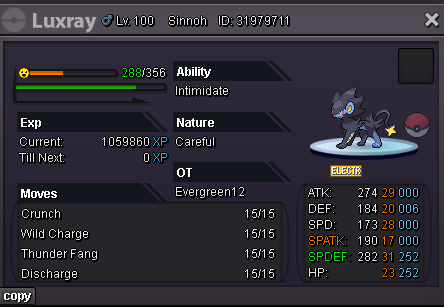
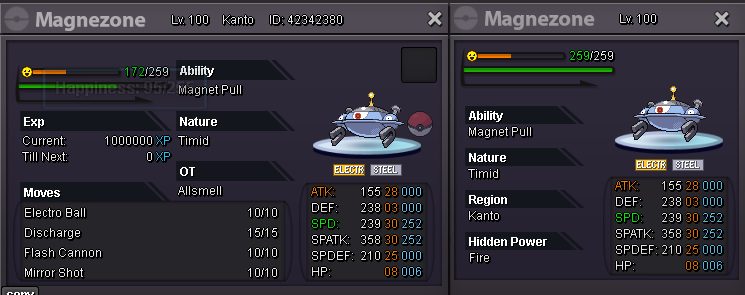
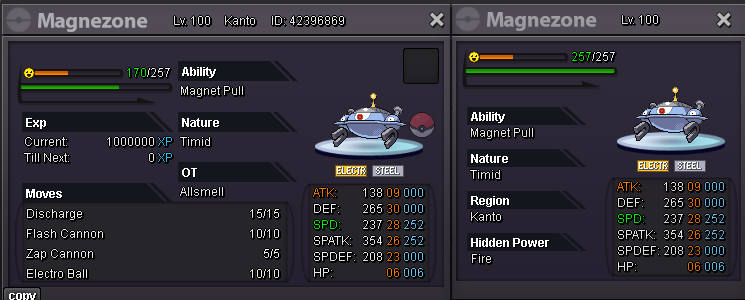
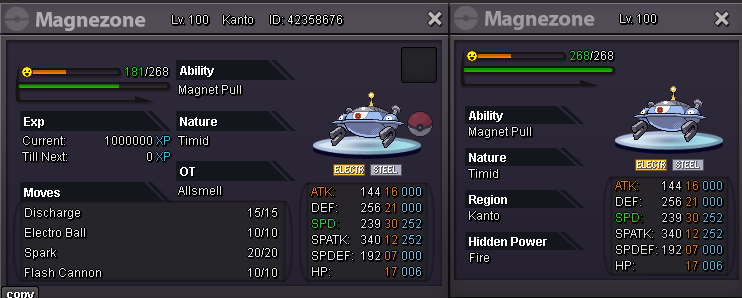
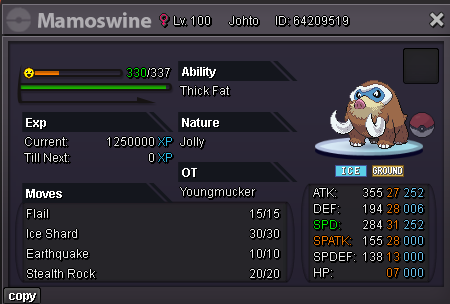
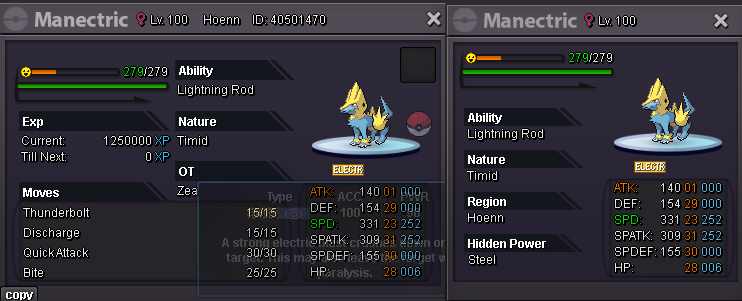
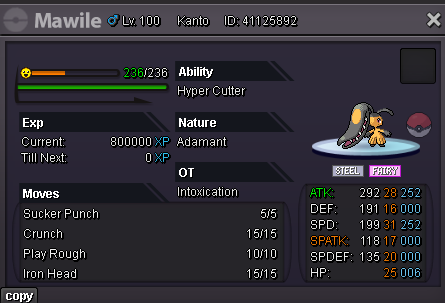
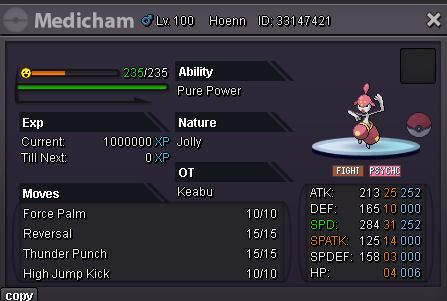
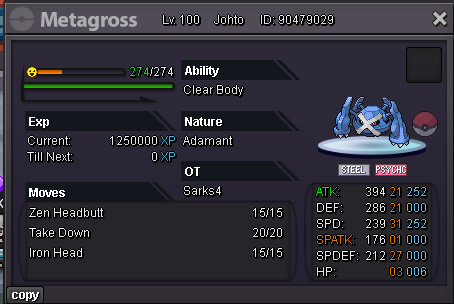
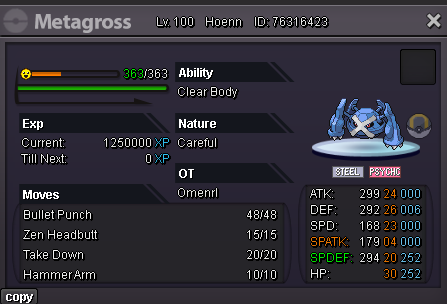
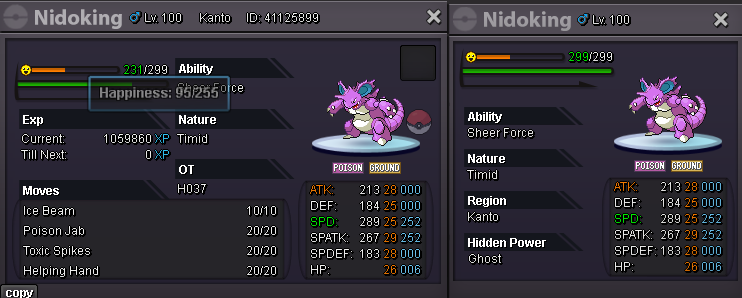
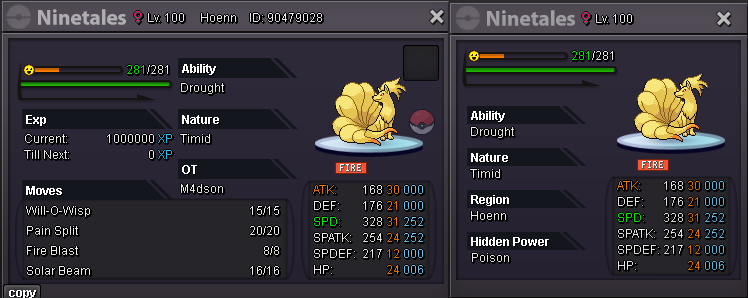
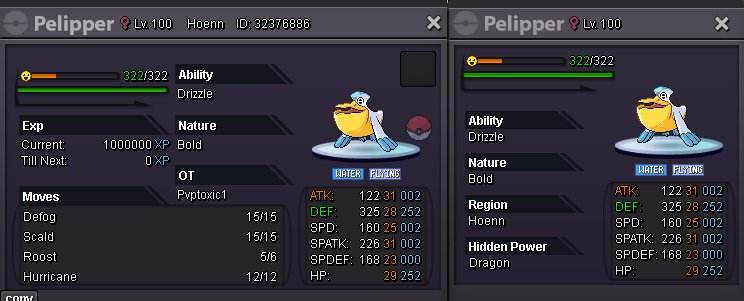
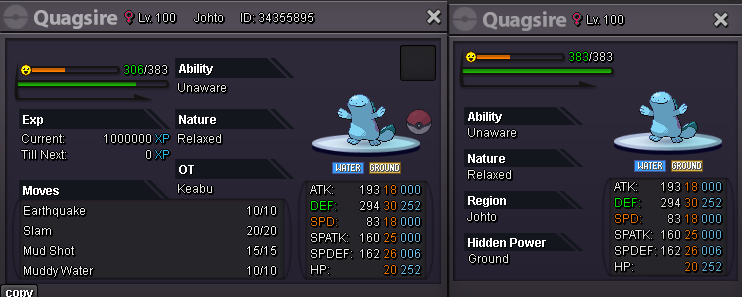
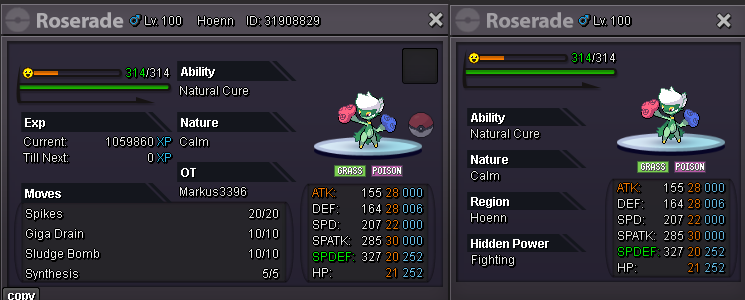
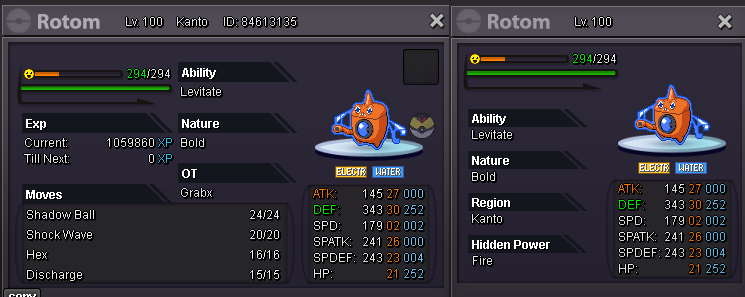
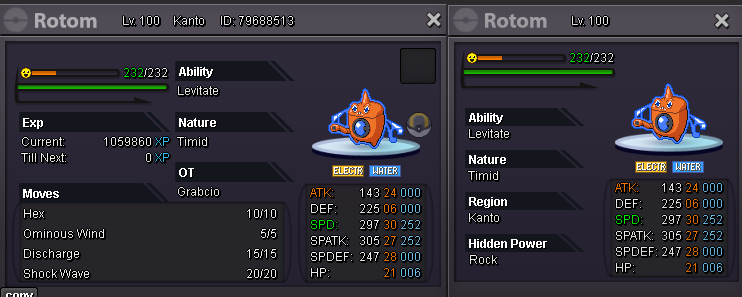
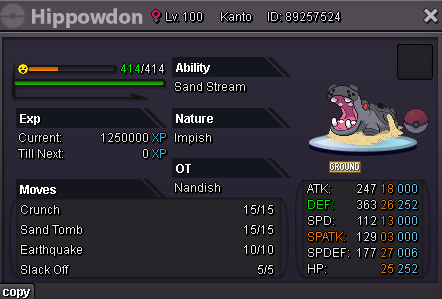
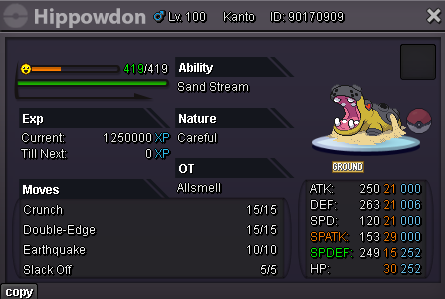
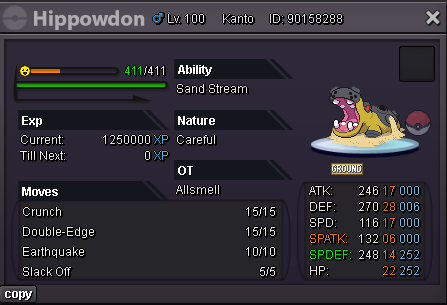
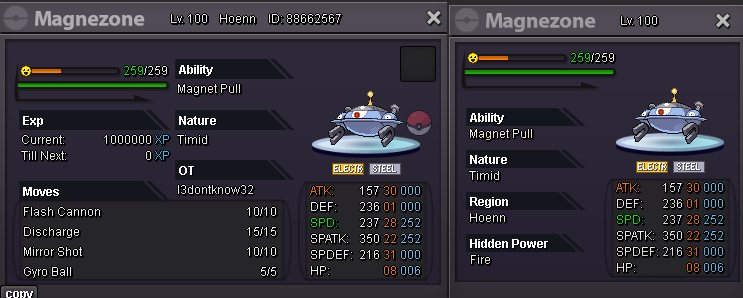

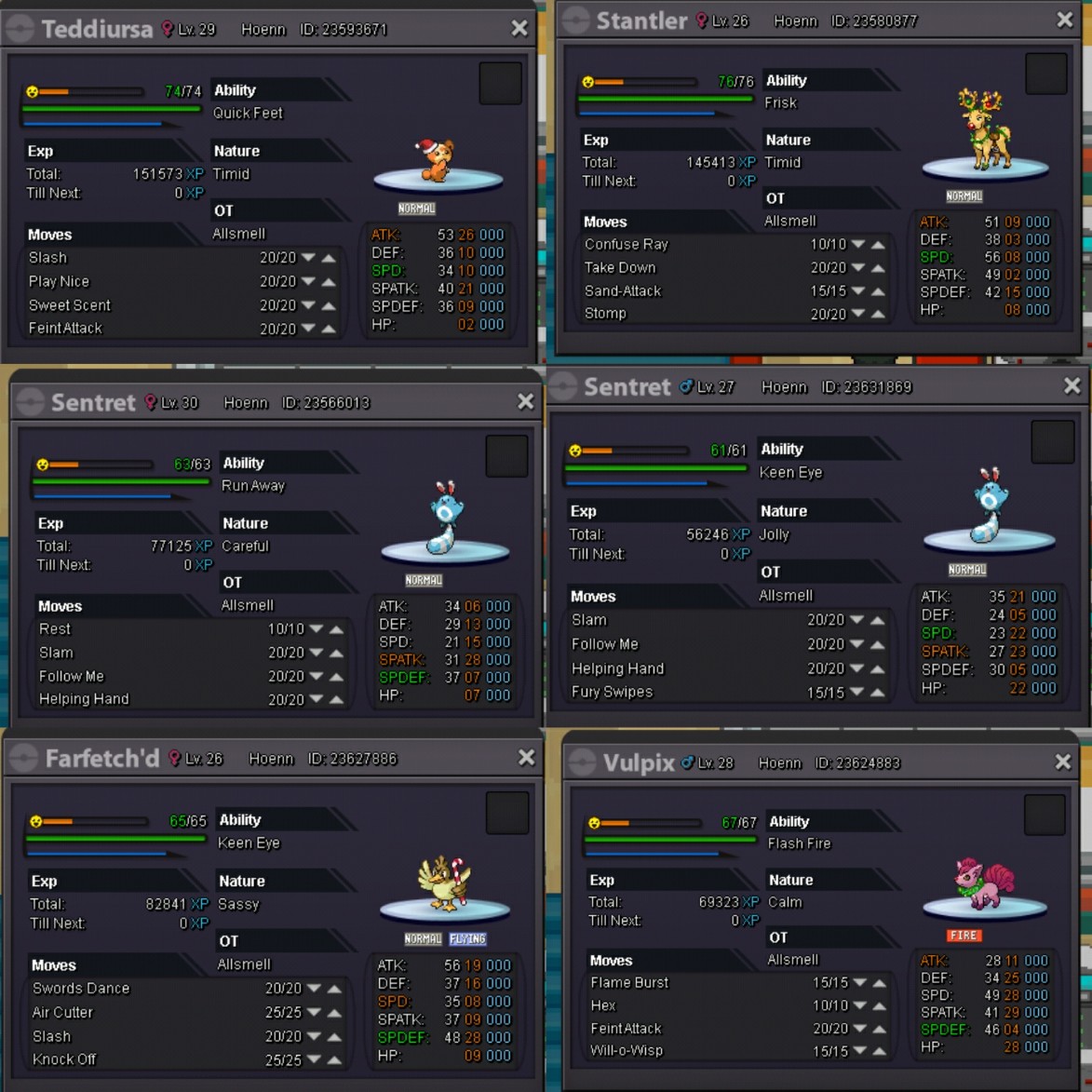
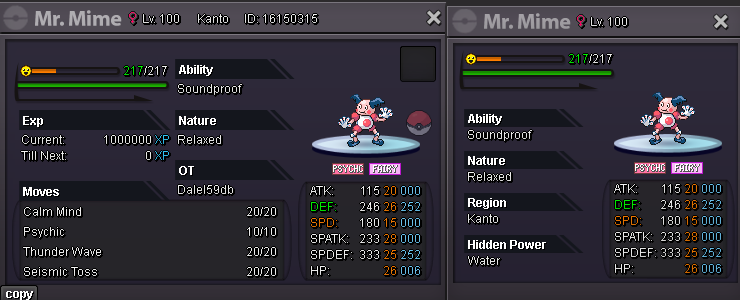 Wtb swampert and feralgatorClosed see shop Teddi = 90k SOLD Stantler = 160K SOLD Careful sent = 40k SOLD Jolly sent = 60k SOLD Far = 80k SOLD Vulpix = 350k SOLD Dede = 800k SOLD (3cc+100k)
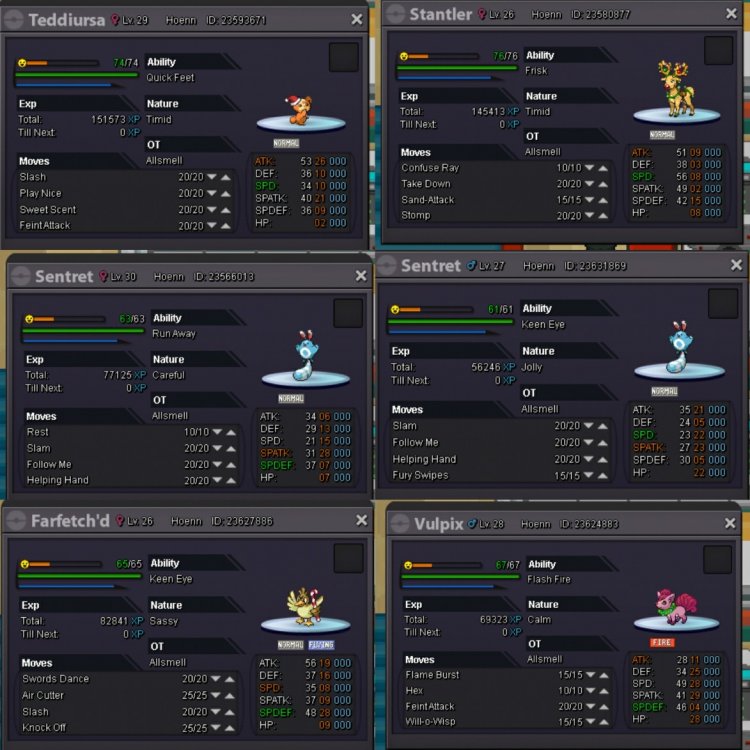
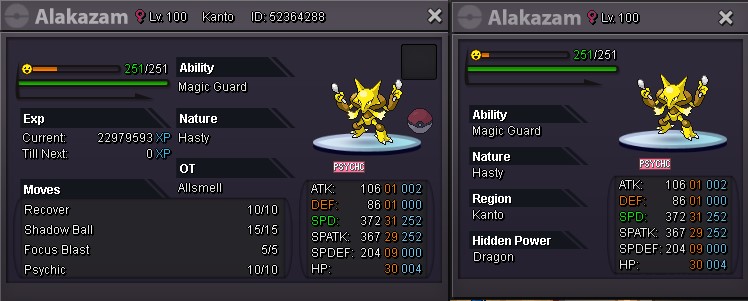
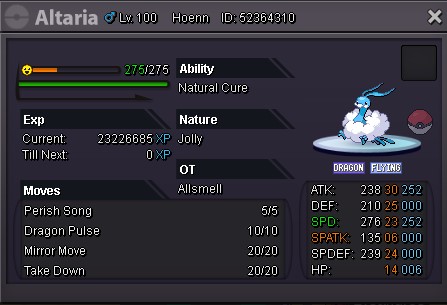
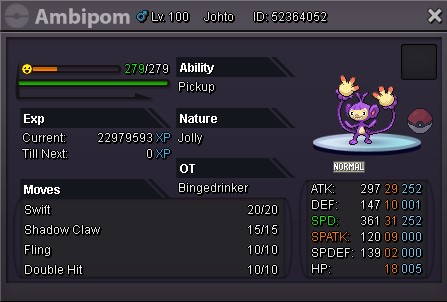
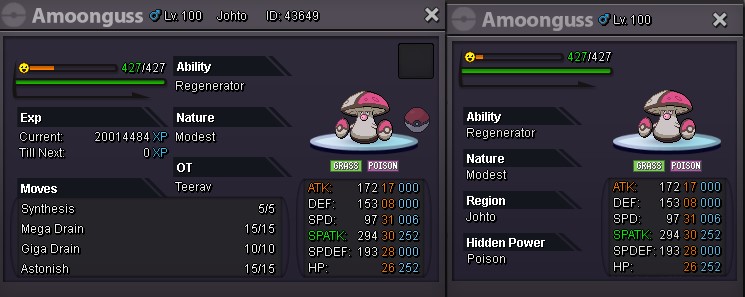
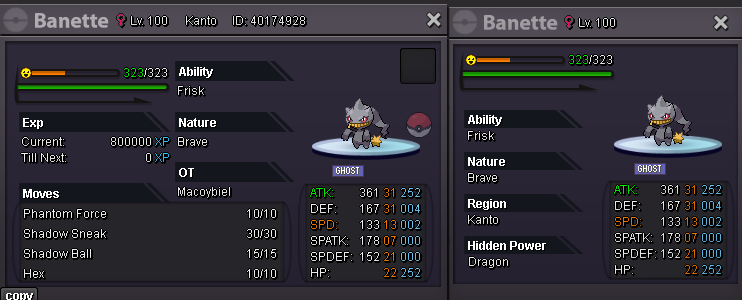
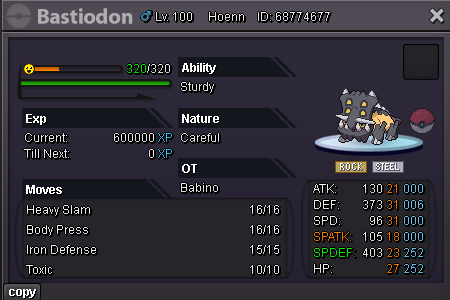
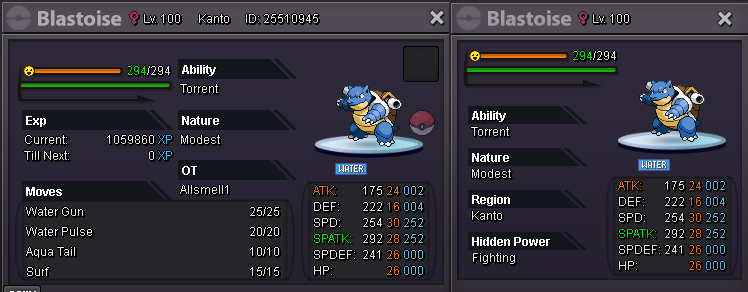
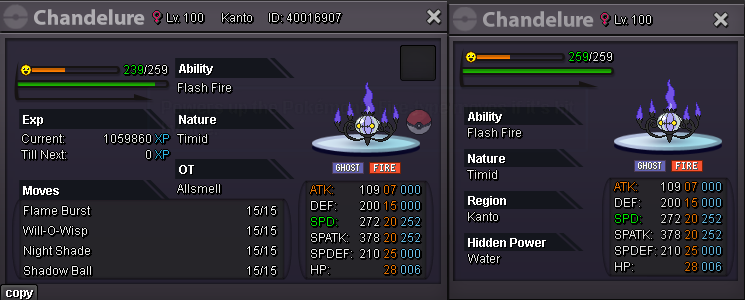
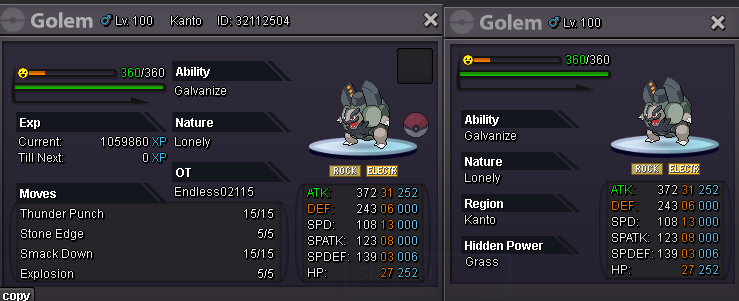
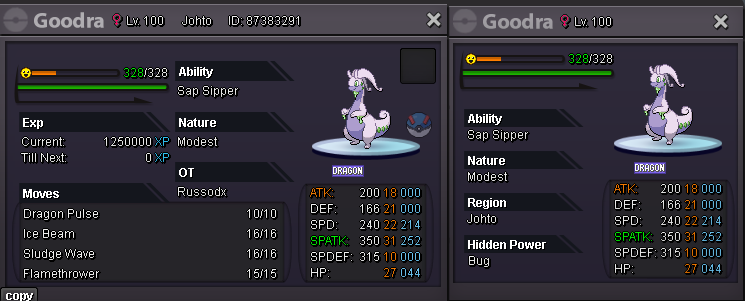
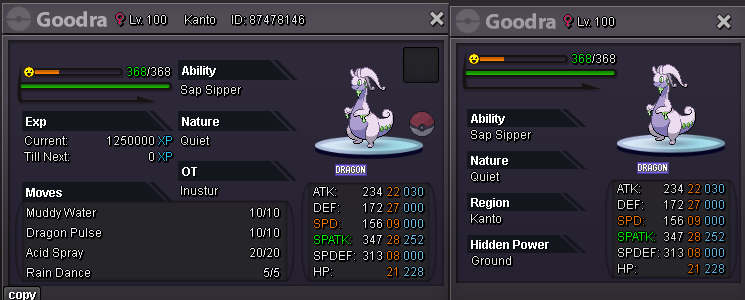
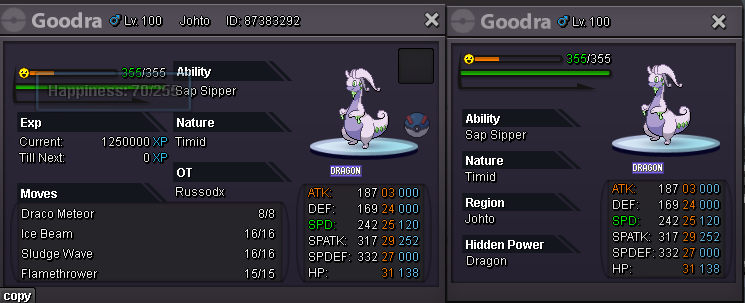
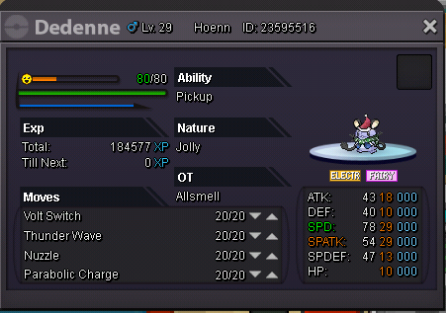 Welcome to Allsmell's A to Z Pokéshop A Gold Pokéshop Contact: Discord - gje8974 Auction Lengths - 72 hours Min Bid - 50k Ongoing Auctions (0) A to Z A B C D E F G H to Z continues in the next two posts
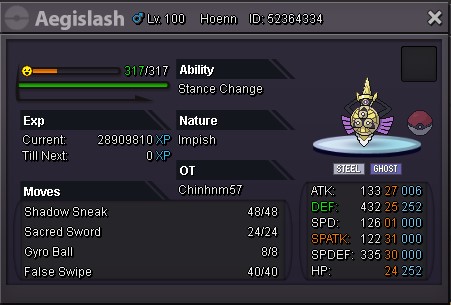

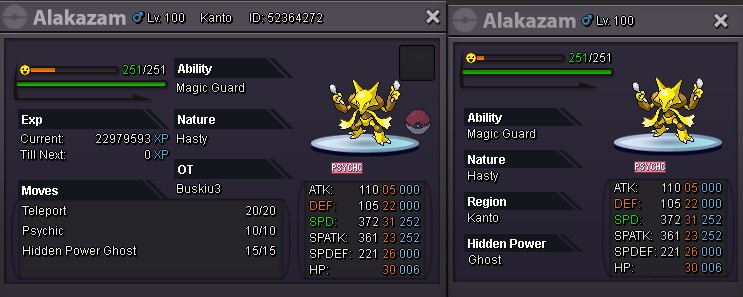







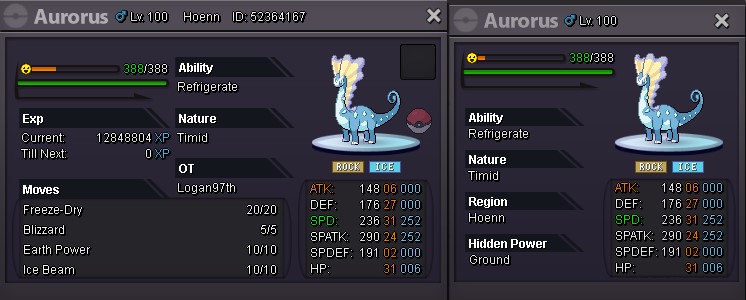
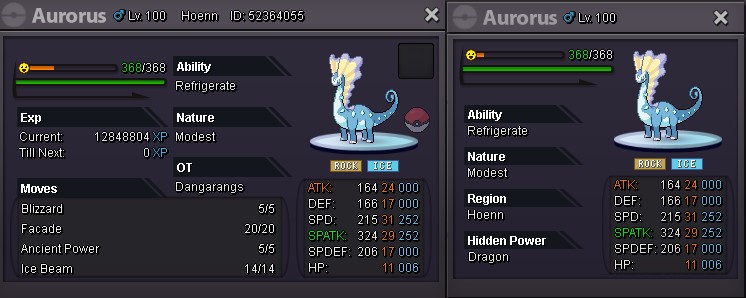
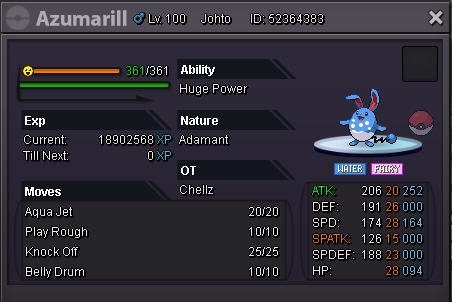


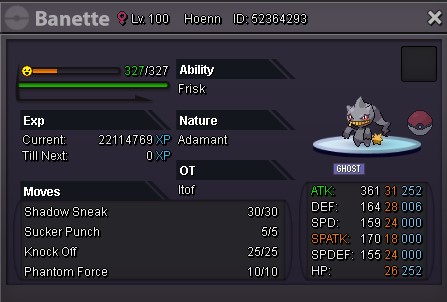
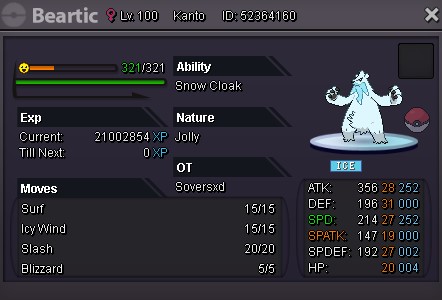

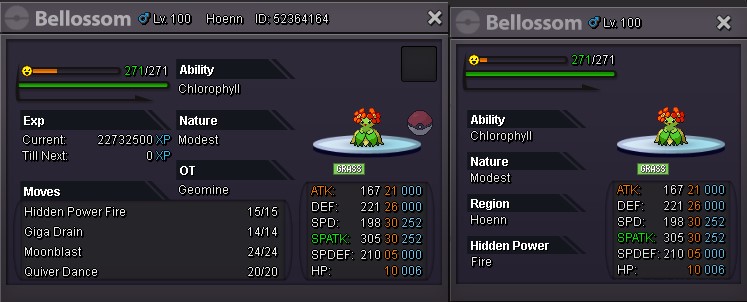
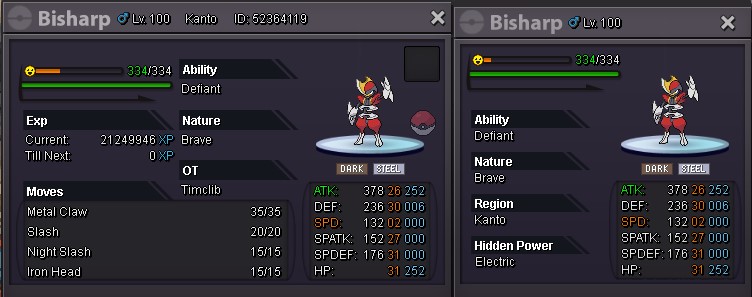


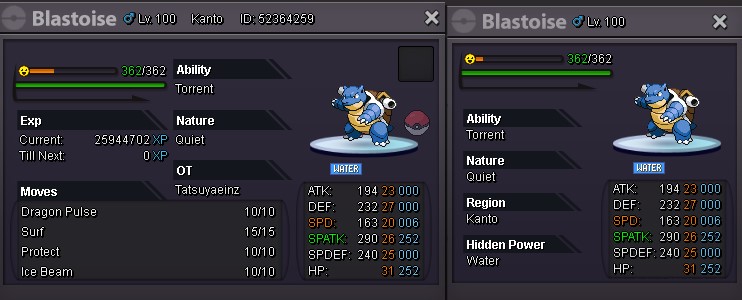


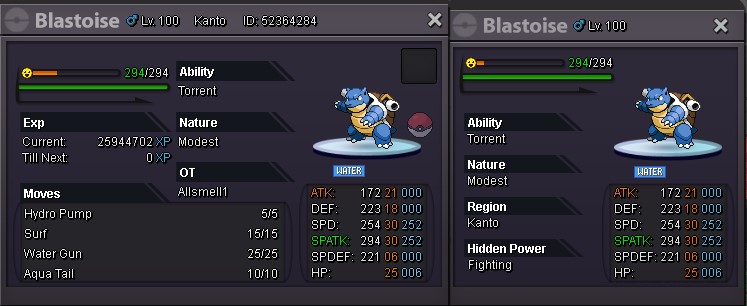
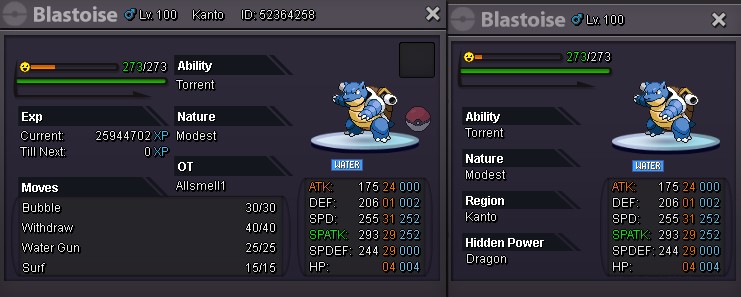

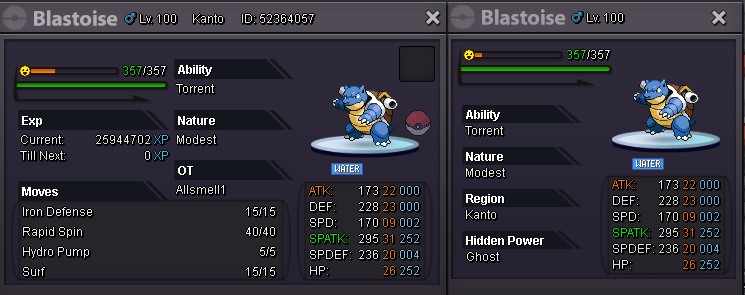
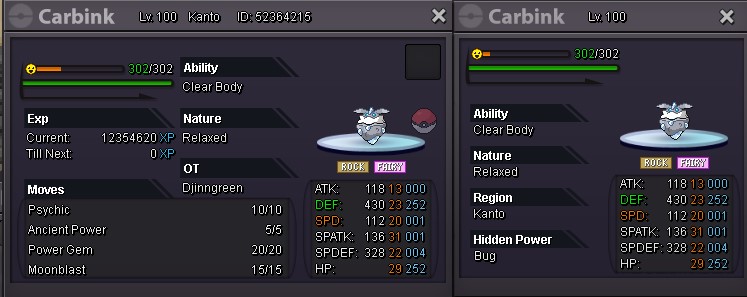

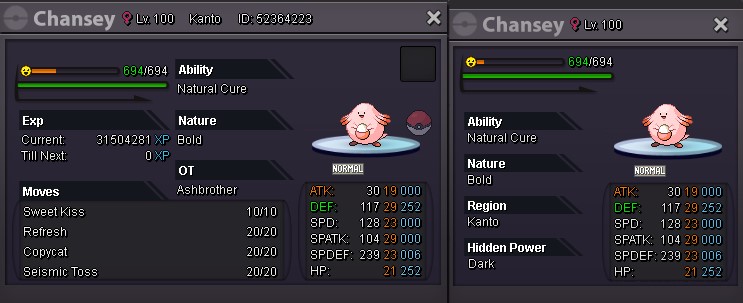



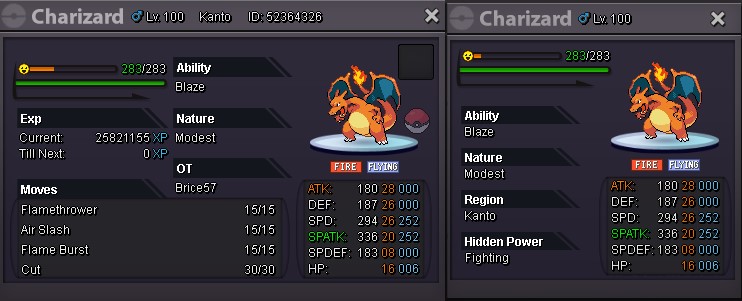



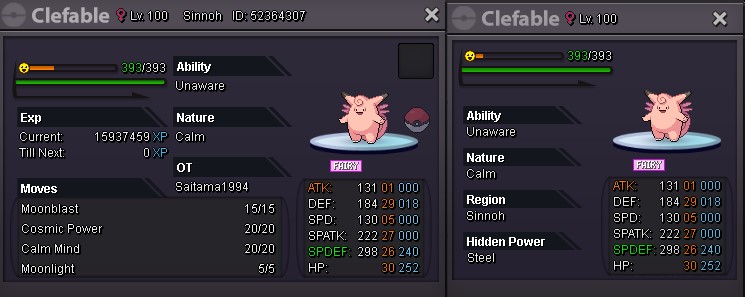

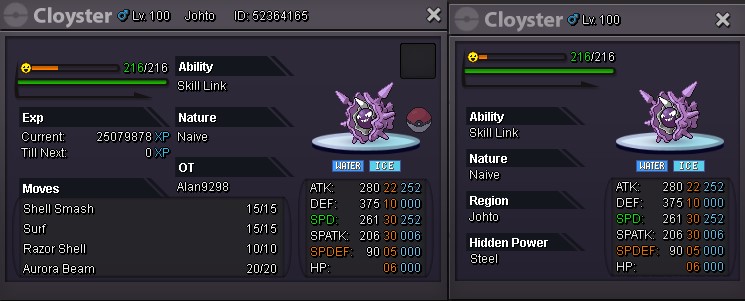
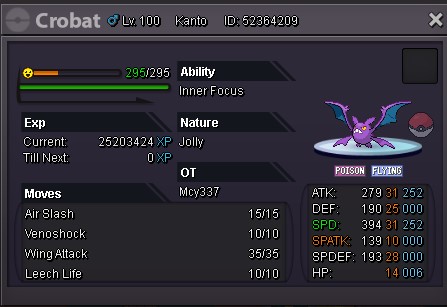












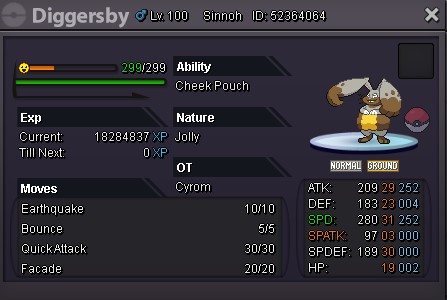
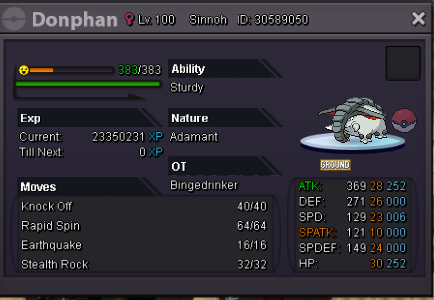


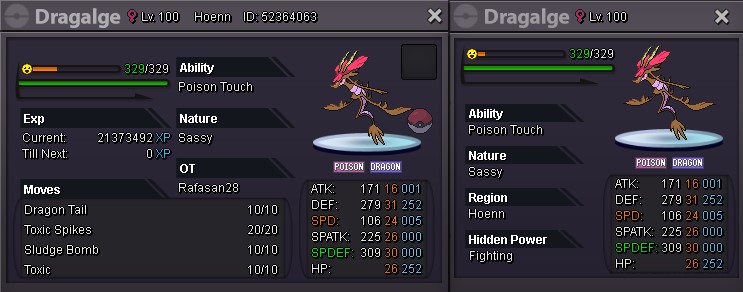
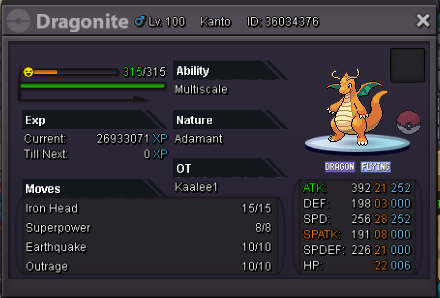


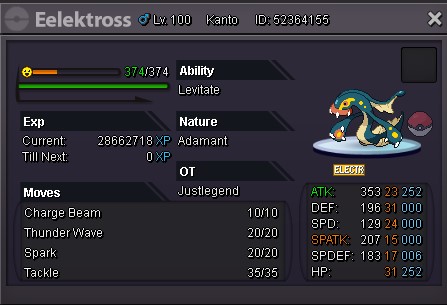
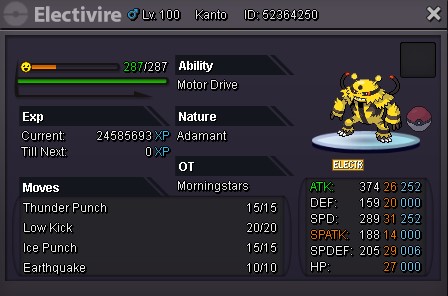


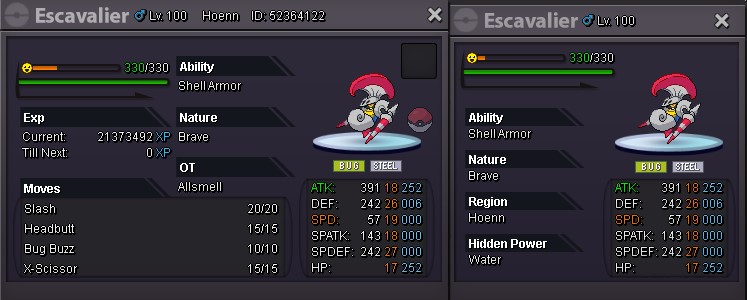
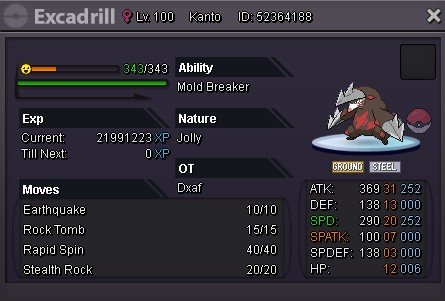

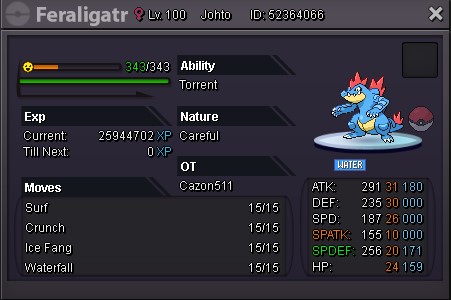


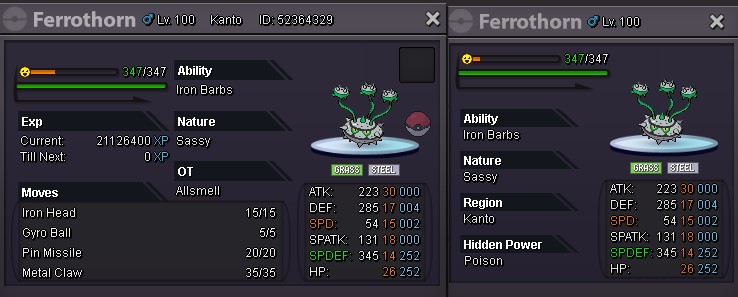



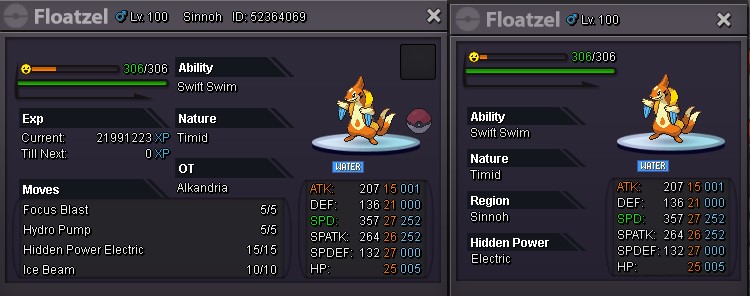

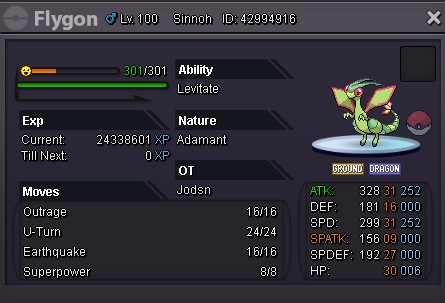


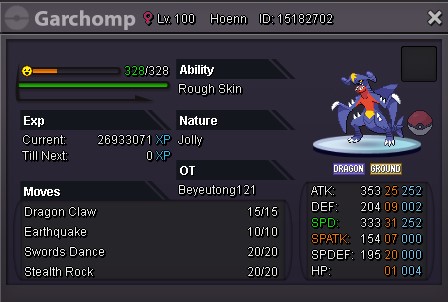
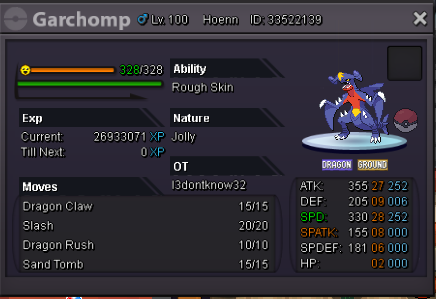
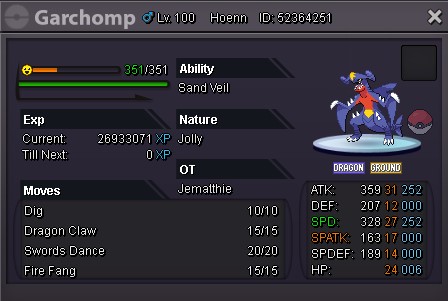


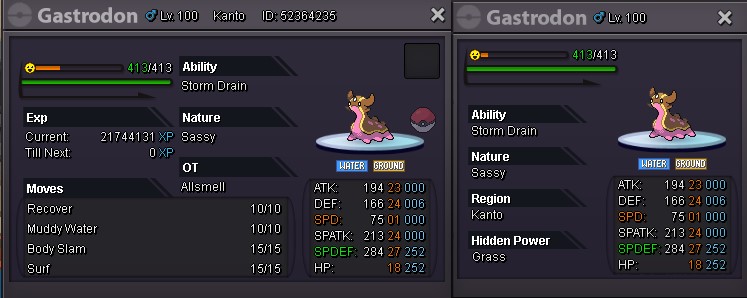
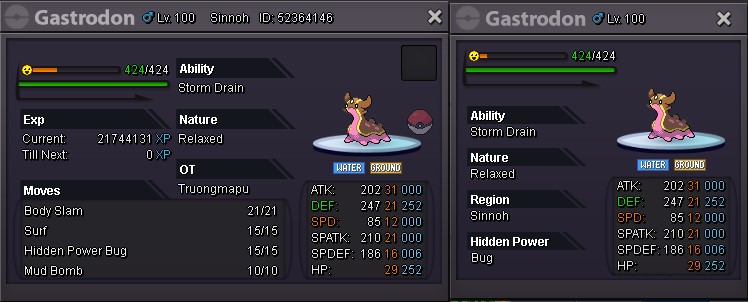


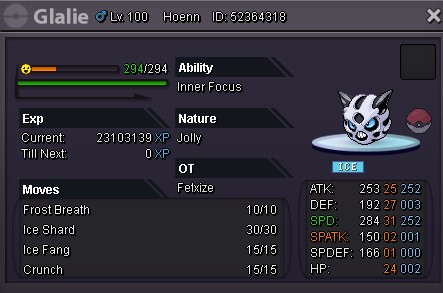

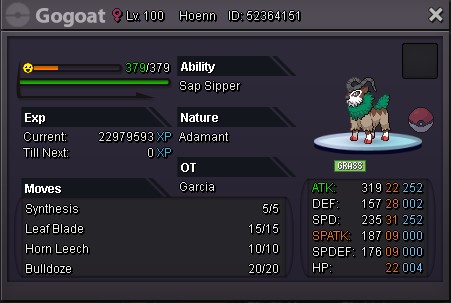



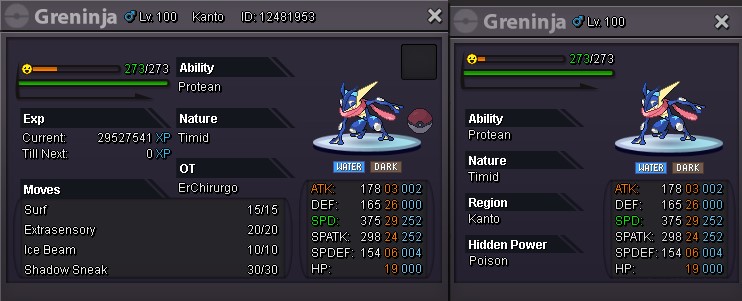
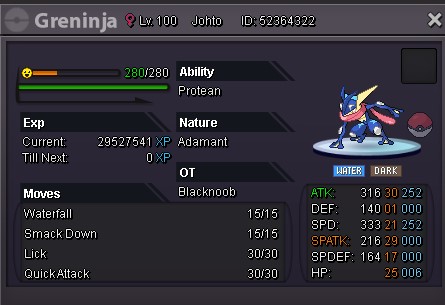
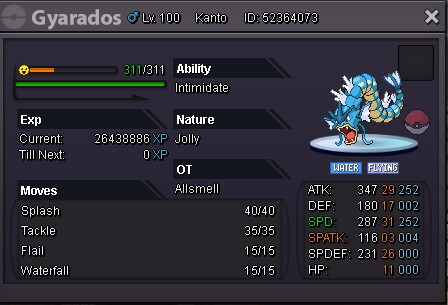


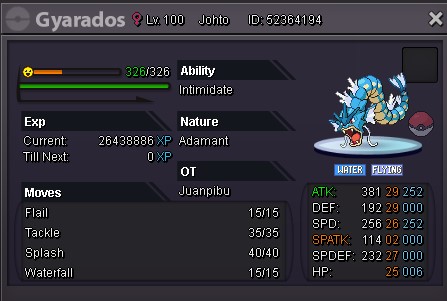

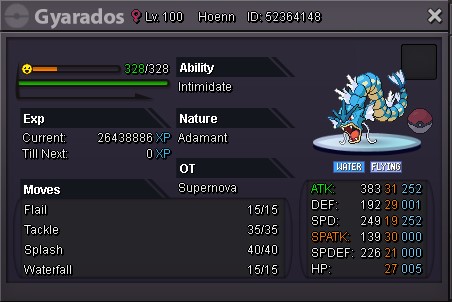
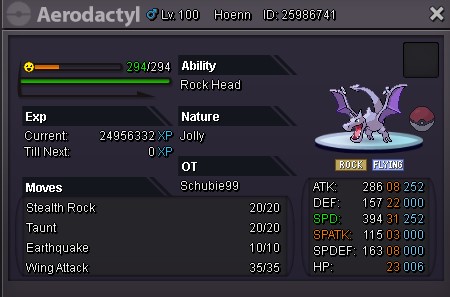



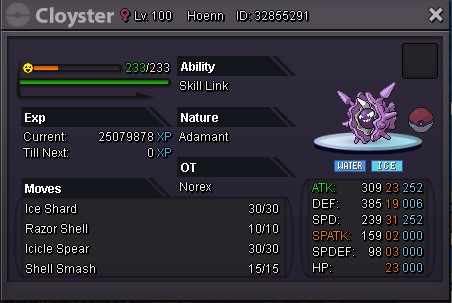
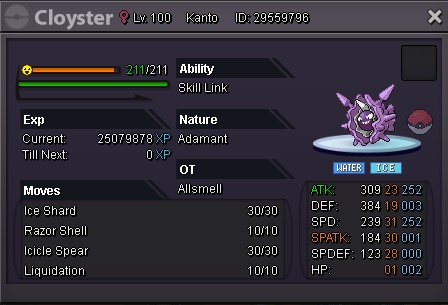


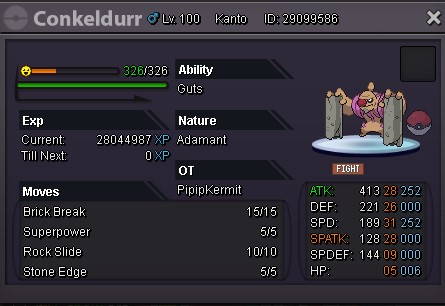
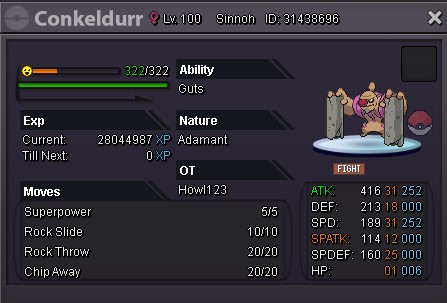

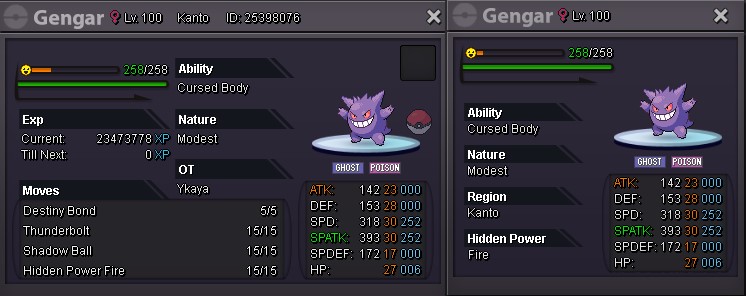
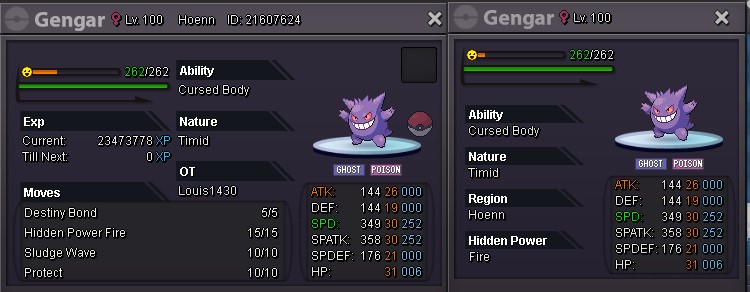


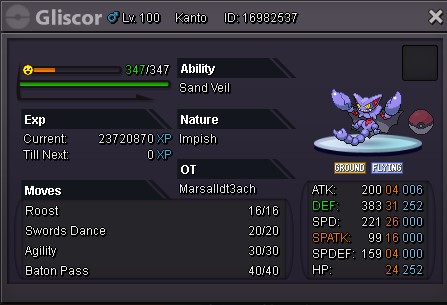
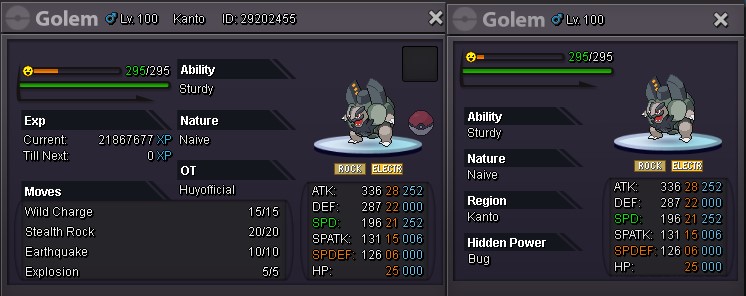

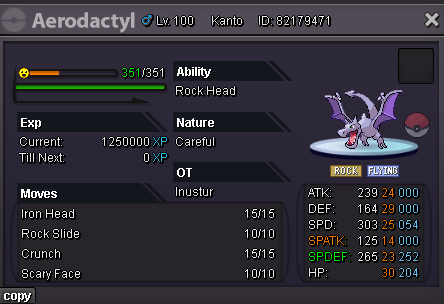
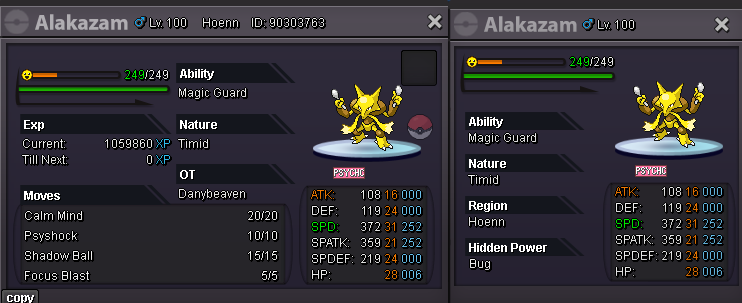
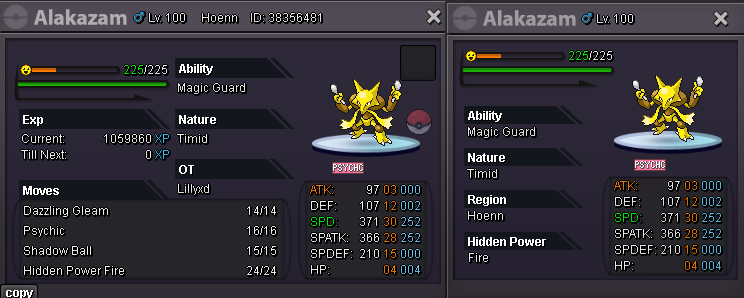
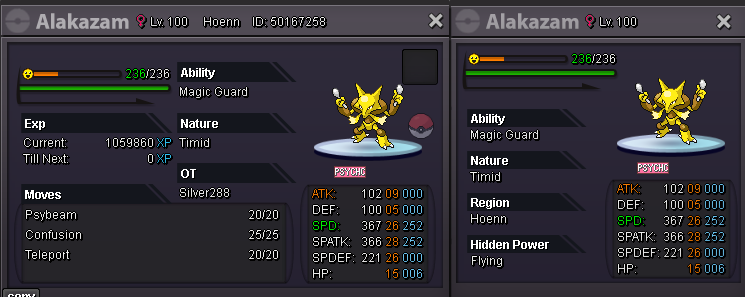
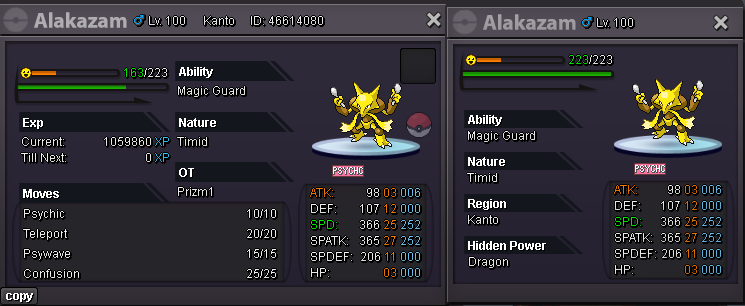
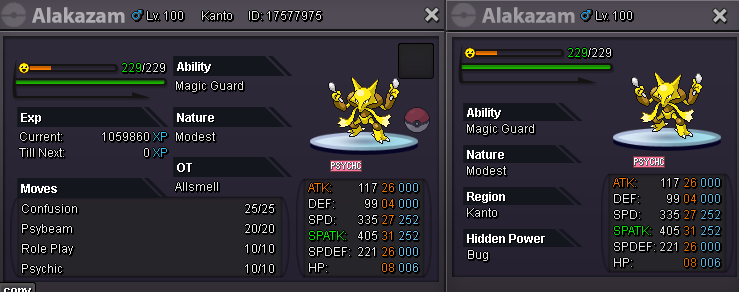
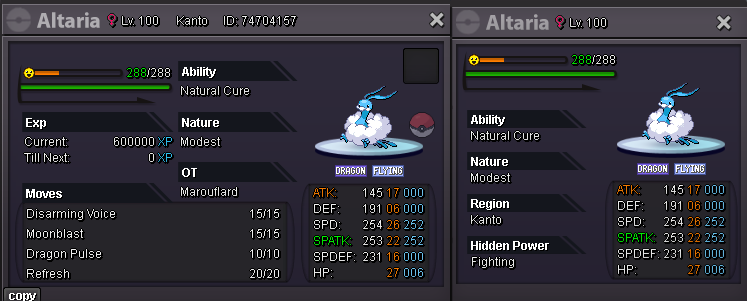
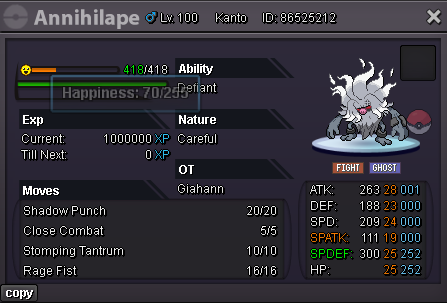
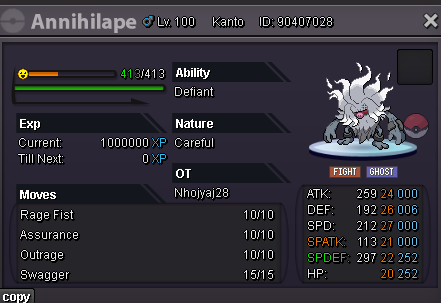
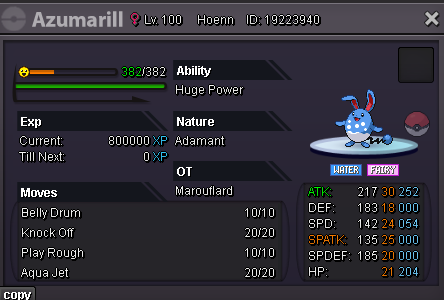


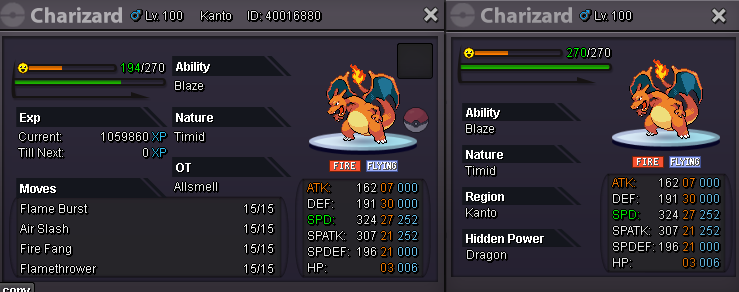
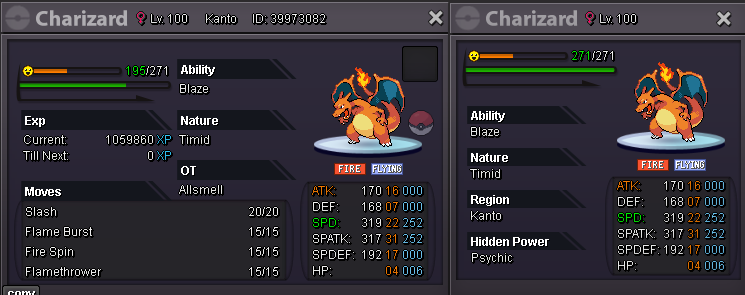
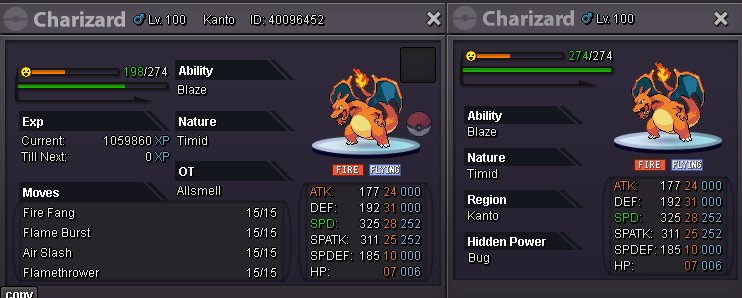
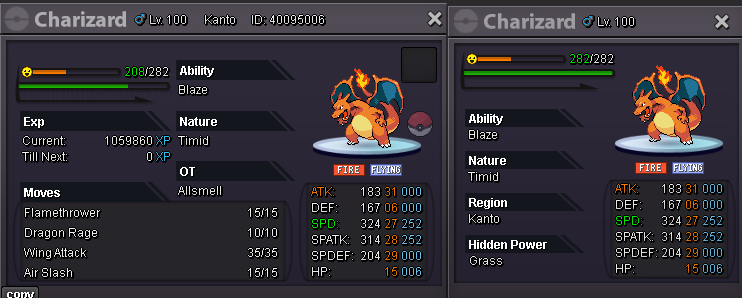
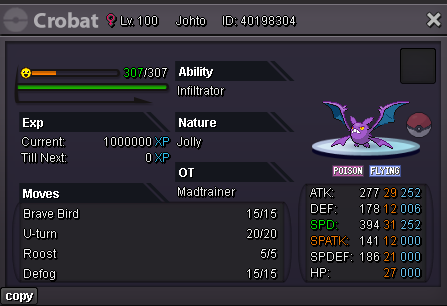
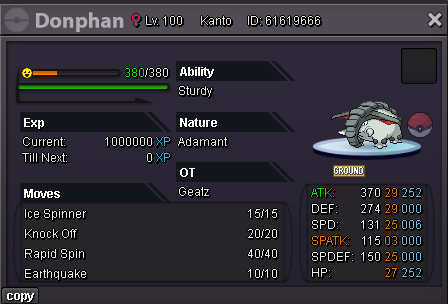
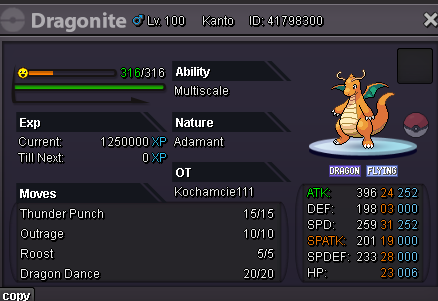

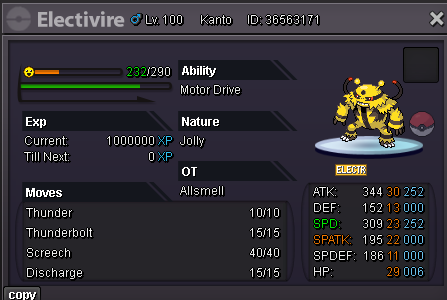

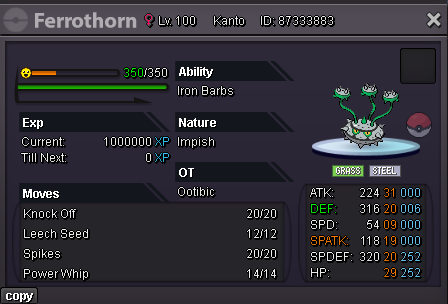
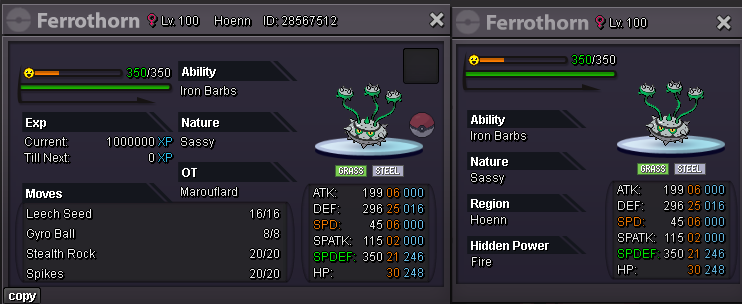
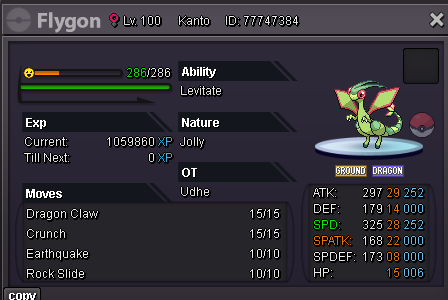
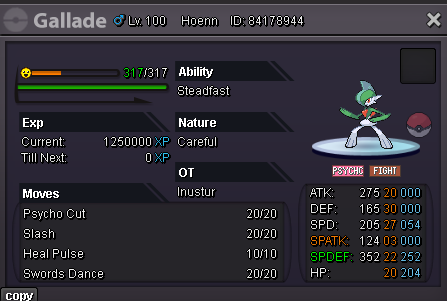
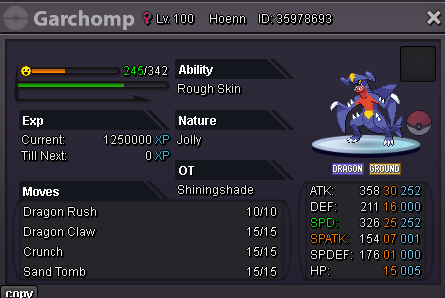
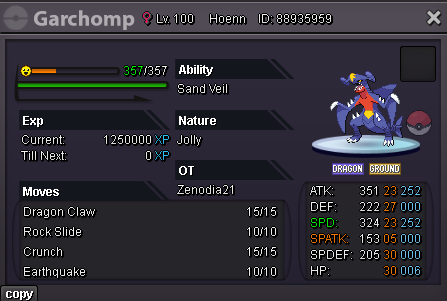
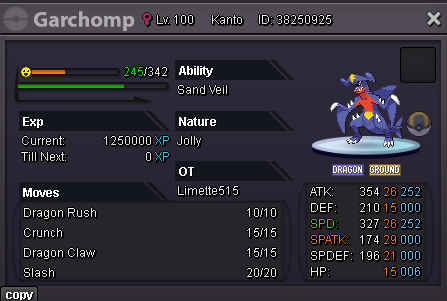
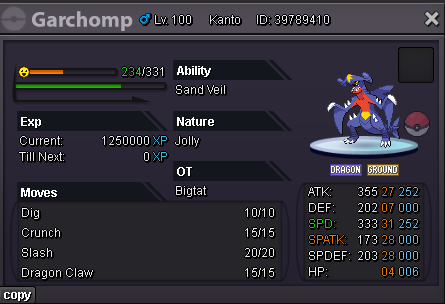
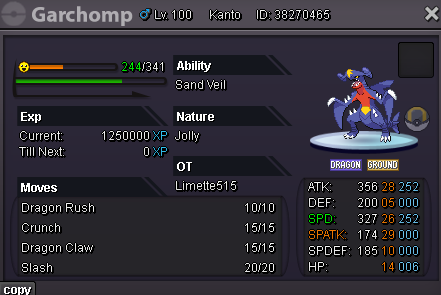
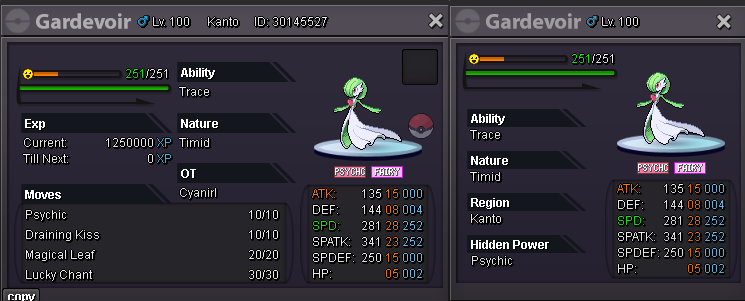
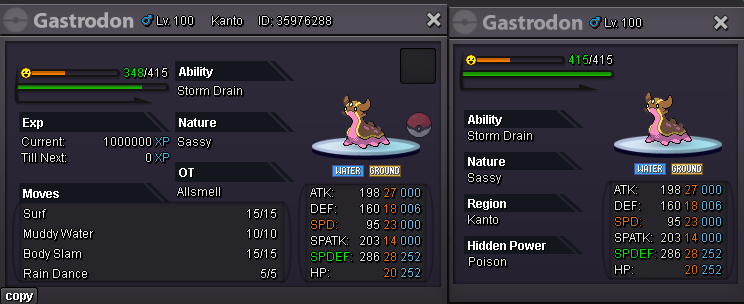




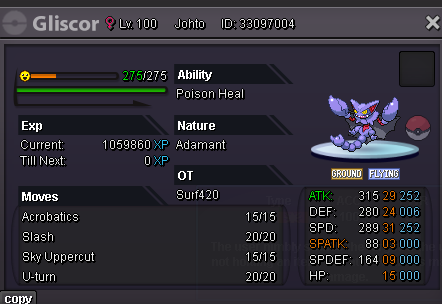
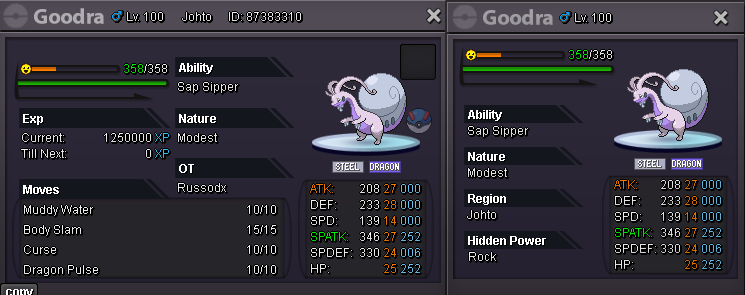
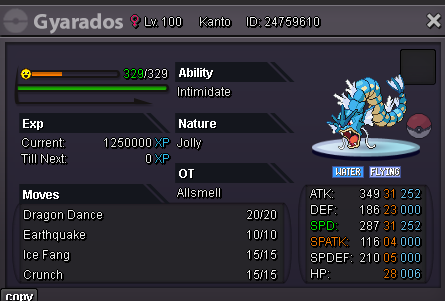
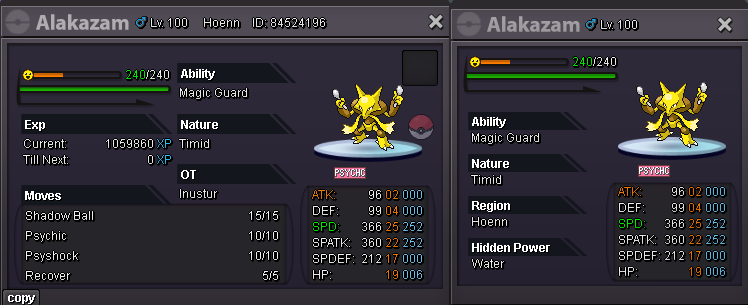
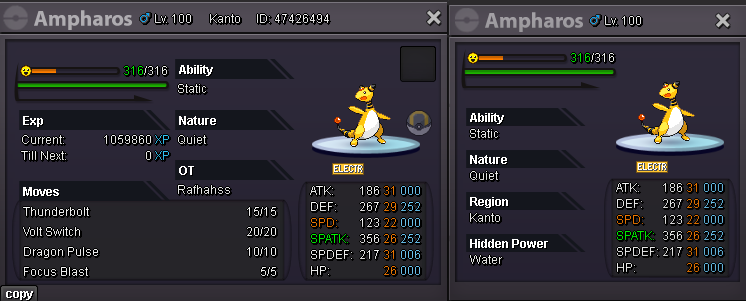
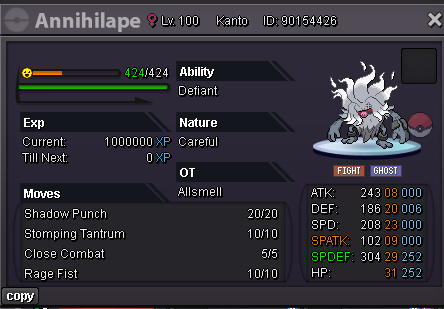
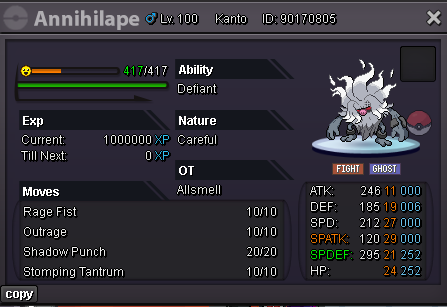
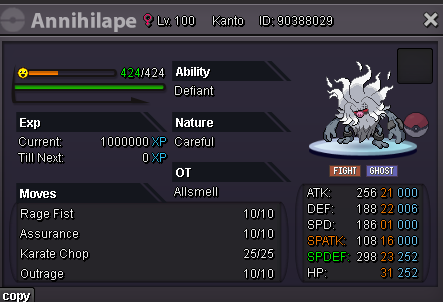
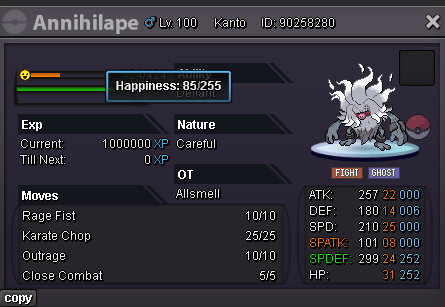
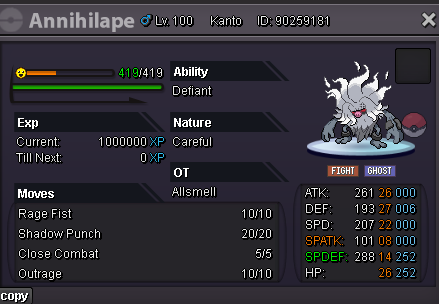
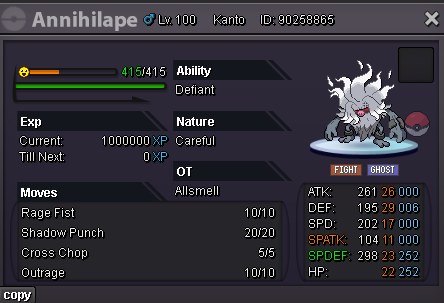
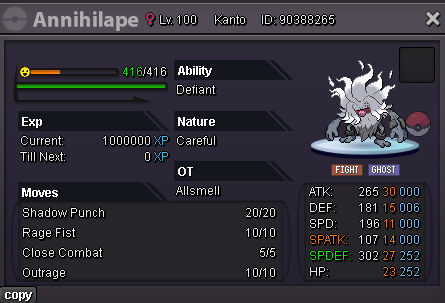
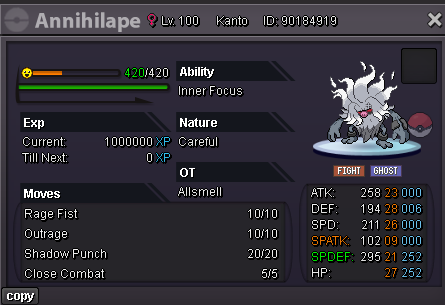
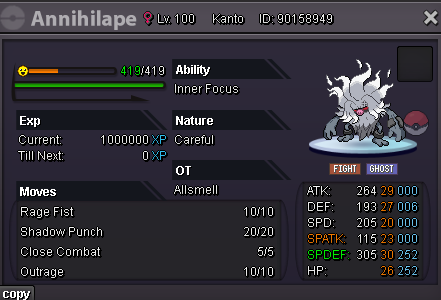
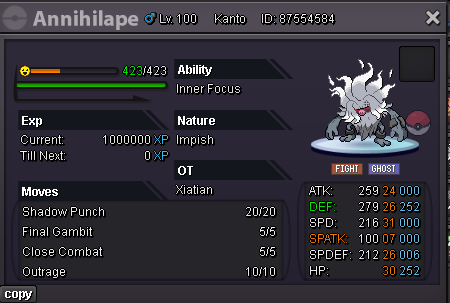
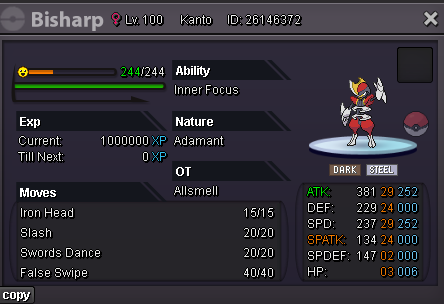
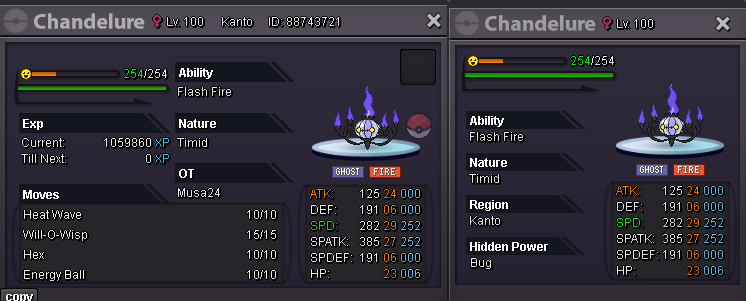
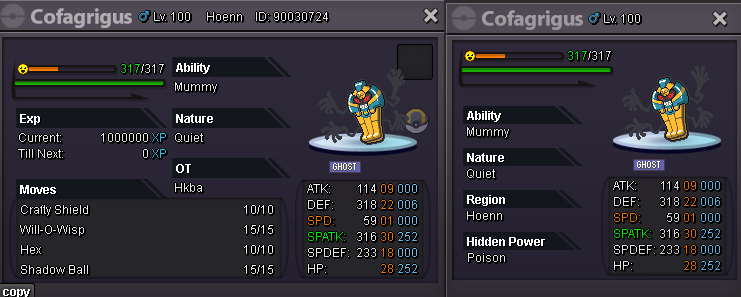
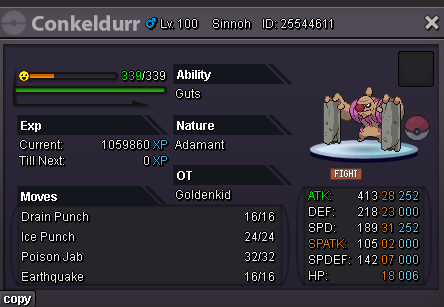
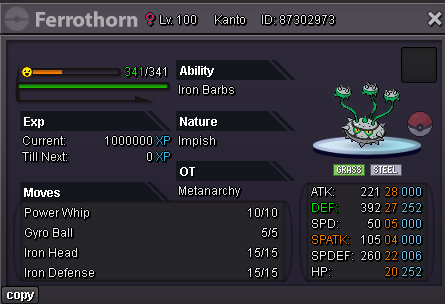
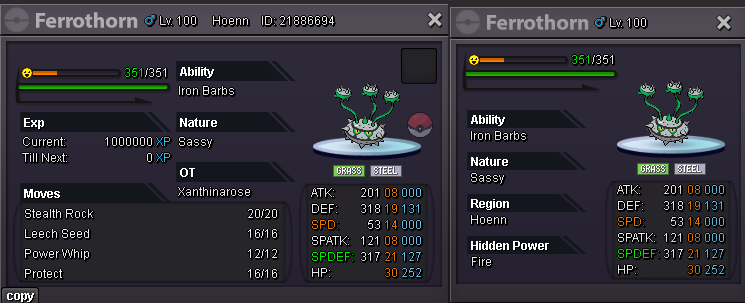
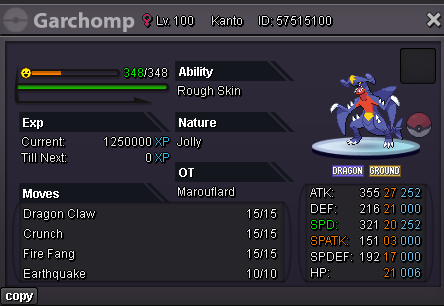
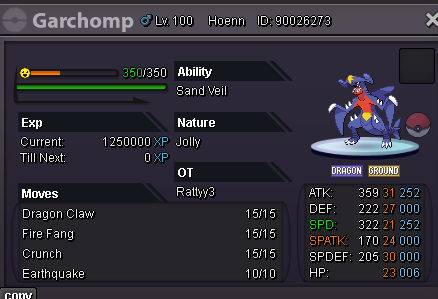
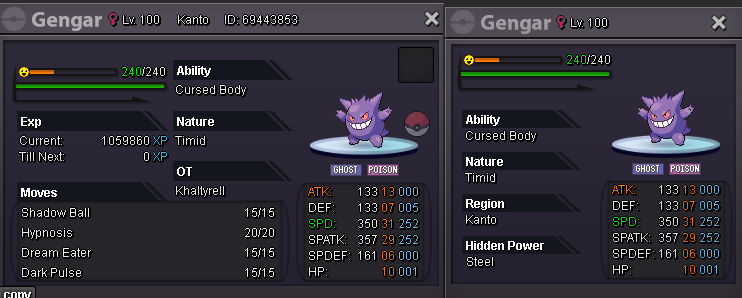


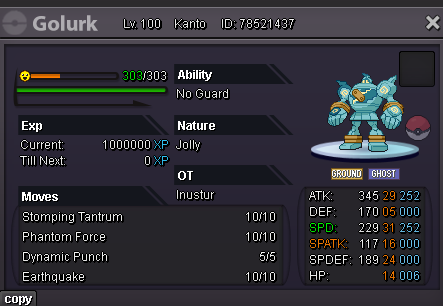
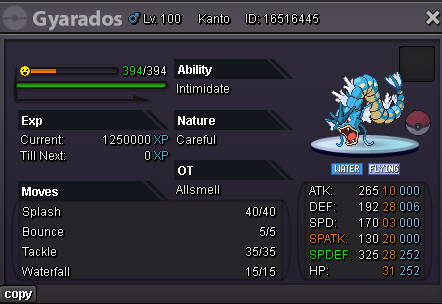
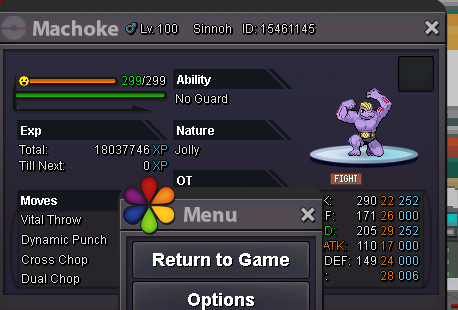
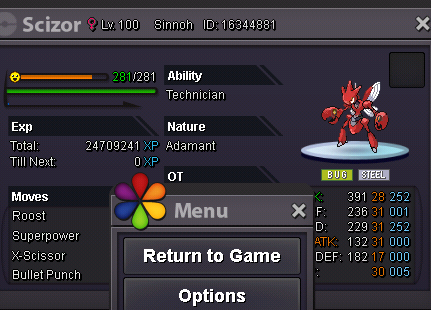
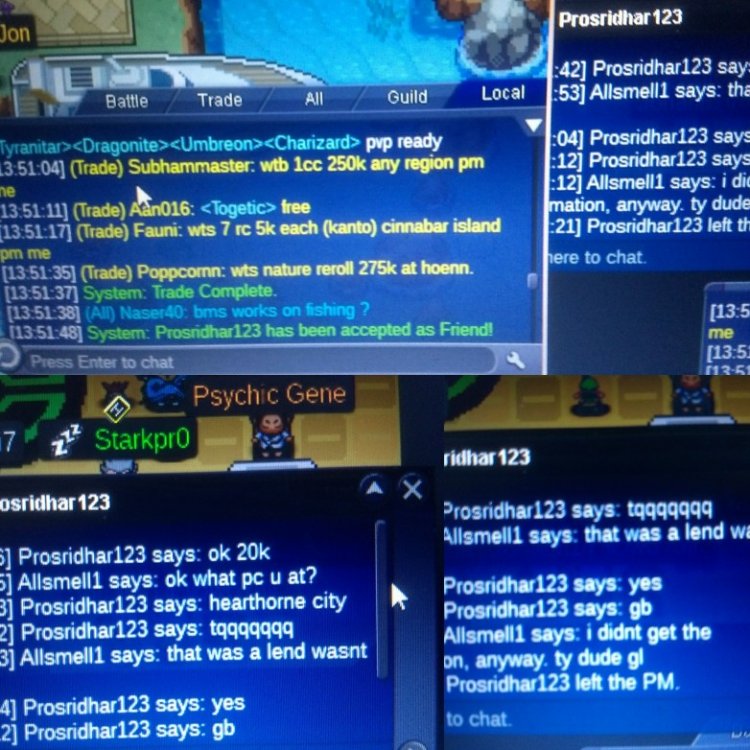
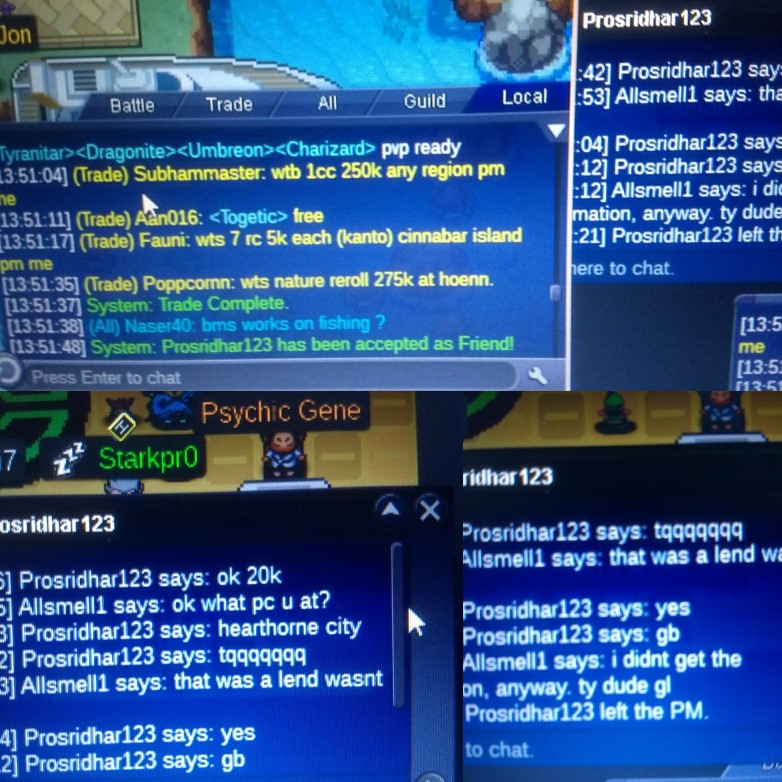
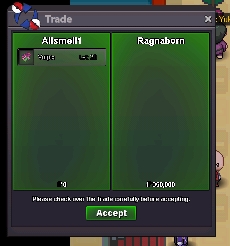
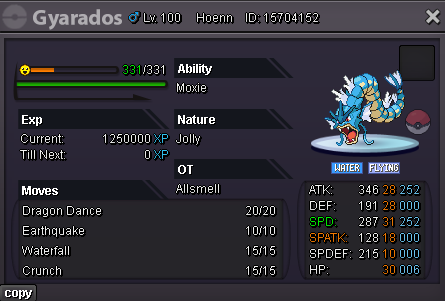 Wtb 200k vully75k62540k Abra 100k sneaselSince no min bid 120kAt 13:51:37 GMT+0 lending trade between allsmell and prosridhar123 on gold. Pokes IDs; 16344881 scizor 15461145 machop For 2 days for 20k. Have no screenies of the trade, but clearly both of us thought it should be a lend. Anyway didn't get the 3rd confirmation on my side. But I definitely entered lend 2 days. This had happened to me before, and I convinced myself if just forgotten. But the pokes were returned and all was well. However I though if this was happening twice. Was worth making a forum bug report over.