




New Trade Zone
Trade Zone is now live
Use the new Trade Zone for auctions and instant-price trades so Pokemon and item offers are easy to find.

Mastersam
Registered User
-
Joined
-
Last visited
Everything posted by Mastersam
-
Sounds good. I'll take both. Pm me in game. Mastersam
-
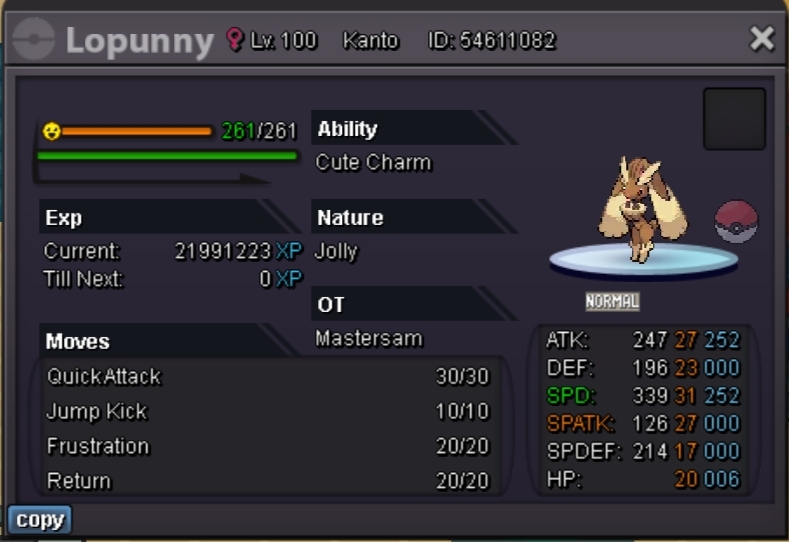
Please specify the pokemon by putting it’s name like "Buneary" before you put your bid on. Starting Price: 300K. Insta: 3m Time Duration: 48hrs after the first bid is placed. Accepted Payments: Pokedollars, Coin Capsule = 350k Min Raise: 50k (SOLD)
-
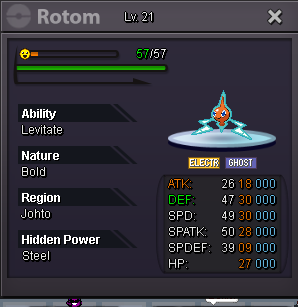
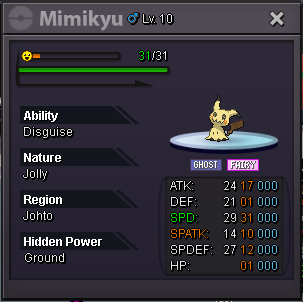
How much. Need price for each of them.
-
Pm me in game.
-
1.5 million
-
1.25 mil
-
1.15 million
-
Gastly sold?
-
1.6 million for gastly
-
Yes. I wanna bid 1.3 million for gastly.
-
1.3 million for gastly. Let me know if you accept CC and Reroll tick. If yes. Include the acceptable prices.
-
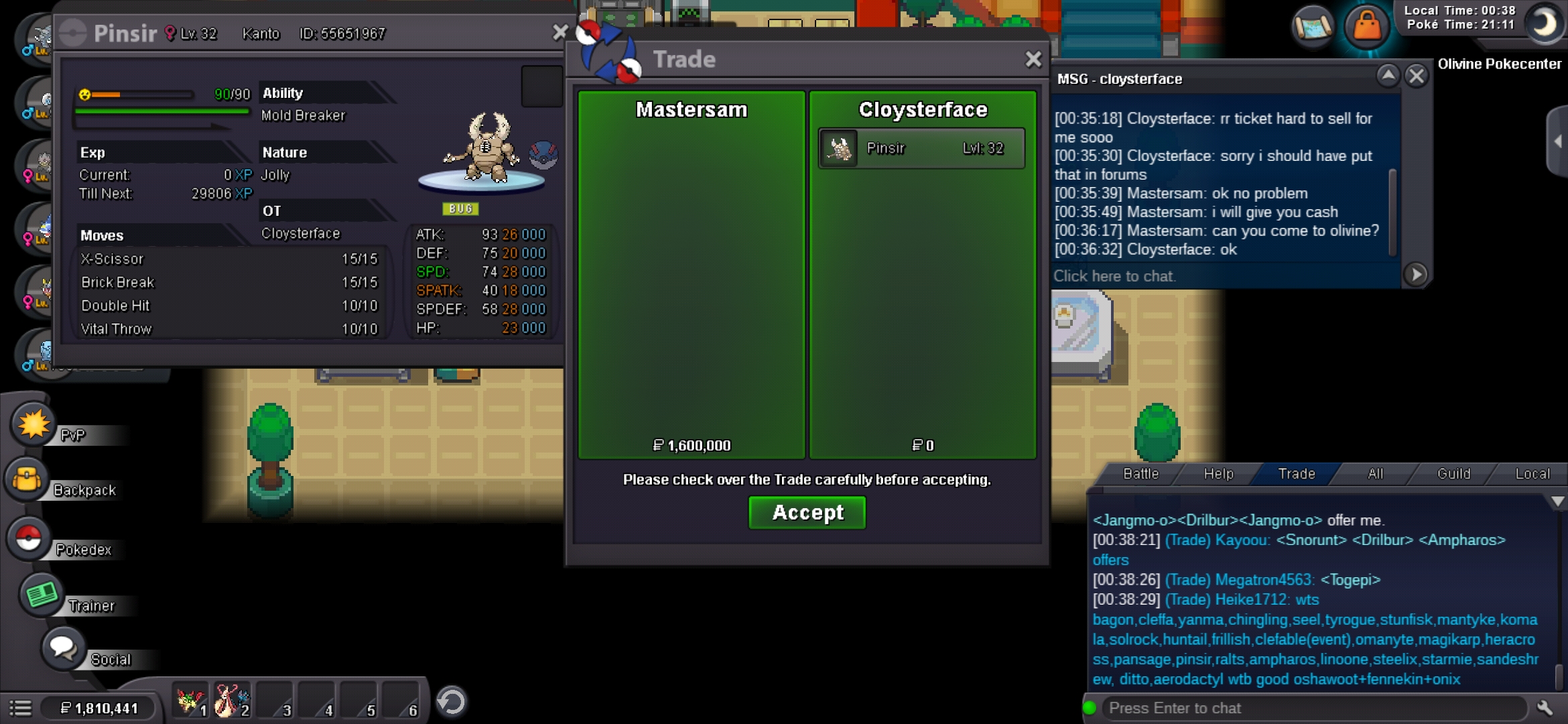
Got it. Thanks.
-
Thank you. But I will wait for mods decision. My discord ID: ShadowClaw#4959 IGN: MasterSam
-
-
-
-
-
-
-
Bmup
-
See that Gammagenix guys offer. He offered 3cc or 1.2 million. So I accepted. After that he offered only Pokedoller. So I accepted it. So I don’t think that It was a mistake from my side. But I wanna go with trade mods decision. And I think that Metagross worth more than 2 million.
-
Ok. I also need a solution. They are mentioned about pokedoller. not cc. Not the bumblebee guy who won. Let the mods give a solution.
-
I was biding for highest call. The payment method should be various. I already declared the winner. Sorry.
-
Congratulations you won. My discord ID: ShadowClaw#4959 IGN: MasterSam
-
Called in last 15 minit. It adds 15 minit extra as forum rules. Please wait a while.
