New Trade Zone
Trade Zone is now live
Use the new Trade Zone for auctions and instant-price trades so Pokemon and item offers are easy to find.

Pandarkenciel
Registered User
-
Joined
-
Last visited
Everything posted by Pandarkenciel
-
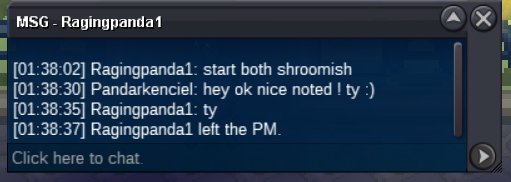
Shroomish quick feet 06/19/2023 1h38m02s 01:38:02 AM FRANCE GMT+2 Extended by 15 minutes 06/19/2023 1h53m02s 01:53:02 AM FRANCE GMT+2 New time
-
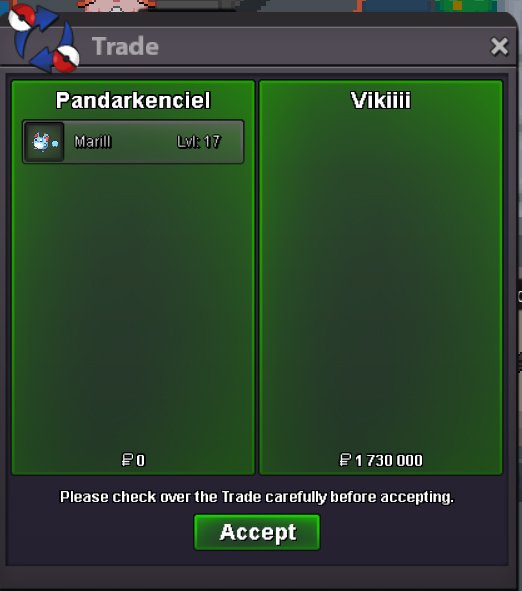
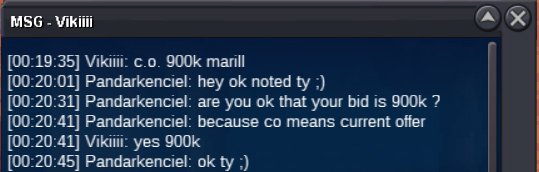
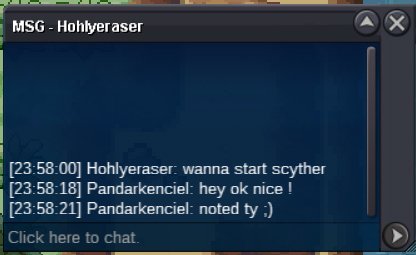
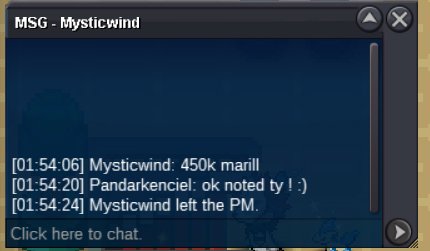
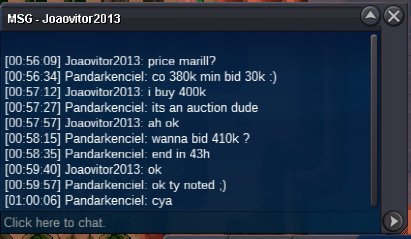
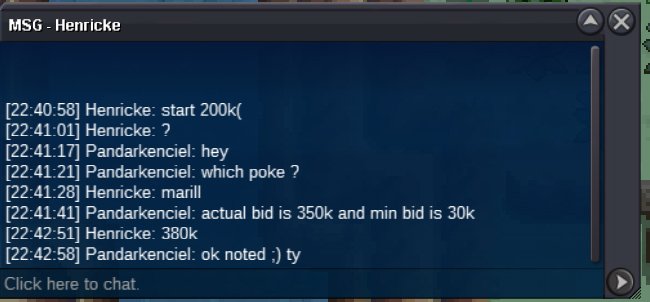
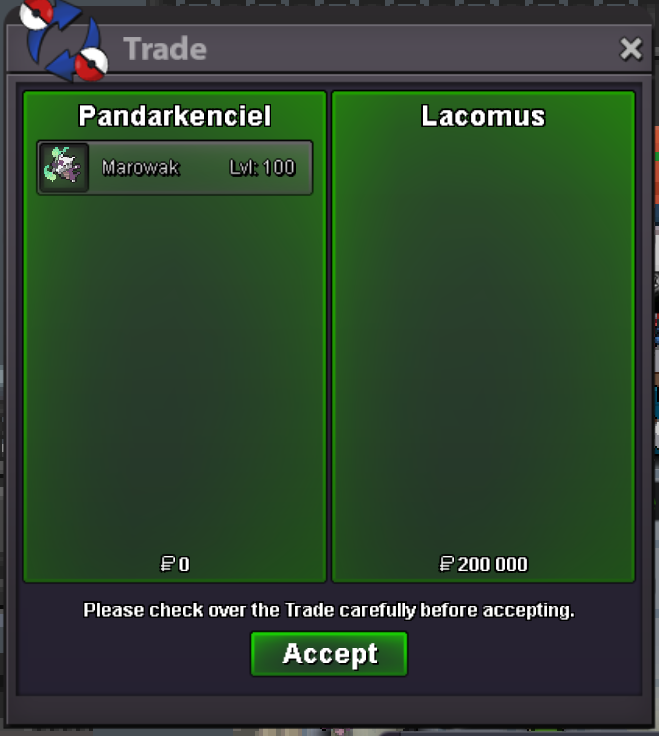
2h40 remaining for both shroomish13k4 hours for Marill 3*31Hey shroomish ha is already started but you can bid if you want. Min bid 30k. 🙂CAN BE CLOSED SHROOMISH POISON HEAL SOLD ENDED SHROOMISH QUICK FEET SOLD ENDED MARILL 3*31 SOLD ENDED SCYTHER TECH SOLD ENDEDThank you everyone ! 🙂 We can lock this topic.
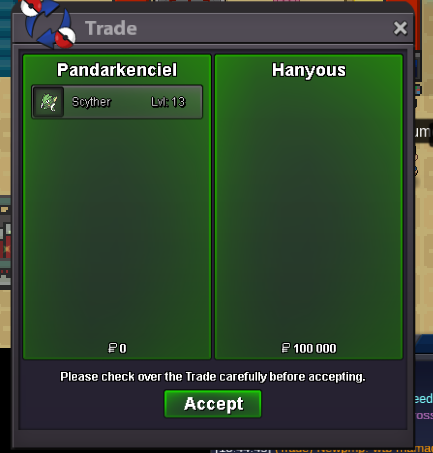
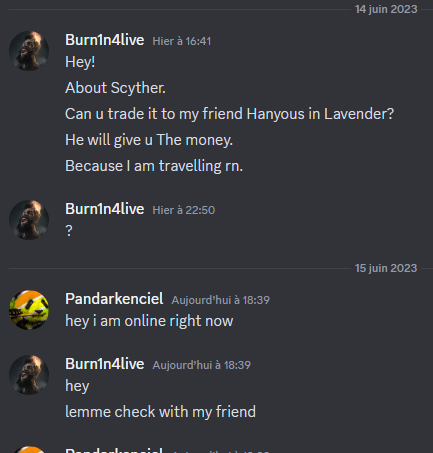
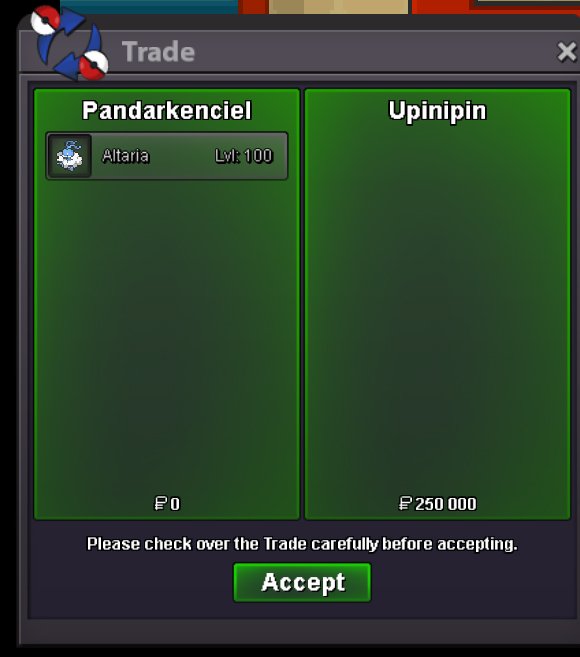
 Thank you 🙂I need to know if it was made before that end : 06/15/2023 15h01 / 3:01 PM FRANCE GMT+2It is written "3 hours ago" but i cant tell if the bid was made before the end time...Around 3h30 left for marowak alolaScyther timer ended Burn1n4live won scyther for 100k I pm you 🙂I think it was 4 minutes too late i'm sorry. Shroomish and Altaria timer ended Jarimin22 won Shroomish for 350k. Upinipin won Altaria for 250k. I contact you by pm for trade 😉Around 1h30 for shroomish and altaria
Account
Navigation
Search
Configure browser push notifications
Chrome (Android)
- Tap the lock icon next to the address bar.
- Tap Permissions → Notifications.
- Adjust your preference.
Chrome (Desktop)
- Click the padlock icon in the address bar.
- Select Site settings.
- Find Notifications and adjust your preference.
Safari (iOS 16.4+)
- Ensure the site is installed via Add to Home Screen.
- Open Settings App → Notifications.
- Find your app name and adjust your preference.
Safari (macOS)
- Go to Safari → Preferences.
- Click the Websites tab.
- Select Notifications in the sidebar.
- Find this website and adjust your preference.
Edge (Android)
- Tap the lock icon next to the address bar.
- Tap Permissions.
- Find Notifications and adjust your preference.
Edge (Desktop)
- Click the padlock icon in the address bar.
- Click Permissions for this site.
- Find Notifications and adjust your preference.
Firefox (Android)
- Go to Settings → Site permissions.
- Tap Notifications.
- Find this site in the list and adjust your preference.
Firefox (Desktop)
- Open Firefox Settings.
- Search for Notifications.
- Find this site in the list and adjust your preference.