New Trade Zone
Trade Zone is now live
Use the new Trade Zone for auctions and instant-price trades so Pokemon and item offers are easy to find.

King9204
Suspended
-
Joined
-
Last visited
Everything posted by King9204
-
king9204 from silver lord Shinohara wish you all the best and happiness
-
buy
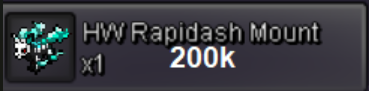
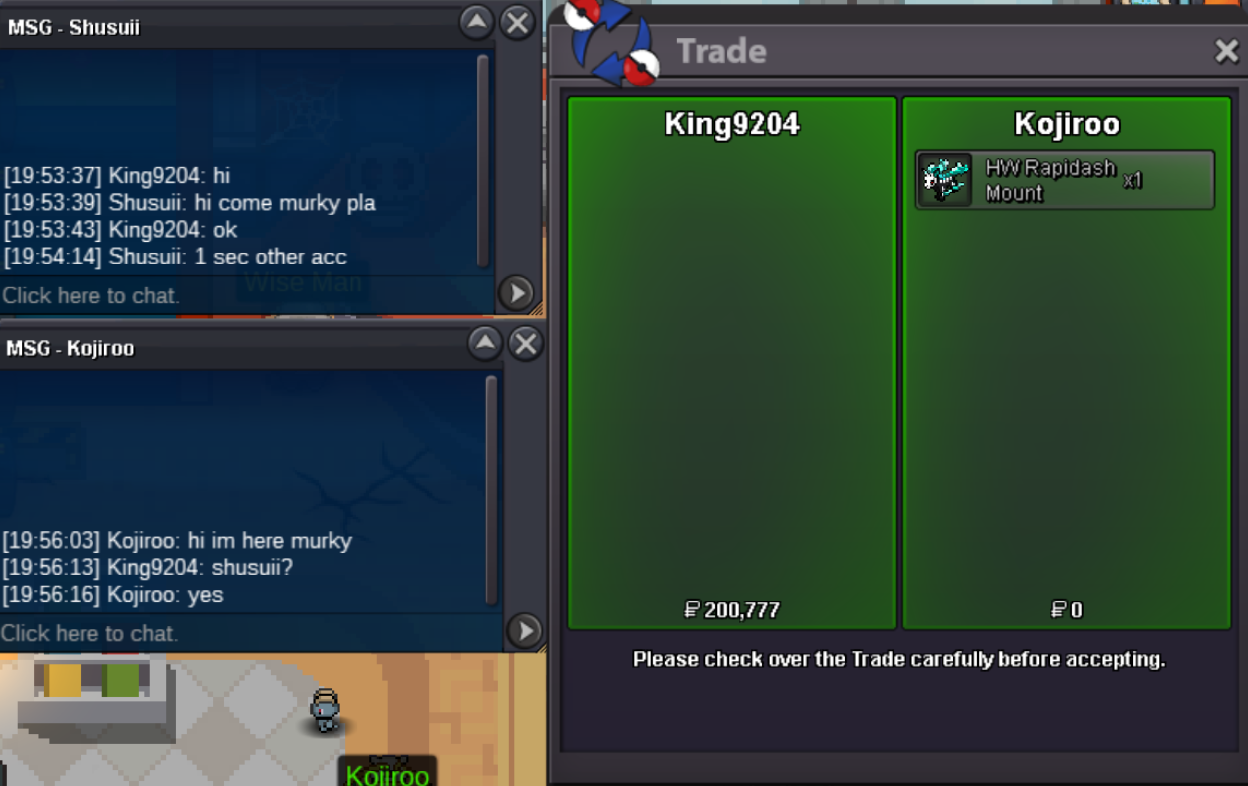
-
want to buy,
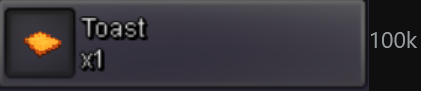
-
WTB, Discord ID: Larzuk after we trade all these above I would look for more: X1 X1 X1 X1 X1 X1
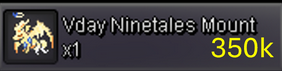
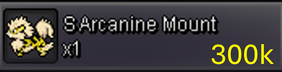
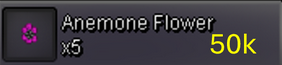
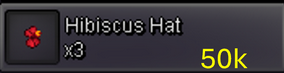
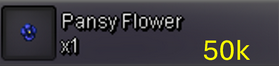
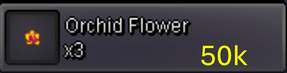
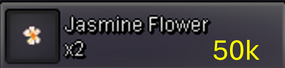
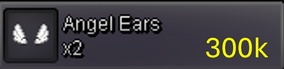
-
Im active from now on for 6 hours
-
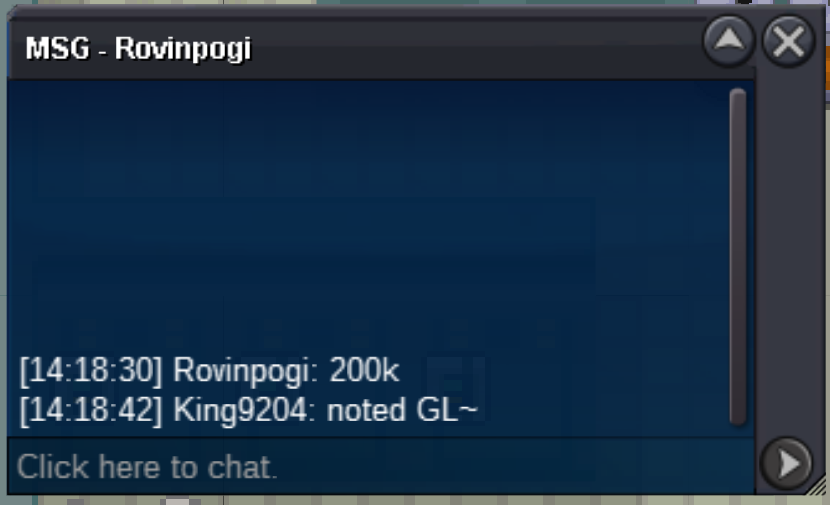
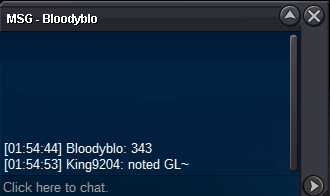
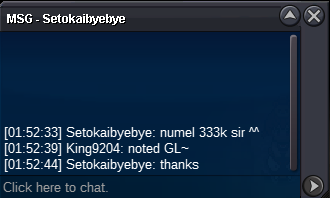
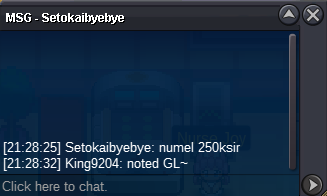
SOLD to @Rovinpogi, 200k tyty~~ Leave msg here or pm in-game
-
60 minutes left
-
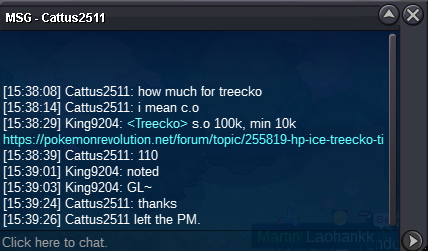
Yes, congratulations Trdae now?60 minutes leftSOLD Duration:48 hours auction after first bid S.O: 100k Min bid: 10k No Insta Accept : * pokedollar * CC 500k * IV RR 500k
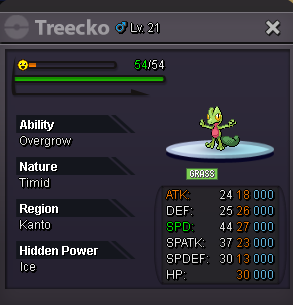
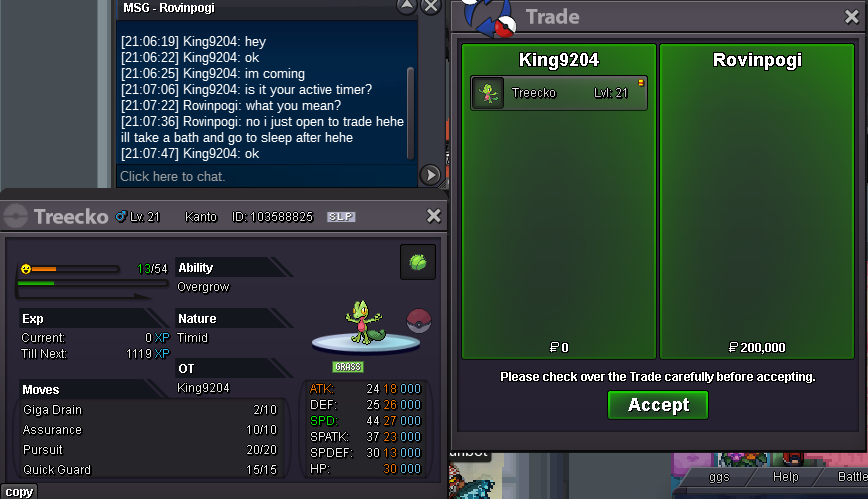 SOLD Duration:48 hours auction after first bid S.O: 100k Min bid: 10k No Insta Accept : * pokedollar * CC 500k * IV RR 500k

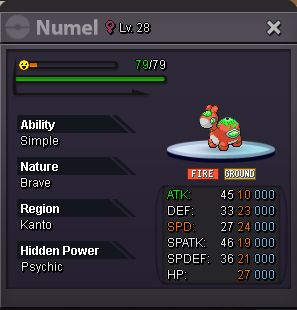
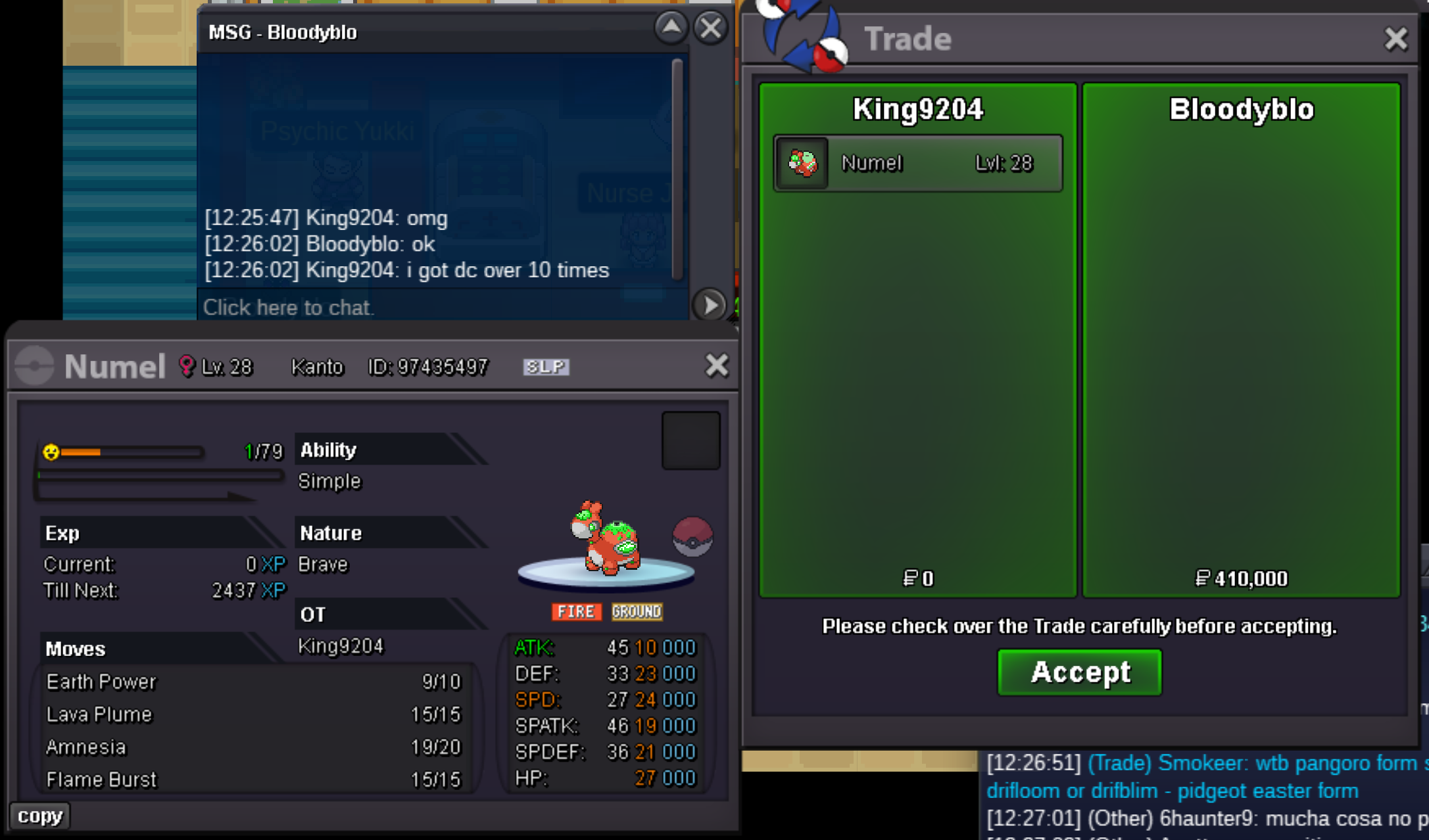 15 minutes left
Account
Navigation
Search
Configure browser push notifications
Chrome (Android)
- Tap the lock icon next to the address bar.
- Tap Permissions → Notifications.
- Adjust your preference.
Chrome (Desktop)
- Click the padlock icon in the address bar.
- Select Site settings.
- Find Notifications and adjust your preference.
Safari (iOS 16.4+)
- Ensure the site is installed via Add to Home Screen.
- Open Settings App → Notifications.
- Find your app name and adjust your preference.
Safari (macOS)
- Go to Safari → Preferences.
- Click the Websites tab.
- Select Notifications in the sidebar.
- Find this website and adjust your preference.
Edge (Android)
- Tap the lock icon next to the address bar.
- Tap Permissions.
- Find Notifications and adjust your preference.
Edge (Desktop)
- Click the padlock icon in the address bar.
- Click Permissions for this site.
- Find Notifications and adjust your preference.
Firefox (Android)
- Go to Settings → Site permissions.
- Tap Notifications.
- Find this site in the list and adjust your preference.
Firefox (Desktop)
- Open Firefox Settings.
- Search for Notifications.
- Find this site in the list and adjust your preference.