




New Trade Zone
Trade Zone is now live
Use the new Trade Zone for auctions and instant-price trades so Pokemon and item offers are easy to find.

Eleazarm7
Registered User
-
Joined
-
Last visited
-
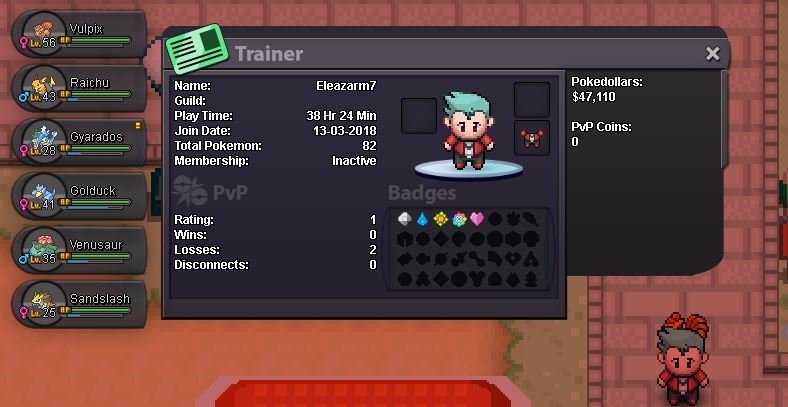
1. Age 16+ and above :- 24 2. Playtime hours at 100 or more :- not yet, only 35. 3. Able to use Discord , Most Important :- https://discord.gg/RhbyGv7 yes i am able to use it 4. Your previous Guild, why did you leave them (in case you were Kicked, then why?) :- never been in any 5. Have you ever been banned in PRO, and why? :- never 6. Other than having fun playing the game, what are your goals in PRO? :- i like to train my pokemons, and i´d like to do rank matches for fun and keep training 7. How old are you and other than English, what languages do you speak? 24 , and i speak also spanish 8. Provide a screenshot of your Trainer Card. :-
-
the same, i checked the server status and it is online, but i still can´t login
-
-
just wait, they are still working on.
