New Trade Zone
Trade Zone is now live
Use the new Trade Zone for auctions and instant-price trades so Pokemon and item offers are easy to find.

Cintya26
Suspended
-
Joined
-
Last visited
Everything posted by Cintya26
-
if you want to find shiny bisharp ,, you can say it wtb shiny bisharp. not open auctions that have long been no response. if only the auction had taken place a week or two ago, maybe someone still considered it normal. but this was already a year ago. Are there no thoughts other than what you do?
-
Do you read rule of trade? 10. You are allowed to bump your trade post once every 24 hours and, in-game, you can repost your trade once per 30 seconds andat least 5 posts between your messages. Any faster may result in a mute. NOTE: Your forum trade posts will be automatically locked if they haven't been posted to for 14 days.
-
-
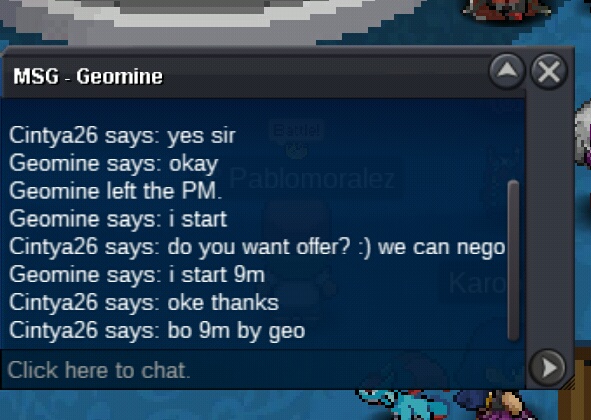
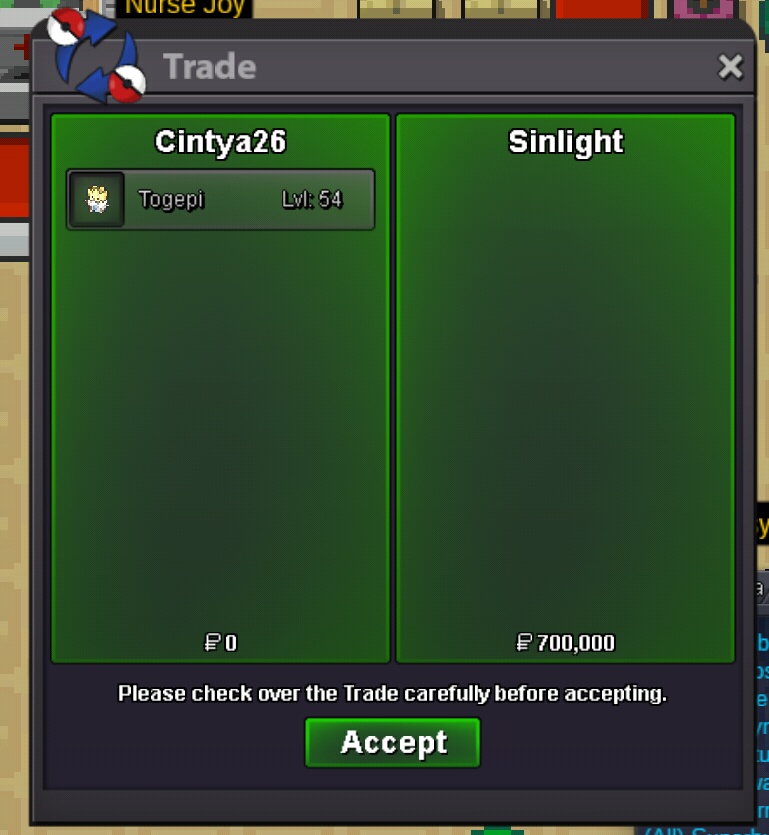
Sold, 9m by geomine. @GeoMine pm me in game or discord.
-
Update, reduce insta.
-
I guess that player has been inactive a few months ago.
-
80k
-
18 hours left.
-
Update,, reduce so turtwig
-
I Will upload after traded. ThanksHello everyone, I want sell my poke epic. Start offer 250k Insta 1m 24 hours Start offer 300k Insta 2m 24 hours
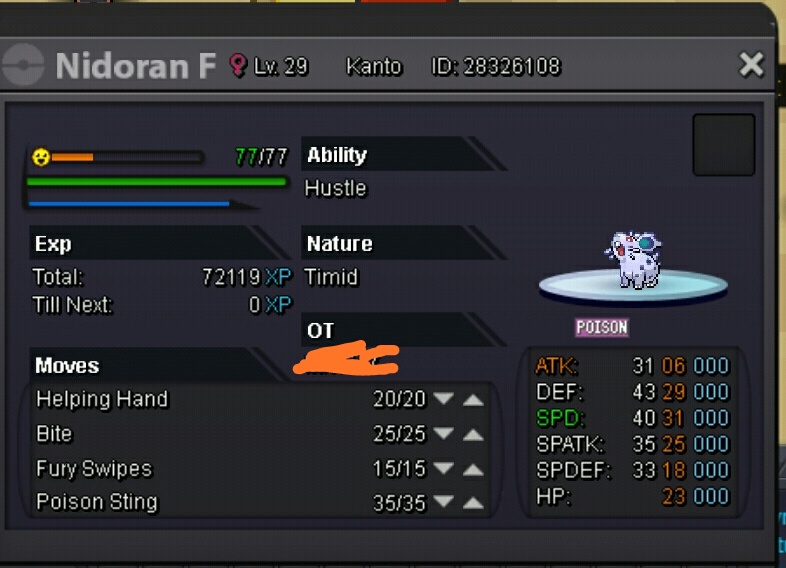
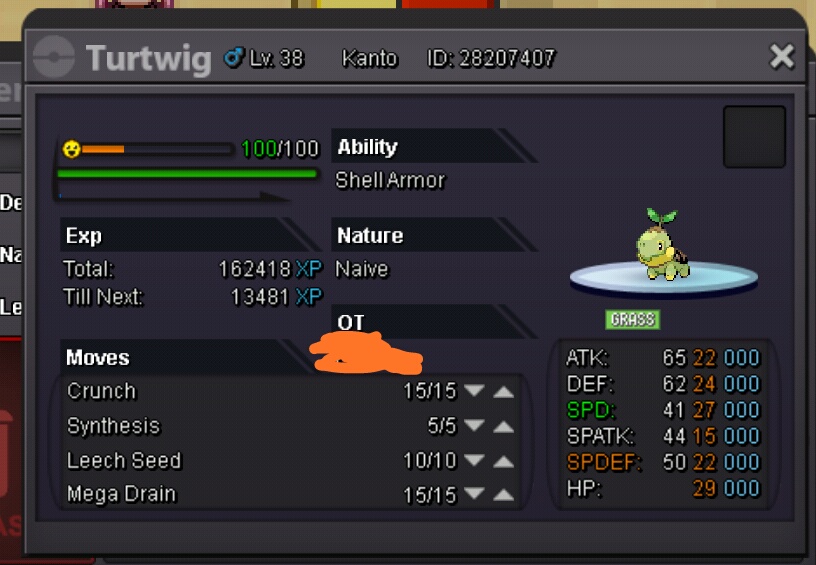 I offer 100kAny nature and Abi, please show me and priceBest offer 600k by trapperdan16 16h left.Do you have discord?StartPlease pm me in discordI have shiny alakazam timid syc,, pm me if you interested