New Trade Zone
Trade Zone is now live
Use the new Trade Zone for auctions and instant-price trades so Pokemon and item offers are easy to find.

Cintya26
Suspended
-
Joined
-
Last visited
Everything posted by Cintya26
-
-
I am out for this,, good luck seller ^^
-
Is venusaur hp fire?
-
Bump for this,, good luck seller ^^
-
2m excadrill
-
1,4m excadrill
-
Can you pm me in game
-
When you can online? Pm me in game
-
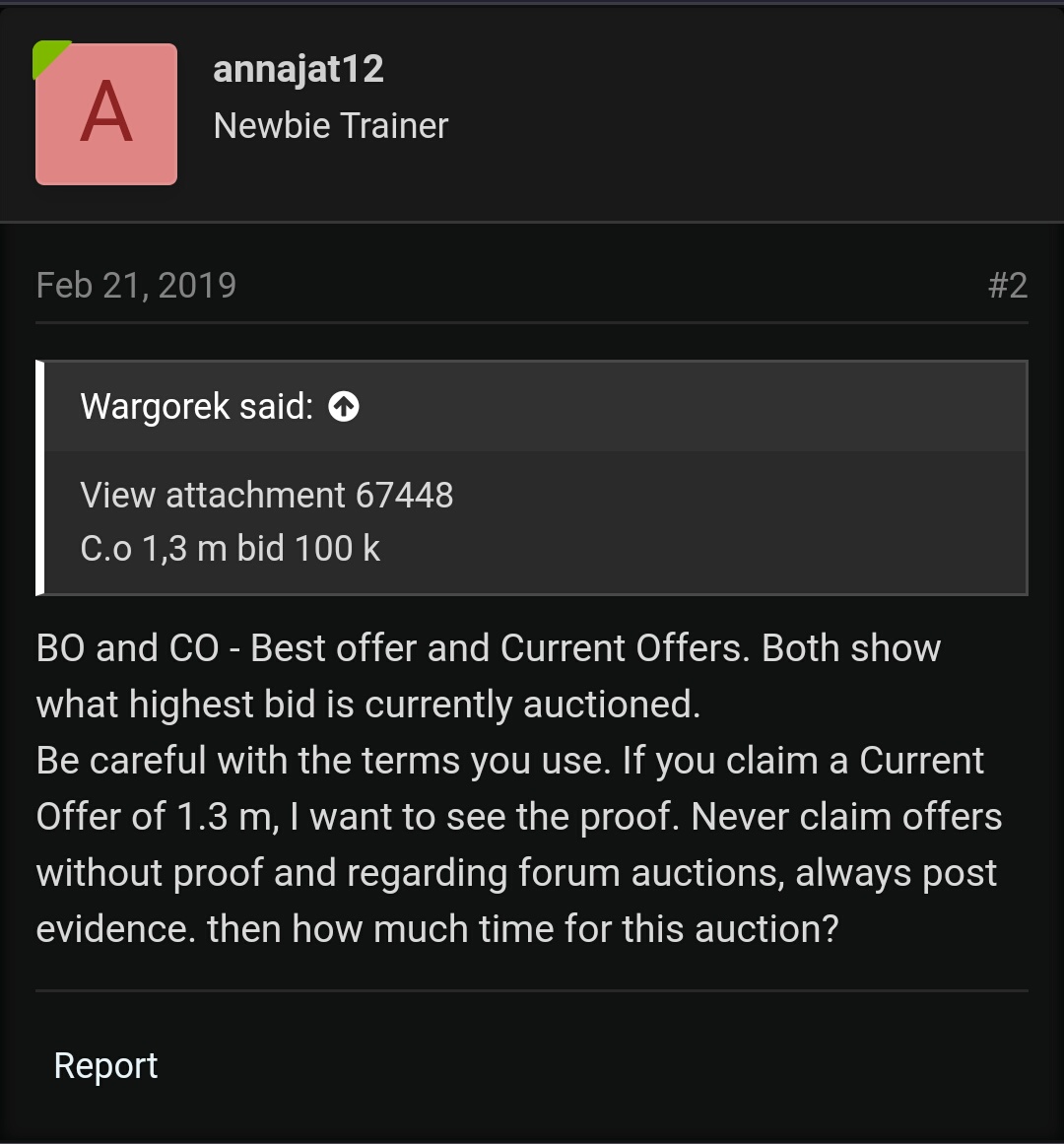
Marios first offer. Before you offer please read this trade.
-
Your trading time is 12 hours, it's not 12 hours yet ... why did you finish it? I also want to offer 125k. we still have time right? so, I put the price of 125k
-
sorry if I forget to include the trading time, for the insta price I will give when someone offers it and I will reduce the price of 5m to start trading. that's why I say I'll immediately give you an insta price.
-
Nice shiny,, good luck seller ^_^
-
Bump
-
5,8m max my offer :)
-
5,5m i take it now,, go traded
-
Still have shiny sawk? And can i take it for 5m?
-
-
Can be closed,, thanks
-
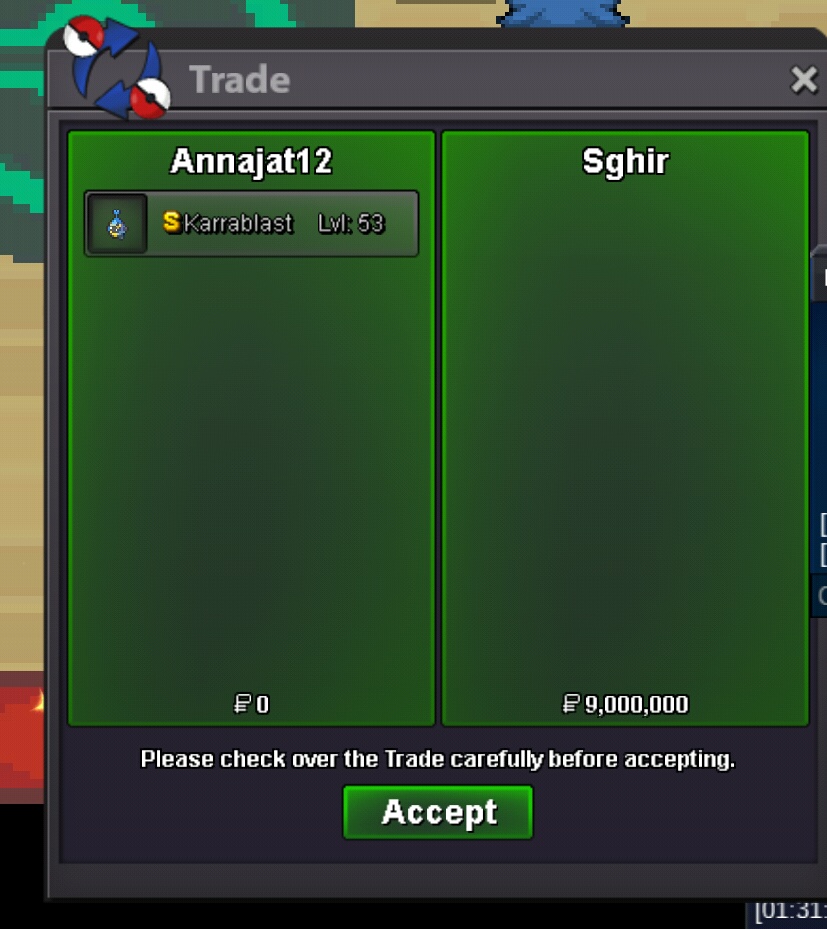
Ok friendNoted,, 3 day action. ThanksStart offer 6,5m and insta 9m 3 day after first bid If i don't like the price when end action i can canceled this action.
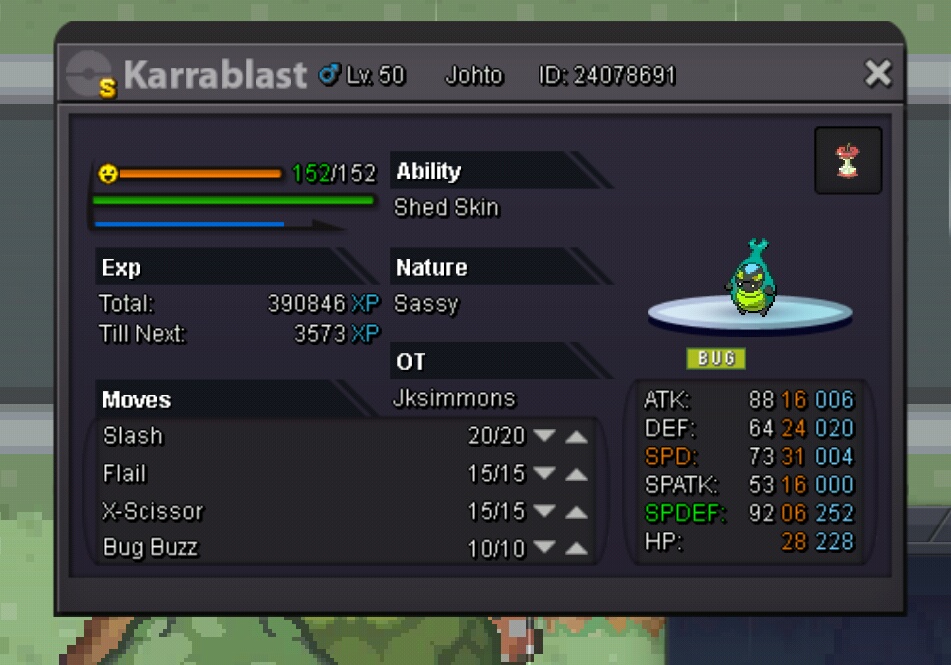 Start offer 650k insta 2,5m 2 day the action Fake bid can be report.
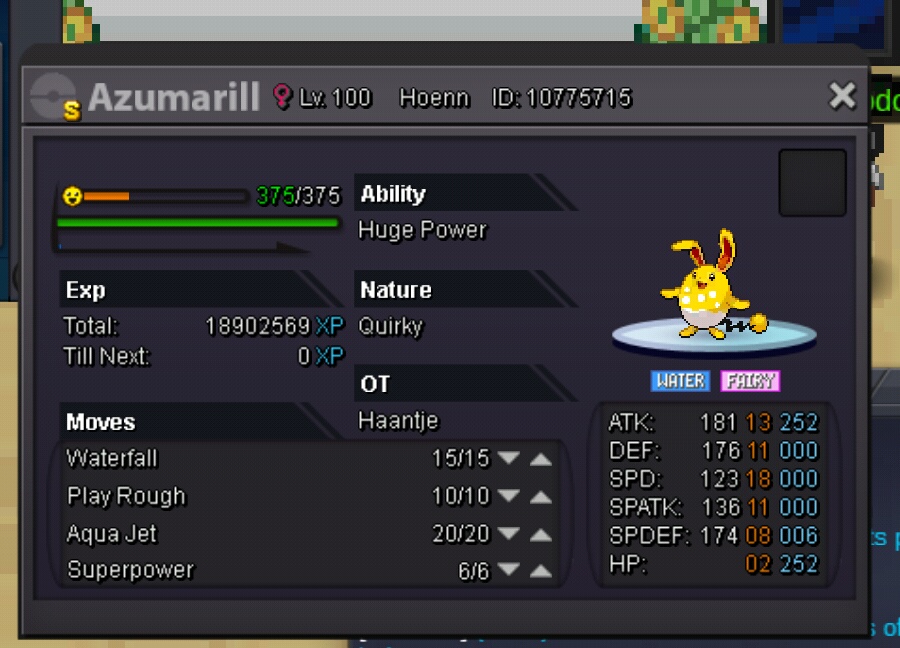 I thought he understood that, because in the previous trade I also explained that.
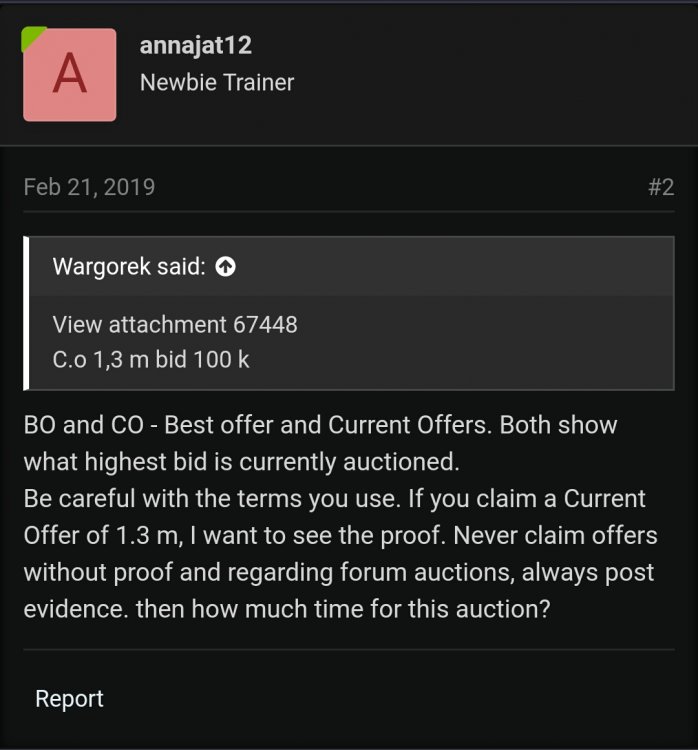 Please show your avidence,,