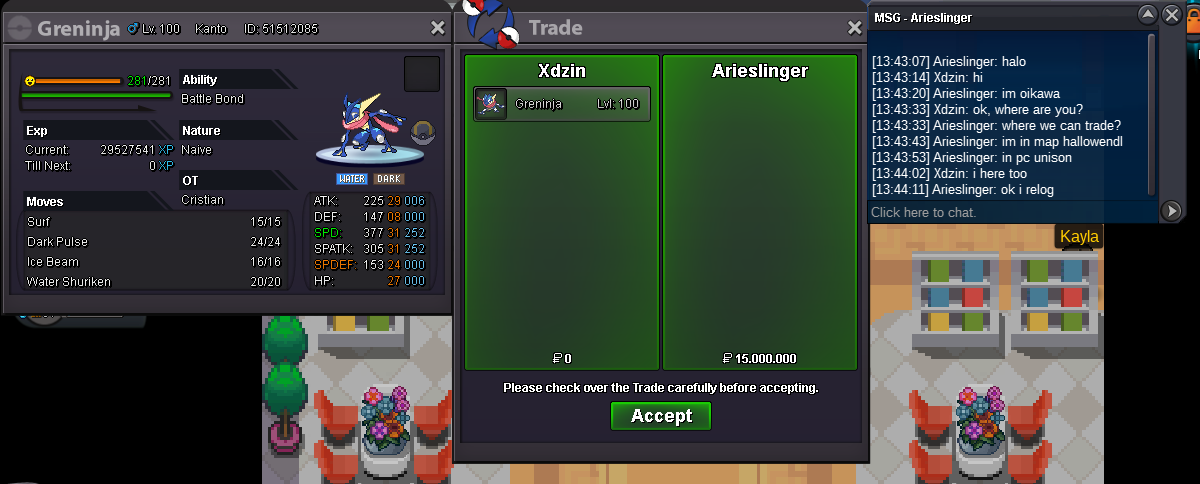
New Trade Zone
Trade Zone is now live
Use the new Trade Zone for auctions and instant-price trades so Pokemon and item offers are easy to find.


Xdzin
Suspended
-
Joined
-
Last visited
Everything posted by Xdzin
-
-
it was nothing, sorry
-
-
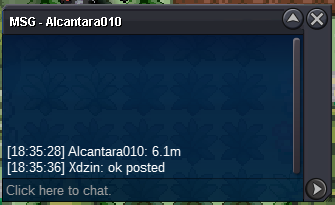
@HinataHyugaa win2min19minb.o 6.1m by @Alcantara010 last 6h and 23min
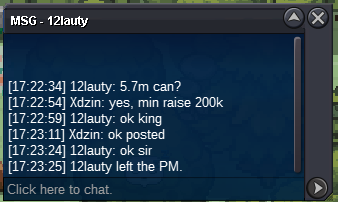
 12h 42min https://countingdownto.com/?c=3266678up5.7m by @12lauty
 B.o 5.3m by @Alcantara010started by @lauty time started: https://countingdownto.com/?c=3266678
 Players from GOLD are welcome to bid but they have to transfer and pick up the Pokemon themselves. S.o: 5m Min bid: 200 k insta: 10 m Duration: 48 hours after first bid Pokedollars Coin Capsules: 400k Reroll Tickets: 700k Nature Reroll Tickets: 350k
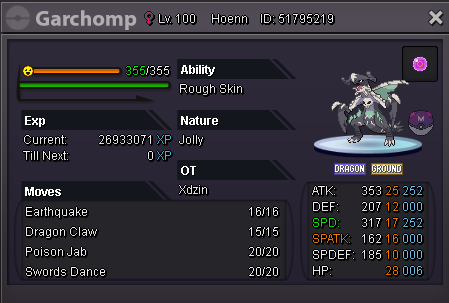 I came to report this too, but now I saw that it is purposeful 🙎♂️Yes may benew 28 pokemon added today October 13, 2020 check availability on 1st post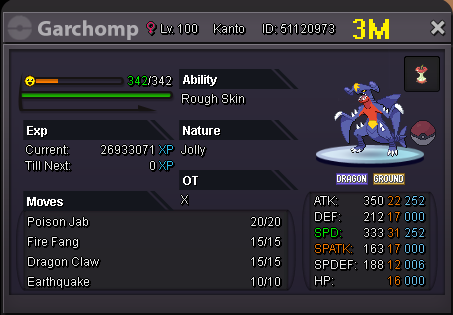
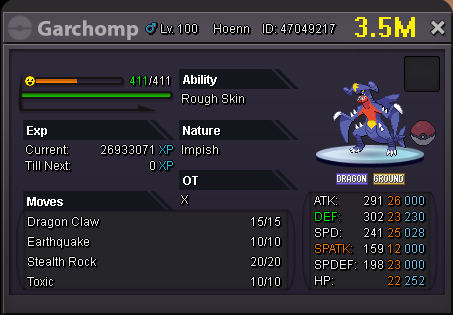
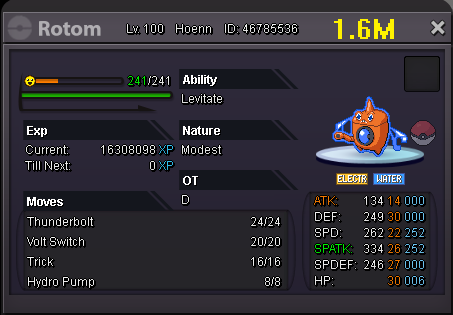
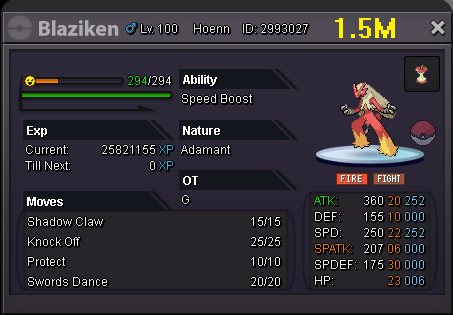
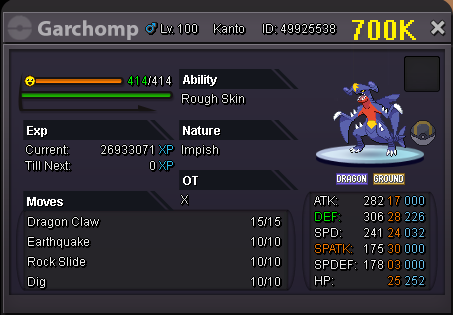


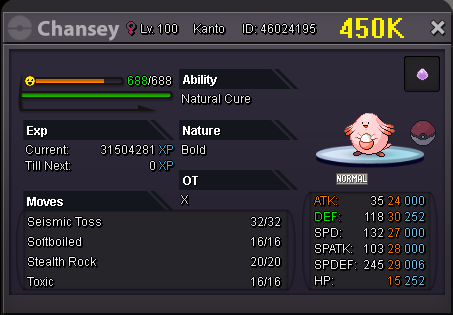
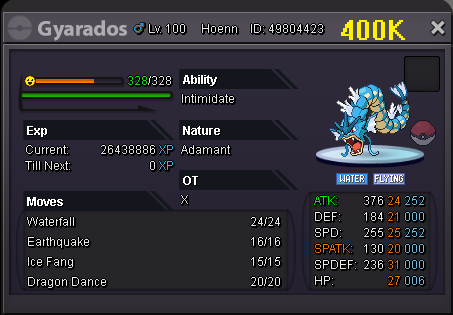
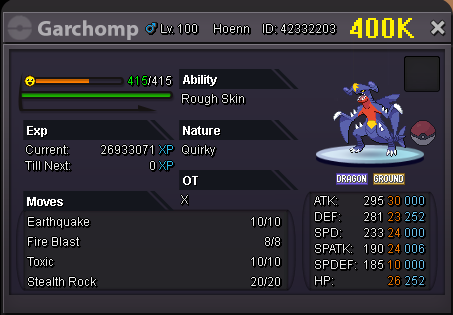
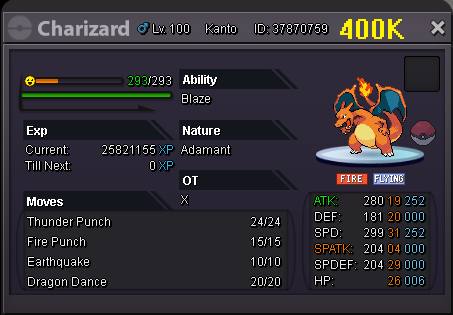
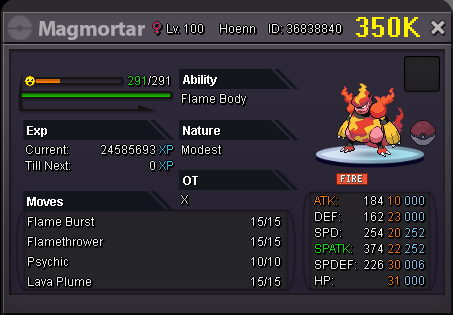
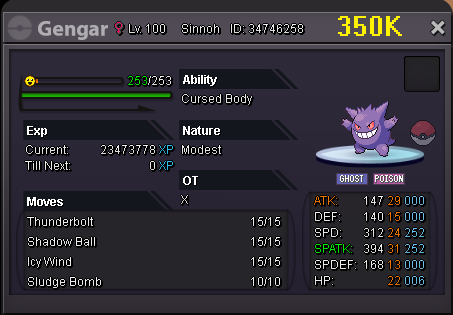
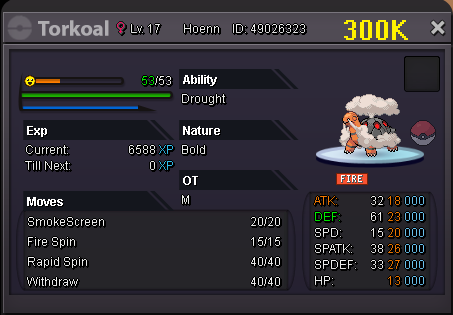
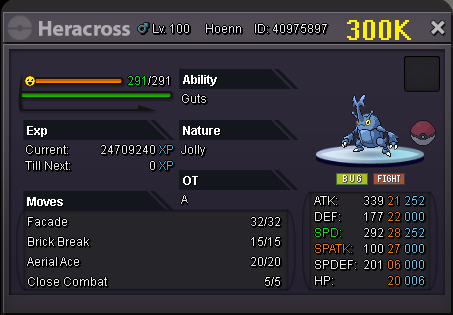
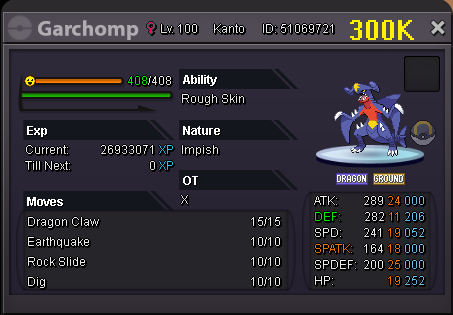
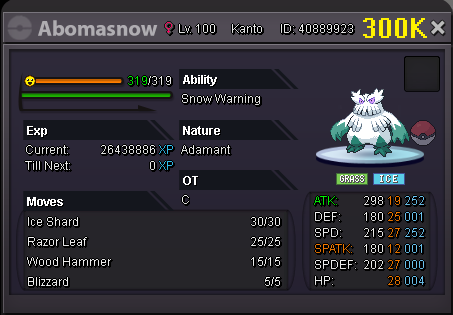
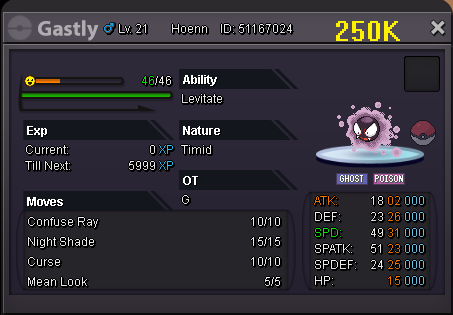
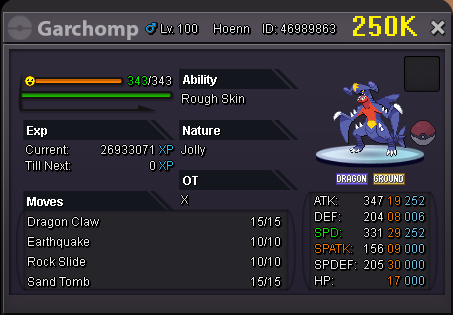
.png.00b74c4a57f4ef338a02010d1d228e78.png)
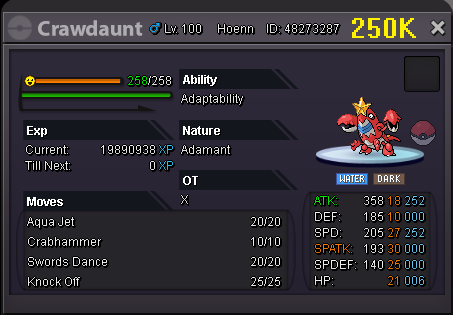
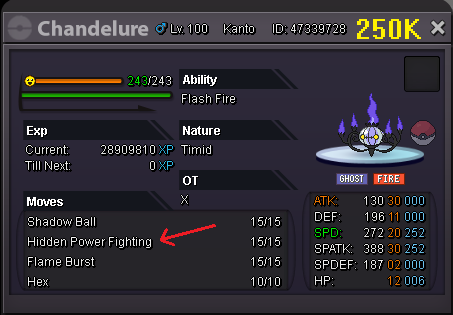
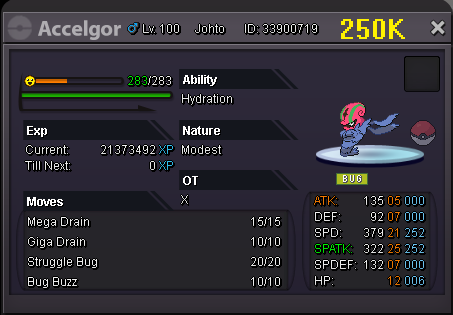

.png.65b1cfa93a6421de0de04a124e15855e.png)
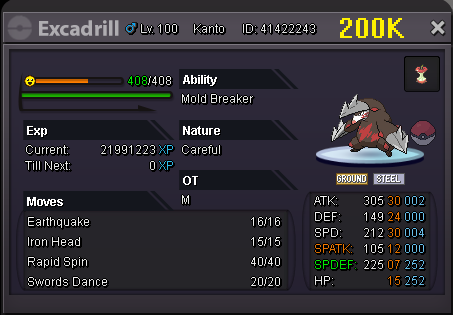
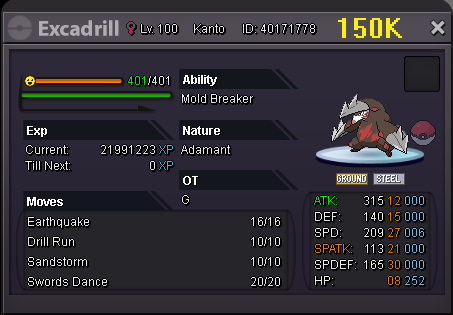 Gible bought by Terrakion95
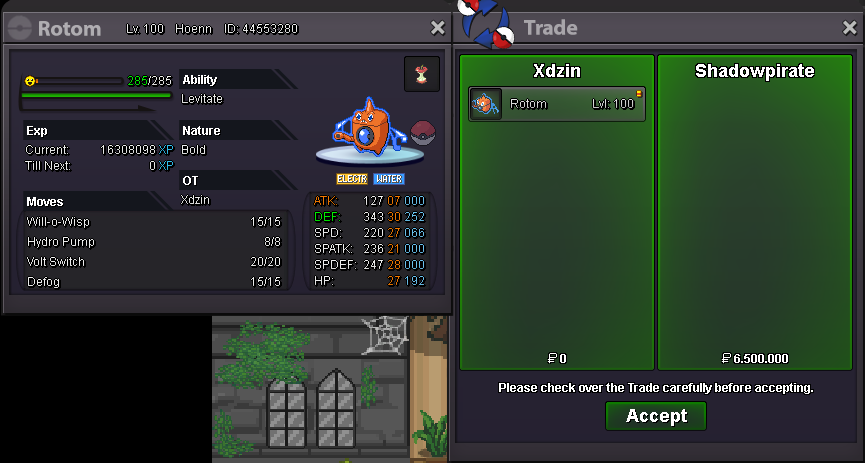
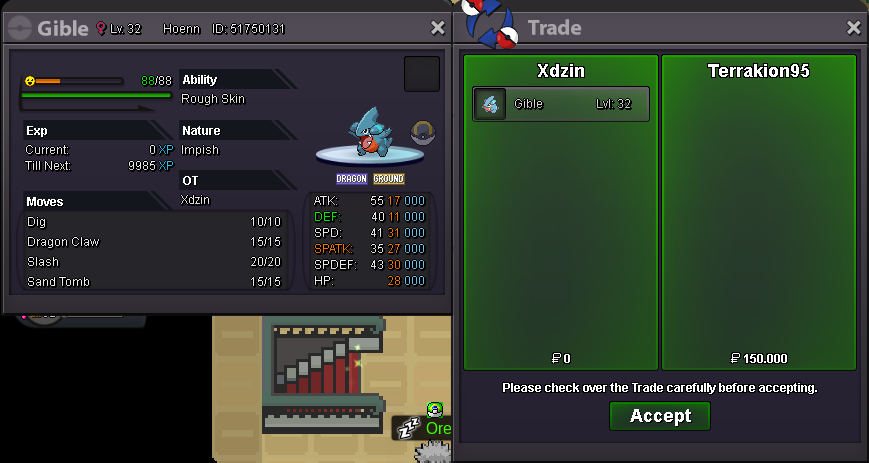 Gible bought by Starkpr0 Rotom - Wash bought by Shadowpirate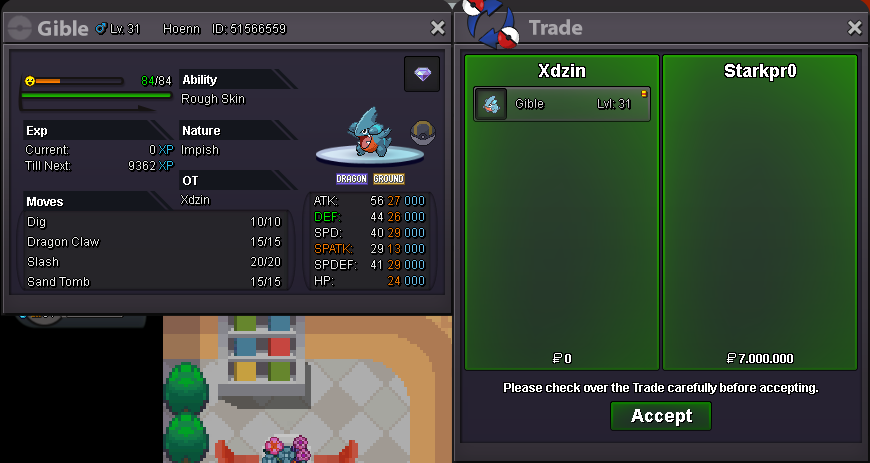
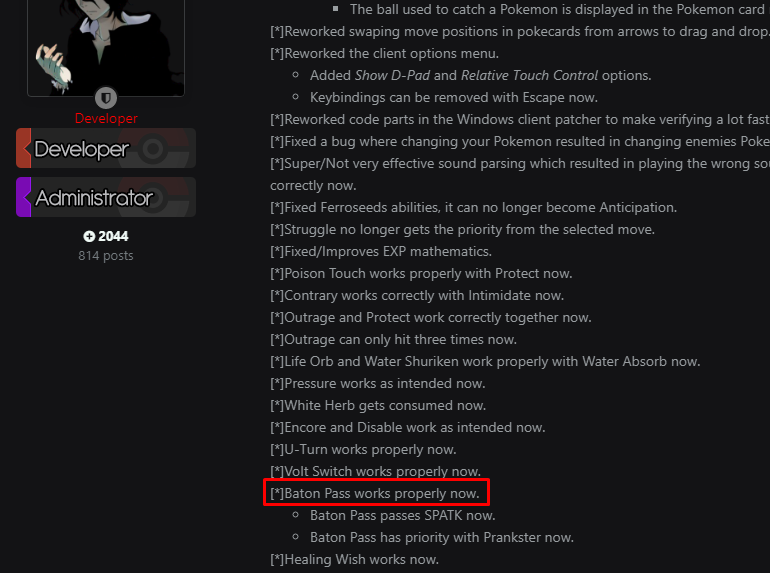
 the move baton pass is not working properly because it is not passing EVA (evasion) shouldn't it pass?
 Start Price: 3M / Min Bid 100K B.O: --- Insta: 5M Aaccept Money, CC-400k, Reroll Ticket 700k, Reroll Nature 350K Time: 1 day and a few more hours if necessary for the auction to close at 20:00 (GMT-5) (example: the auction started at 21:00, the duration will be 1d and 23h)
 stall nobody wants to ban is not? mega aggron, mega steelix...