New Trade Zone
Trade Zone is now live
Use the new Trade Zone for auctions and instant-price trades so Pokemon and item offers are easy to find.

Altaborealis
Registered User
-
Joined
-
Last visited
-
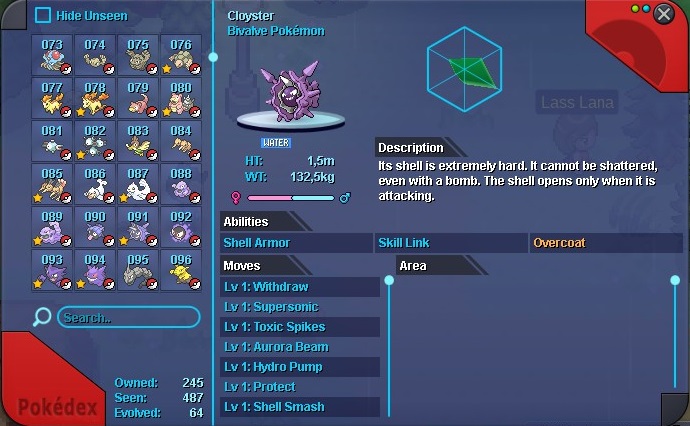
Hello, thanks for your interest. Sorry, I'm not sure about when this bug appeared but I guess, it's like that for significant time. I realized this after asking to all chat short time ago. My question was: "why doesn't cloyster have ice type in this game". So actually I don't know if I did anything spesific that causing this bug. I used to play it on both Android and Windows PC before. But for months, I play this game only on Windows PC. So this bug happens on PC.
-
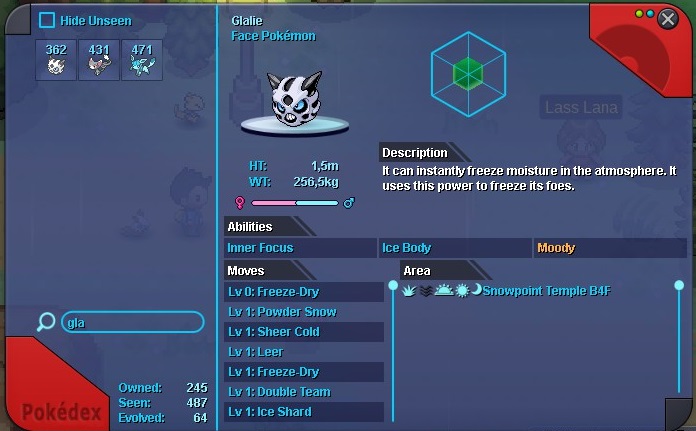
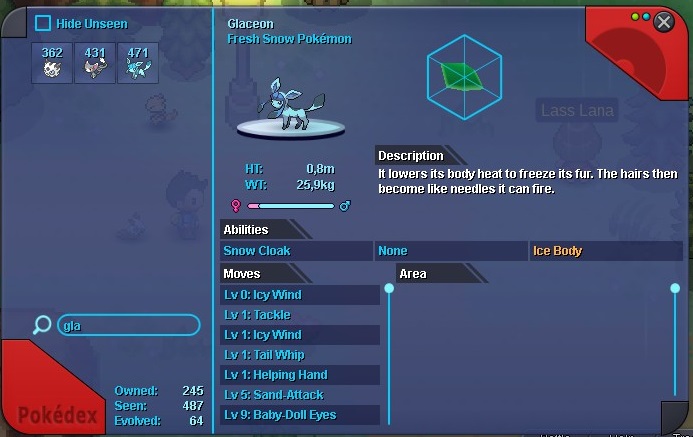
As you see, ice type mark doesn't seem in pokemon informations. I tried to reinstalling the game but it's still same. I hereby request you to fix this problem. Edit: My platform is Windows 7-64bit.