New Trade Zone
Trade Zone is now live
Use the new Trade Zone for auctions and instant-price trades so Pokemon and item offers are easy to find.

Progamer123
Registered User
-
Joined
-
Last visited
-
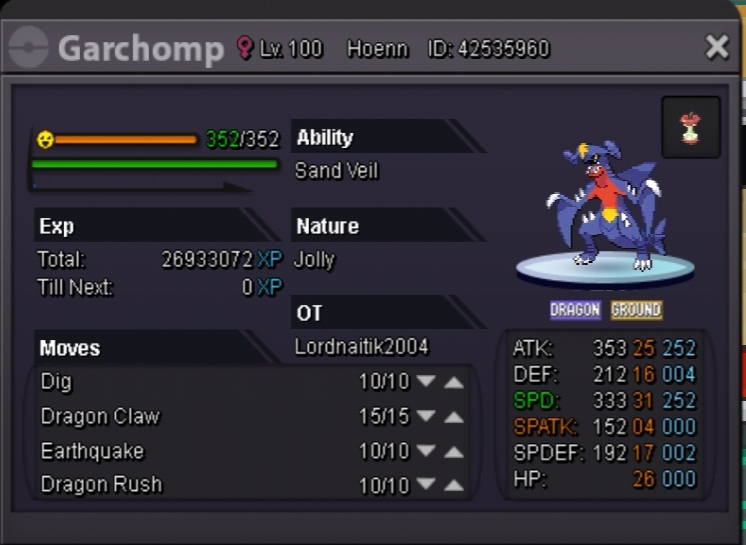
Wts 31 spd garchomp for 3m or offer. Pm me at - Lordnaitik2004
-
I would have contact him but unfortunately I did not have any contact. He left discord too.Btw ty for giving pokemons but had a false swiper.
-
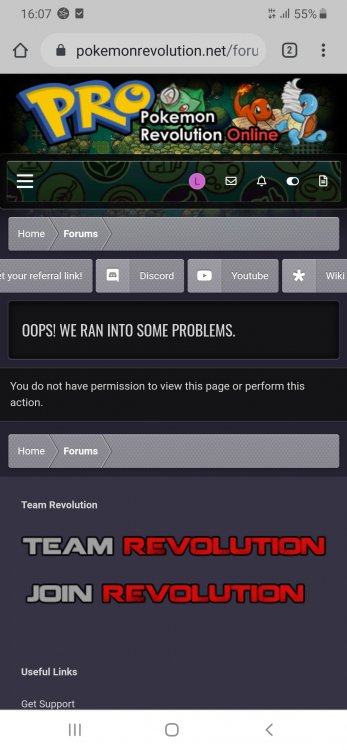
Respected sir, I posted a thread from Lordnaitik2004 and it was moved to general support.When I try to open that thread in lordnaitik2004 it shows that we ran into problem.And you dont have permission to view this page.So I posted a new thread in this acc and this thread was deleted by saying reply to previous thread.Sorry but I am not able to open that page and so not able to reply. My problem: I am an old player but due to some circumstances have to take a drop for 20 months.Actually my laptop broke suddenly and I had to stop game.Before that day I have given my some pokemons to my frnd.Now I again started playing after 2 years.But now my friend has left game and he had logged in last in 2018.So can staff help me to get my pokemon back? Some of my pokemon are - Pelliper , kingdra, clefable , togekiss. Ign - Lordnaitik2004 Sv - Silver Thanking You Lordnaitik2004
-
Please help me my first shiny was released by mistake.It was shiny wingul and pvp usable. Pokemon id - 42412638 My ign - Lordnaitik2004 Server - Silver Posting with new acc as the link given in discord is not opening in my acc.