-
🐾The Pawke Shop Special🐾
Coming on now
-
🐾The Pawke Shop Special🐾
I’ll buy clone bulba
-
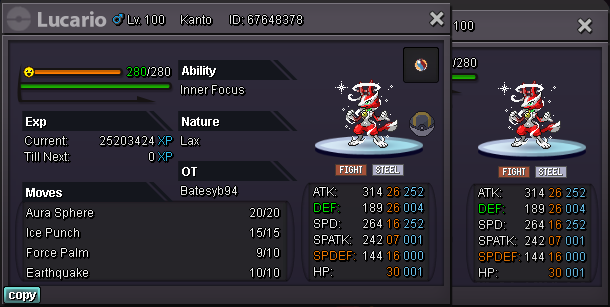
x-mas lucario
Bump
-
x-mas lucario
wts x-mas lucario starting offer: 1m min raise 100k insta: 2.5m 48 hours after first bid accept cc (420k) iv rr(700k) nature rr (350k) gl
-
Can be closed
Bump
-
Can be closed
-
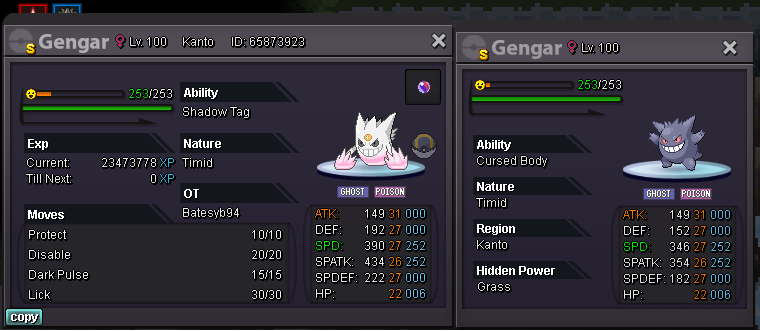
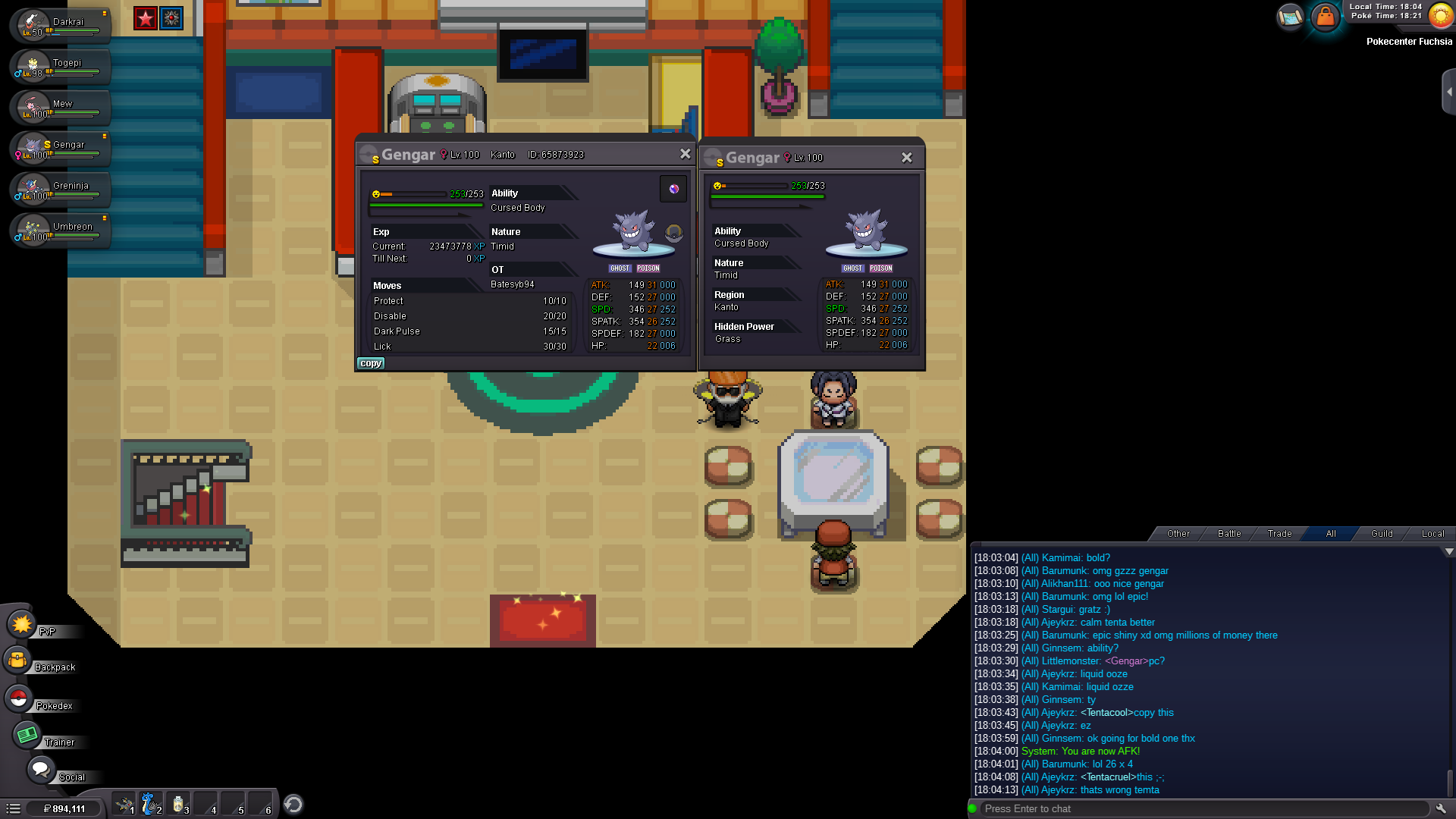
pc epic shiny gengar
-
can be closed
-
Batesyb94 changed their profile photo
-
can be closed
Up
-
can be closed
bump
- can be closed
-
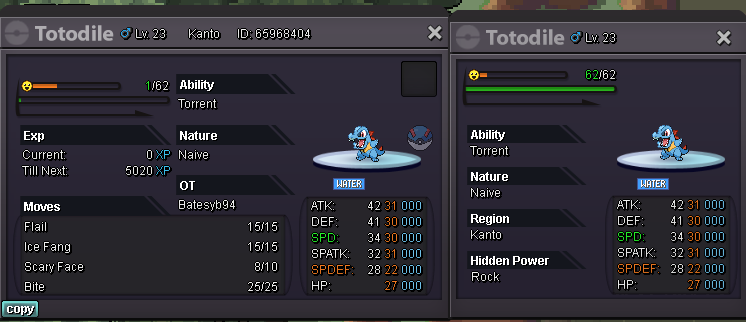
totodile 31x2 30x2
- BladeWorks Shop
I'm on now and my name in game is batesyb94- BladeWorks Shop
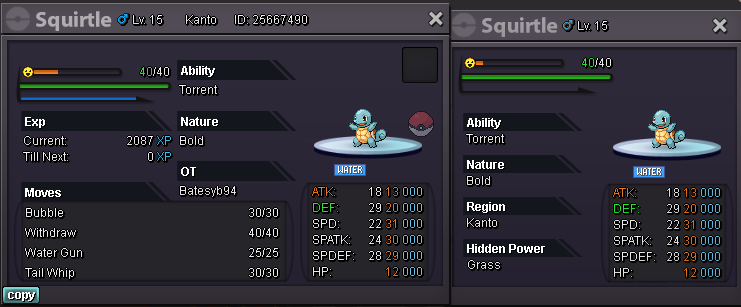
ill buy shiny gastly- pc on bold squirtle max Spd/ 30 SpAtk
- BladeWorks Shop
Account
Navigation
Search
Configure browser push notifications
Chrome (Android)
- Tap the lock icon next to the address bar.
- Tap Permissions → Notifications.
- Adjust your preference.
Chrome (Desktop)
- Click the padlock icon in the address bar.
- Select Site settings.
- Find Notifications and adjust your preference.
Safari (iOS 16.4+)
- Ensure the site is installed via Add to Home Screen.
- Open Settings App → Notifications.
- Find your app name and adjust your preference.
Safari (macOS)
- Go to Safari → Preferences.
- Click the Websites tab.
- Select Notifications in the sidebar.
- Find this website and adjust your preference.
Edge (Android)
- Tap the lock icon next to the address bar.
- Tap Permissions.
- Find Notifications and adjust your preference.
Edge (Desktop)
- Click the padlock icon in the address bar.
- Click Permissions for this site.
- Find Notifications and adjust your preference.
Firefox (Android)
- Go to Settings → Site permissions.
- Tap Notifications.
- Find this site in the list and adjust your preference.
Firefox (Desktop)
- Open Firefox Settings.
- Search for Notifications.
- Find this site in the list and adjust your preference.