New Trade Zone
Trade Zone is now live
Use the new Trade Zone for auctions and instant-price trades so Pokemon and item offers are easy to find.

Bladeworksguild
Registered User
-
Joined
-
Last visited
-
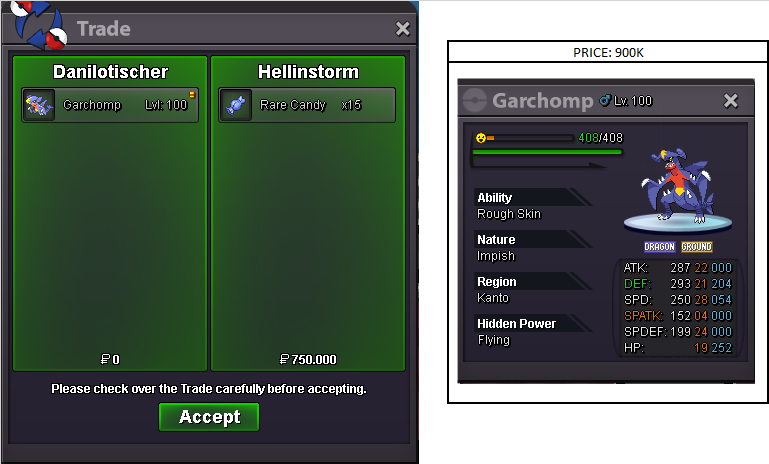
Garchomp Sold
-
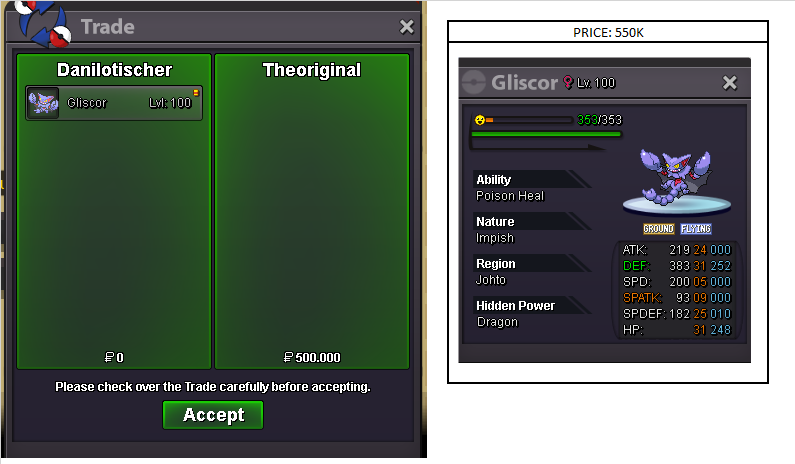
Gliscor Sold
-
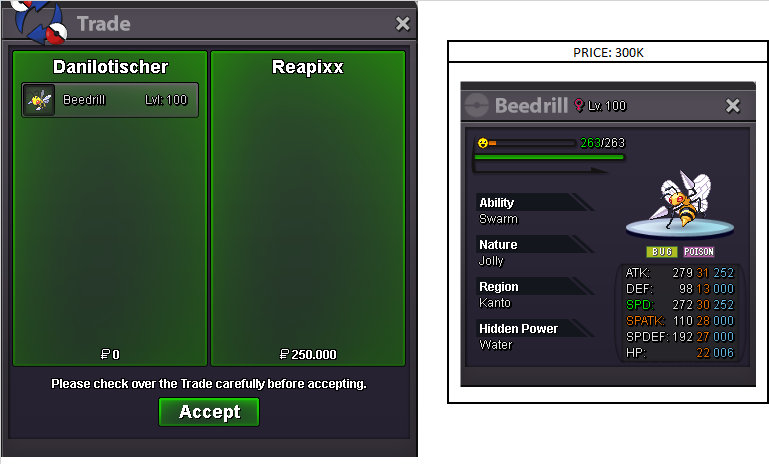
Sold
-
Bladeworks shop reopened 🙂
-
What your nick name in game?
-
Ok, I separated the pokemon for you. When can we make the switch?
-
Clefable?
-
Ok I'll separate the pokemon for you
-
Ok, I'll separate the pokemons for you
-
I separated the 3 pokemons for you. Every day at approximately the time of this answer and I spend approximately 3 hours online, can you enter these times?
-
I separated for you too. Every day at approximately the time of this answer and I spend approximately 3 hours online, can you enter these times?
-
Sold to Batesyb94
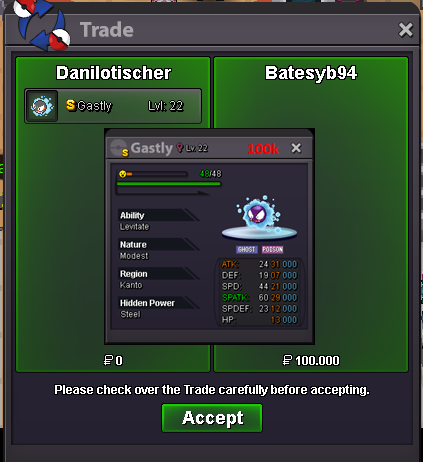
-
Ok, I separated for you, what is your nick in the game and when can we make the switch?
-
Ok, I separated for you, what is your nick in the game and when can we make the switch?
-
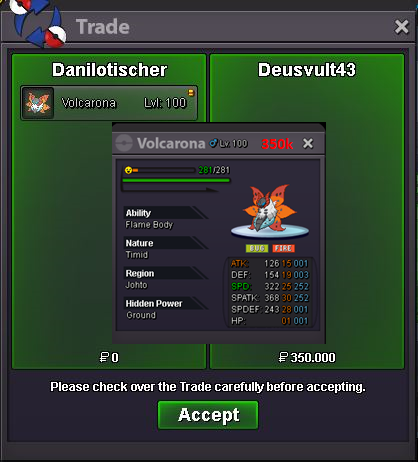
Sold to Deusvult43