New Trade Zone
Trade Zone is now live
Use the new Trade Zone for auctions and instant-price trades so Pokemon and item offers are easy to find.

Darknessdtn
Registered User
-
Joined
-
Last visited
-
I've waited for about half a month now and I still haven't gotten my reroll ticket or the train travel 7 day
-
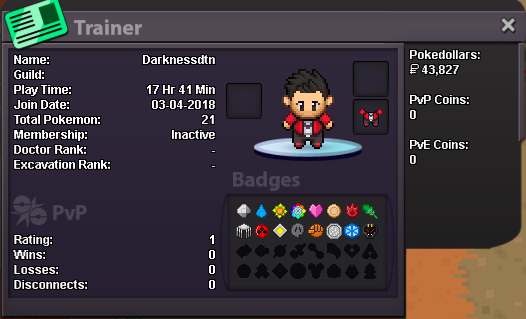
I finished all 16 badges from the test server and I still haven't receive the rewards yet (first test server). I didn't talked to Tespio for the server but I'm in silver server: DarknessDTN

-
I haven't received the final rewards for the test servers yet. As I mentioned a month ago I didn't talk to Tespio for the server. Can you help fix this, I appreciated it.
-
Finished 16 badges on test server Silver Server: DarknessDTN Now I did forget to talk to Tespio about which server do I play in to get the reward so now I'm posting a forum now
-
Alright I got it, thanks so much.
-
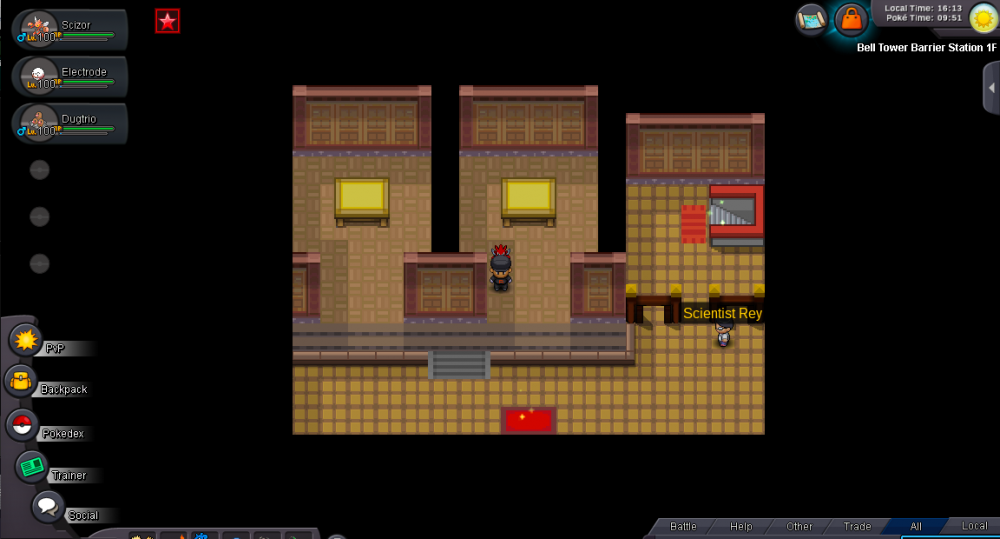
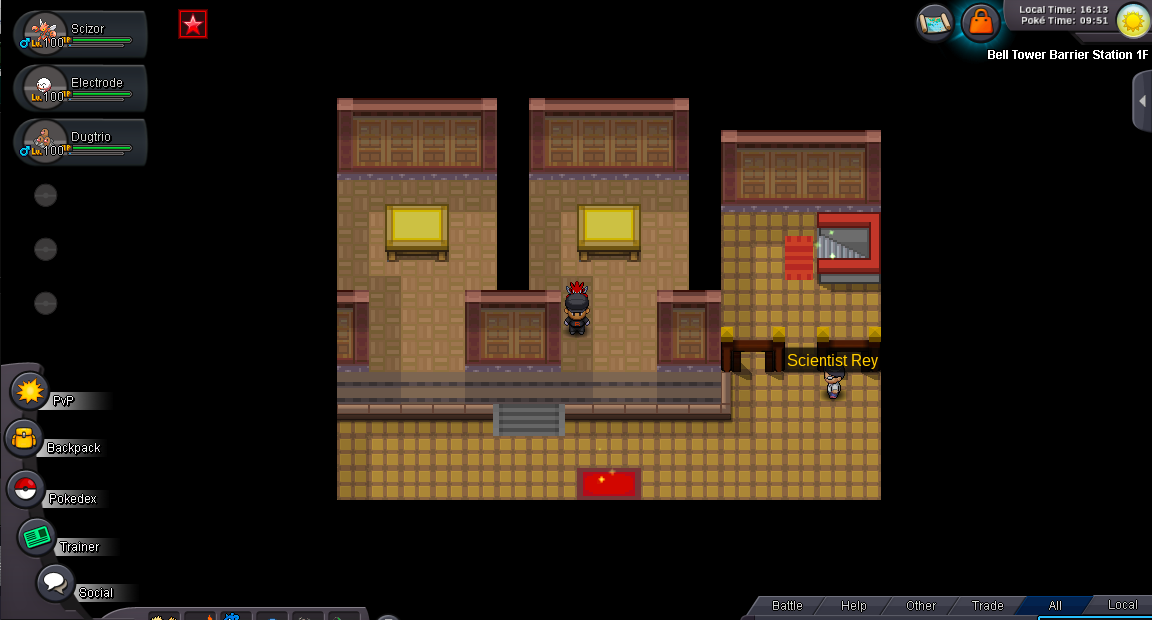
So a month ago I swapped out one of the legendary dog's bell for another one, now I want to switch out one of my bells again. Recently Shaui/Magicguard announced in the announcements on discord that we could switch out one of the dogs bell again just as long as I haven't encountered or spawned in the legendary dogs from fighting the guardians. I've battled the guardians but none of the dogs appeared so I assumed I was good to switch out my bell. I went to Ecruteak City and the bell exchanger isn't there. I would appreciate if anyone could help me on this matter.