




New Trade Zone
Trade Zone is now live
Use the new Trade Zone for auctions and instant-price trades so Pokemon and item offers are easy to find.

Cheesy345
Registered User
-
Joined
-
Last visited
-
ok sorry I wont post it up anymore my bad sorry again
-
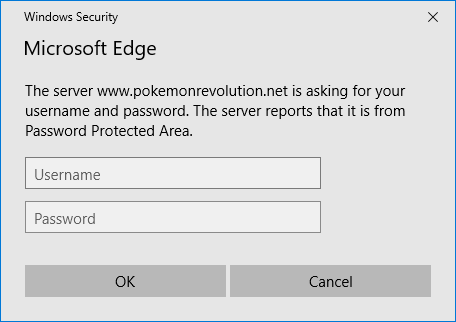
does it look like this? if so I think its just a case of wait for the merge tool to be up and ready.
-
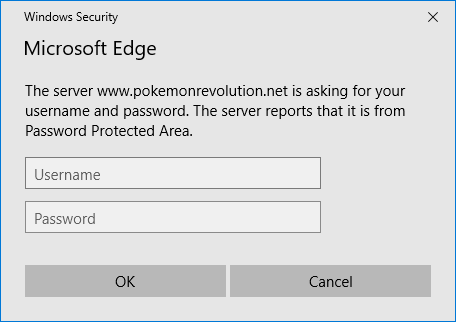
did it look like this? cos I have the same problem
-
its asking me for my username and password and every time I type it in nothing happens and I have to input password again so lets hope for quick solution :)
-
thank you I have the servers available to me now. just waiting on the servers to come online then ill be gaming away thanks guys
-
cant download from google to many people have tried to download it apparently
-
I tried that but no luck unless I did something wrong. but I will try again thanks
-
i don't have the option for gold or silver servers I only have red blue and yellow still how can I change this please