Skip to content
View in the app

A better way to browse. Learn more.

Pokemon Revolution Online

A full-screen app on your home screen with push notifications, badges and more.

To install this app on iOS and iPadOS
  1. Tap the Share icon in Safari
  2. Scroll the menu and tap Add to Home Screen.
  3. Tap Add in the top-right corner.
To install this app on Android
  1. Tap the 3-dot menu (⋮) in the top-right corner of the browser.
  2. Tap Add to Home screen or Install app.
  3. Confirm by tapping Install.

Subhammaster

Registered User
  • Joined

  • Last visited

Everything posted by Subhammaster

  1. C.o 125k by rayquazaking999
  2. C.o 100k by keketkt167
  3. 21 is not max spd pls change ur tittle. Its totally clickbait
  4. Started (75k) by rayquazaking999 https://www.tickcounter.com/countdown/3032396/magnemite
  5. ACCEPT PAYMENT CC - 400K RR - 700K NAT RR - 350K RC - 7K Sold to herovanged Good luck everyone
  6. Auction has ended and winners is delta with 50k congratz
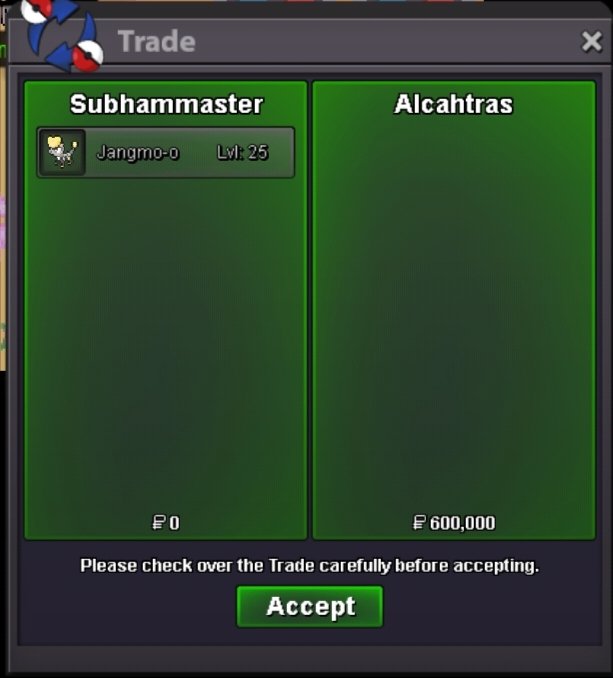
  7. Successfully trade done
  8. Almost 1hrs left
  9. Noted https://www.tickcounter.com/countdown/3027716/shiny-budew
  10. C.o 700k by matea07
  11. Yanmega sold to veliox
  12. Ok noted https://www.tickcounter.com/countdown/3025614/tangela
  13. Sold to matea07 (700k)
  14. Pm me here or discord subhammaster#8527
  15. Ludicolo sold to chugging

Account

Navigation

Search

Search

Configure browser push notifications

Chrome (Android)
  1. Tap the lock icon next to the address bar.
  2. Tap Permissions → Notifications.
  3. Adjust your preference.
Chrome (Desktop)
  1. Click the padlock icon in the address bar.
  2. Select Site settings.
  3. Find Notifications and adjust your preference.