New Trade Zone
Trade Zone is now live
Use the new Trade Zone for auctions and instant-price trades so Pokemon and item offers are easy to find.


Sandwichkatze
Registered User
-
Joined
-
Last visited
Everything posted by Sandwichkatze
-
not tradeable
-
I read the message too late; I had decided to do it during the next Weekly Quest and caught a Metagross. You can remove it again, because otherwise I’d feel bad—sorry for the inconvenience.
-
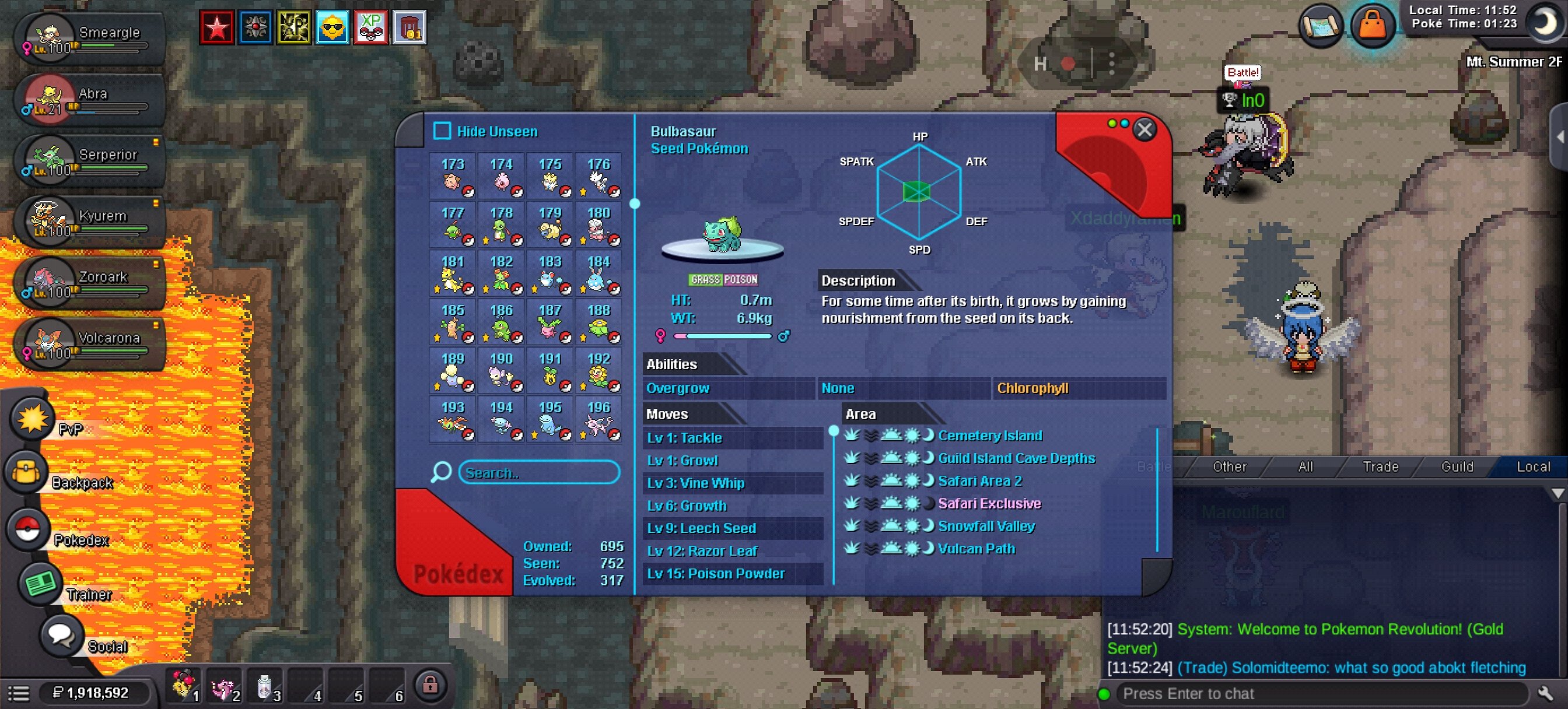
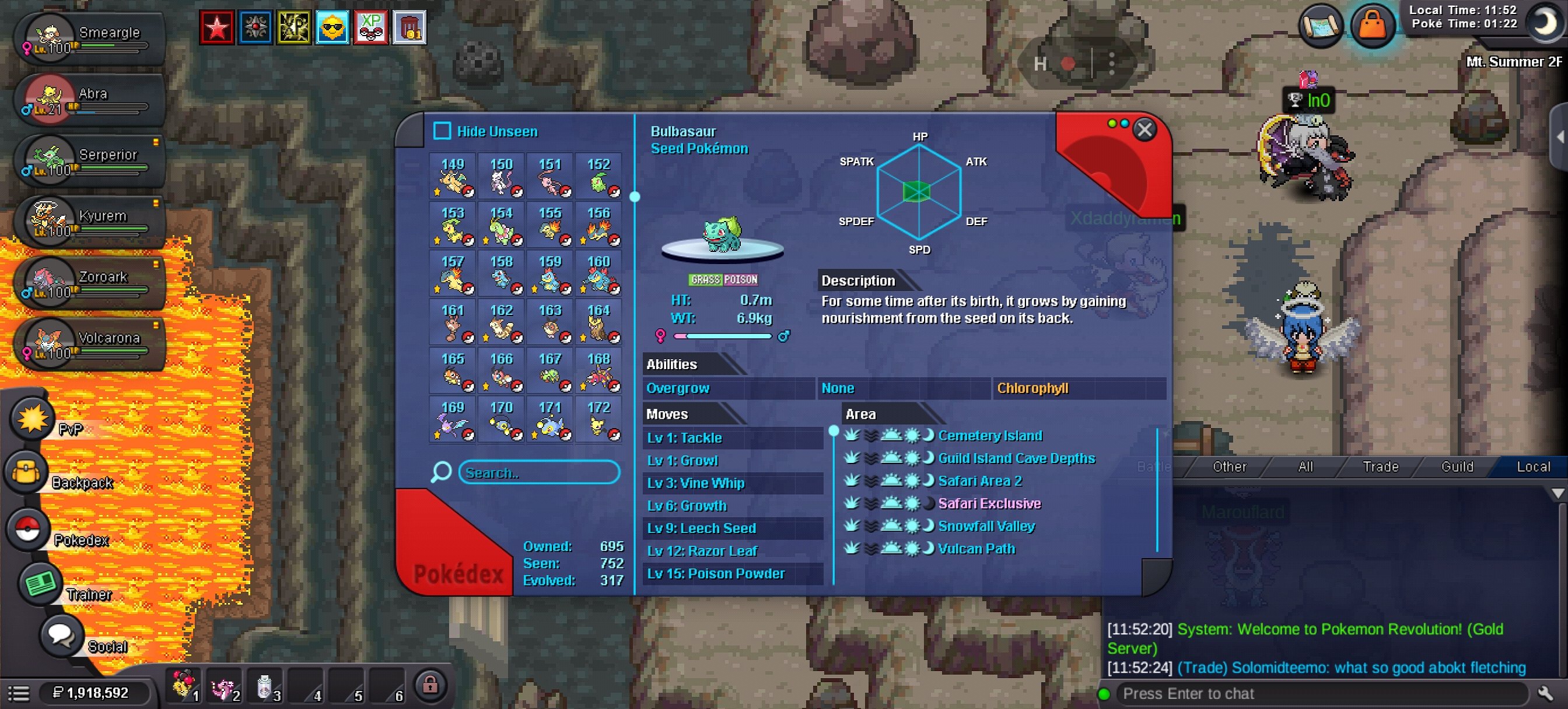
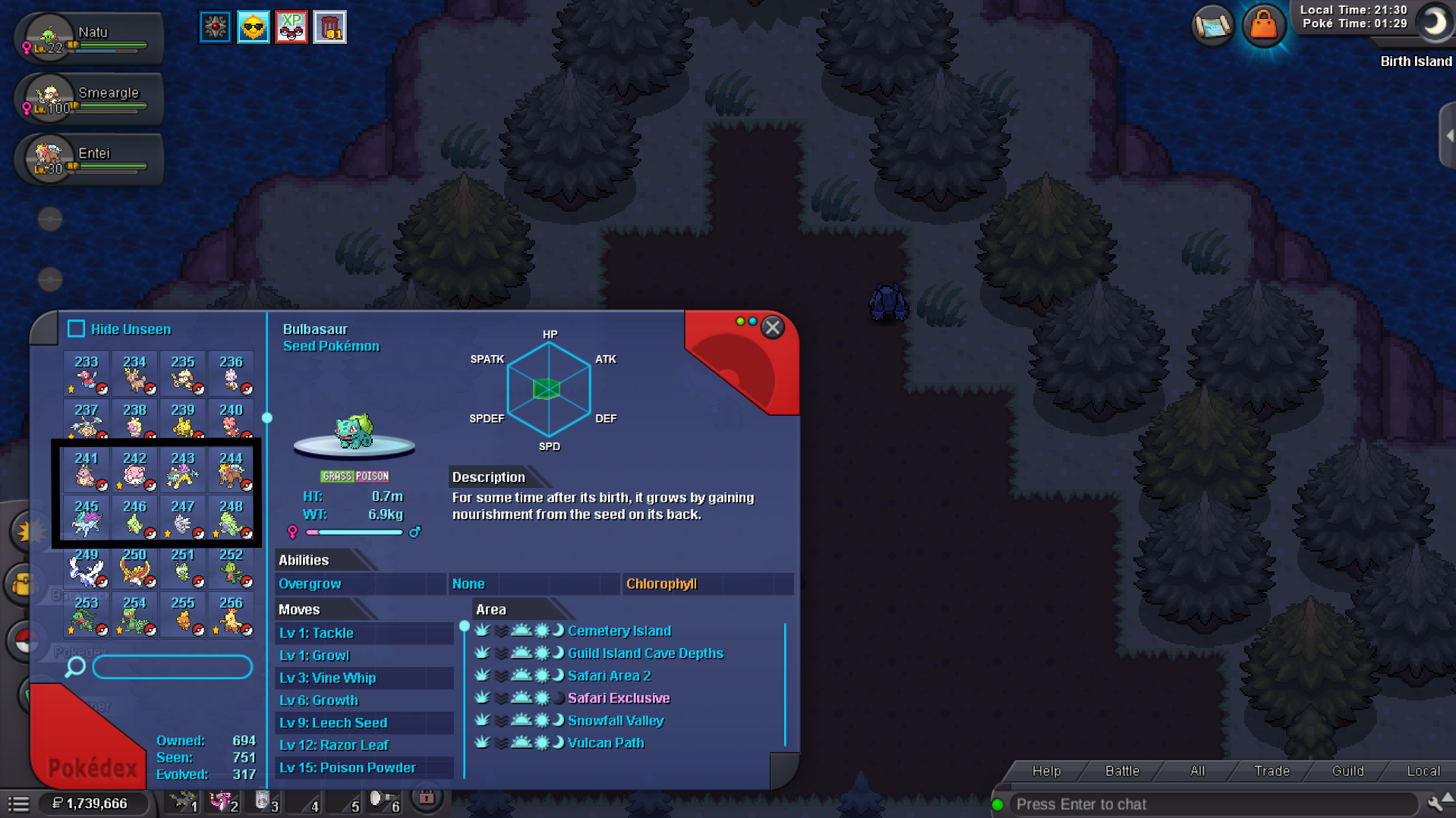
Here all pokedex entries are fine Not deleted
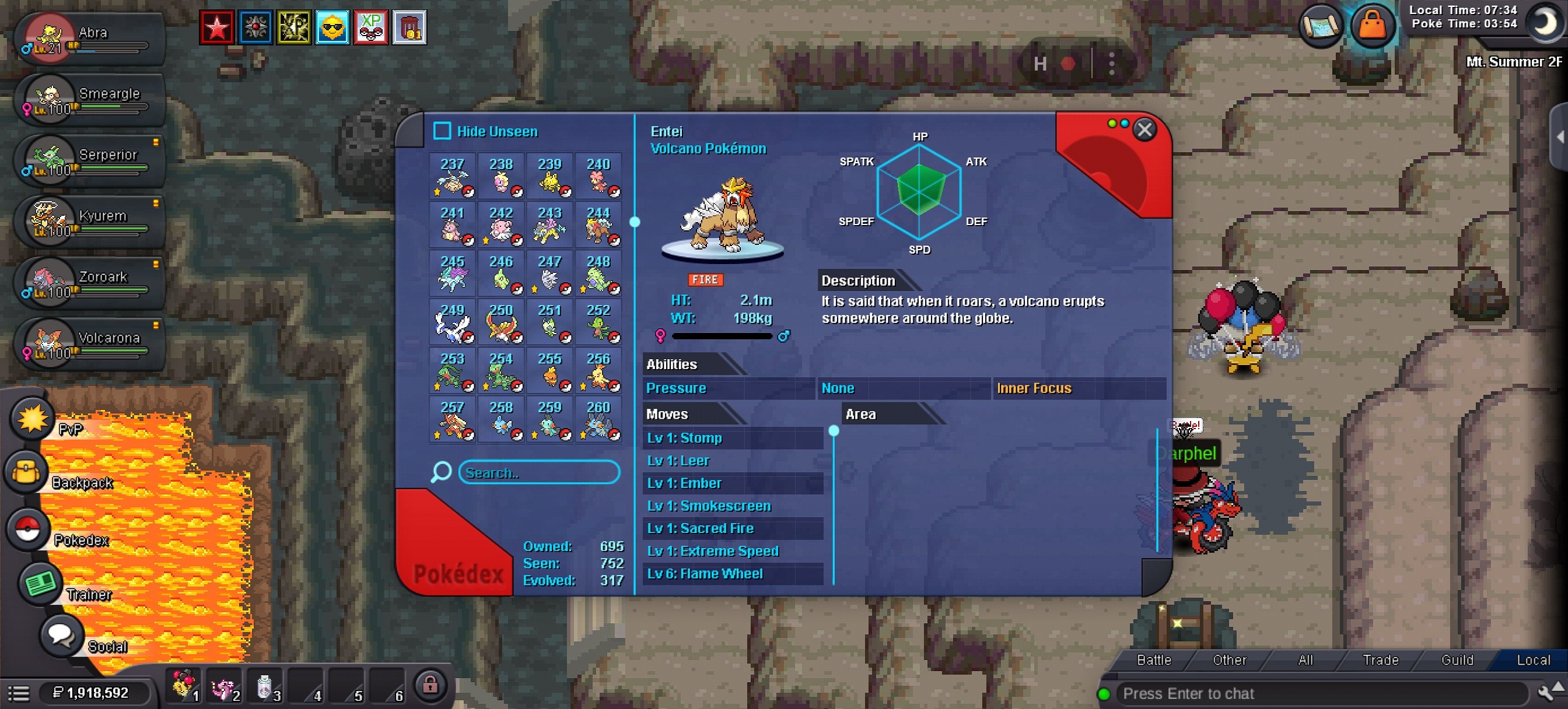
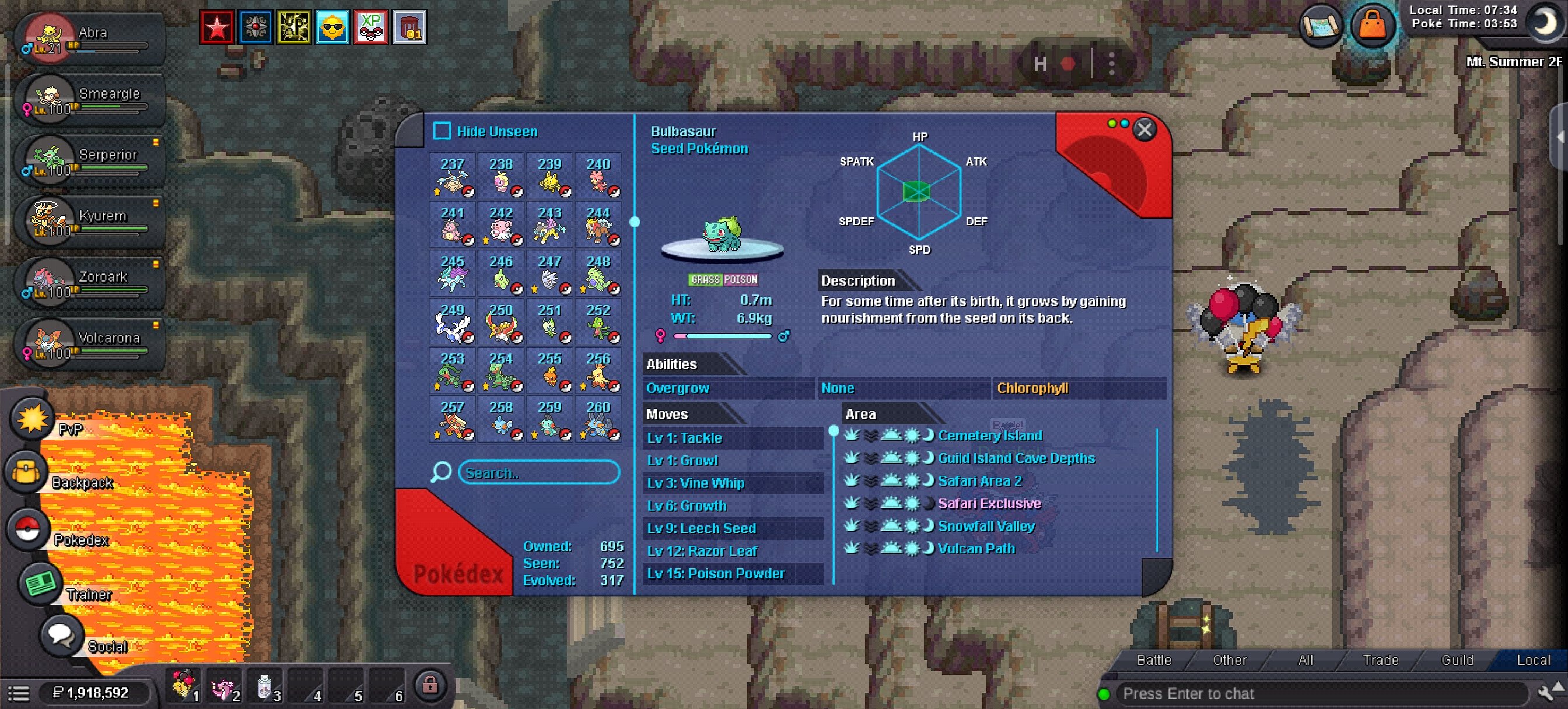 and yes i'm champ of all regions
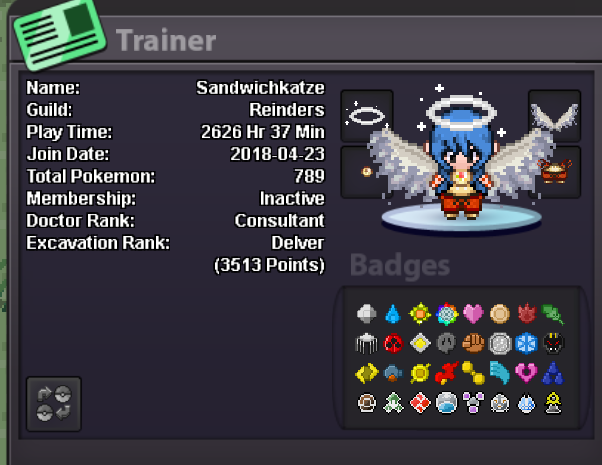 I have Entei on my team; I think that answers your question.Due to a game bug, I didn't get the other two legendary Pokémon; could I get my ticket back?
 1,3m900ki have send u an discord friend request i need kanto 4 badges service for my other accounthow much pokedollars?Do u offer xmas dungeon service?Ah ok thanks for information ^-^Need kanto (full) for my other acc Ign: stuckinkantoneed kanto service for my other acc ign: stuckinkantoSandwichkatze Goldi need meloetta serviceTrade Done
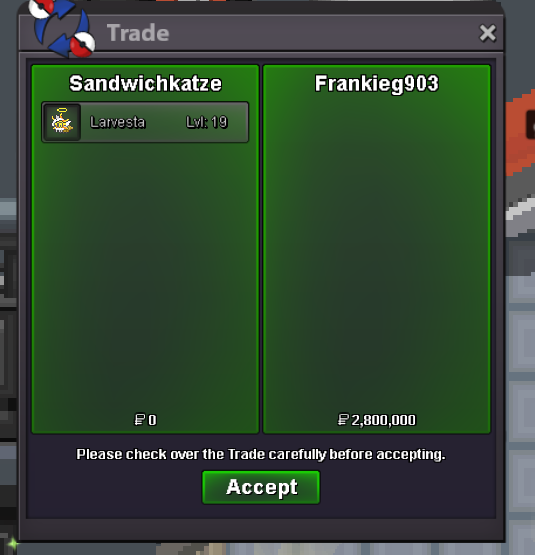 come online and claim ur larvestaGz u won larvesta but u'm going sleep i'm online laterbumpbumpStart 700k (min Bid 100k) End Time 48h after this post Accepted Payment Methods: Pokedollars, CC (480k), IV RR (710k), Nat RR (370k)
 I'm online in 2 minutes