New Trade Zone
Trade Zone is now live
Use the new Trade Zone for auctions and instant-price trades so Pokemon and item offers are easy to find.

Cassie1359
Registered User
-
Joined
-
Last visited
Everything posted by Cassie1359
-
You guys are too smart for me. Don't know half the voodoo you are saying xdddddd
-
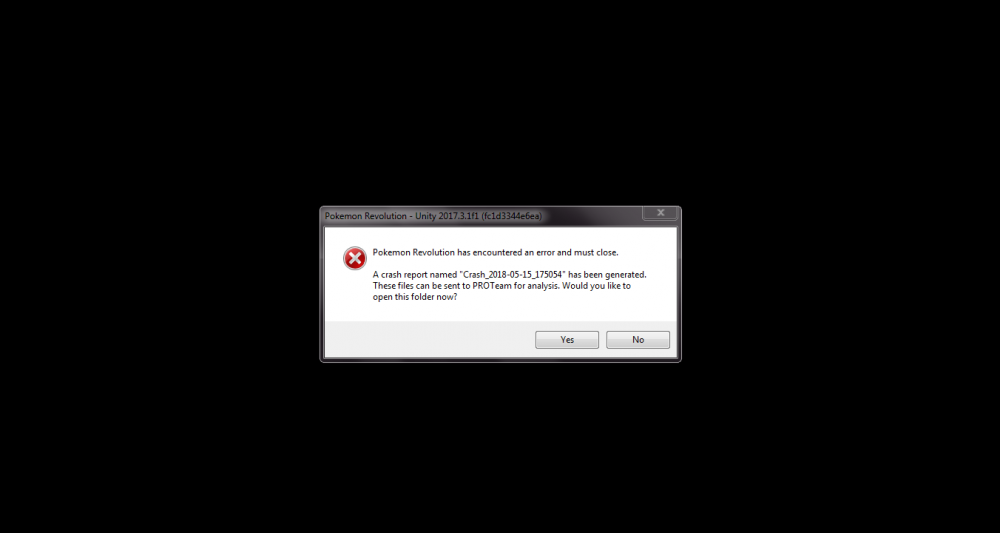
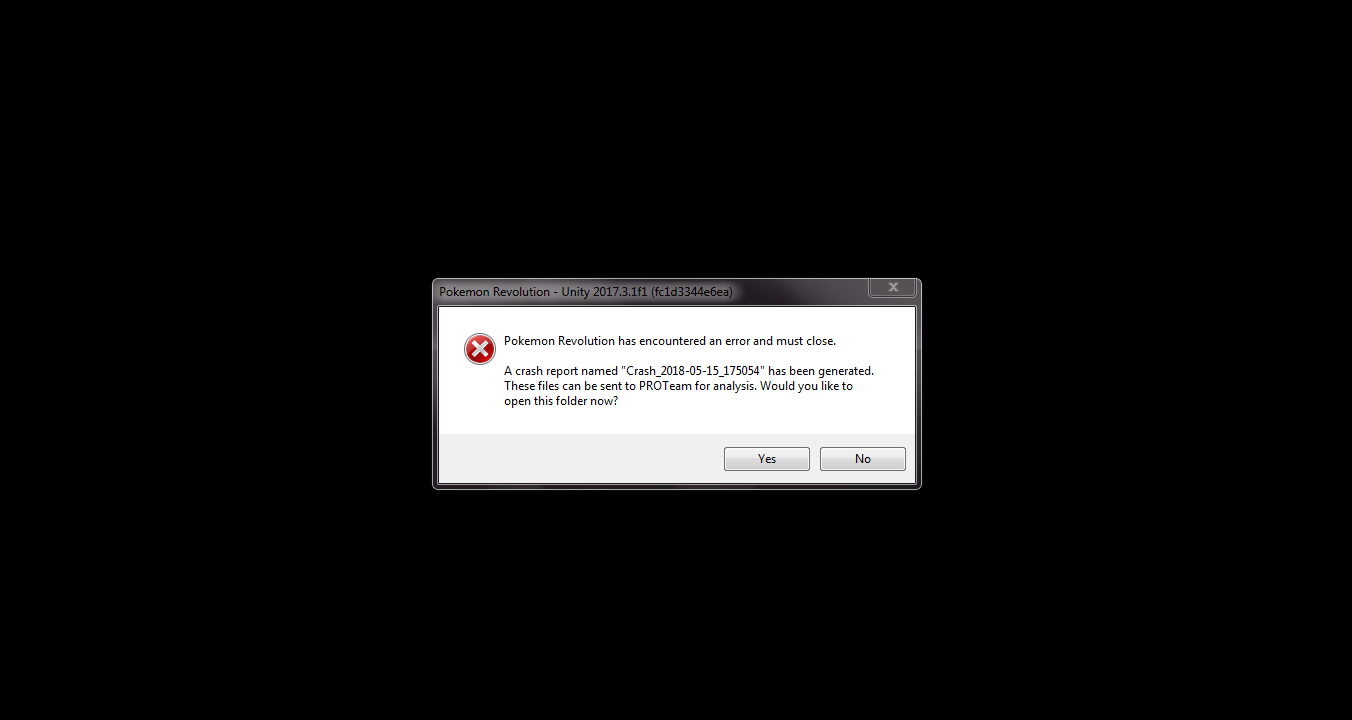
First off I would like to say that I am sorry if I posted his in the wrong section of the forums (I have never been great at navigating any forums and I am a new player). I want to say I've had the game for about 5 days before I started experiencing crashes. I have tried reinstalling the game countless numbers of times and have also tried it with windows firewall turned off. Every time I reinstall the game I get a different crash report. Below is the message that pops up and the text document of the error I receive in the crash report. Thank you all in advance for your help. errorpkm.txt