




New Trade Zone
Trade Zone is now live
Use the new Trade Zone for auctions and instant-price trades so Pokemon and item offers are easy to find.

Crowleaspot
Registered User
-
Joined
-
Last visited
-
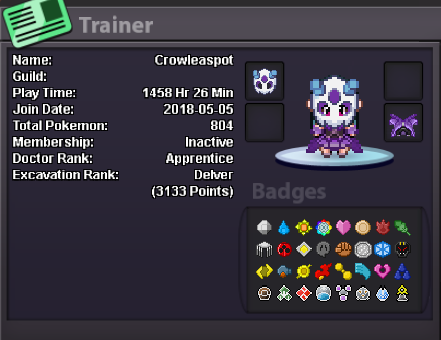
What's your Player name (IGN)? Crowleaspot Number of hours played? 1467 What's your favourite Pokemon? Bulbasaur What country are you from? Turkey How old are you? 24 Which server do you play on? Silver
-
Hello. i thought i will not play that game anymore but i really missed the game, atmosphere and having fun in discord chat. Therefore, i want to return the game and the guild. Can i join your discord channel again, please? I do not know you still have an empty seat of your guild but at least i want to be in the discord channel. I like hunting, enjoying in events and chatting. My fav poke is #001 Bulbasaur 🙂
-
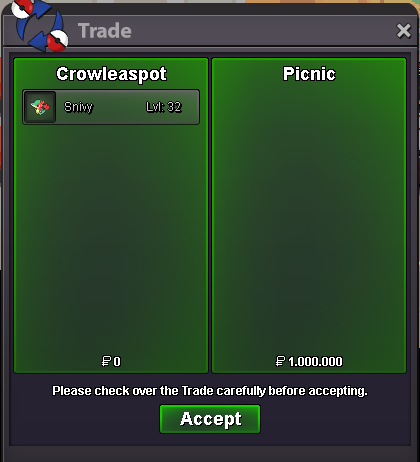
It is sold to Picnic for 1m
-
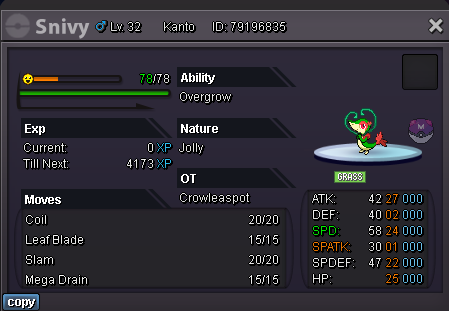
WTS Valentine Event Form Snivy to 1 million pokedollars.
-
300k
-
1. What's your Player name (IGN)? Crowleaspot 2. Number of hours played? 1237 3. What's your favorite Pokemon? #001 Bulbasaur 4. What do you enjoy doing the most in PRO? (Hunting, PvP, trading, etc) Hunting, chatting with friends and beating bosses 5. How old are you? (Optional) 23
-
1.2m
-
1m
-
Can be closed
-
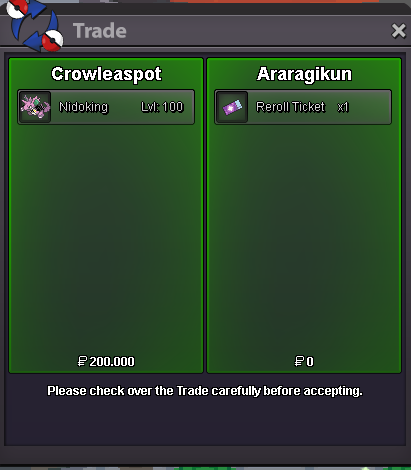
Araragikun won the auction, congrats!
-
Bump
-
Starts with 500k min bid 100k insta 3.5m 72 hours after start I accept cc as 400k, iv rr 700k and nature rr 350k Have fun ^^
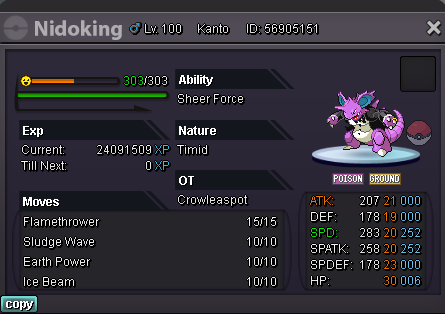
-
Hey, yo. You can pm me (mrstarhead#1342) or MadKingRagnas#9939 on discord. We can add you to the guild ^^

