




New Trade Zone
Trade Zone is now live
Use the new Trade Zone for auctions and instant-price trades so Pokemon and item offers are easy to find.

Nikhileshwar
Registered User
-
Joined
-
Last visited
Everything posted by Nikhileshwar
-
Closed

-
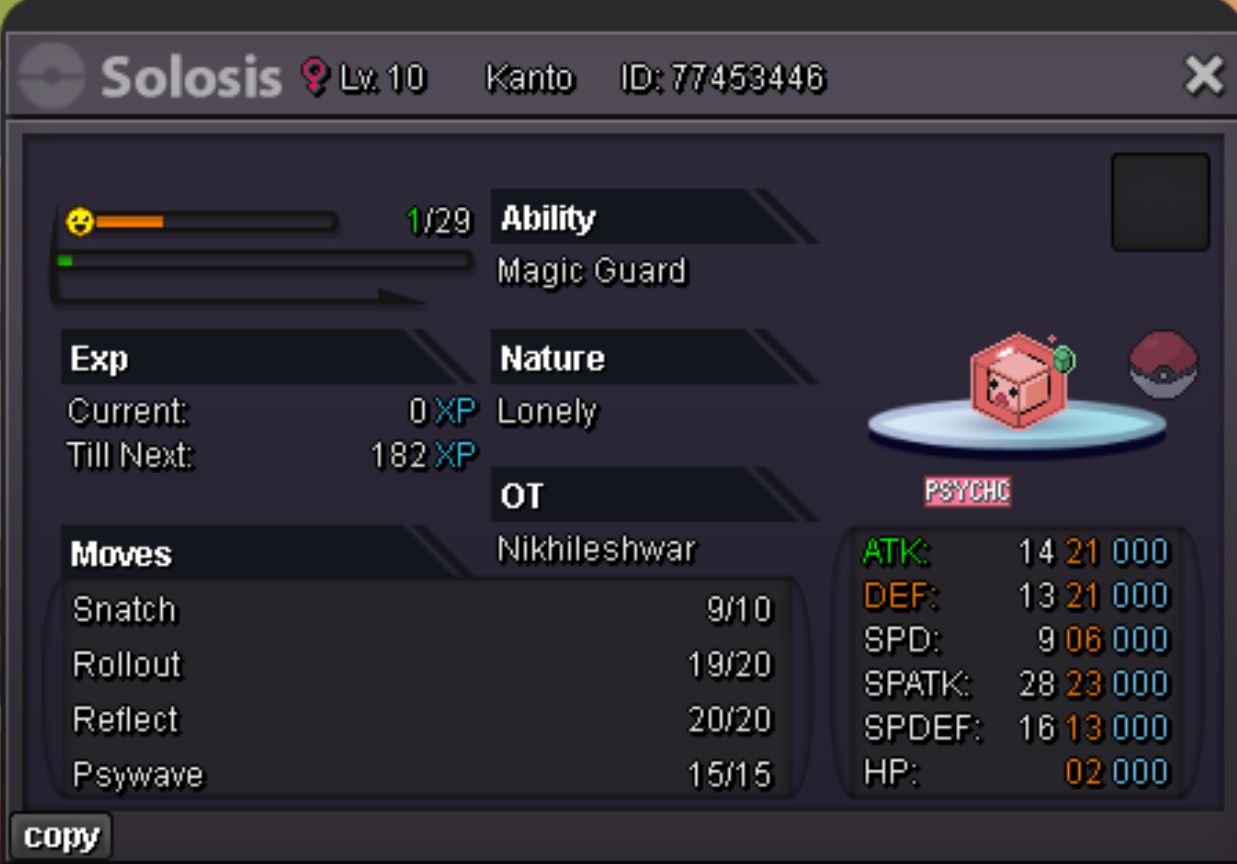
Congratulations!! @Htphuoc2009 u won the auction, contact me when you are online to get your pokemon in game - nikhileshwar Discord - nick2032
-
Starting offer :- 1m Min raise :- 100k Insta :- N/A Duration :- 72 hrs after 1st bid
-
Bump
-
Starting offer :- 300k Min bid :- 50k Insta :- N/A Duration :- upto 36 hrs after first bid
 Hello, I accidentally released my SLOWPOKE of LEVEL - 53 and ID -62585954 server - GOLD username - nikhileshwar I hope the staff looks into this and restores my Pokemon, Thank you.
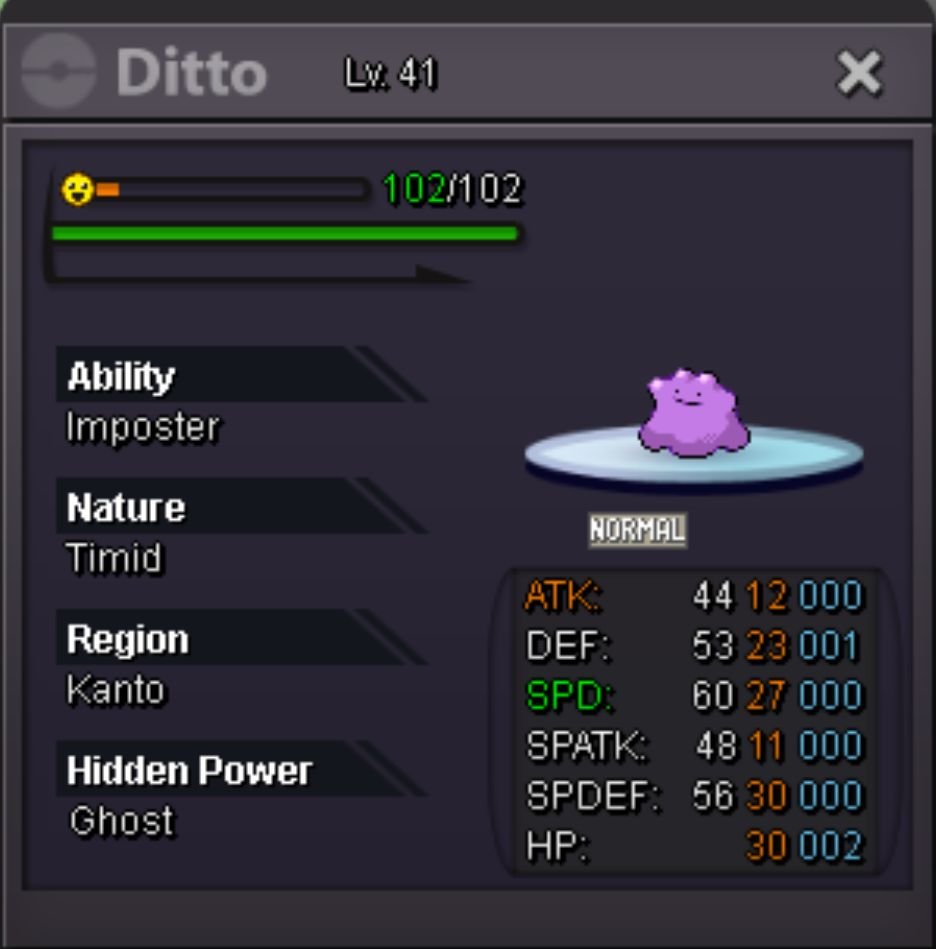
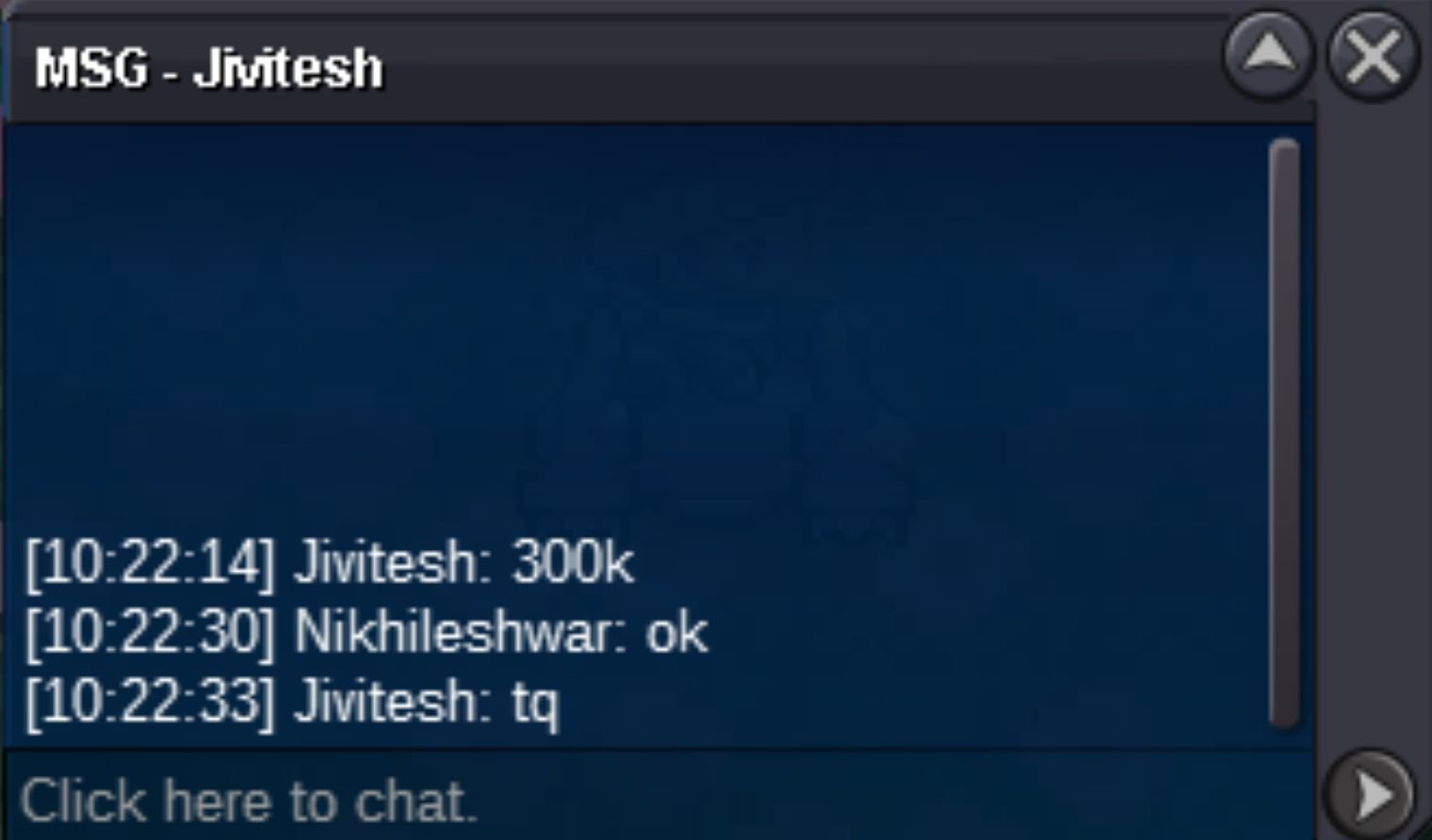
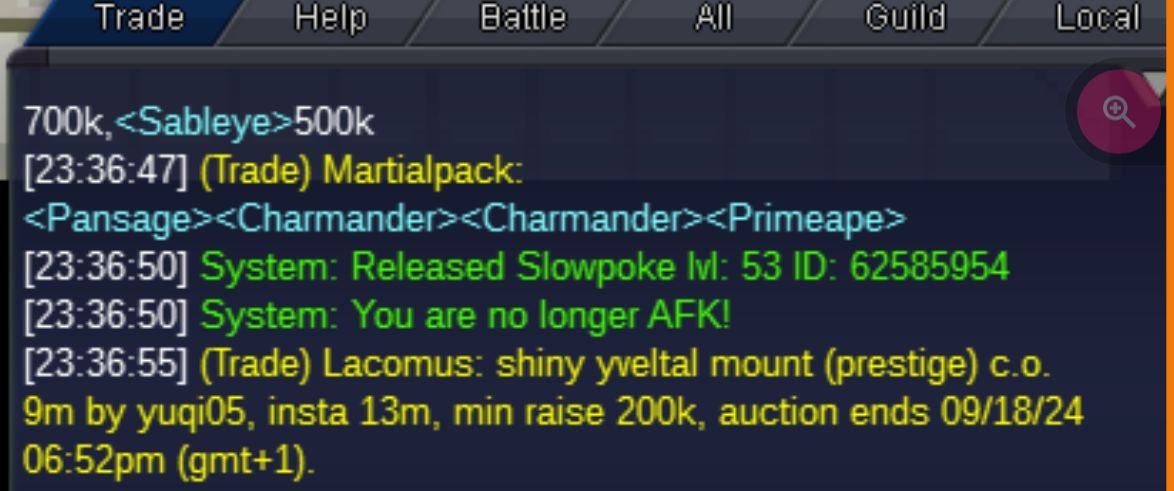 @Jivitesh u won the trade please contact me in game or on discord (username - nikhileshwar960) so that we can arrange the tradeBump 14 hrs leftStarting offer:- 200k Min raise:- 50k Insta Price:- None Accepted Payments:- Pokecash cc : 400k rerollticket : 500k Auction ends 48 hours After First bid
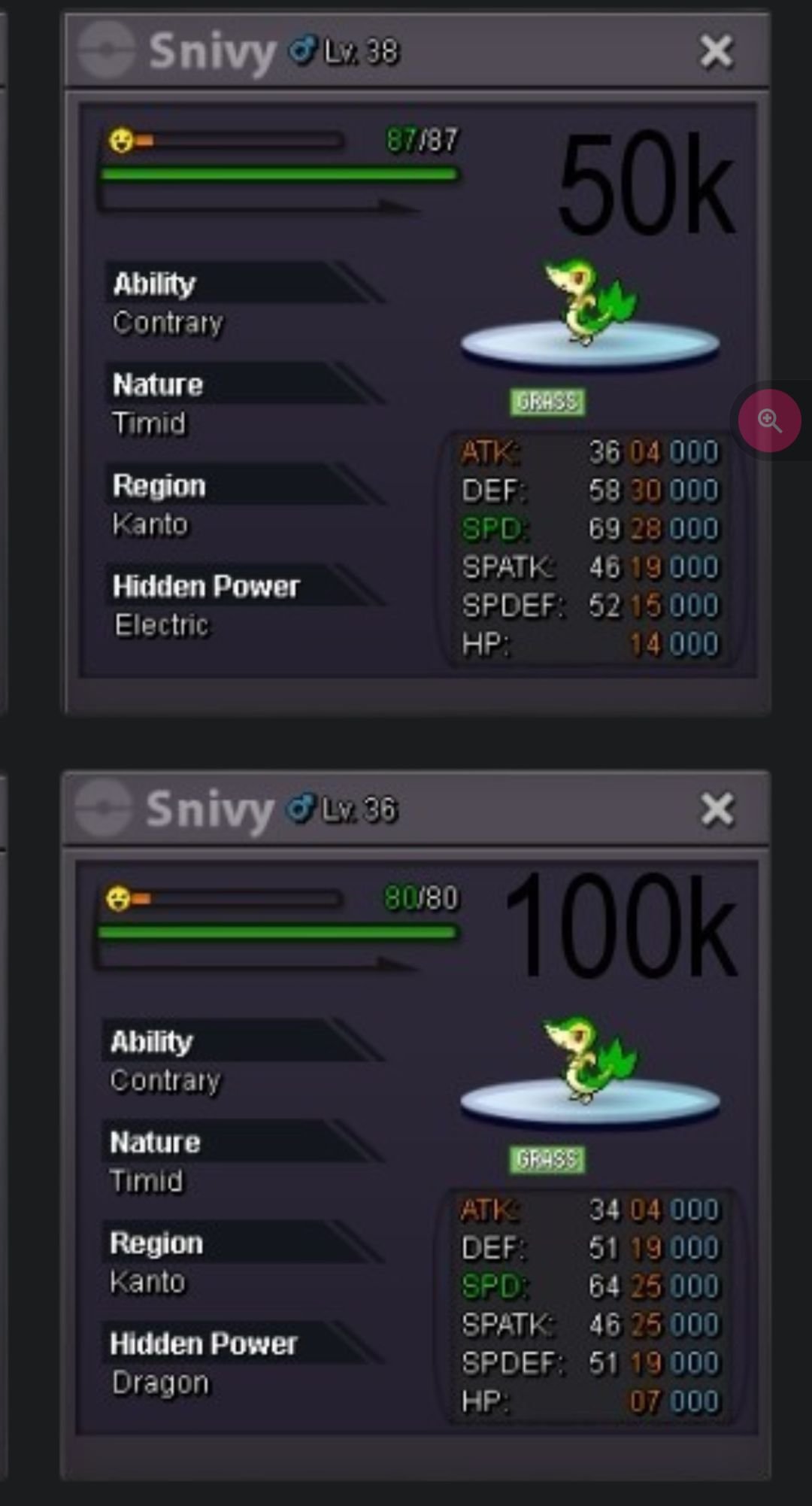
 Hi if u have these, can I buy both of them for 130k? If possible. I have texted you on discord as well, so we can communicate about the deal through discord as well.
 Auction ended won by Christoff, Congratulations and thank you 🙂Start price:- 1.5m MIN BID :- 50k no insta Auction ends after 72 hrs, after the 1st bid
 400k foongus300k for foongus100k for darumaka





Account
Navigation
Search
Configure browser push notifications
Chrome (Android)
- Tap the lock icon next to the address bar.
- Tap Permissions → Notifications.
- Adjust your preference.
Chrome (Desktop)
- Click the padlock icon in the address bar.
- Select Site settings.
- Find Notifications and adjust your preference.
Safari (iOS 16.4+)
- Ensure the site is installed via Add to Home Screen.
- Open Settings App → Notifications.
- Find your app name and adjust your preference.
Safari (macOS)
- Go to Safari → Preferences.
- Click the Websites tab.
- Select Notifications in the sidebar.
- Find this website and adjust your preference.
Edge (Android)
- Tap the lock icon next to the address bar.
- Tap Permissions.
- Find Notifications and adjust your preference.
Edge (Desktop)
- Click the padlock icon in the address bar.
- Click Permissions for this site.
- Find Notifications and adjust your preference.
Firefox (Android)
- Go to Settings → Site permissions.
- Tap Notifications.
- Find this site in the list and adjust your preference.
Firefox (Desktop)
- Open Firefox Settings.
- Search for Notifications.
- Find this site in the list and adjust your preference.