New Trade Zone
Trade Zone is now live
Use the new Trade Zone for auctions and instant-price trades so Pokemon and item offers are easy to find.

Dank
Registered User
-
Joined
-
Last visited
Everything posted by Dank
-
Evening everyone, Just wondering how can I setup the steam deck controls as they don't work when I am in-game. What I have done is downloaded the Linux version while in desktop mode and added it as a non-steam game then booted into gaming mode and loaded it from there. EDIT - Went into controller setup for the app on Steam and then went into Community Layouts and selected "Chards - Pokemon Revolution" now its works amazingly.
-
More please :)
-
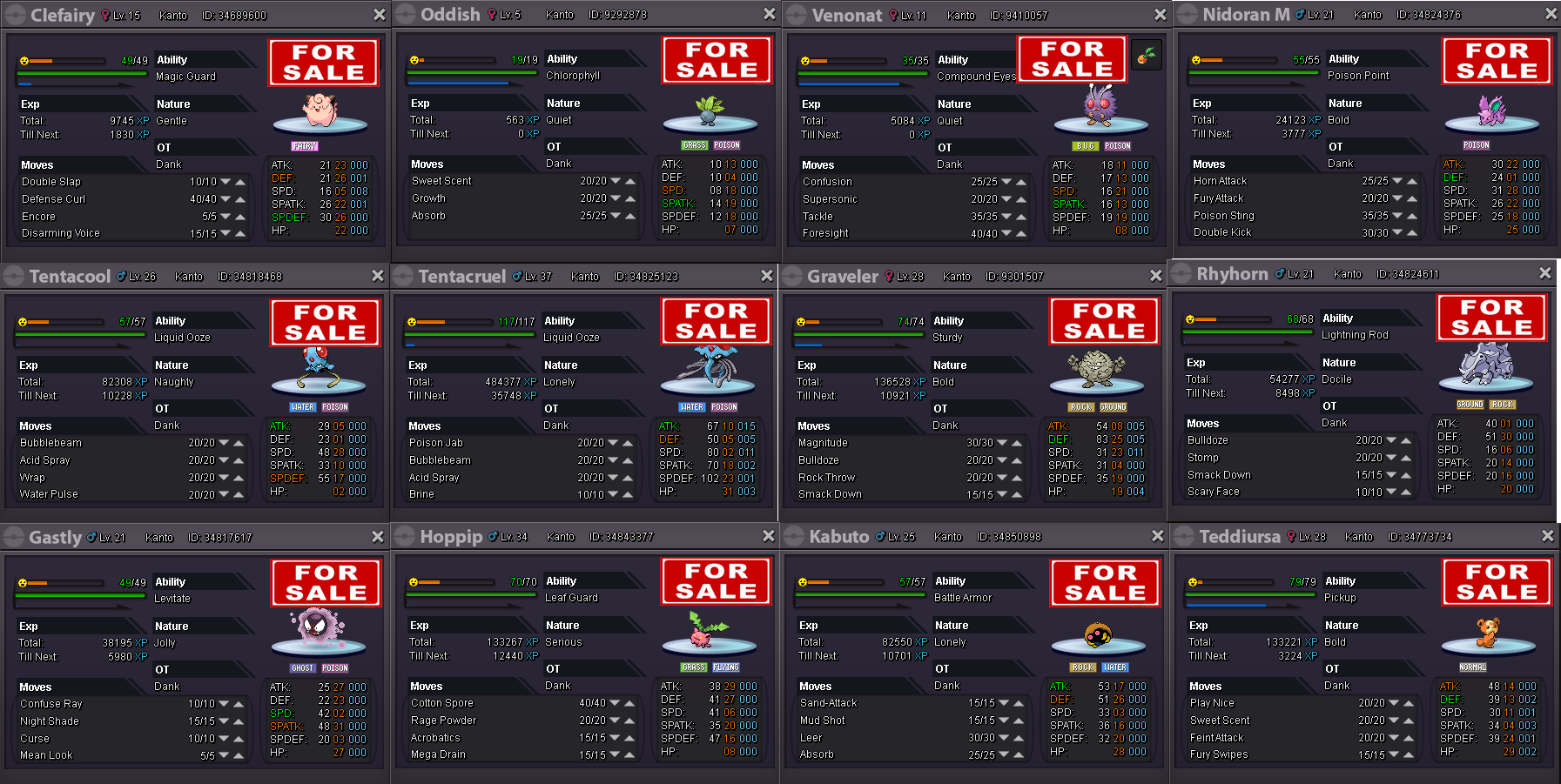
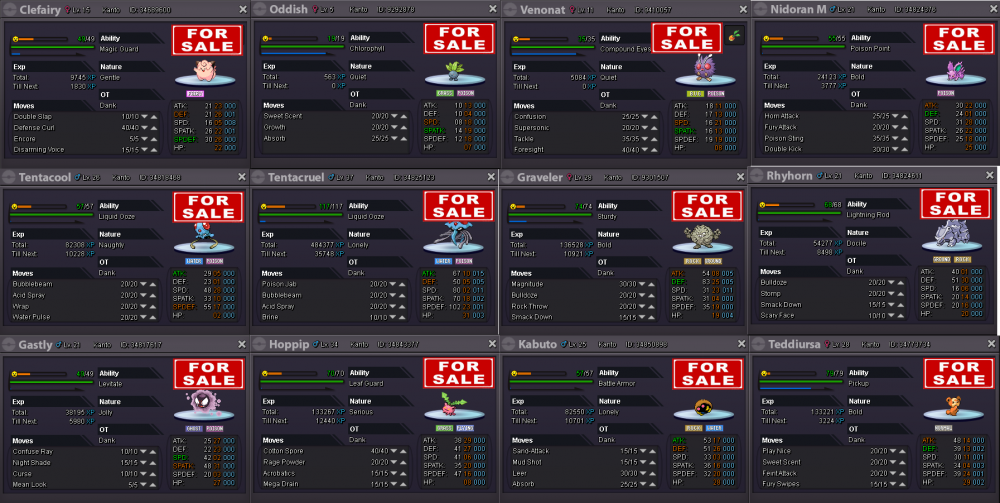
*Click image to enlarge* I'm not good with pricing as I am still a noobie myself, just trying to acquire some PokeCoins.
-
Awesome Guide, easy to follow and gather stuff on the way!
-
Help you with what exactly?