New Trade Zone
Trade Zone is now live
Use the new Trade Zone for auctions and instant-price trades so Pokemon and item offers are easy to find.

Gammagenix
Registered User
-
Joined
-
Last visited
Everything posted by Gammagenix
-
1m6
-
3cc=1.2m
-
cc as payment accepted?
-
Video : https://drive.google.com/file/d/1VDIM4Rz8scu6yg3NUmTCQF2ZgpeiFqER/view?usp=drivesdk
-
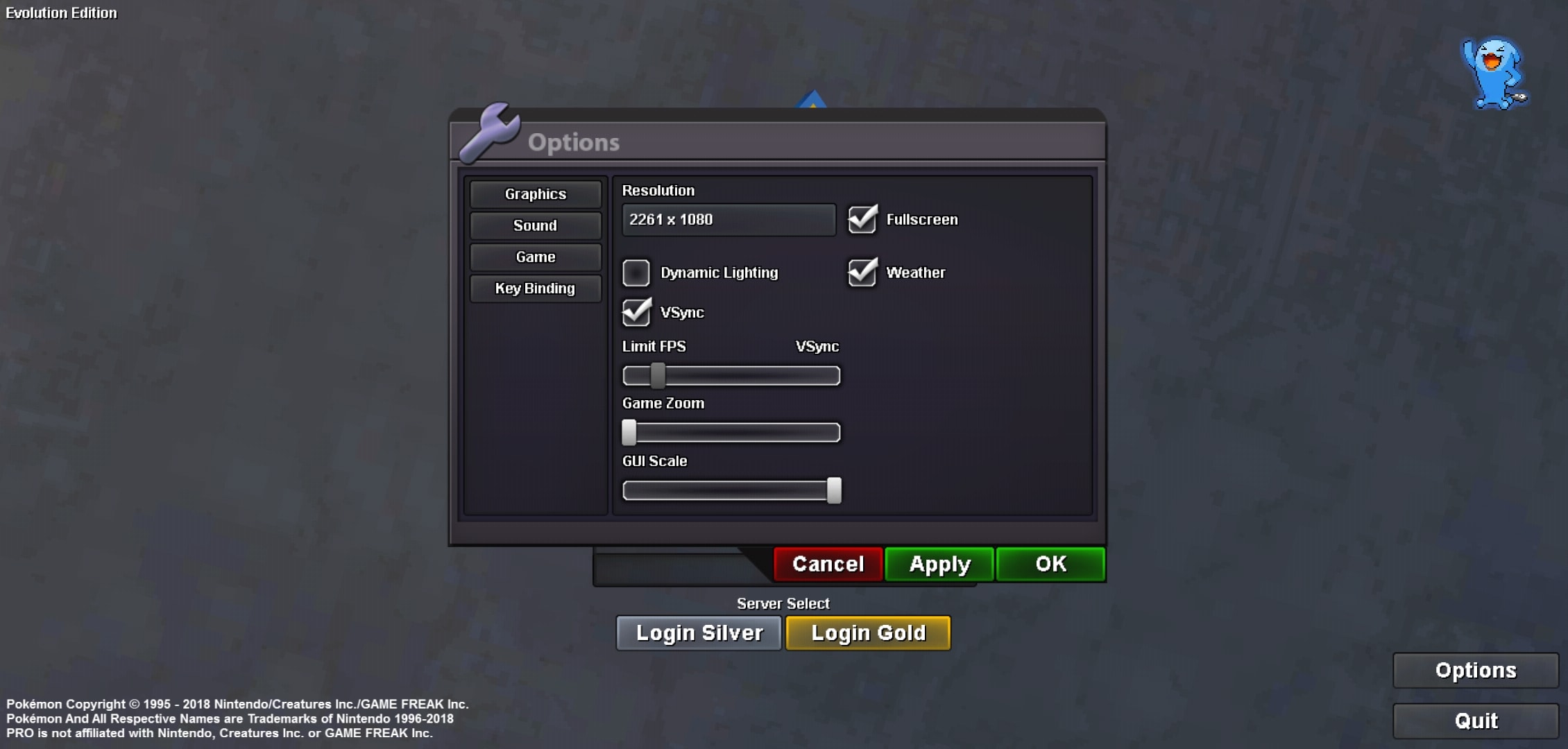
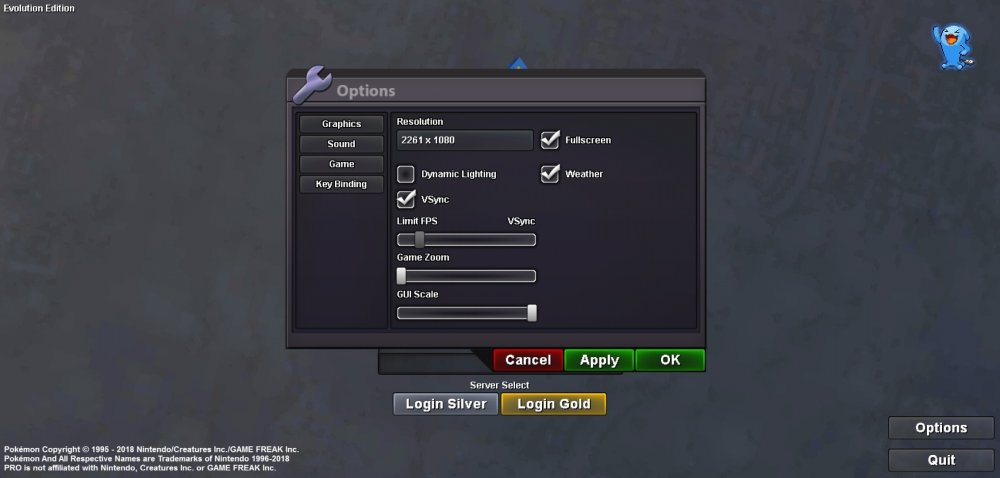
I think that the issue is linked to the game resolution because i cant read pokemon revolution online in the top left corner
-
Still doesnt work with the new version, i have even deleted the obb/data after uninstalling.I wonder if there is a command to open backpack with something like /bag /backpack ,I also noticed that i couldnt rotate my screen while in this game so i though it was due to my tactile, but i wasnt the case... I think this issue is due to a game compatibility with my device (i can still play on computer).
-
I was able to loose a battle against someone but thank you anyway
-
So i am playing on android (One plus 6T), and i can't open my backpack, pokedex and trainer.This is an issue because i cant use my bike anymore. I can still open everything else : social, pokemon team info, open the map, the nearly pokemon available or send message in the chat and battle. I have set the GUI scale at the maximum (i tried with default settings but doesnt work). I have also clear the game cache and uninstalled... This is the first time i play the game on this device so i cant say if the issue is about the device or the game version.
-
Same here, and i cant open my bag (android) so i cant use escape rope pls help https://drive.google.com/file/d/1sviiHlNXdGzzPHfk63gUXFkrYxwJTNKD/view?usp=drivesdk Username : gammagenix