




New Trade Zone
Trade Zone is now live
Use the new Trade Zone for auctions and instant-price trades so Pokemon and item offers are easy to find.

Vithu96
Registered User
-
Joined
-
Last visited
Everything posted by Vithu96
-
I agree with this suggestion , it would be really nice to bring back the lending system as it is a nightmare to keep in track of all Pokemon lended currently.
-
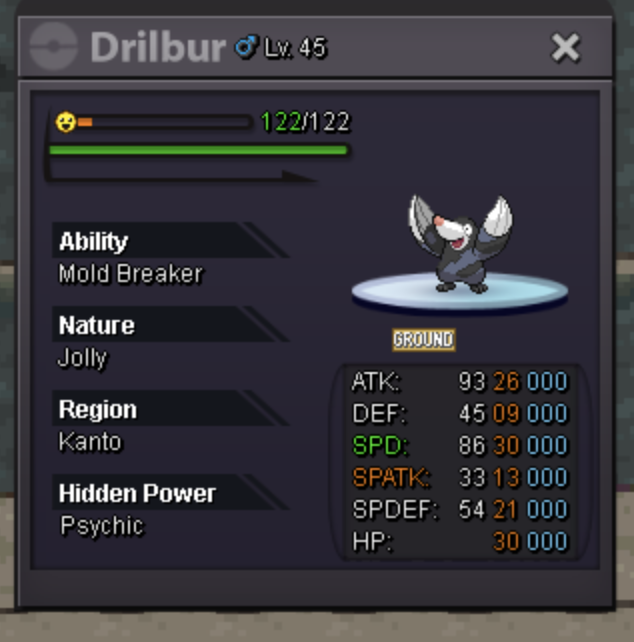
While cleaning pc I released my 30 Spd ,26 atk Drilbur by mistake it is one them. Could you please restore it?

-
hello
-
Hi I accidentally released my adamant breloom.

-
I'm still here!bumpYes it's really hard to play pro with this problem.Hi the new client is making my laptop fan very loud and overheat I have spoke to other pro players , using Mac and they are having the same problem. Can something be done about this please?neverhahaalways.yes everyday!bump!nono I win
