New Trade Zone
Trade Zone is now live
Use the new Trade Zone for auctions and instant-price trades so Pokemon and item offers are easy to find.


Xenox56
Registered User
-
Joined
-
Last visited
Everything posted by Xenox56
-
Start
-
Bump + Vitrine on hold as i'm too lazy to train the recent catch and put them in the vitrine :guilt: . I'll inform thru another post once it return
-
Start
-
Yes it is @Naschhh
-
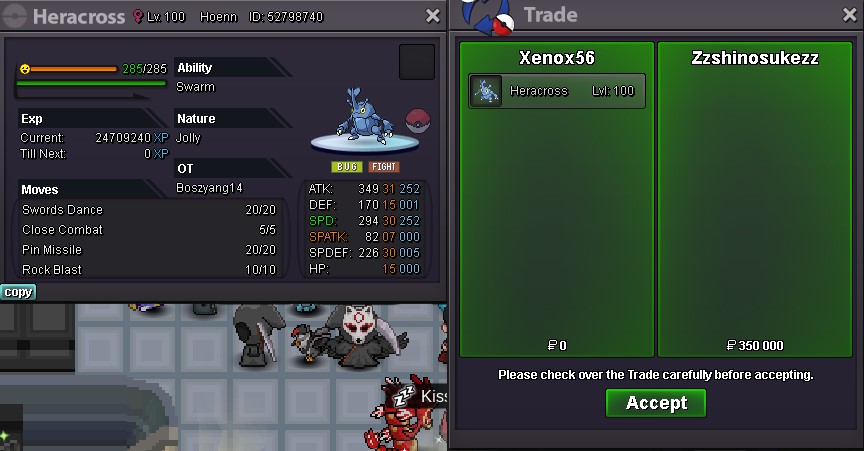
Hera Sold, Saltybhai isn't reachable for now
-
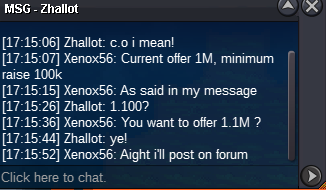
Co UpdatedCO UpdatedHera Started, end : Monday 8:57pm (Paris)Noted, co updated, Hera has yet to start !Bump + Vitrine pokemon updated ! 2 Vitrines pokemon this week ! (Yeah i forgot to update it Last week)Welcome Methods of paiement : Pokedollars CC 370k Ms (185k/370k) BMS 150k Autction last for 72h Minimum raise is 50k No insta Heracross C.O 300k - Dungsidietbuom, End Monday 8:57pm (Paris) Gastrodon C.O 250k - Saltybhai, End Monday 2:30am (Paris) End : 72h After the Strat To make an offer : - Xenox56 (in game) - Or just post a message here Find my Shop : Here
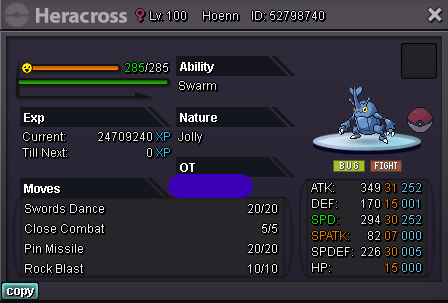
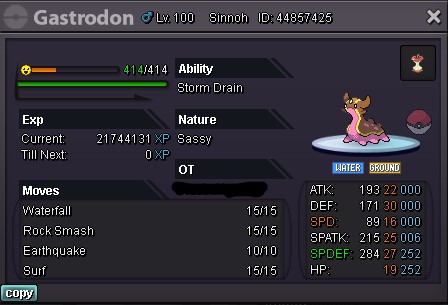
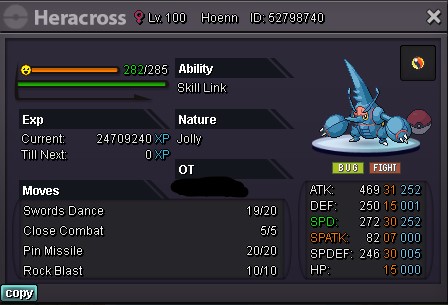 Trade Completed !
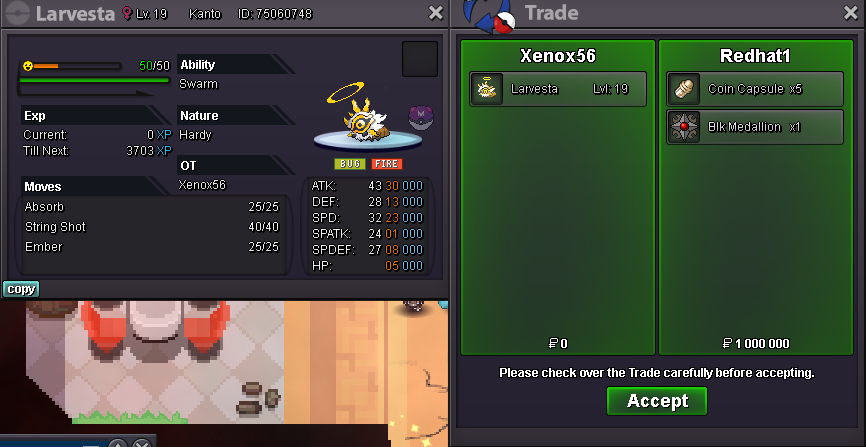 Won by @Redhat1 !New end time : 5:21pm (paris)C.O Updatedless than 24h left !C.O Updated !Great, i will pm you once online, i might be here in about 2h from this post@Jayn Try reading this for real, it might be usefull. https://pokemonrevolution.net/forum/topic/29538-forums-and-in-game-general-trade-rules/C.O Updated !Greninja sold !
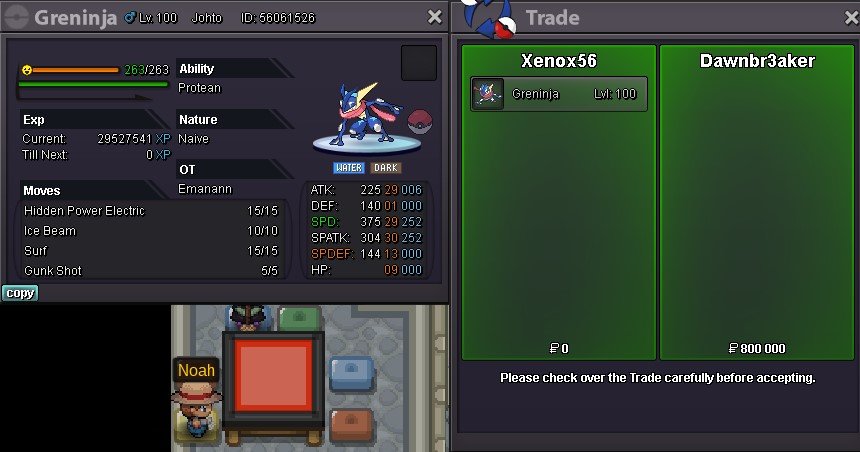 9H30 left !New CO !