New Trade Zone
Trade Zone is now live
Use the new Trade Zone for auctions and instant-price trades so Pokemon and item offers are easy to find.


Xenox56
Registered User
-
Joined
-
Last visited
Everything posted by Xenox56
-
1.2M
-
i can log in about 4h from this post
-
Hey i want to buy your wooper
-
Start
-
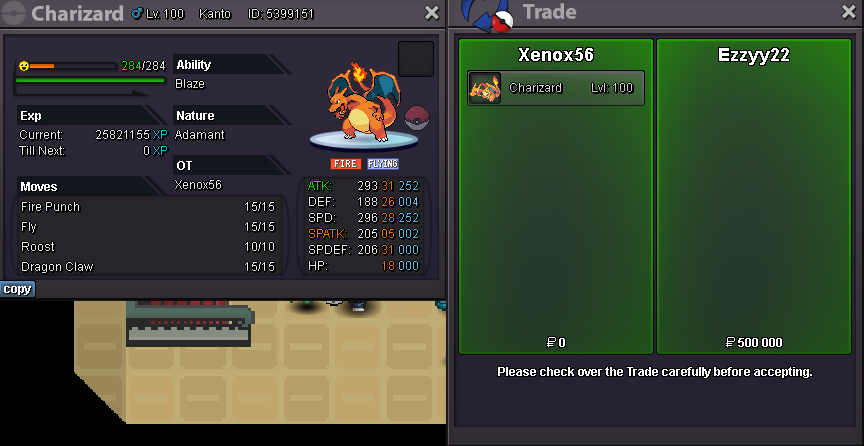
Up, end in ~8hWelcome Methods of paiement : Pokedollars CC (350k) Autction last for 48h Minimum raise is 50k No insta S.O : 500k Might need a Front Wheeled Walker End : 48h after the start To make an offer : - Xenox56 (in game) - Or just post a message here
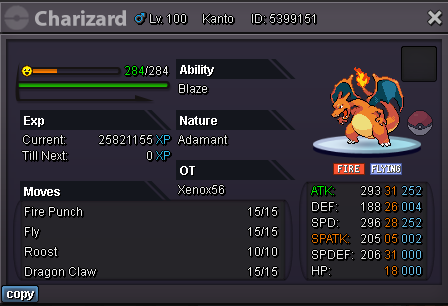
 Cancelled as none started
 Trade completed
 Up, 23h leftStart poliWelcome Methods of paiement : Pokedollars CC (350k) Autction last for 48h Minimum raise is 50k No insta C.O : 1M - Artisankiller End : 48h after the start (End : Monday 11:58AM Paris) To make an offer : - Xenox56 (in game) - Or just post a message here
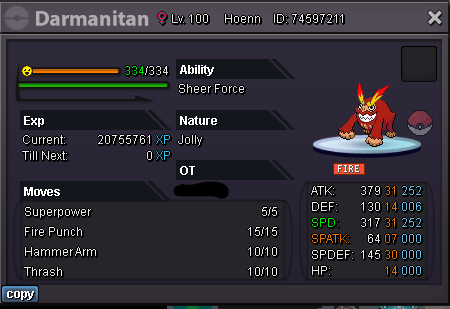 Auction ended yesterday sorrySold !
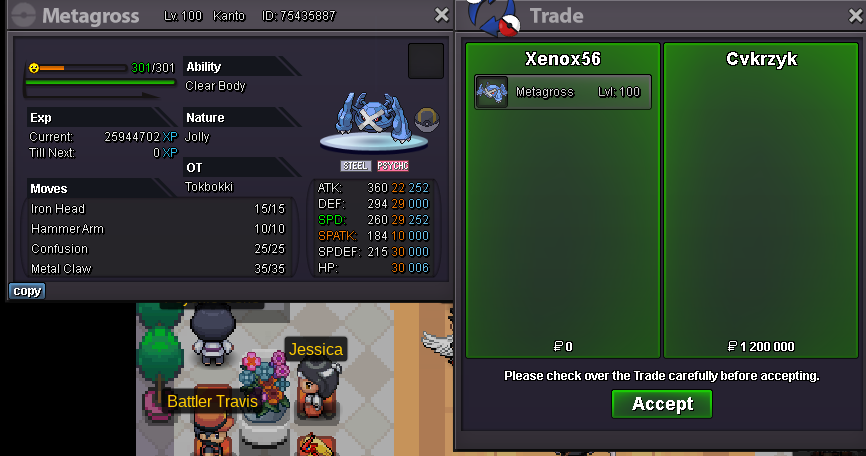 New end time (+15min) : 5:02pm ParisLast hour !Welcome Methods of paiement : Pokedollars CC (350k) Autction last for 48h Minimum raise is 100k No insta C.O : 1M2 End : 48h after the start (End : Tuesday 4:49pm Paris) To make an offer : - Xenox56 (in game) - Or just post a message here
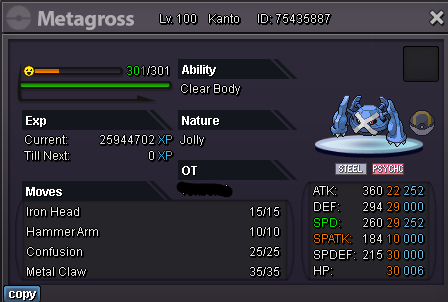 Welcome Methods of paiement : Pokedollars CC (350k) Autction last for 48h Minimum raise is 100k No insta C.O : 1M4 - Duanng7 End : 48h after the start (Tuesday End : 4:58pm Paris) To make an offer : - Xenox56 (in game) - Or just post a message here
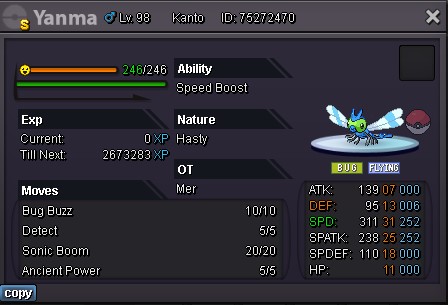 8.7M8.2M7.2MA bit busy during the week, work oblige, i’ll free myself during the weekend, i’ll let you know once availableStartStart