New Trade Zone
Trade Zone is now live
Use the new Trade Zone for auctions and instant-price trades so Pokemon and item offers are easy to find.

Countesscc
Registered User
-
Joined
-
Last visited
Everything posted by Countesscc
-
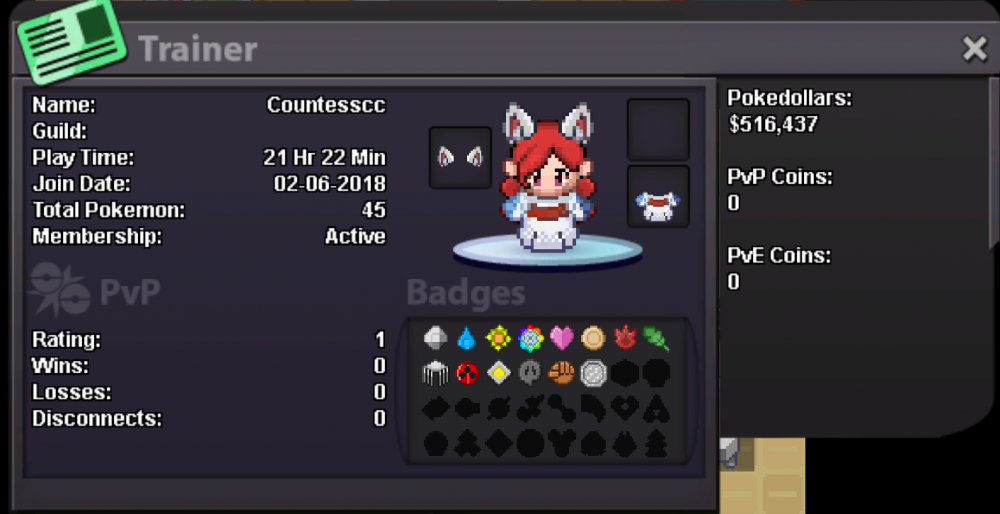
Why do you want to join Eternity?: I was told about it on Discord from the head of the guild, so I thought I'd give this a try. Real name / ingame name: CC / CountessCC How old are you?: 20 Ur country/ which language(s) do you speak?: Canada / English Discord name+tag / how often u r online there?: CC#2201 / I always have it open What is your goal on pro/are you interested in pvp/already pvping?: At the moment I want to complete the main quests (currently going through Johto) and after I finish all of those I want to do all sorts of multiplayer stuff, including PvP Screenshot of your trainercard: