New Trade Zone
Trade Zone is now live
Use the new Trade Zone for auctions and instant-price trades so Pokemon and item offers are easy to find.

Turumbar
Registered User
-
Joined
-
Last visited
-
Friend i have good news. I have been relieved from my ban. Thus i can continue to play
-
Hello everyone. I hope you had an amazing 2021. It is time for me to move on from this game due to someone's sheer incompetence. But I suppose all things happen for a reason.It was truly amazing to meet some of you all. Thank you for the time whe spend together. It meant a lot to me. Goodluck and happy hunting (;
-
Im sorry to have bothered. Apparently the transaction did not go through with the pve coins. Problem is fixed. Sorry for the mistake
-
Hello and good day to all. I would like to ask you about my missing iv rerrol ticket. Yesterday i had beaten the suspicious bot 43 times and thus got an iv rr ticket. Then with my balance of 250 pve coins i bought another iv rr ticket. When i tried to sell both of them my bag only had one ticket and i did not sell the other one. Please help me and thank you for your time
-
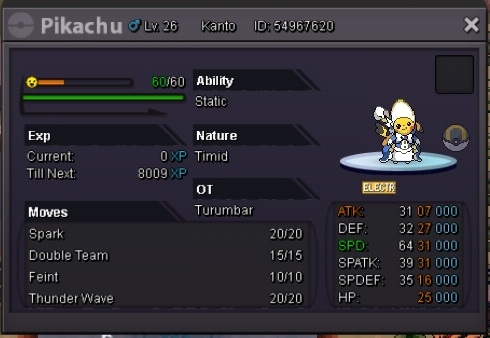
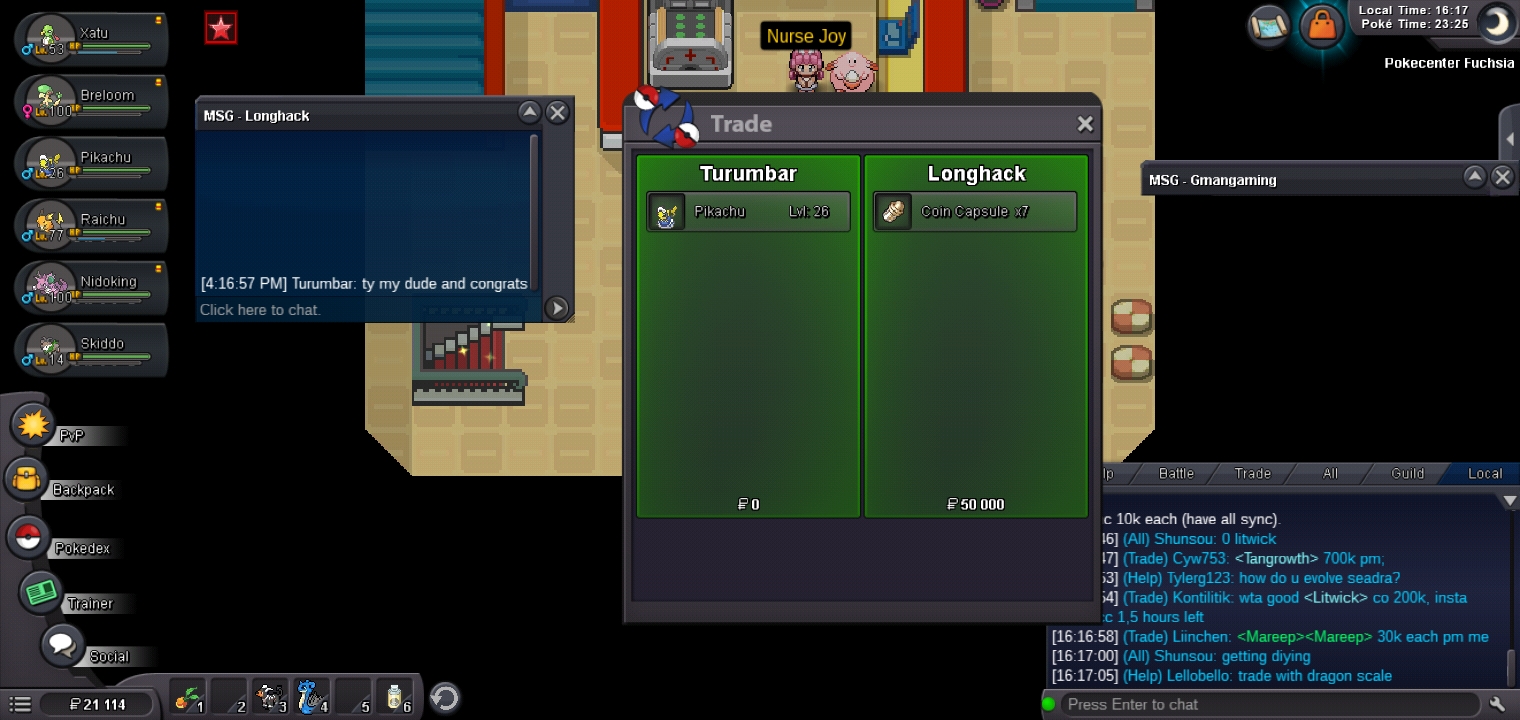
Sold to longhack for 3.2m Congrats!!!
-
Forgot to mention. I accept cc and rerrol. Cc=450k iv rerol =730k
-
Caution!!!1 and a half hours left. Bid now !!!
-
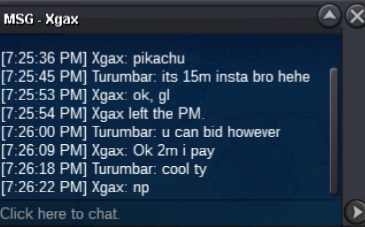
C.o 2m by xgax
-
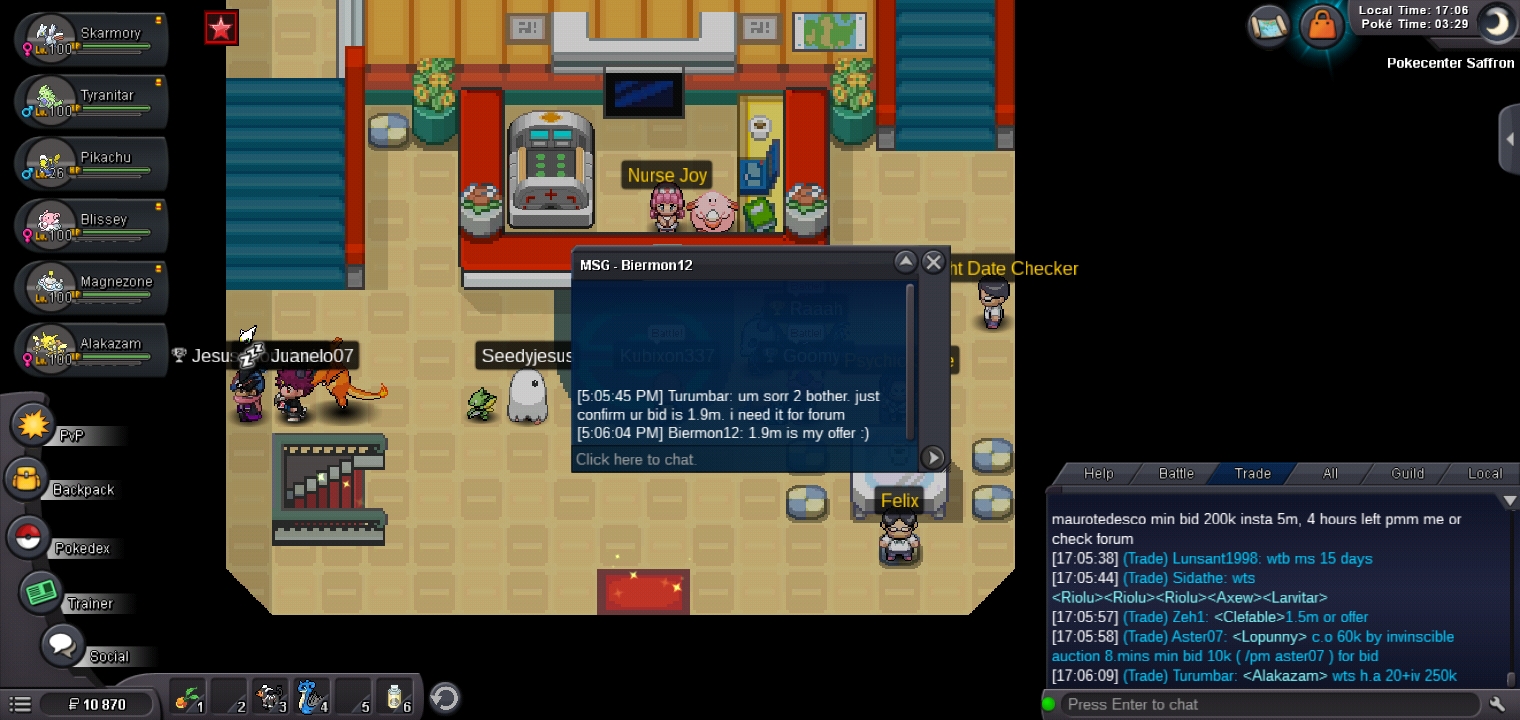
C.o 1.9m by biermon12
-
C.o 1m by Ic3thirst
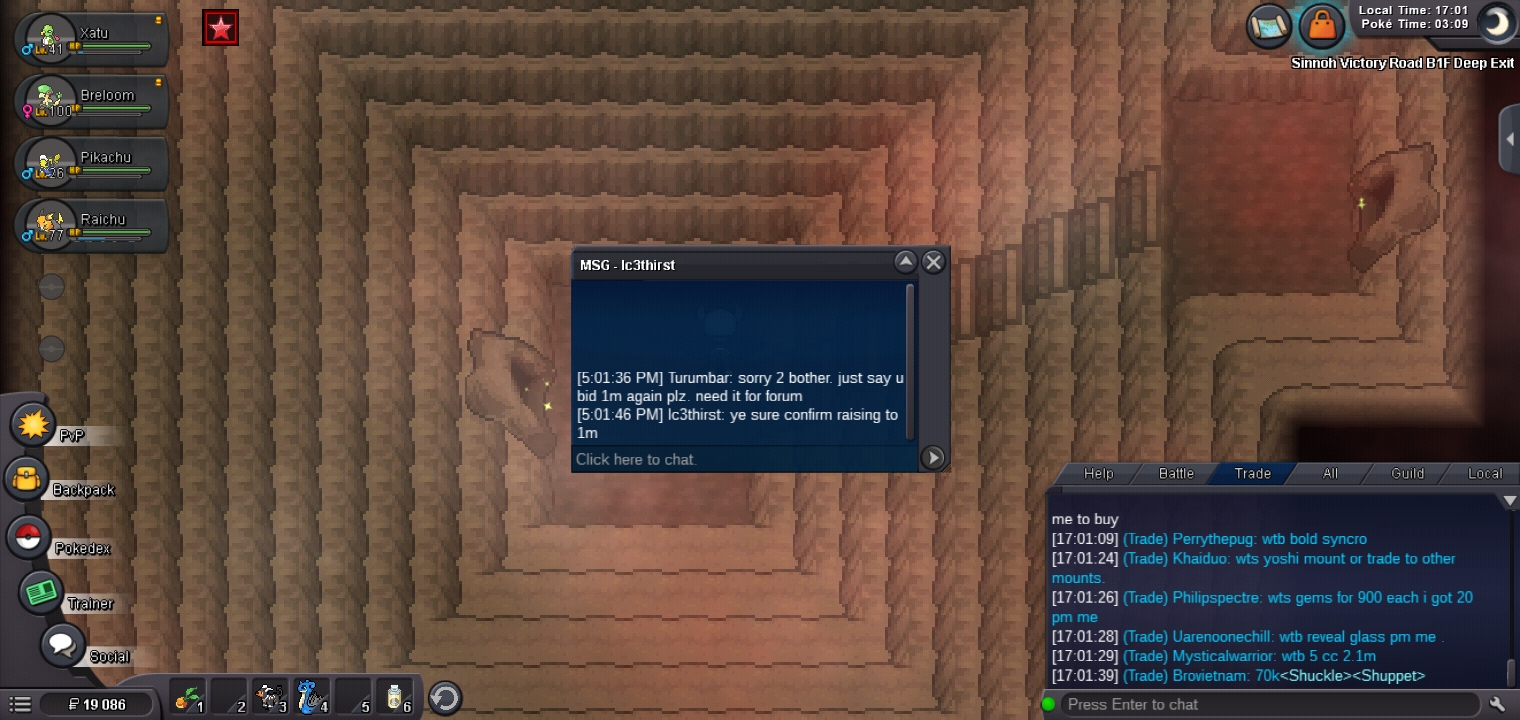 C.o 800k by gmangaming insta 15m. Min bid raise 100k. Ends in 48h
 Cant find u on discord. Add me @ Turumbar#62671: Turumbar 2:630+ 3: Nidoking 4: South Africa 5: 22 6: Silver server