




New Trade Zone
Trade Zone is now live
Use the new Trade Zone for auctions and instant-price trades so Pokemon and item offers are easy to find.

Kitretsu05
Registered User
-
Joined
-
Last visited
Everything posted by Kitretsu05
-
@Manav861 sir you won the Quagsire … @Unbannedme i will be available in a few mins hope we can trade by then ! Thanks
-
Sir you and vietnam won congratulations…🇻🇳🤝🇮🇳
-
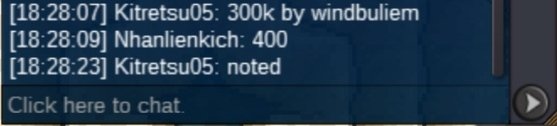
Co 5.1m by alcuiz ingame
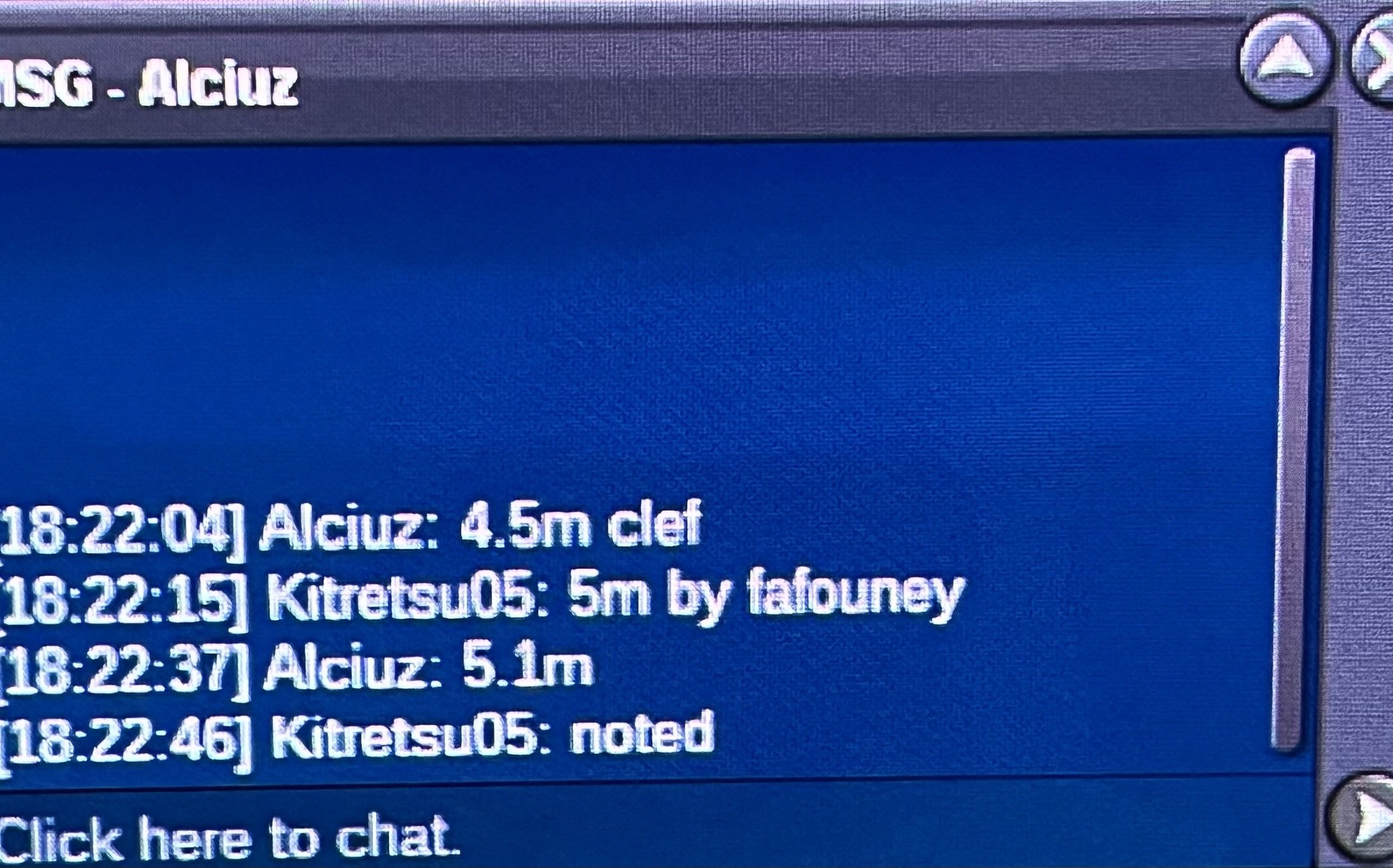
-
Sold to manav861 No insta Time ~ 24 hours after start sold No insta 24 hours after start Sold to Unbannedme No insta 24 hours after start
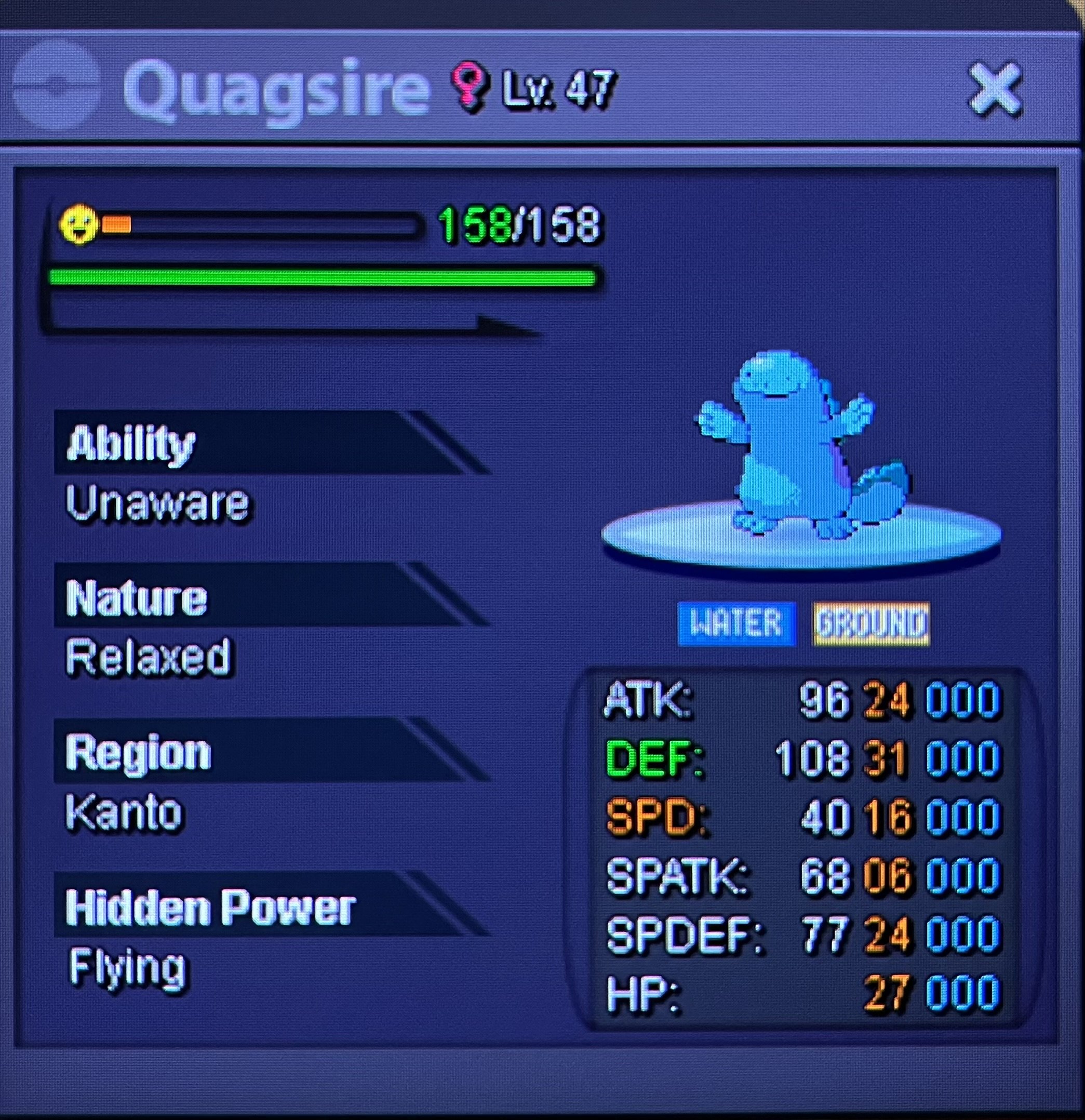
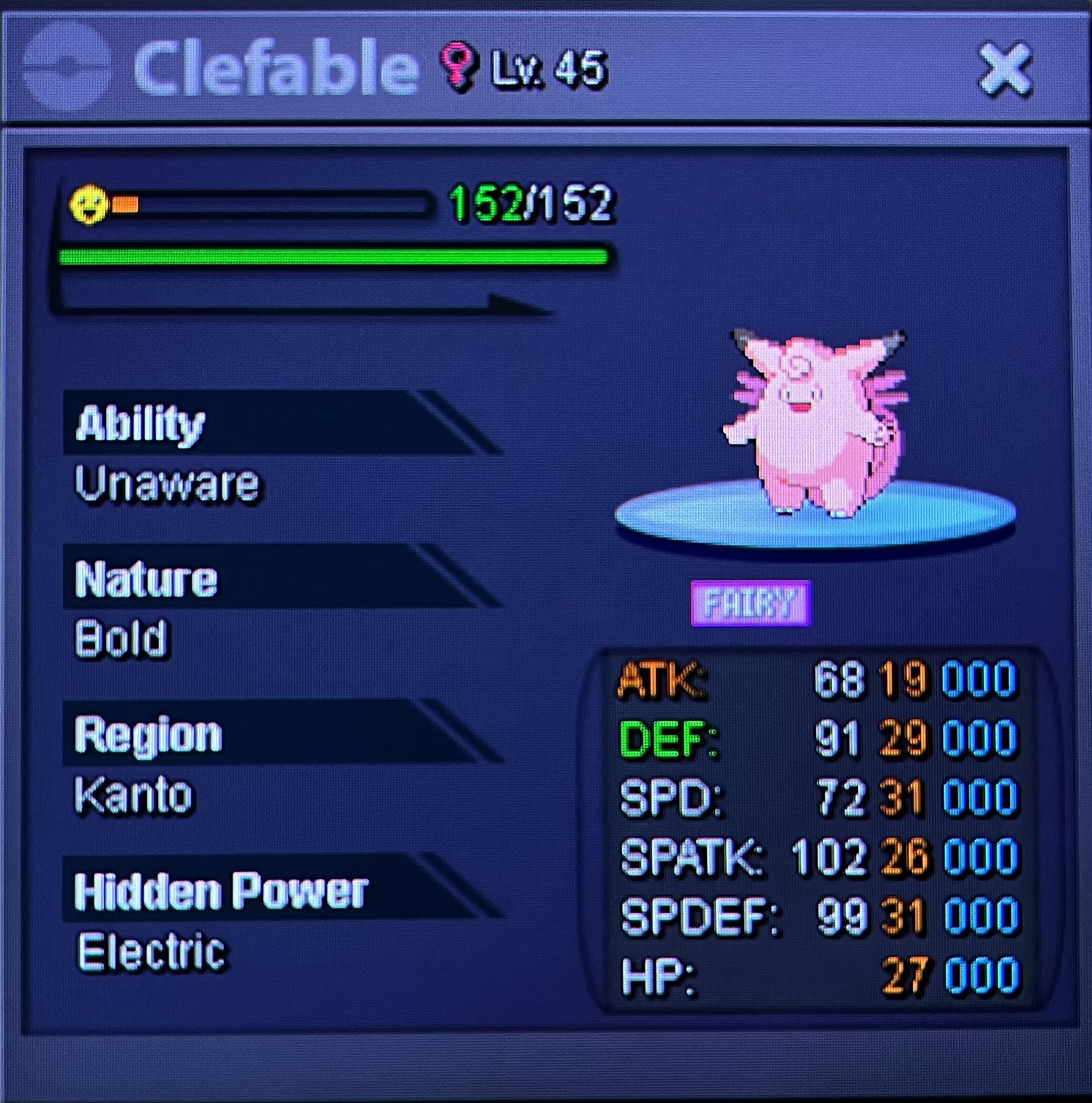
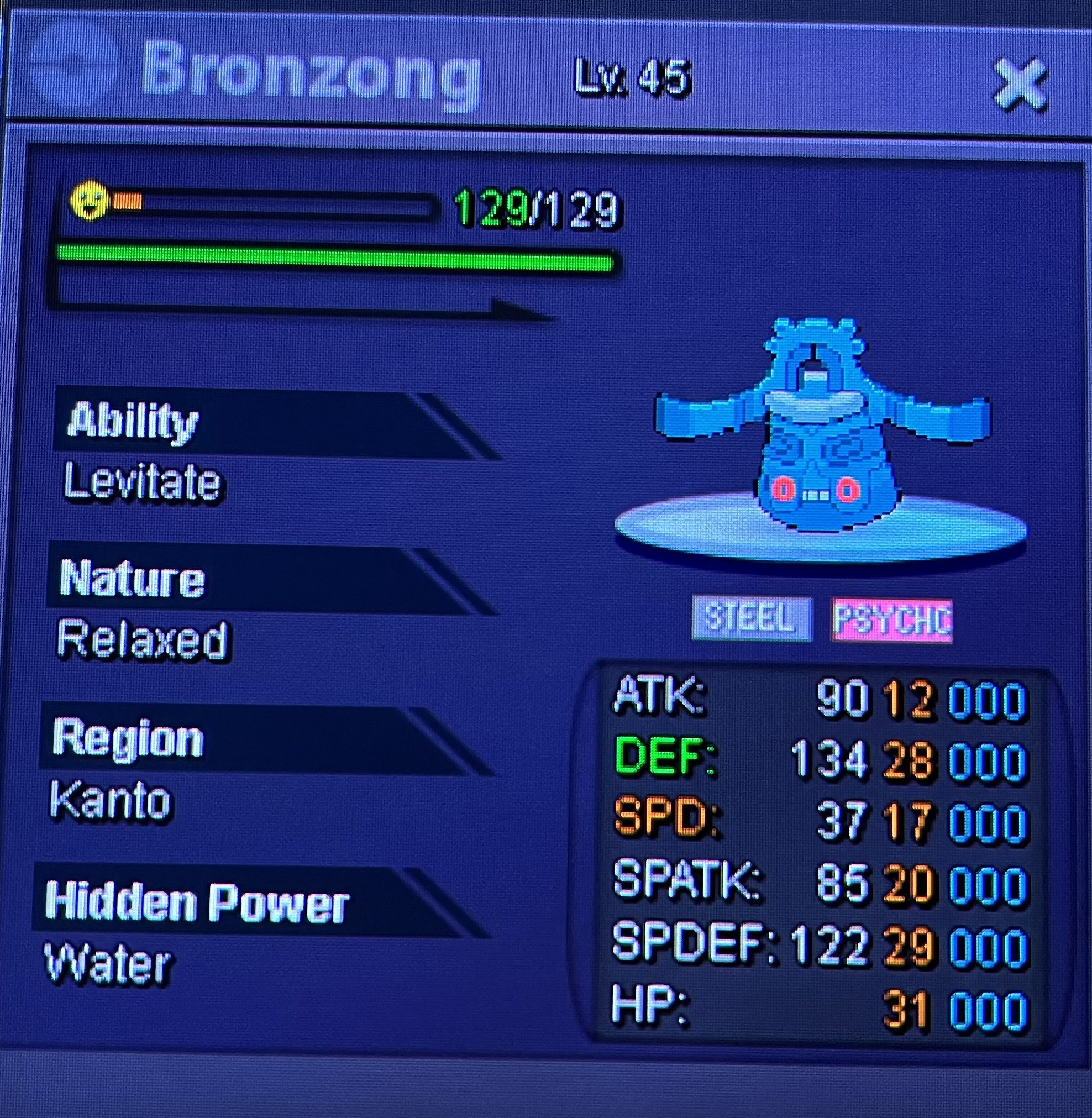
-
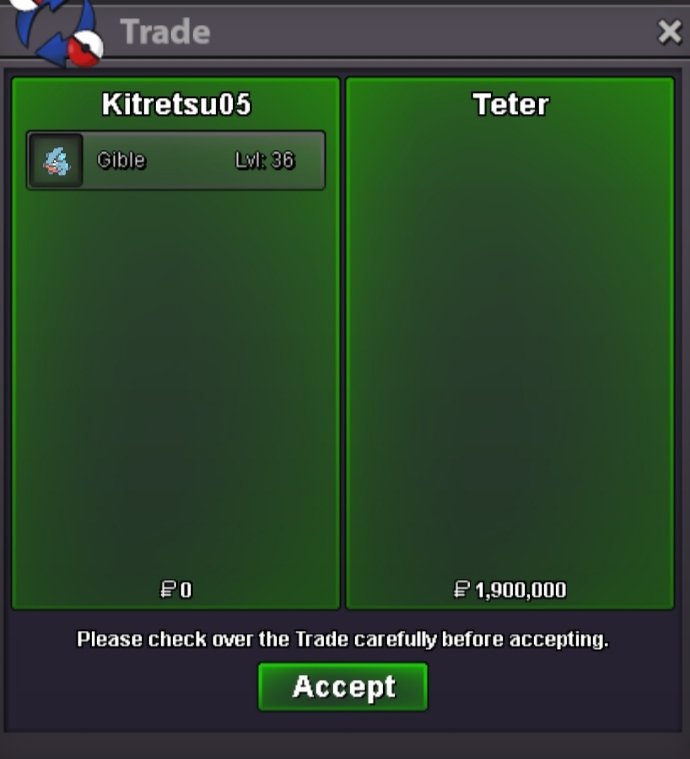
Trade done
-
Tysm for the help…. @Teter pm me when you are available
-
Bump @Doakes @Incandescent pls help
-
Bump… still waiting for a response from tmod
-
Bump…Any tmod pls help
-
Wait for tmods reply please. @Doakes
-
Trade moderators Pls Help me define The True winner of the auction…I made a blunder , i was away from home so i gave it to my friend to end the auction ! So i request that the Actually winner takes it and i am ready to face the consequences
-
@Minhquang1 you won ! Pm me when you are available
-
Bump 57 mins left ⏰
-
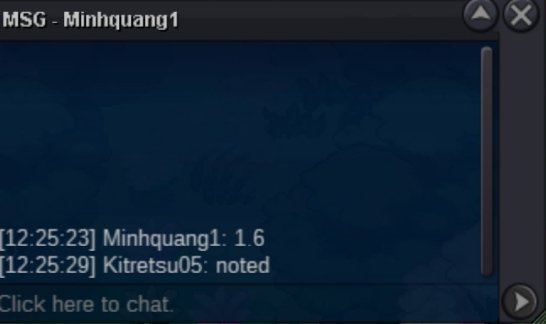
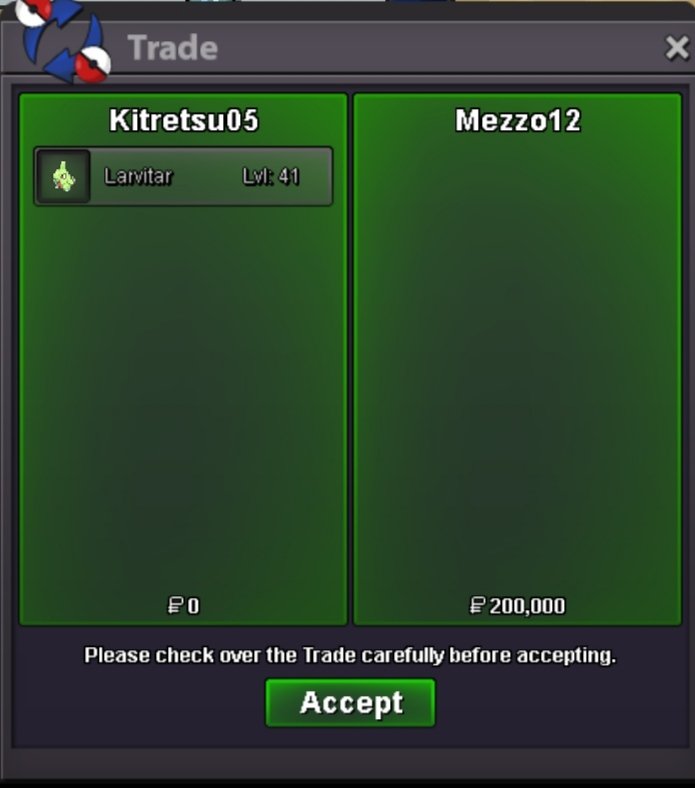
Co 1.6m
-
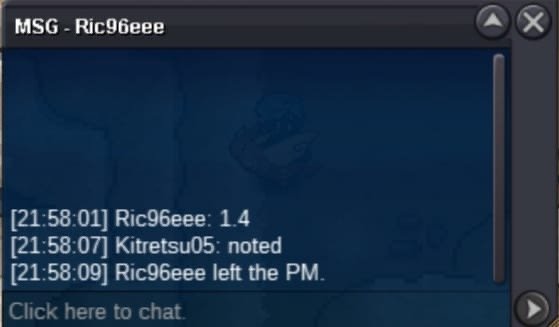
Co 1.4m
-
Start
-
1m
-
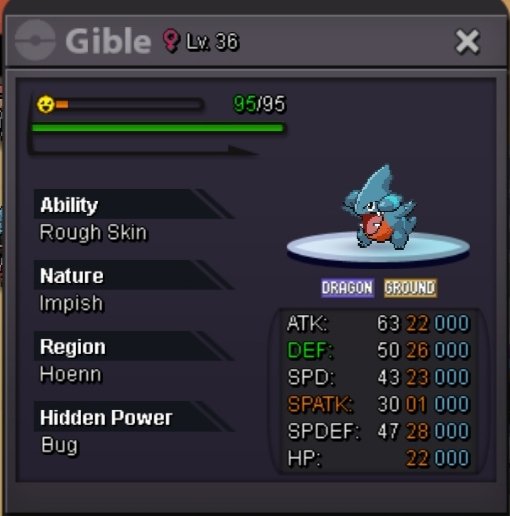
70k psyduck
-
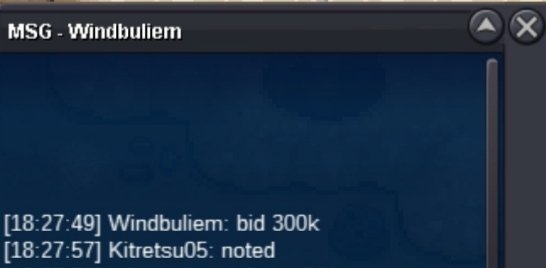
400k co
-
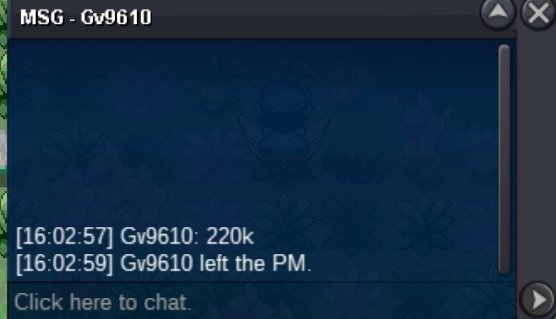
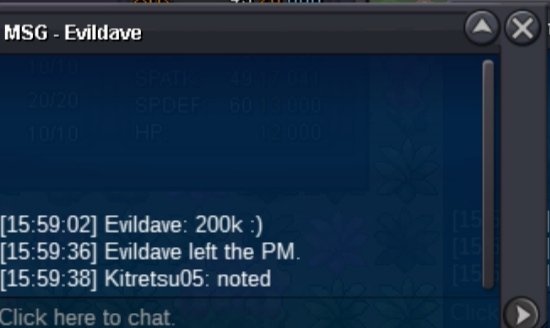
Sold to teter Time - 48 hours after start Accept only poke $
-
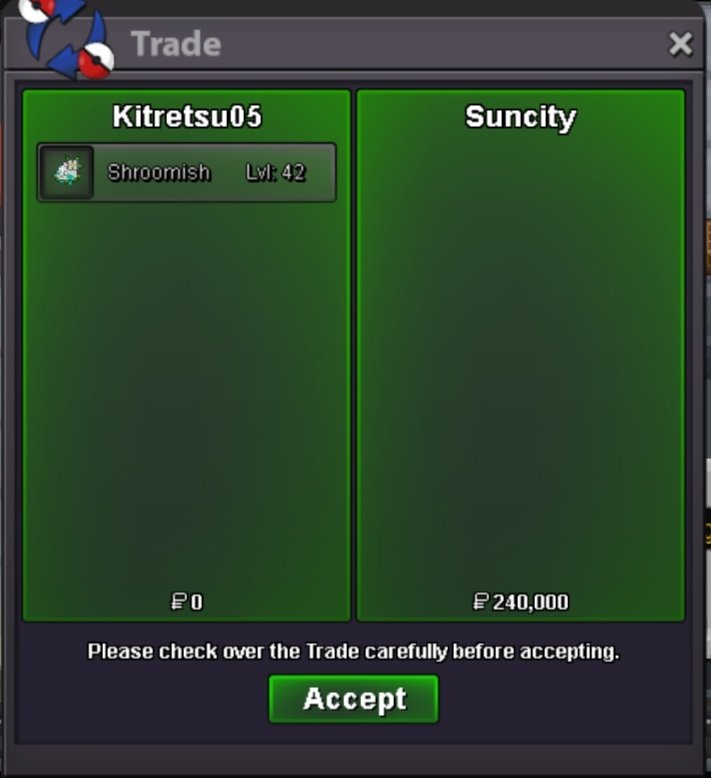
@Suncity you won pm me when you are available


Account
Navigation
Search
Configure browser push notifications
Chrome (Android)
- Tap the lock icon next to the address bar.
- Tap Permissions → Notifications.
- Adjust your preference.
Chrome (Desktop)
- Click the padlock icon in the address bar.
- Select Site settings.
- Find Notifications and adjust your preference.
Safari (iOS 16.4+)
- Ensure the site is installed via Add to Home Screen.
- Open Settings App → Notifications.
- Find your app name and adjust your preference.
Safari (macOS)
- Go to Safari → Preferences.
- Click the Websites tab.
- Select Notifications in the sidebar.
- Find this website and adjust your preference.
Edge (Android)
- Tap the lock icon next to the address bar.
- Tap Permissions.
- Find Notifications and adjust your preference.
Edge (Desktop)
- Click the padlock icon in the address bar.
- Click Permissions for this site.
- Find Notifications and adjust your preference.
Firefox (Android)
- Go to Settings → Site permissions.
- Tap Notifications.
- Find this site in the list and adjust your preference.
Firefox (Desktop)
- Open Firefox Settings.
- Search for Notifications.
- Find this site in the list and adjust your preference.