New Trade Zone
Trade Zone is now live
Use the new Trade Zone for auctions and instant-price trades so Pokemon and item offers are easy to find.

Kierm
Suspended
-
Joined
-
Last visited
Everything posted by Kierm
-
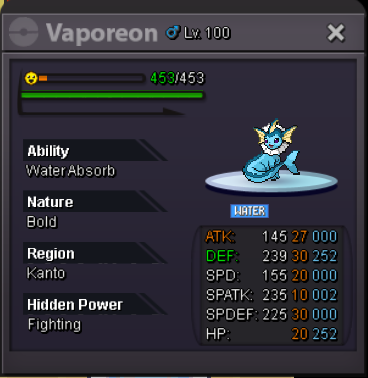
I messaged you already. Please checkapprox 8 hrs left for salamence and vaporeon
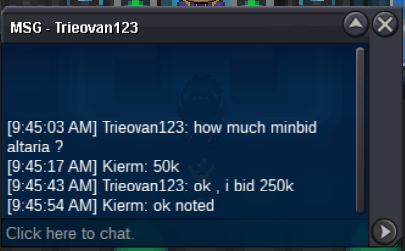
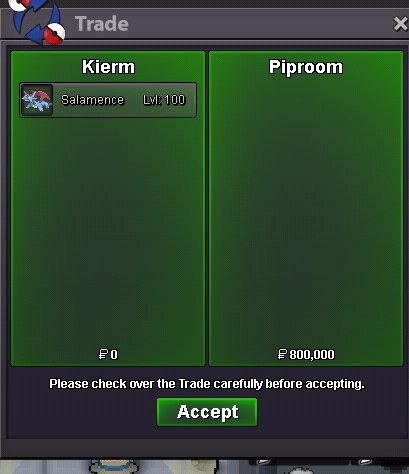
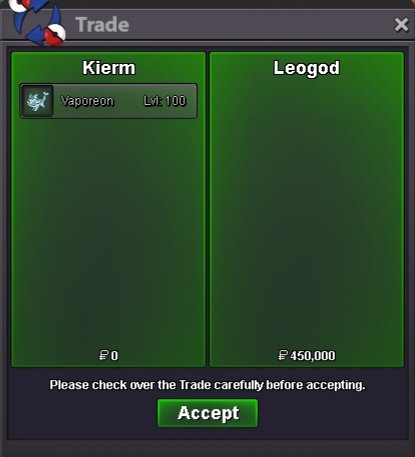
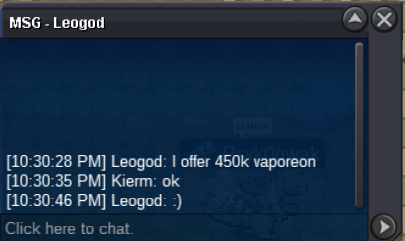
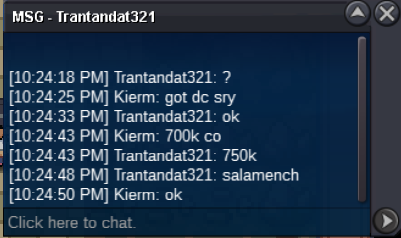
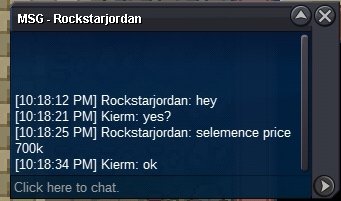
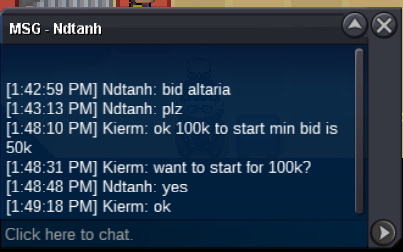
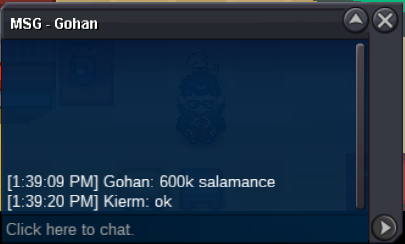
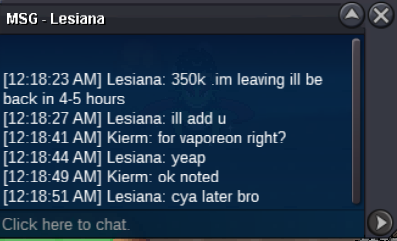
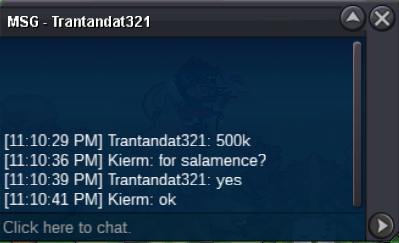
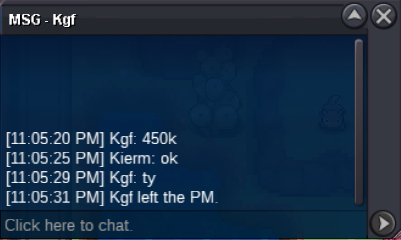
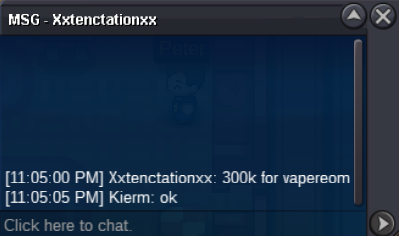
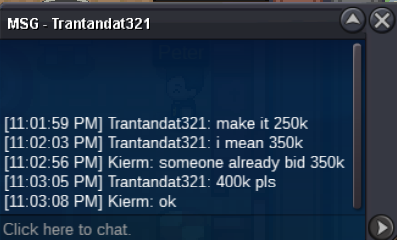
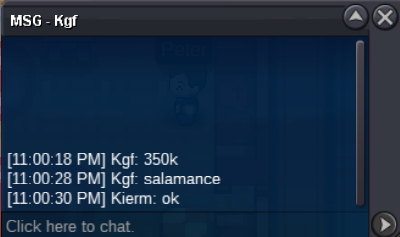
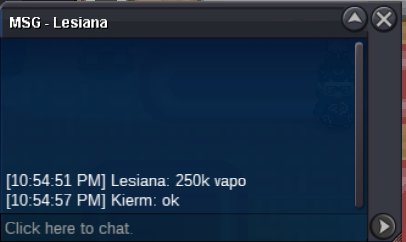
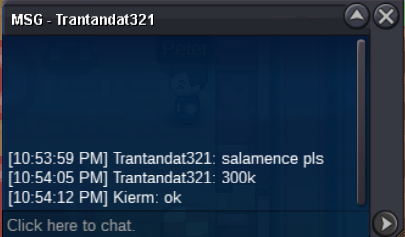
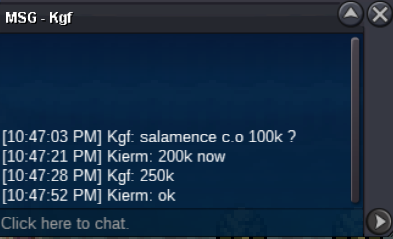
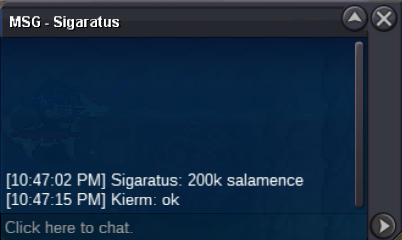
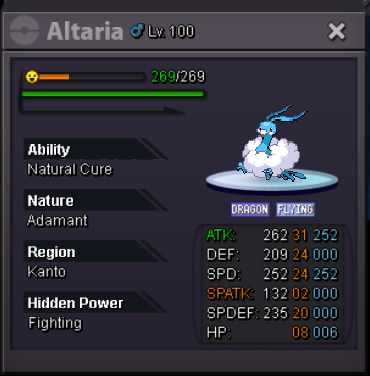
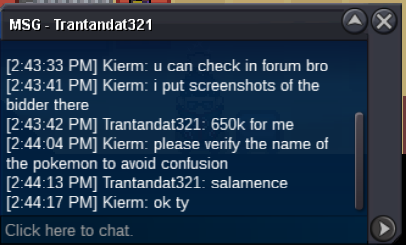 - Each can be start at 100k - Minimum bid is 50k - Auction time for each pokemon will end 24 hours after first bid - Can accept CC(350k), IV-RR(650k), RC(7K) and Pokemoney only. How to bid ? Ex. (Name of the pokemon) start, (Name of the pokemon)100k and so on.. If no one started the poke I'll simply remove it after 1 days. CURRENT OFFER: SALAMENCE - 800k SOLD VAPOREON - 450k SOLD ALTARIA - 300k SOLD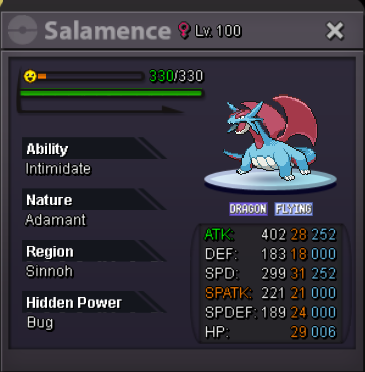
Account
Navigation
Search
Configure browser push notifications
Chrome (Android)
- Tap the lock icon next to the address bar.
- Tap Permissions → Notifications.
- Adjust your preference.
Chrome (Desktop)
- Click the padlock icon in the address bar.
- Select Site settings.
- Find Notifications and adjust your preference.
Safari (iOS 16.4+)
- Ensure the site is installed via Add to Home Screen.
- Open Settings App → Notifications.
- Find your app name and adjust your preference.
Safari (macOS)
- Go to Safari → Preferences.
- Click the Websites tab.
- Select Notifications in the sidebar.
- Find this website and adjust your preference.
Edge (Android)
- Tap the lock icon next to the address bar.
- Tap Permissions.
- Find Notifications and adjust your preference.
Edge (Desktop)
- Click the padlock icon in the address bar.
- Click Permissions for this site.
- Find Notifications and adjust your preference.
Firefox (Android)
- Go to Settings → Site permissions.
- Tap Notifications.
- Find this site in the list and adjust your preference.
Firefox (Desktop)
- Open Firefox Settings.
- Search for Notifications.
- Find this site in the list and adjust your preference.