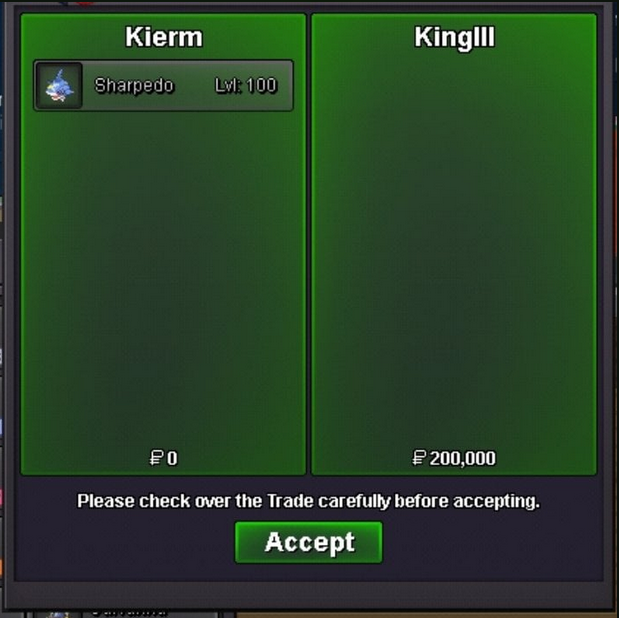
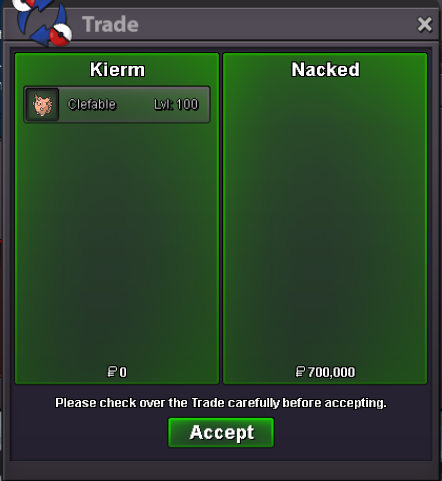
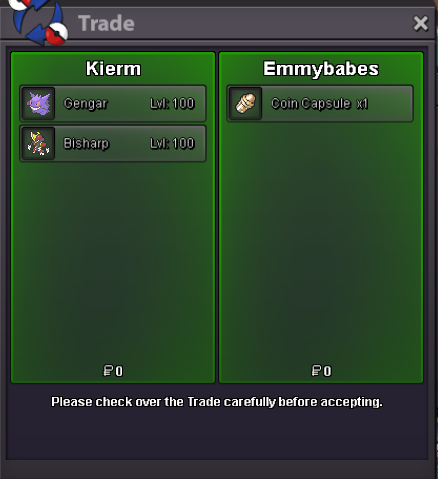
New Trade Zone
Trade Zone is now live
Use the new Trade Zone for auctions and instant-price trades so Pokemon and item offers are easy to find.

Kierm
Suspended
-
Joined
-
Last visited
Everything posted by Kierm
-
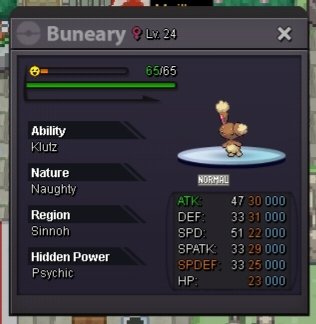
BumpBumpbumpbump180k c.o. for buneary (2 hours and 34 mins left)
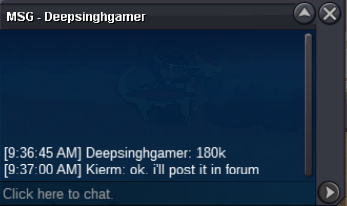 c.o. for buneary is 100k and will end after 2 days
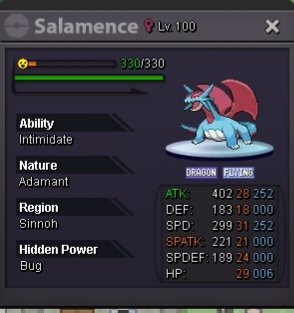
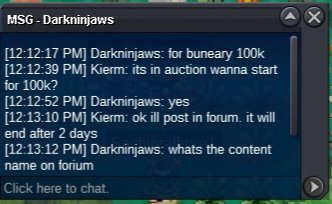 Ohh yeah i already figured it out. Thank you stillHi, i paid 250k for the 50 coins and played few games and won then quit but when i checked my balance, my remaining is just 23. Please help me with this. Thank youHi, I'm auctioning some of my pokemons. Please be advised that off-topic comments will be reported immediately. Please include the name of the pokemon before or after your bid. Happy bidding!! Contact Information: In-game name: Kierm Mode of Payment: Cash CC - 400K H.A. Alakazam S.O. - 3M M.B. - 100K Auction time - 2 days after first bid Salamence S.O. - 2M M.B. - 100K Auction time - 2 days after first bid Shiny Natu S.O. - 1M M.B. - 100K Auction time - 2 days after first bid Buneary S.O. - 100k M.B. - 20k Auction time - 2 days after first bid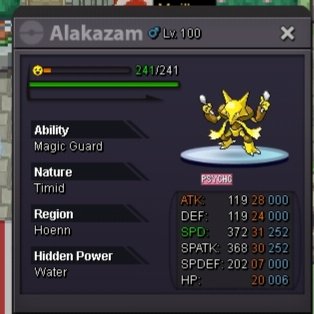
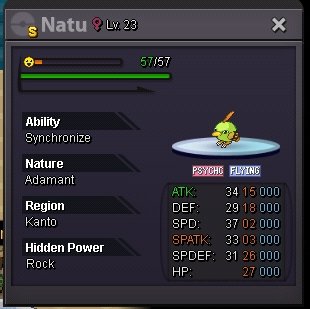 bumpTogekiss is sold. Forgot to screenshotBump
Account
Navigation
Search
Configure browser push notifications
Chrome (Android)
- Tap the lock icon next to the address bar.
- Tap Permissions → Notifications.
- Adjust your preference.
Chrome (Desktop)
- Click the padlock icon in the address bar.
- Select Site settings.
- Find Notifications and adjust your preference.
Safari (iOS 16.4+)
- Ensure the site is installed via Add to Home Screen.
- Open Settings App → Notifications.
- Find your app name and adjust your preference.
Safari (macOS)
- Go to Safari → Preferences.
- Click the Websites tab.
- Select Notifications in the sidebar.
- Find this website and adjust your preference.
Edge (Android)
- Tap the lock icon next to the address bar.
- Tap Permissions.
- Find Notifications and adjust your preference.
Edge (Desktop)
- Click the padlock icon in the address bar.
- Click Permissions for this site.
- Find Notifications and adjust your preference.
Firefox (Android)
- Go to Settings → Site permissions.
- Tap Notifications.
- Find this site in the list and adjust your preference.
Firefox (Desktop)
- Open Firefox Settings.
- Search for Notifications.
- Find this site in the list and adjust your preference.