




New Trade Zone
Trade Zone is now live
Use the new Trade Zone for auctions and instant-price trades so Pokemon and item offers are easy to find.

Khazix
Suspended
-
Joined
-
Last visited
Everything posted by Khazix
-
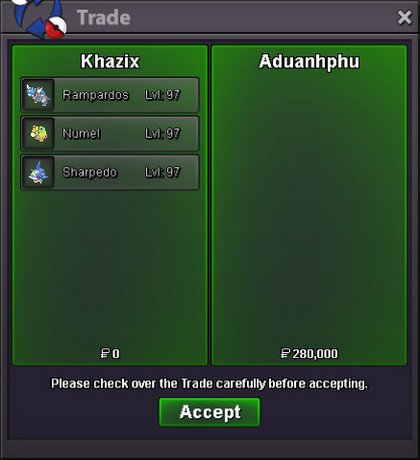
Start Price: 200k End Point: 12 hours (after start price is met) Insta Price: N/A Minimum Raise: 50k Accepted Payments: Pokedollars, Reroll Ticket: 500k each, Coin Capsule: 400k each.
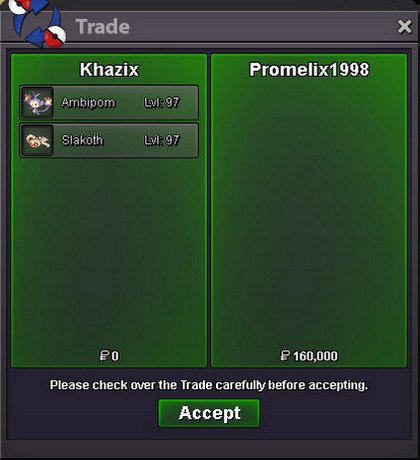
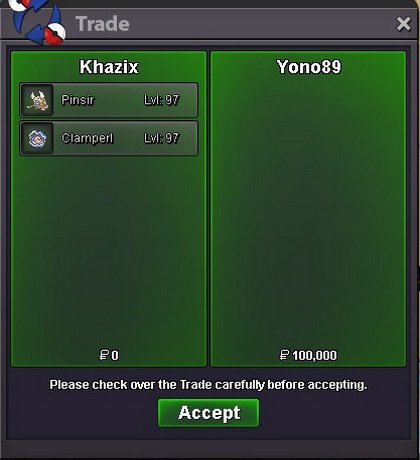
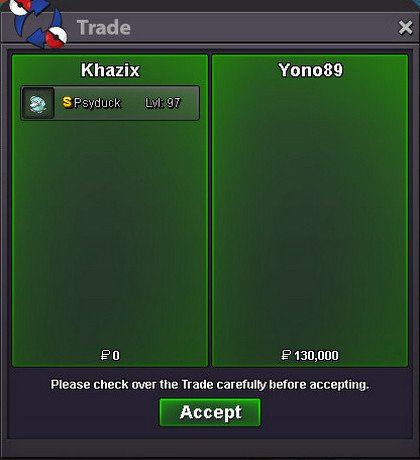
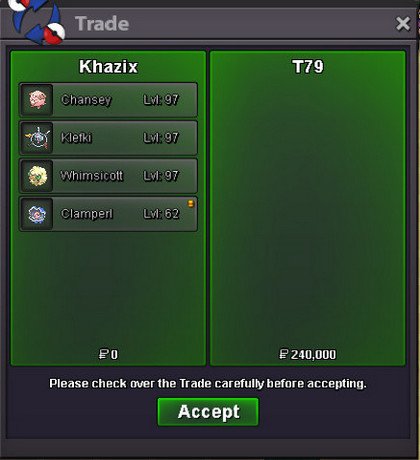
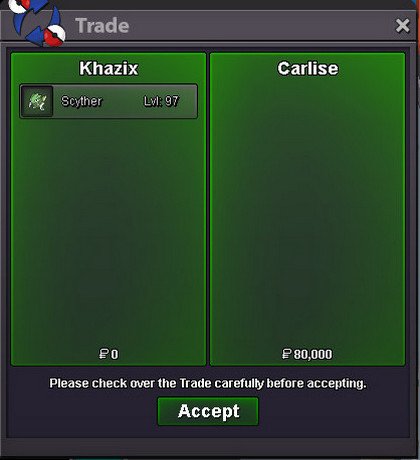
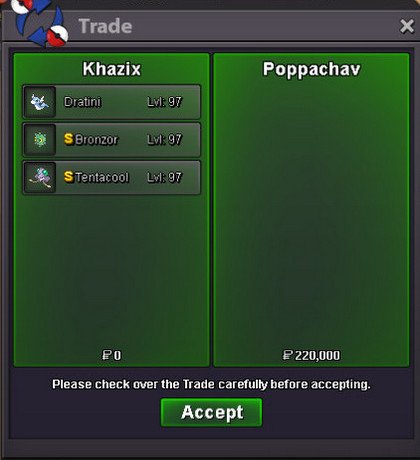
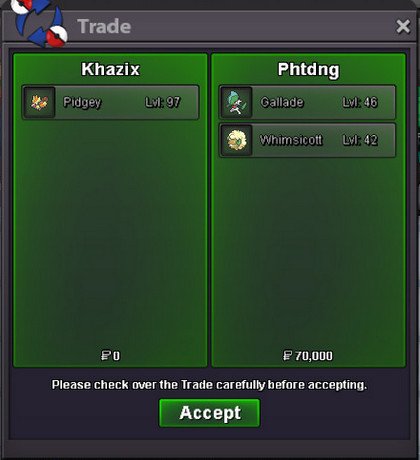
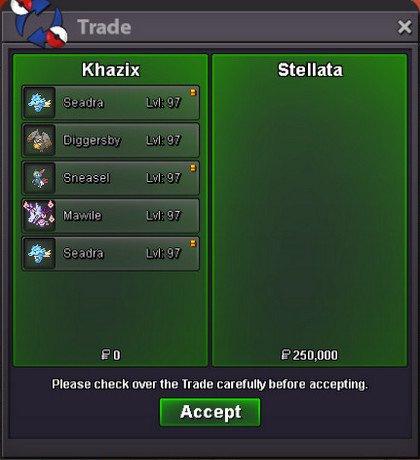
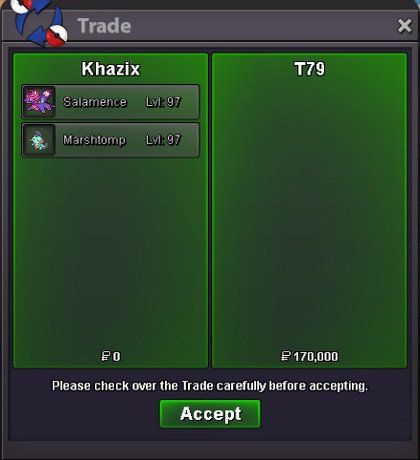
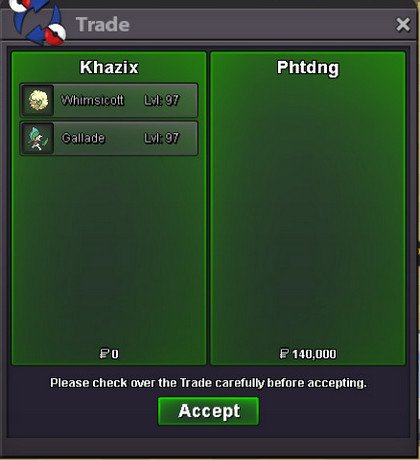
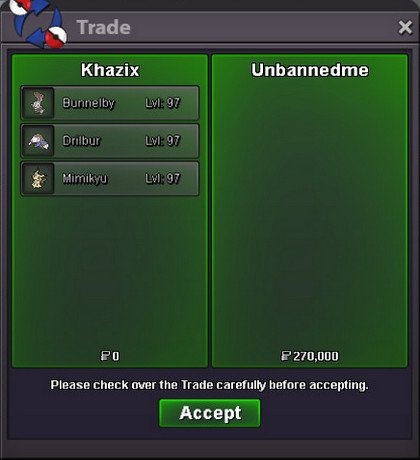
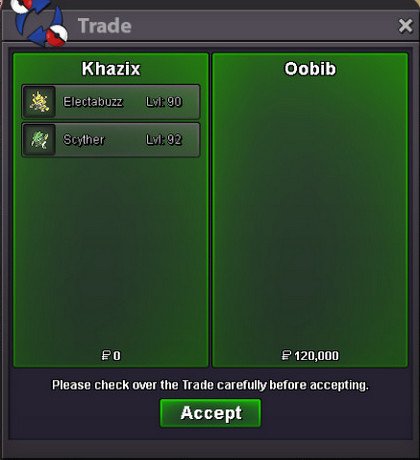
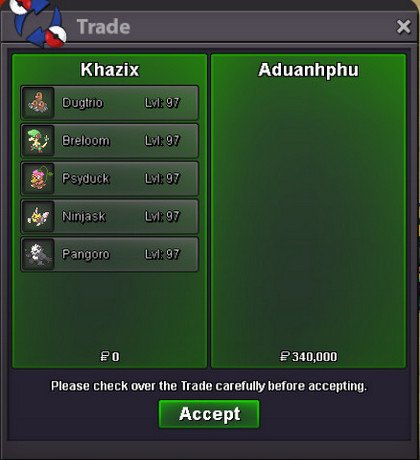
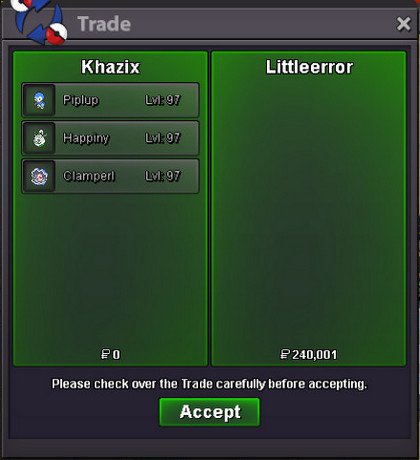
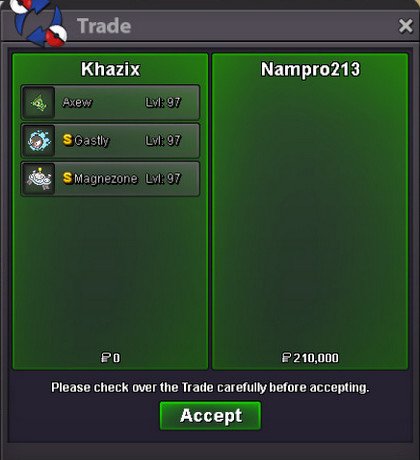
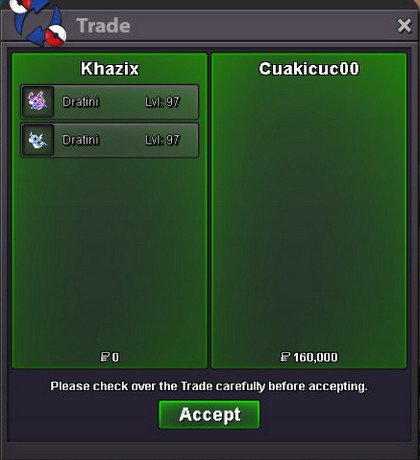
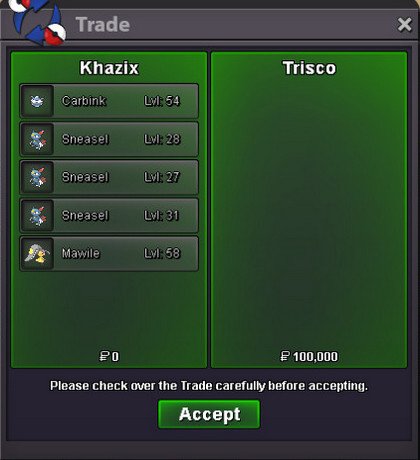
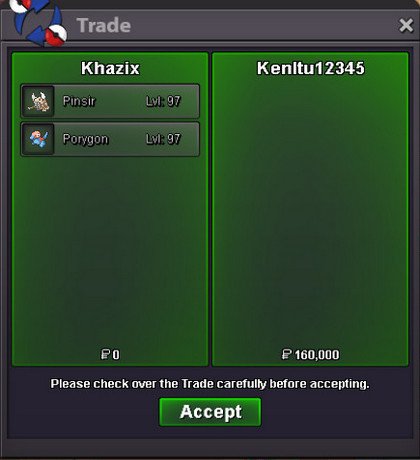
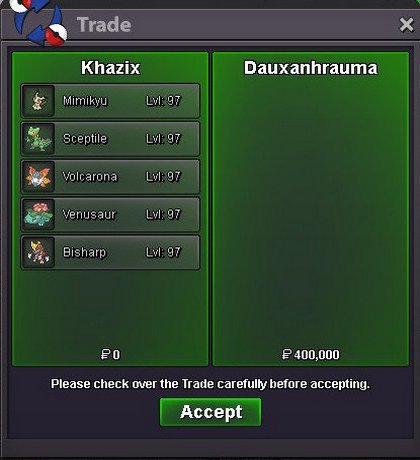
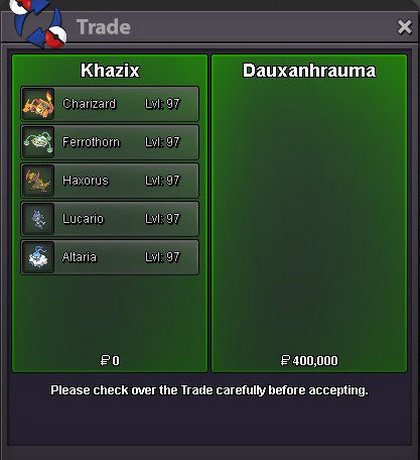
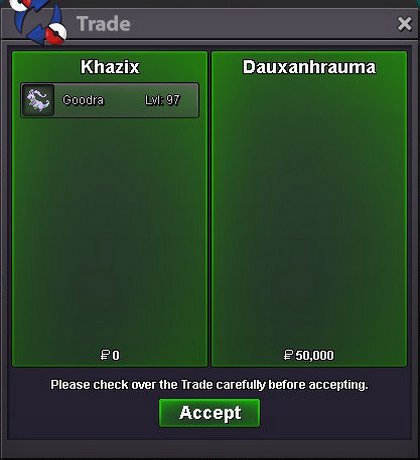
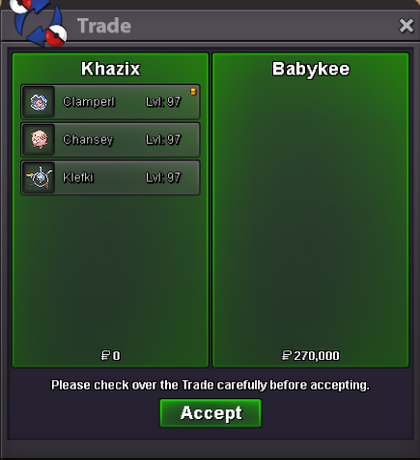
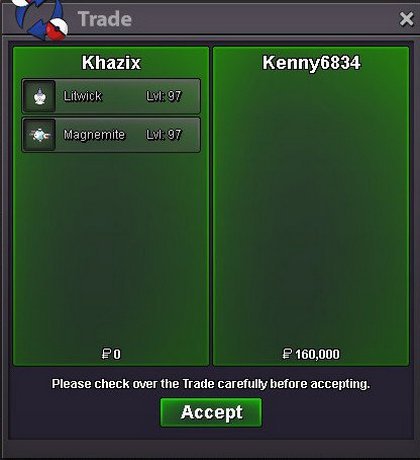
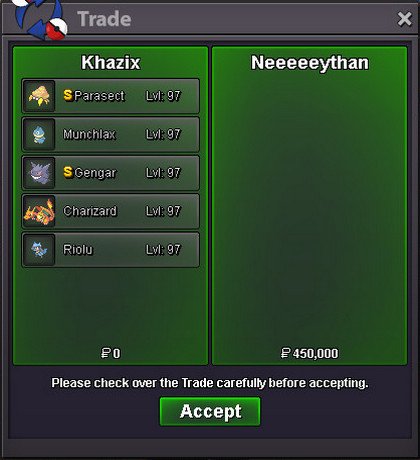
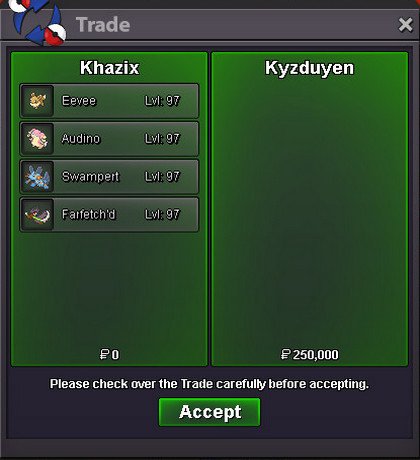
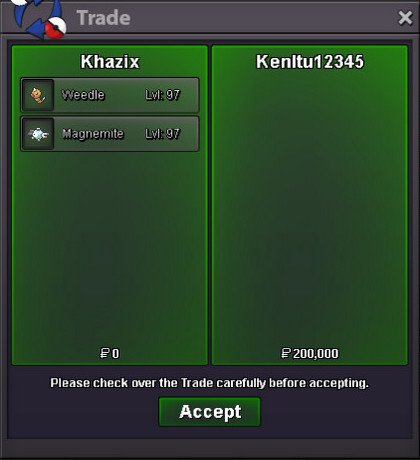
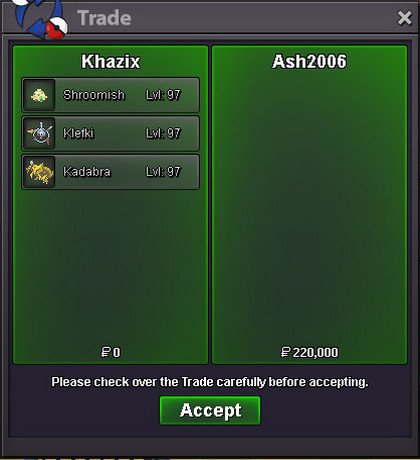
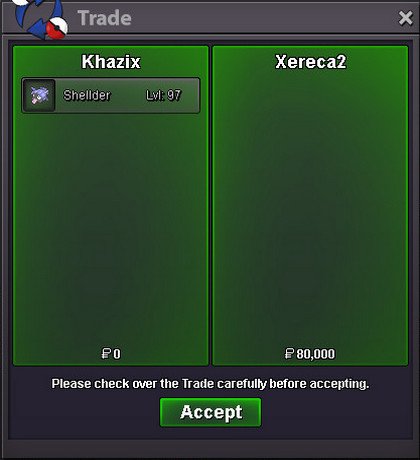
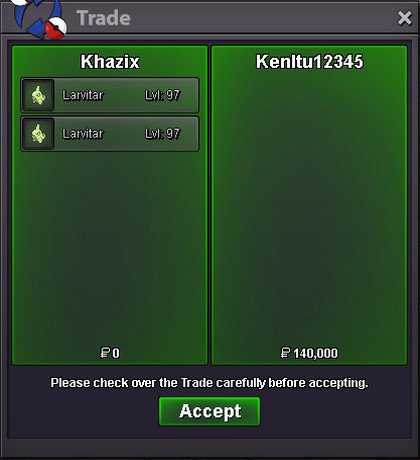
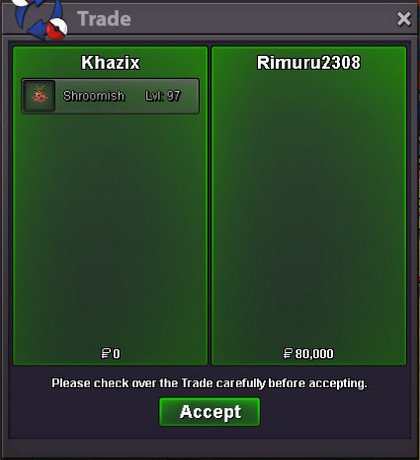
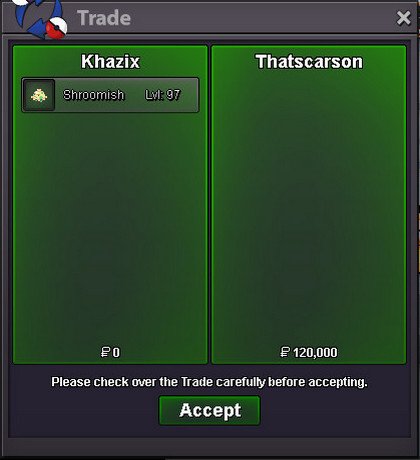
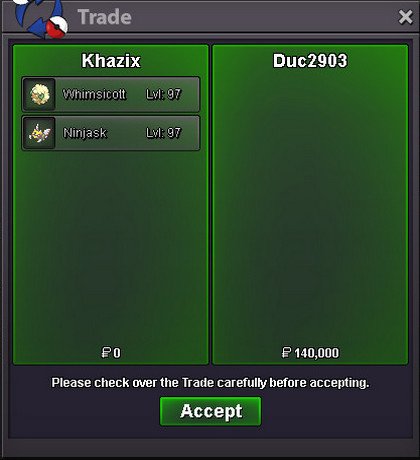
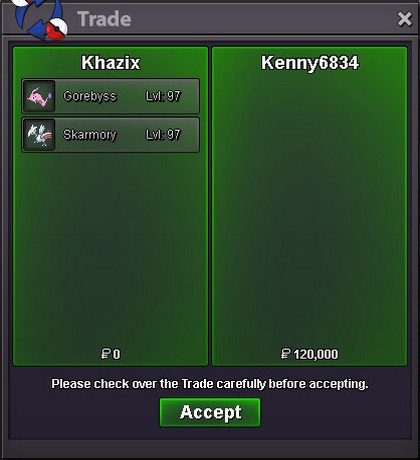
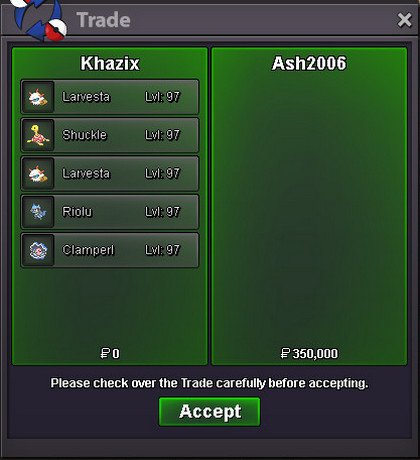
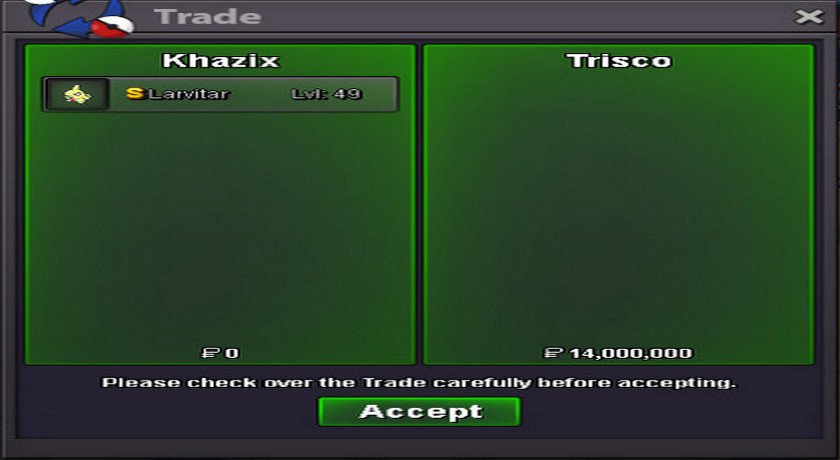
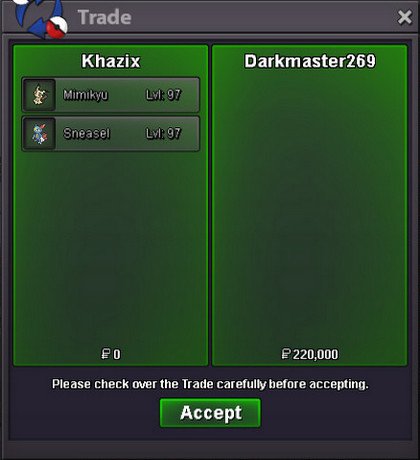
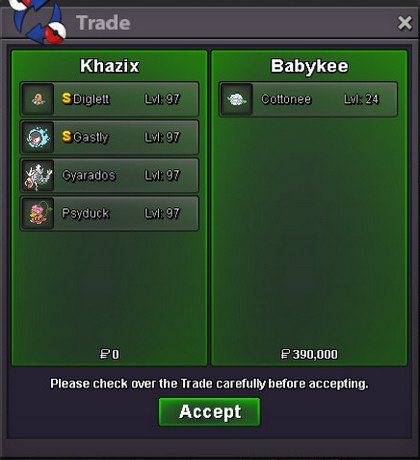
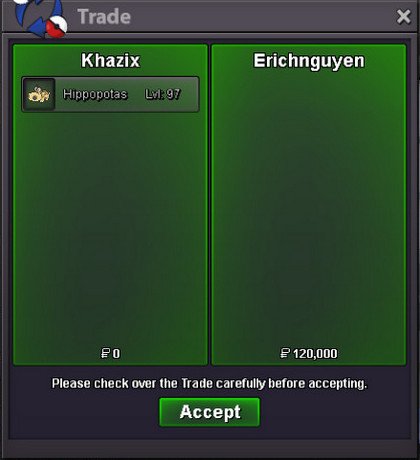
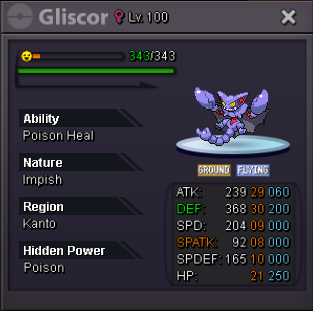
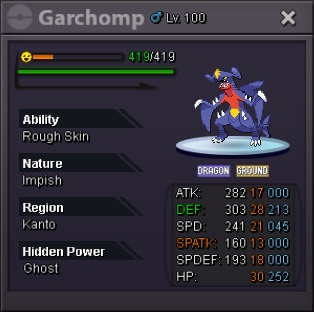
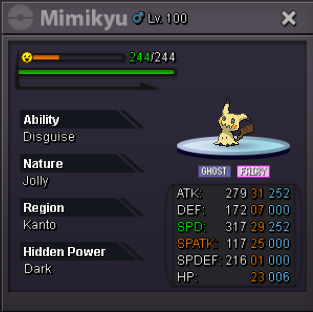
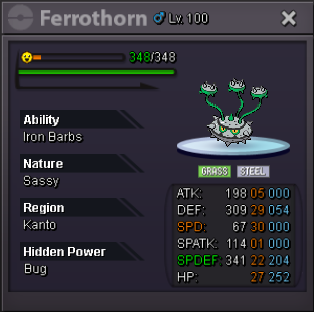
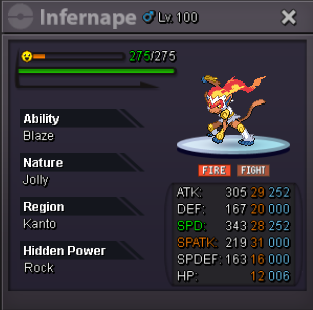
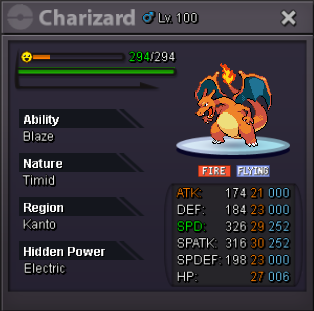
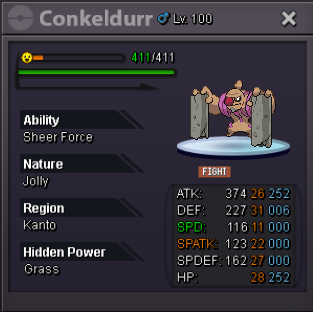
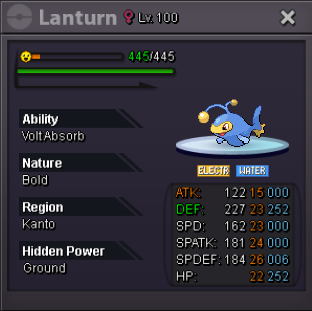
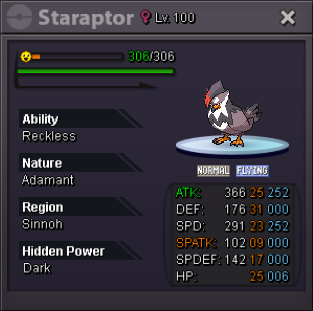
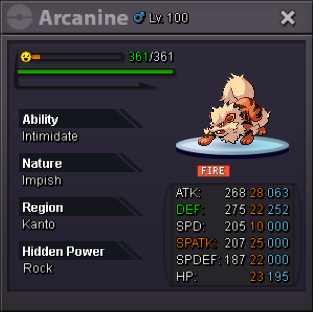
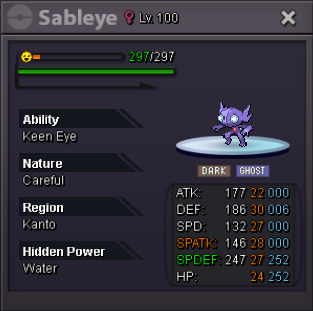
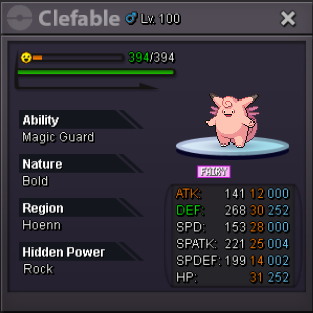
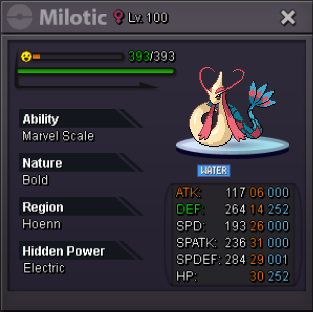
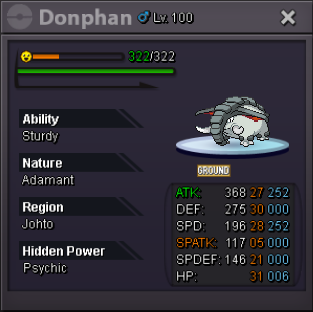
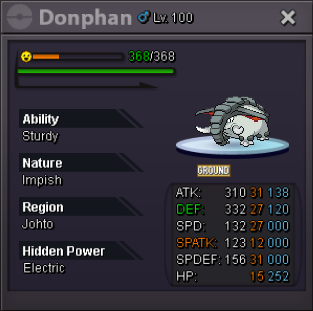
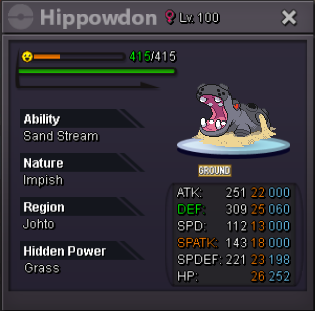
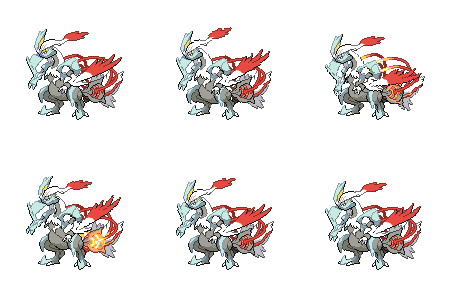
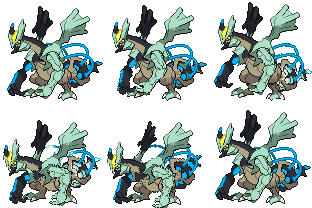
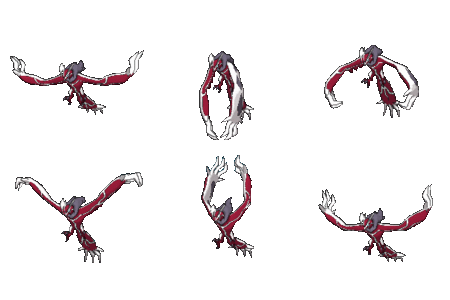
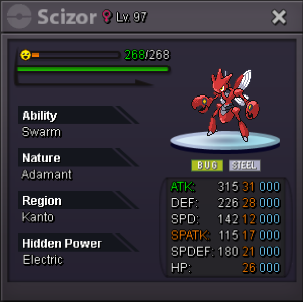
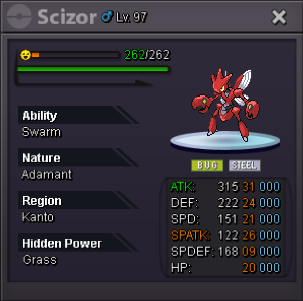
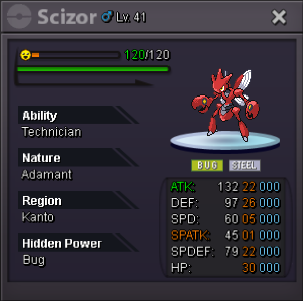
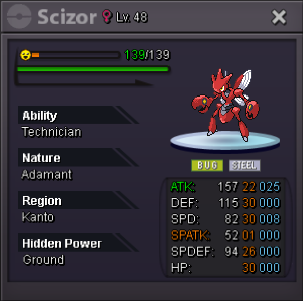
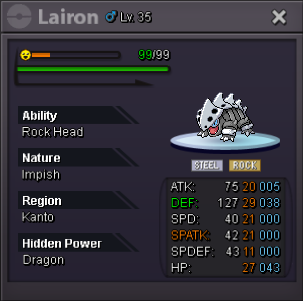
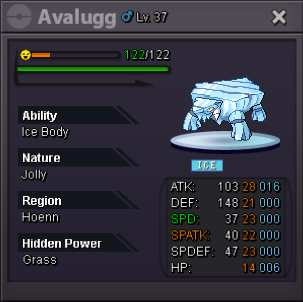
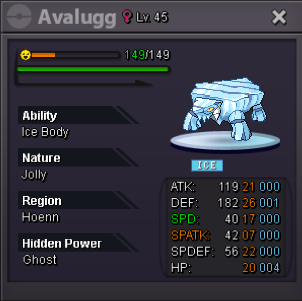
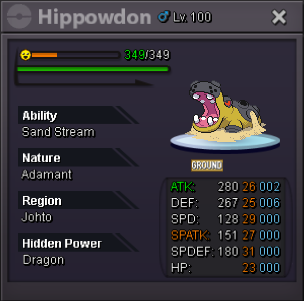
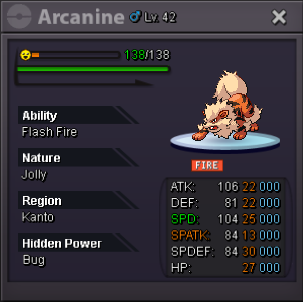
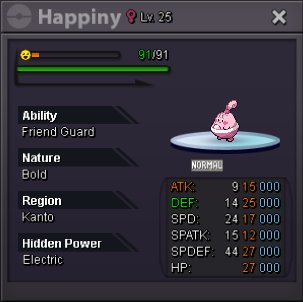
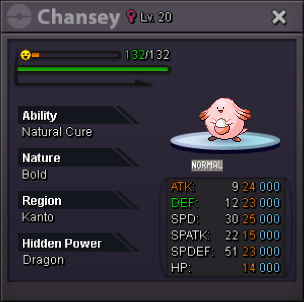
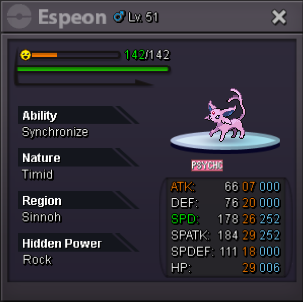
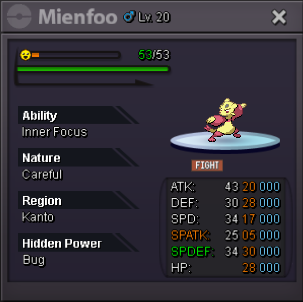
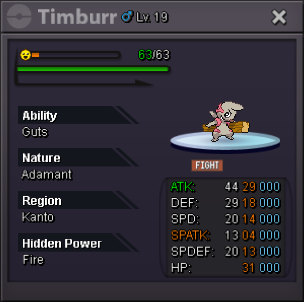
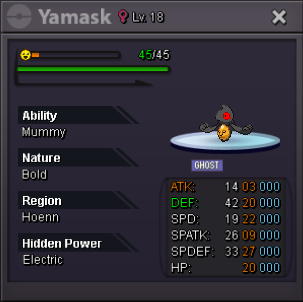
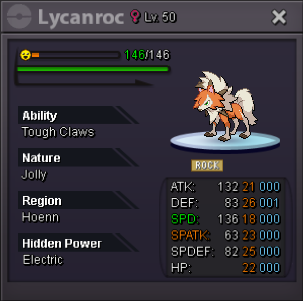
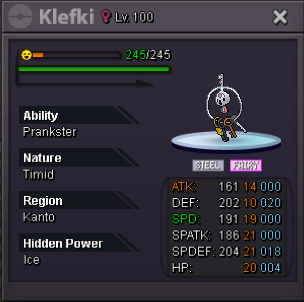
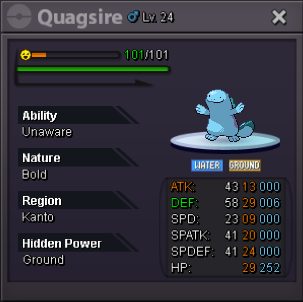
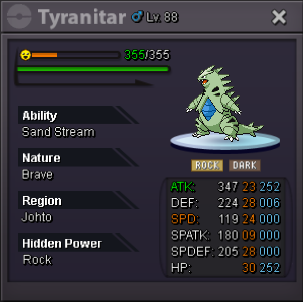
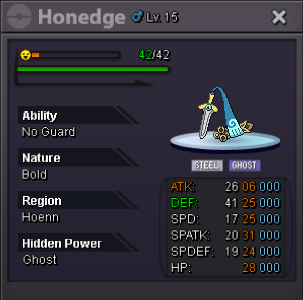
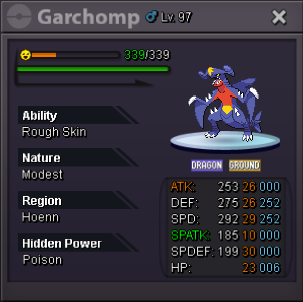
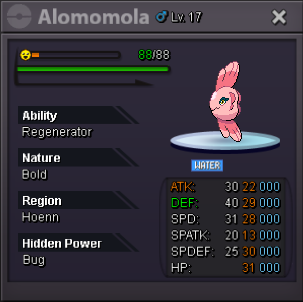
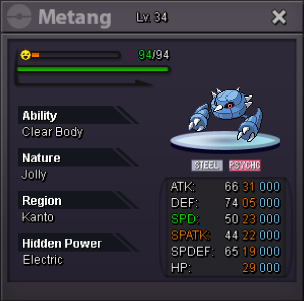
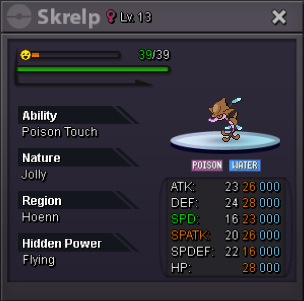
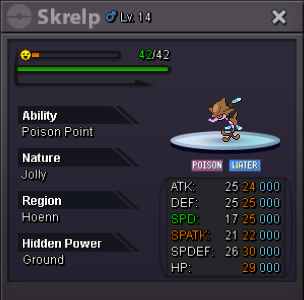
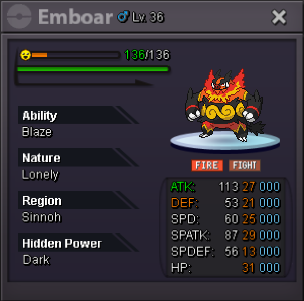
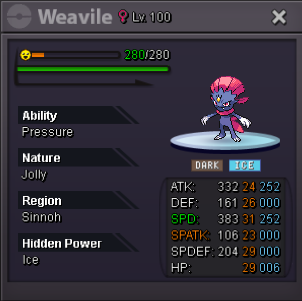
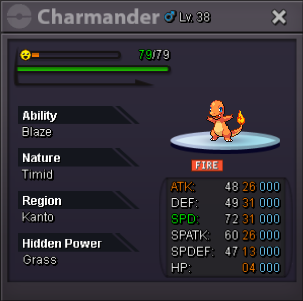
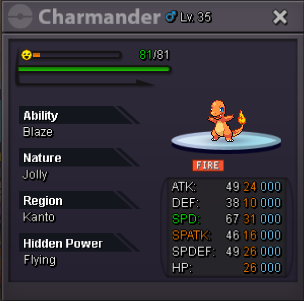
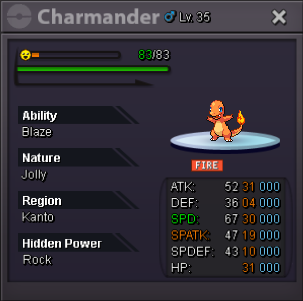
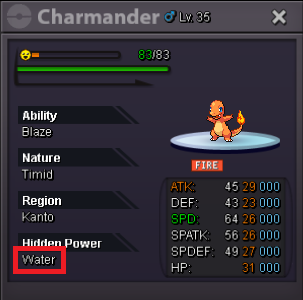
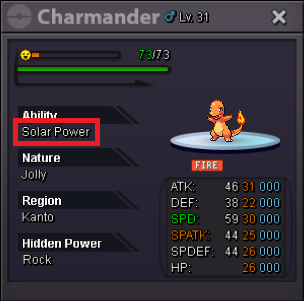
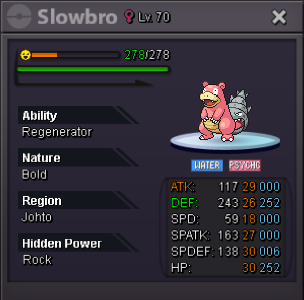
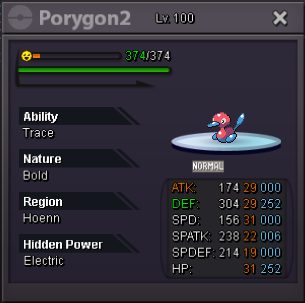
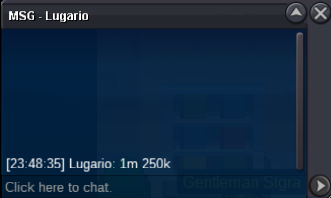
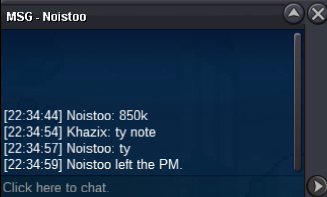
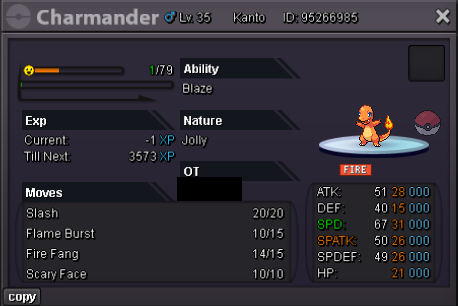 1m2 gulpin1m6ok pm me1m8500k1m51m21m800k600k14m13.5m12.5m12mAll pokemon will decrease by 20k every week until sold (lowest price 50k) Shop pokemon Trust service level ING: Khazix Discord: areu_shagon Note: I only buy, sell and exchange in the game, all non-PRO issues are fake and will not be responsible. I only message about my training at PRO or Discord: areu_shagon, any other communication not related to my account will not be responsible. I only use 1 discord account with id: areu_shagon and confirmed with GM, any form of fake will be severely punished. The fastest train time is 3 hours. If you don't see my notification after 2 days, please message again to confirm the situation. Product price can be further negotiated between the two parties.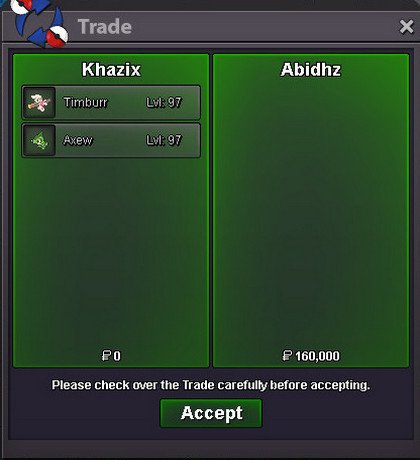

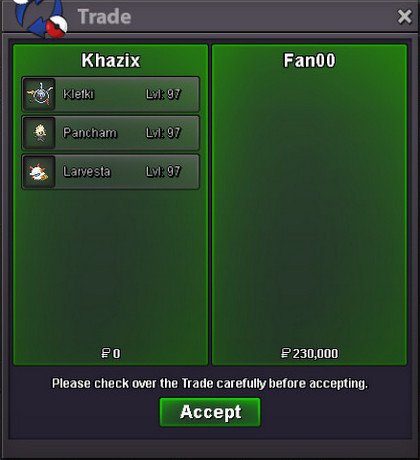
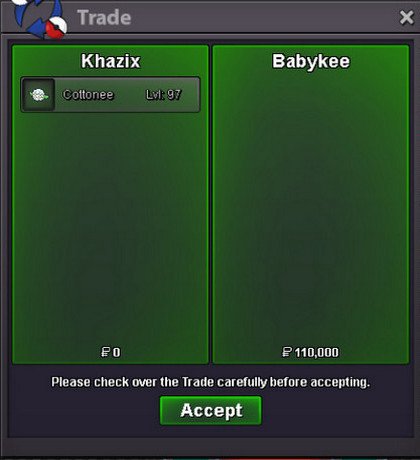
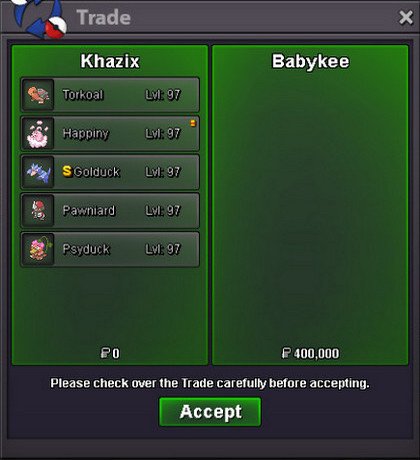
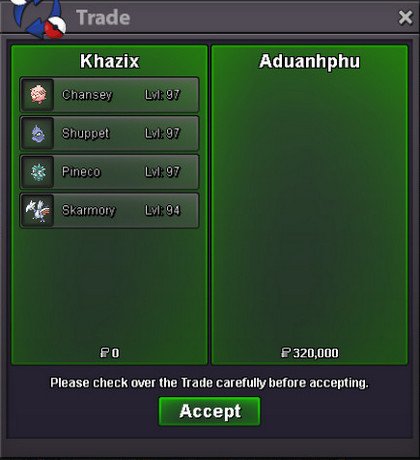
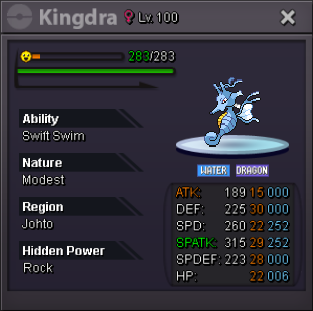
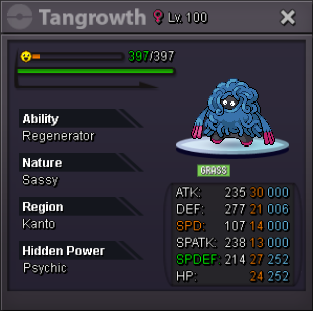
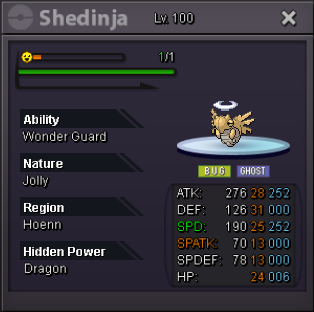
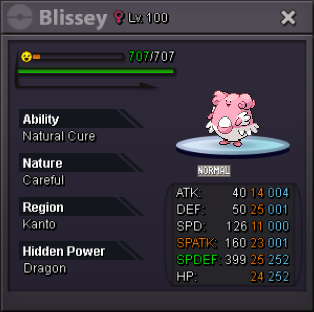



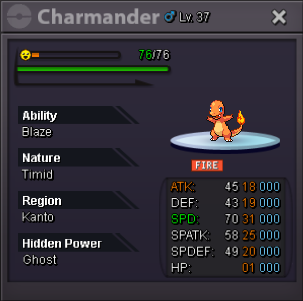
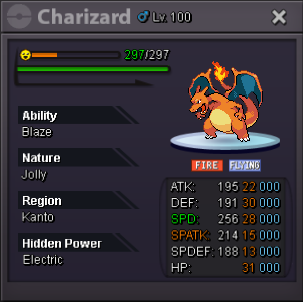
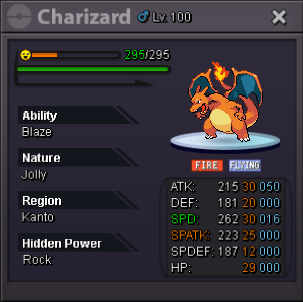
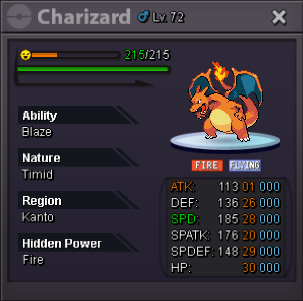
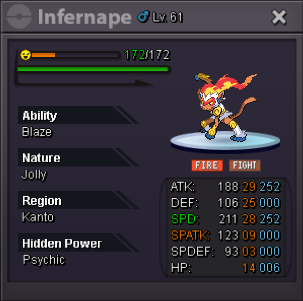
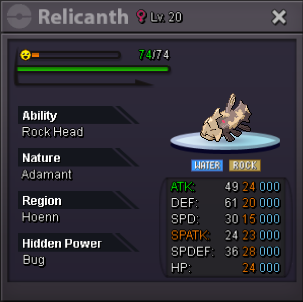
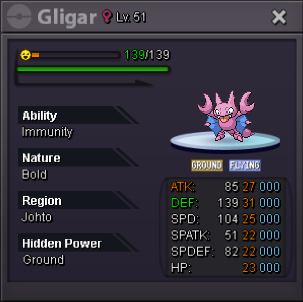
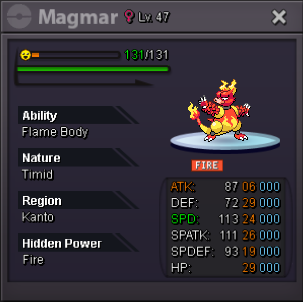
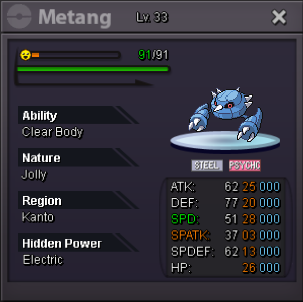
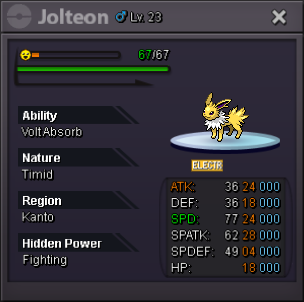
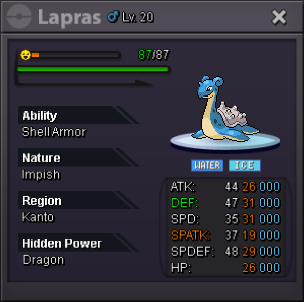
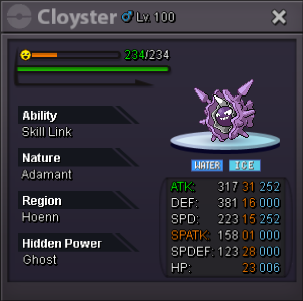
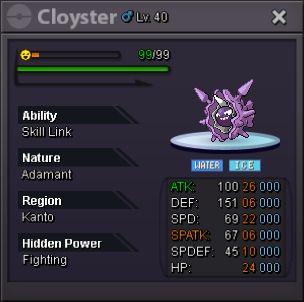
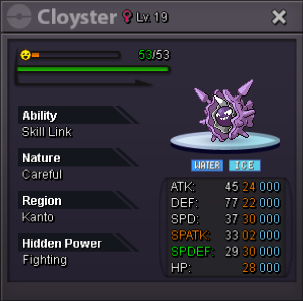
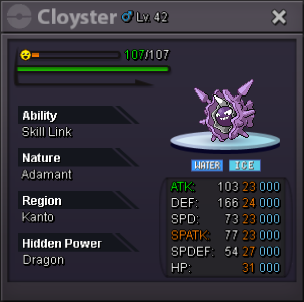
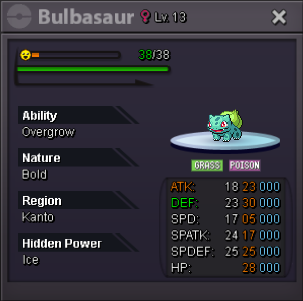
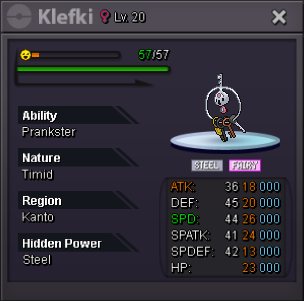
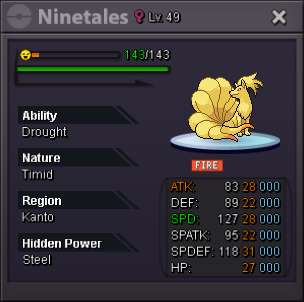
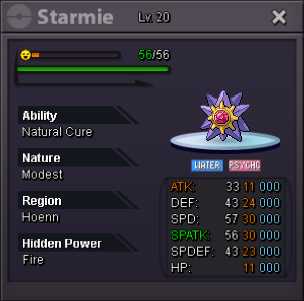
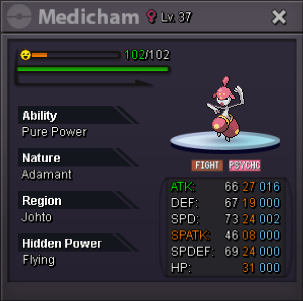
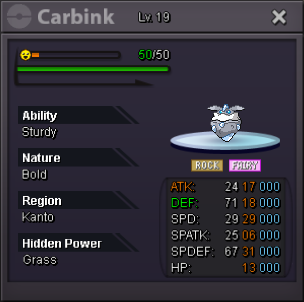
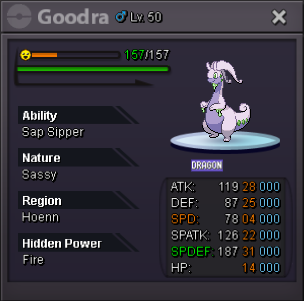
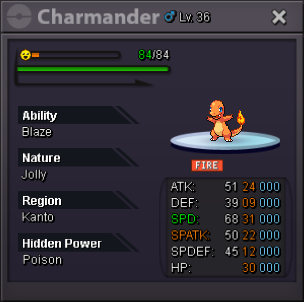
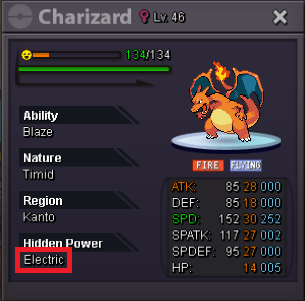


Account
Navigation
Search
Configure browser push notifications
Chrome (Android)
- Tap the lock icon next to the address bar.
- Tap Permissions → Notifications.
- Adjust your preference.
Chrome (Desktop)
- Click the padlock icon in the address bar.
- Select Site settings.
- Find Notifications and adjust your preference.
Safari (iOS 16.4+)
- Ensure the site is installed via Add to Home Screen.
- Open Settings App → Notifications.
- Find your app name and adjust your preference.
Safari (macOS)
- Go to Safari → Preferences.
- Click the Websites tab.
- Select Notifications in the sidebar.
- Find this website and adjust your preference.
Edge (Android)
- Tap the lock icon next to the address bar.
- Tap Permissions.
- Find Notifications and adjust your preference.
Edge (Desktop)
- Click the padlock icon in the address bar.
- Click Permissions for this site.
- Find Notifications and adjust your preference.
Firefox (Android)
- Go to Settings → Site permissions.
- Tap Notifications.
- Find this site in the list and adjust your preference.
Firefox (Desktop)
- Open Firefox Settings.
- Search for Notifications.
- Find this site in the list and adjust your preference.