New Trade Zone
Trade Zone is now live
Use the new Trade Zone for auctions and instant-price trades so Pokemon and item offers are easy to find.

Lachie123
Registered User
-
Joined
-
Last visited
-
its worked thx so much
-
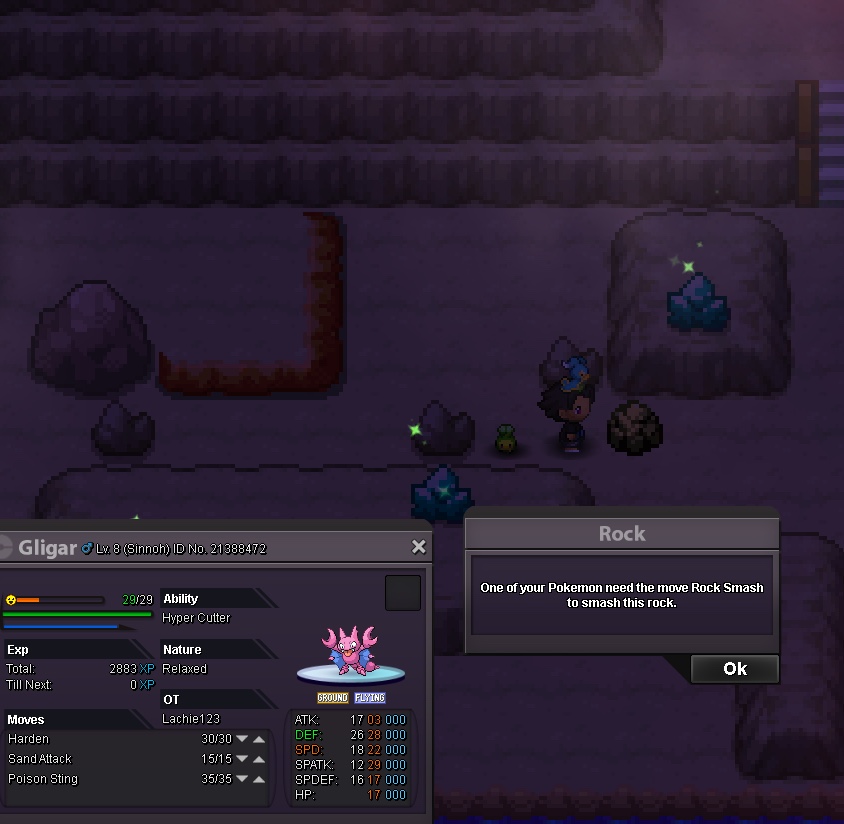
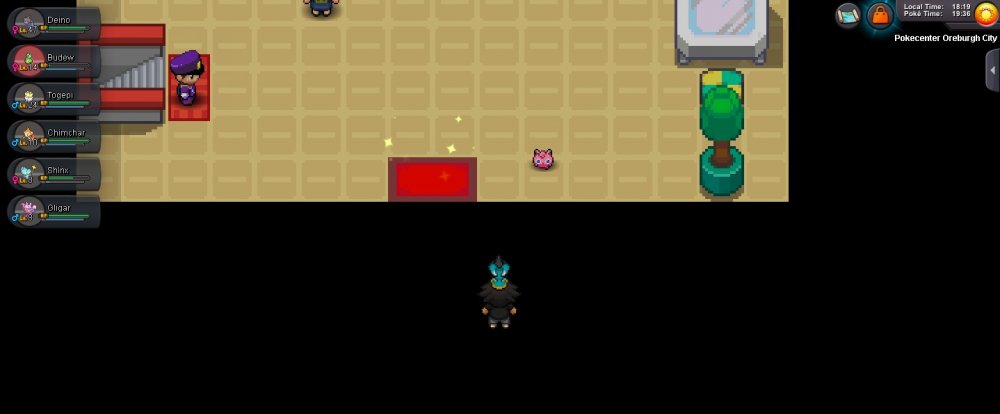
this is what it looks like for me, I can't move. plus I got 6 pokes so I can't get escape rope
-
this is what it looks like for me, I can't move
-
/
-
hey im on rt and will be on or around my computer for another 2 hours if that suits one of u guys
-
sry I missed ur post I was out and away from my computer, please tell me when u will be on. thx, lachie
-
hi so ive tried most and they haven't worked, I haven't the escape rope because I dont have any and I also haven't tried the battling one because no one wants to battle me :(
-
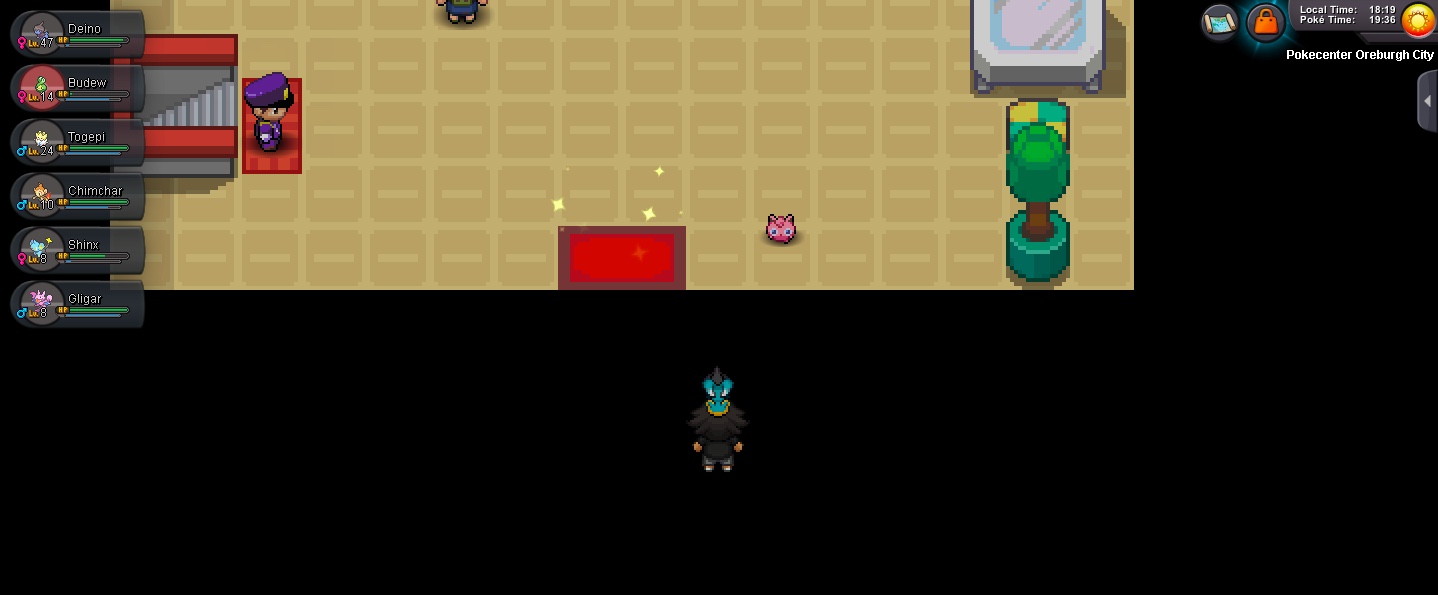
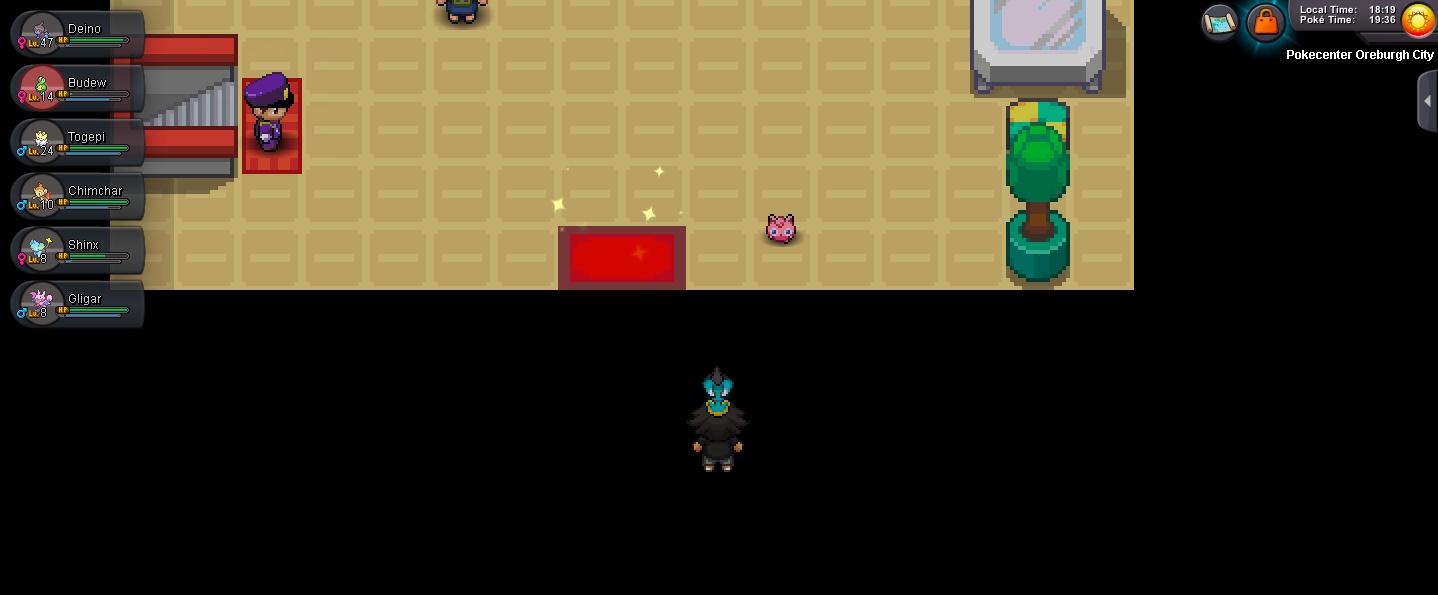
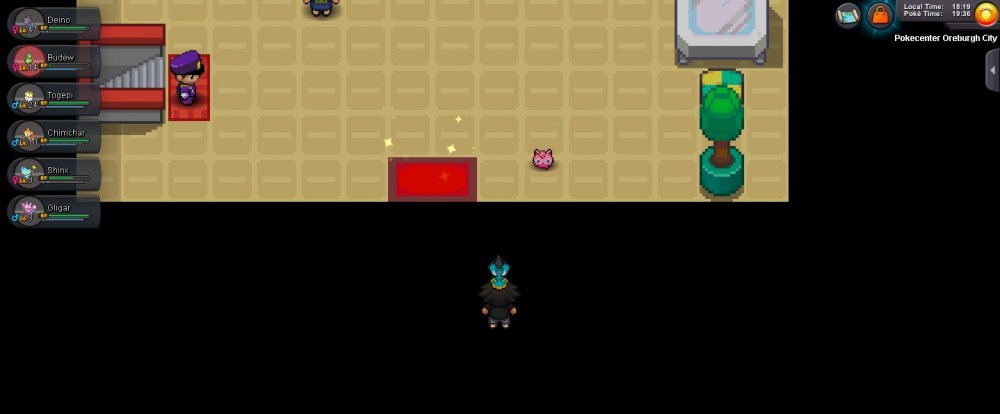
im now stuck in the black part of the pc and I can't move and thank you for helping me so far
-
.
-
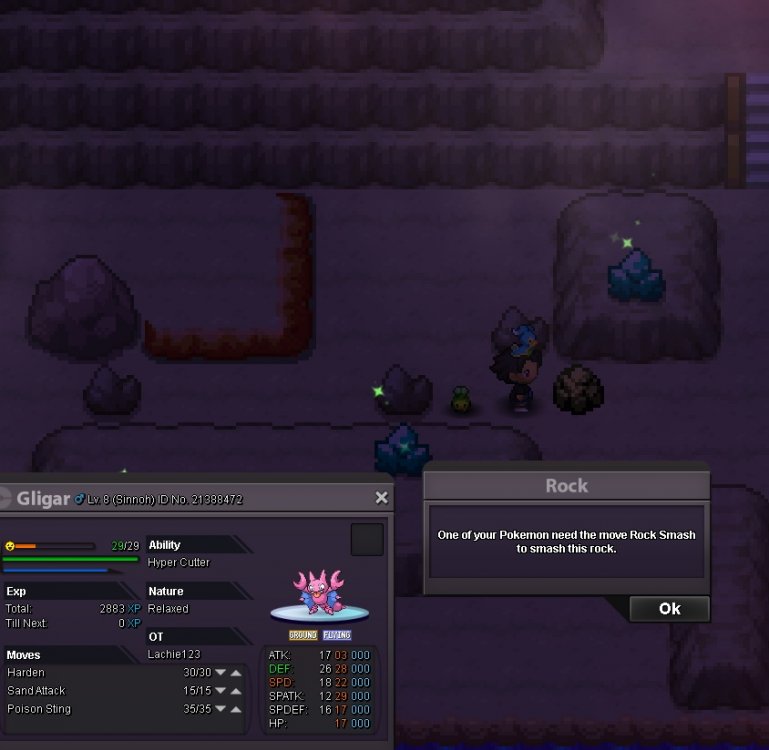
so im in sinnoh rt and in the oreburgh cave B1F and I used rock smash on some rocks which lead to a dead end. I didnt think much of it and I had to turn of my revolution anyway. I came back later that day and tried to break the same rocks to get out of the cave but it says I dont have a poke that knows rock smash although I still have the poke I taught it to. the move has been taken of my gligar and I dont have a tm of rock smash or any escape ropes. someone please help im stuck until this problem is solved!!
-
have I won the auction for chomp cos its been 24 hours since 1st bid?
-
-
I bid 300k on garchomp
-
-