




New Trade Zone
Trade Zone is now live
Use the new Trade Zone for auctions and instant-price trades so Pokemon and item offers are easy to find.

Pokeduardo
Registered User
-
Joined
-
Last visited
-
Hi, I was able to complete the mission. Thank you very much.
-
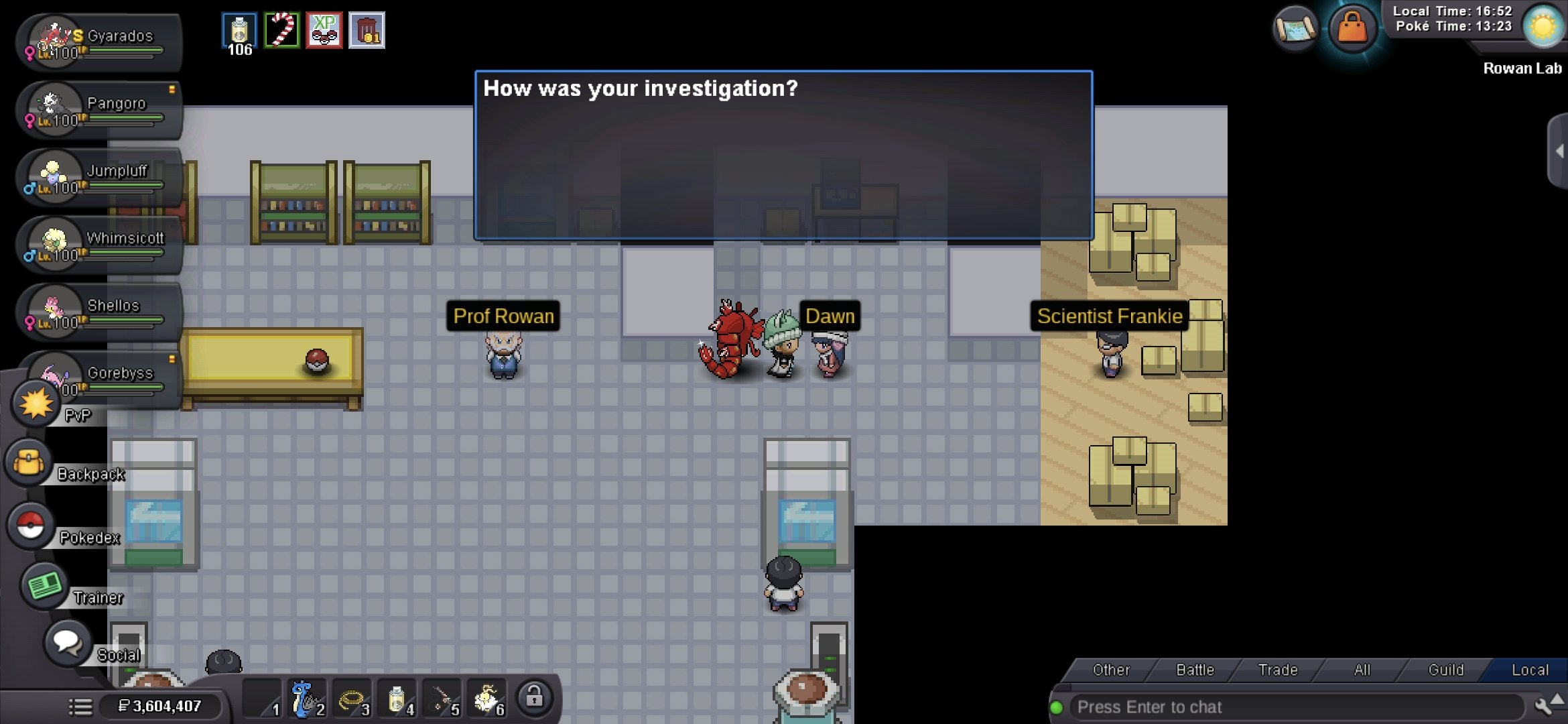
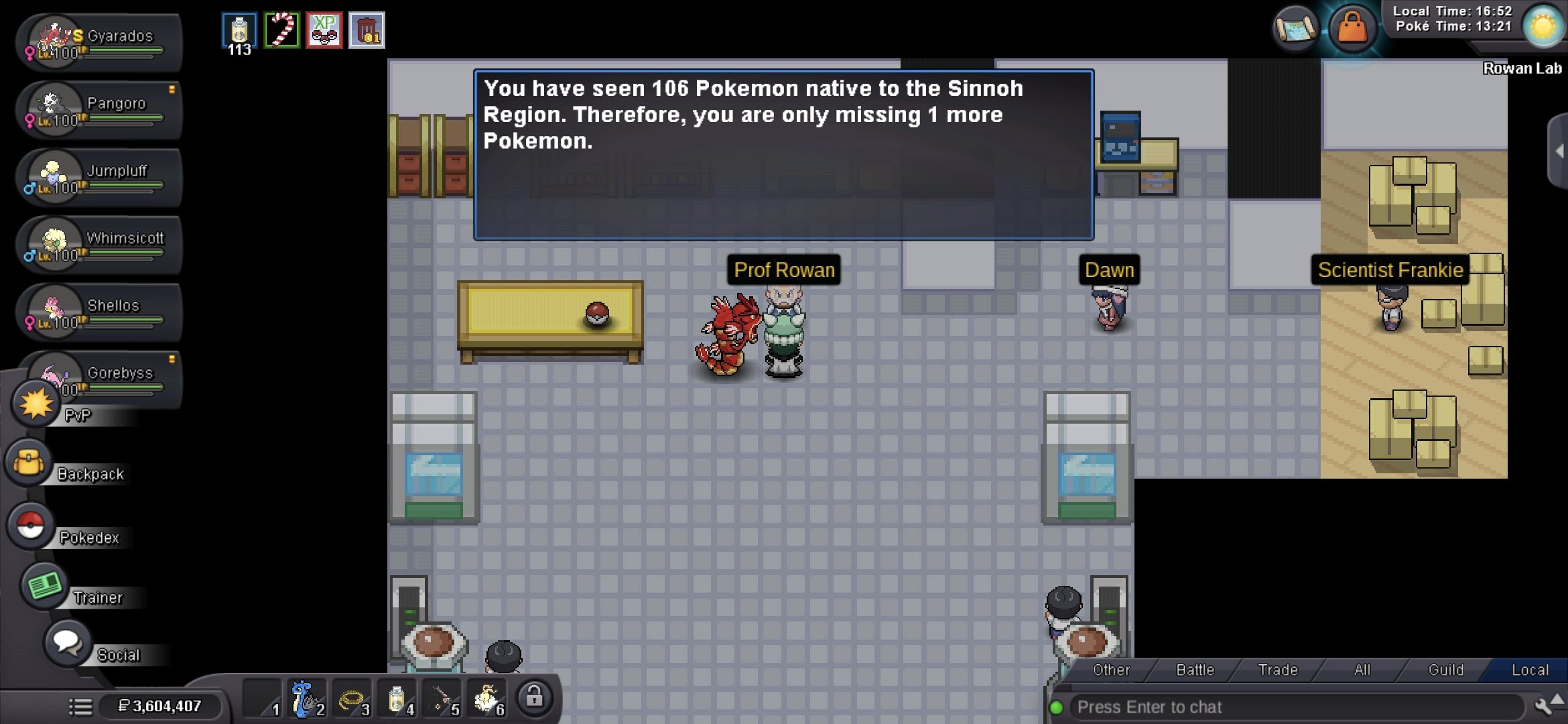
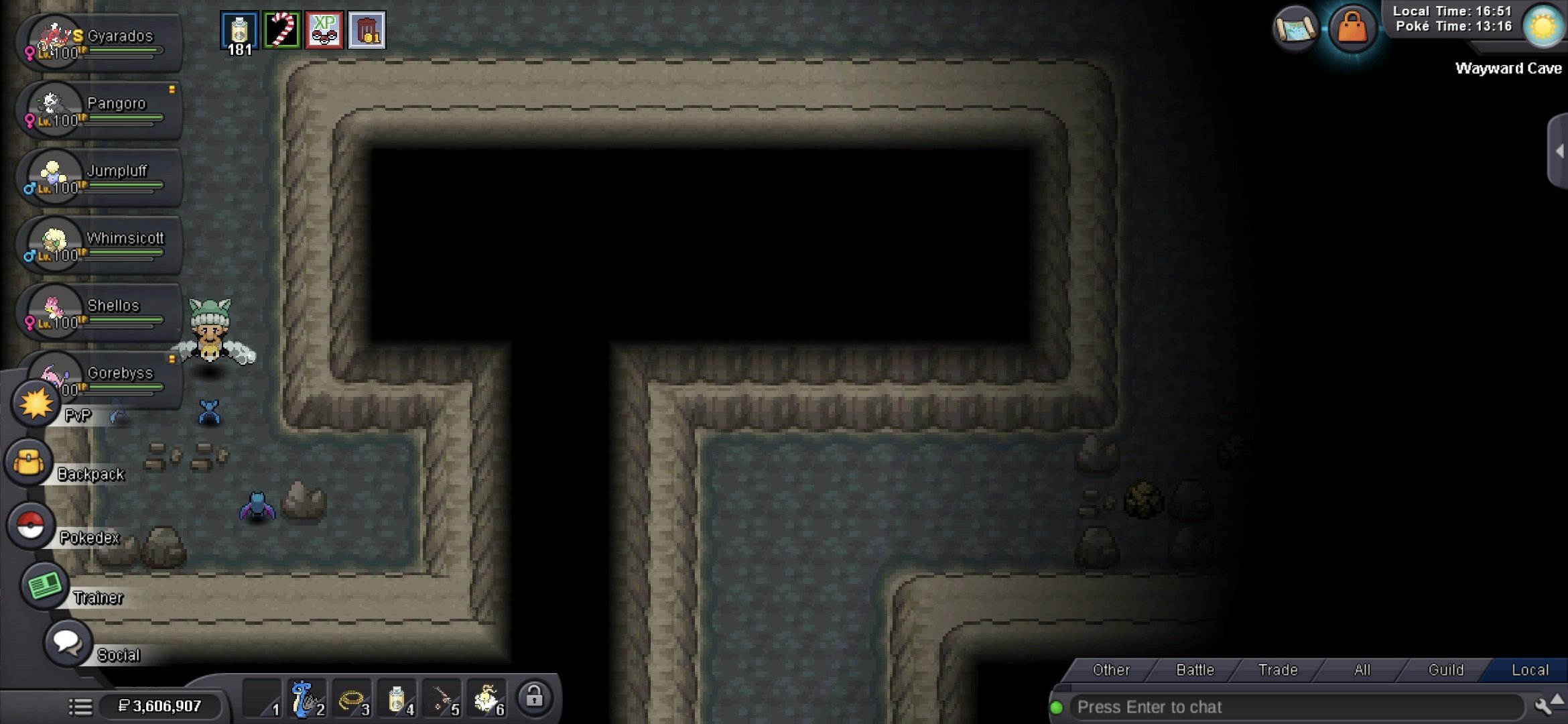
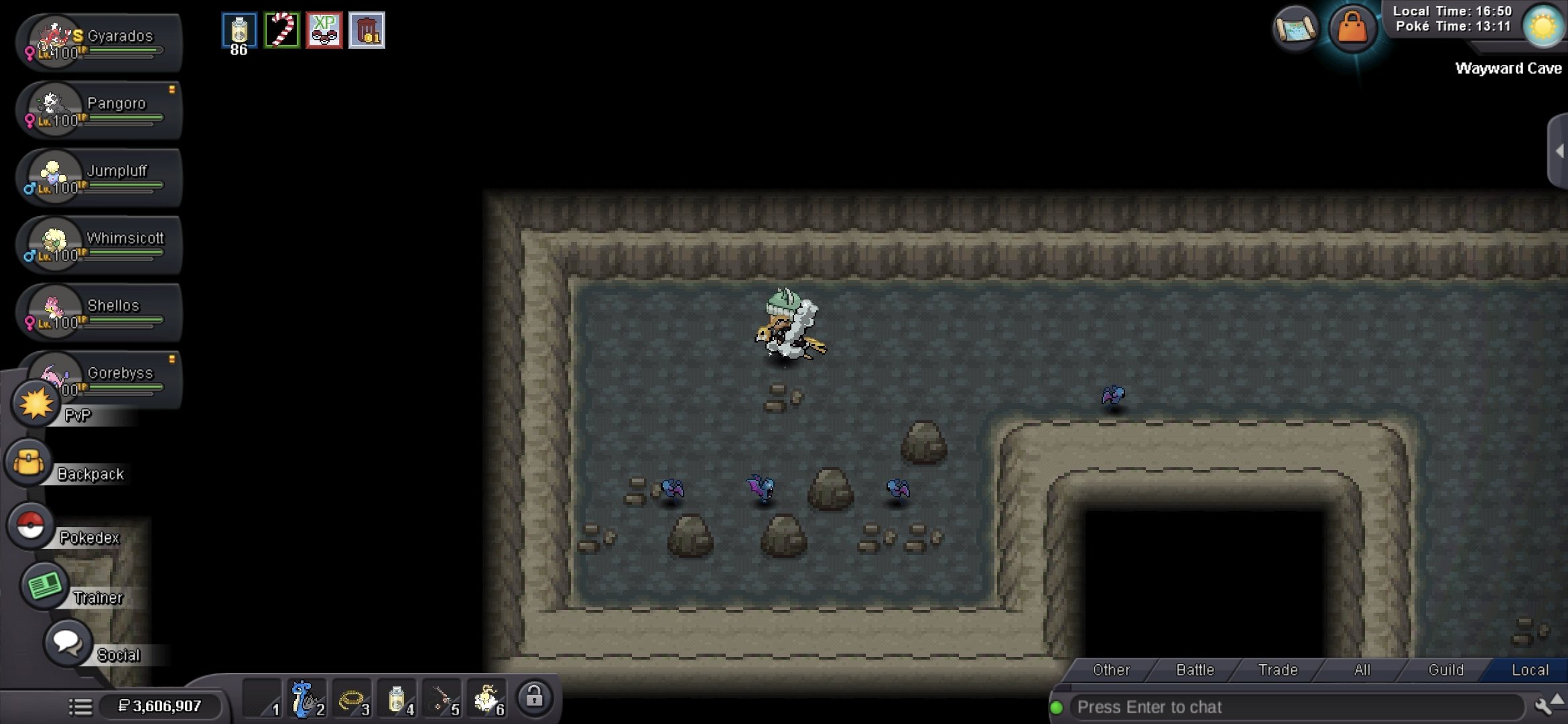
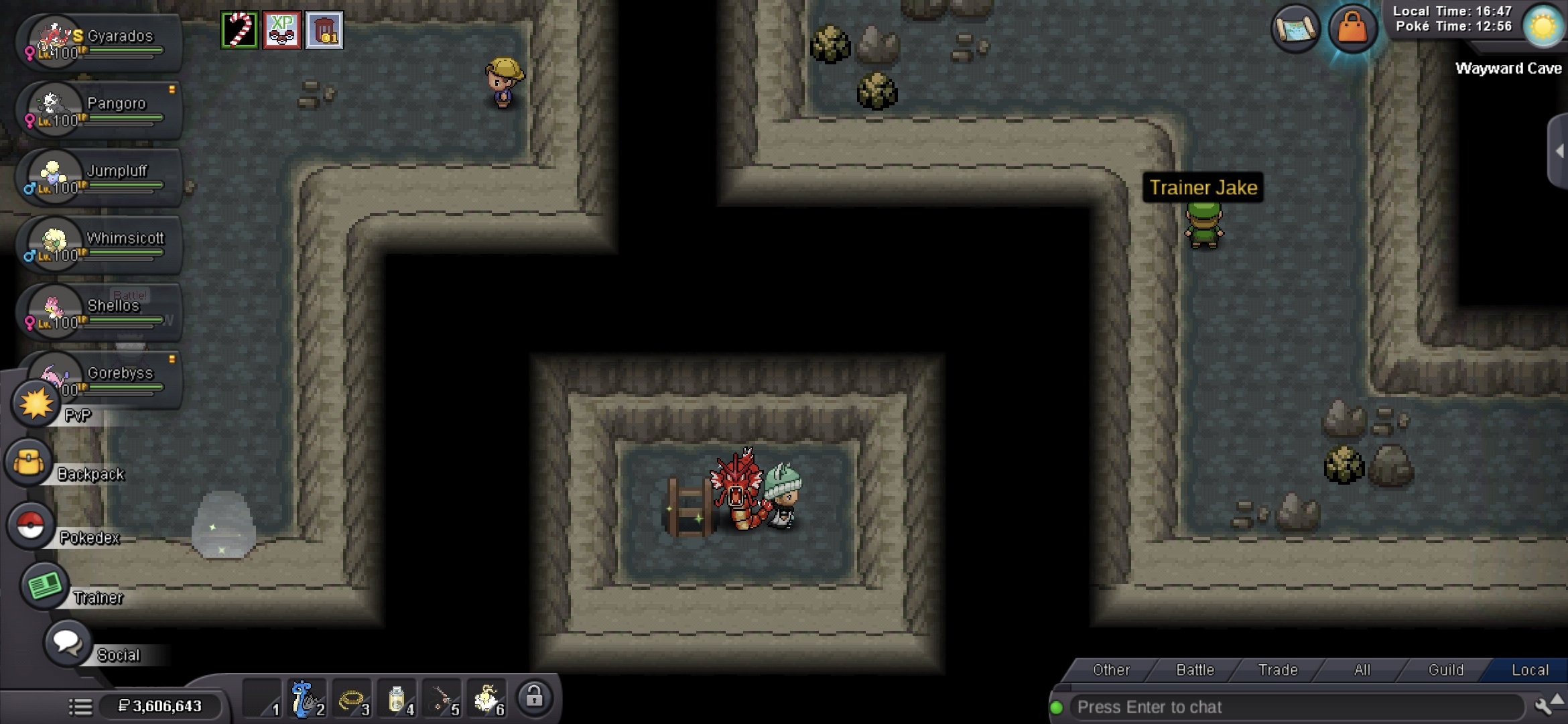
Friend, thanks for your reply. I've met all the requirements. I'm the Sinnoh Champion, and I also have the required number of Pokémon. The Lustrous Orb item isn't showing up for me. The images show you the three places where it should appear but isn't. Thank you for your help.
-
Hello, I appreciate your help. I meet all the requirements to catch one of the lake Pokémon, but the Lustrous Orb item isn't appearing. It seems I entered the cave much earlier and picked up the item, but it disappeared; it wasn't saved. I've already searched the three locations mentioned in the forums, but the item simply isn't there. I would appreciate your help, please.