New Trade Zone
Trade Zone is now live
Use the new Trade Zone for auctions and instant-price trades so Pokemon and item offers are easy to find.

Chris
Registered User
-
Joined
-
Last visited
Everything posted by Chris
-
Looks good, great work. A Discord Implementation would be great as the majority of the player use it anyway.
-
-
-
Good luck in the future.
-
Still looking. Preferable Relaxed.
-
-
#push
-
Still looking for it.
-
-
#push
-
[bOUGHT] Hippowdon: Impish 5 IVs 20+ [bOUGHT] Rotom-W: Bold decent IVs Gengar: Timid 31 Spd / high SpAtk
-
#push
-
-
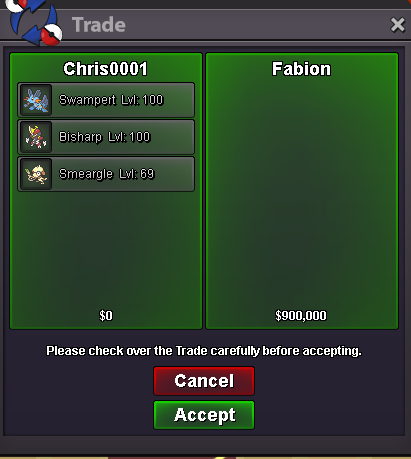
510 EV x1 510 EV x7, Level Up to 100 x6 (not normally part of the service)


-
-
#push Decreased the price (-20k each). Added Azumarill
-
EV Training [Half]252 EV's: 30.000$ [Full]510 EV's: 60.000$ The Pokémon must be Level 30+. Discounts: Contact me via pm or Discord (Chris'#0001) for a faster answer! If you have trouble contacting me, feel free to reply to this thread and I will contact you as soon as possible. Total Pokémon trained: 21
-
Decreased the price (-20k each).
-
Changed to Insta, no Auction.
-
Don't bet on a trade when you can't trade for 15 days. I will not wait that long, so probably reopen the auction then..
-
[sOLD] 400k - PvP Ready [sOLD] Offer - PvP Ready 31/31 Hit me up in Discord for a fast answer.


-
You won the auction. Hit me up in Discord or pm to meet.
-
I will close the auction in 30 min.
-
Uh yea, I added it.
-
#push