




New Trade Zone
Trade Zone is now live
Use the new Trade Zone for auctions and instant-price trades so Pokemon and item offers are easy to find.

Superkrshna
Registered User
-
Joined
-
Last visited
-
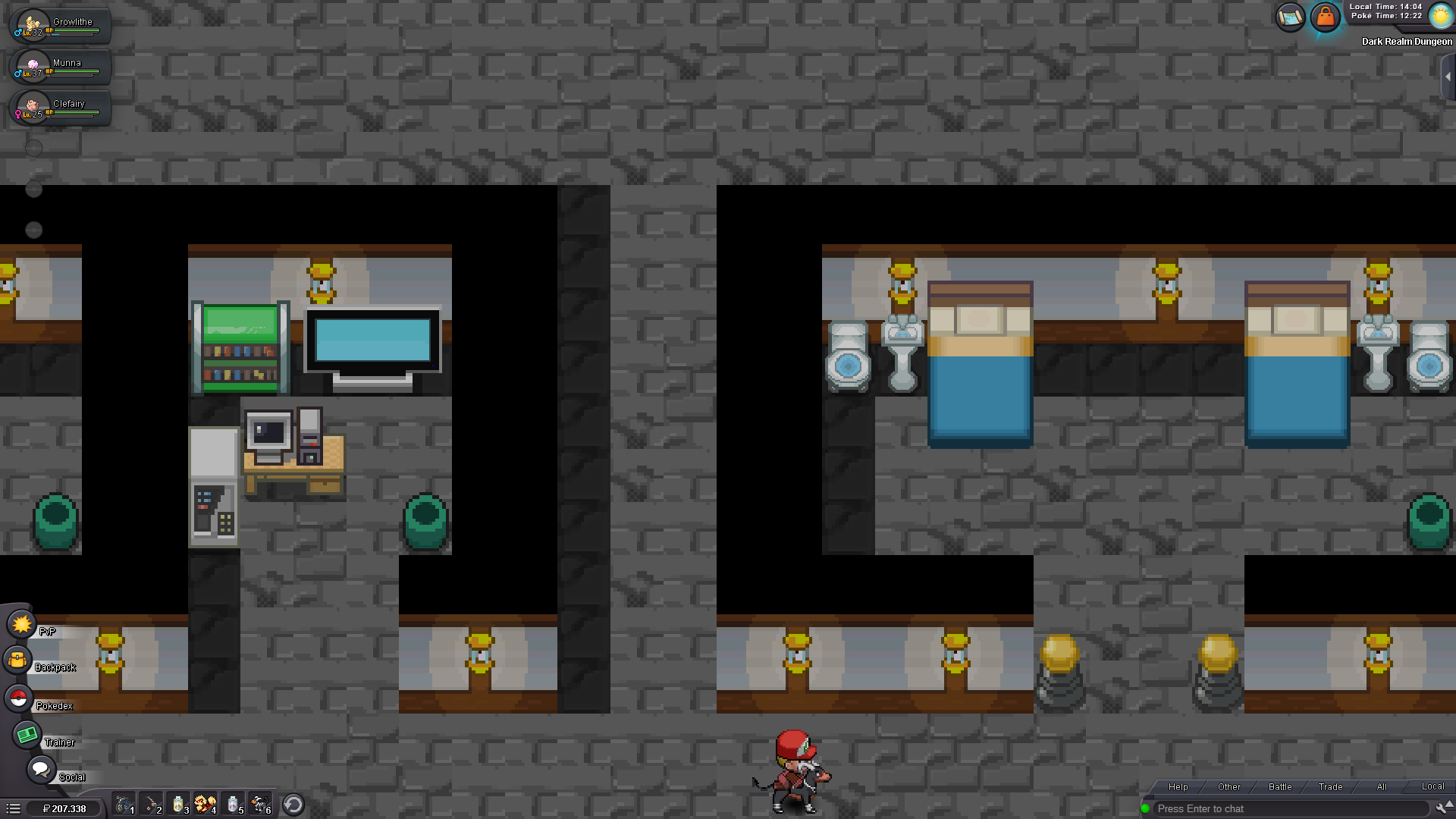
I have been told on discord to post my problem here: I am in Dark Realm Dungeon and I try to collect all the rattatas. But I found all and talked to them. But for some reason it is not enough. On google I looked up the locations and it seems like that there is one missing which isnt shown on my game. The one on the right bottom corner isnt there and I cant get the alolan rattata. What do I do now I upload screenshots of the map, maybe I am just blind


-
Hi, I am doing the Halloween quest currently and I was trying to recruit the rattata. For that I need to find its friends but somehow there are none left but still it is not enough. I got some screenshots uploaded aswell. Am I just really blind or is this bugged? In a video on Youtube I saw the locations (last year event) and I think the one on the right bottom corner didnt show up.


-
Thank you very much :) Problem solved
-
Hello, I have not been playing for about 8 months. For about a week I am trying to connect again so I can play, but when I try to connect to the server it says "Can not connect to server". I already tried to change my password and it didn't help. Does anyone know what I should do? Was there an update that I need or something? Thanks for your help
