New Trade Zone
Trade Zone is now live
Use the new Trade Zone for auctions and instant-price trades so Pokemon and item offers are easy to find.

Xplaz
Registered User
-
Joined
-
Last visited
-
Ok so, I downloaded an Android Emulator and tried the Android version and the chat works fine! Will i get banned for using an Emulator to play the game??
-
Ultra slow huh? it's the fastest i can get in a third world country my guy. and the other pc is very old so it makes no sense that it has a better network card or whatever. Also my network was way slower a year ago and the game worked fine so it's 100% not connection
-
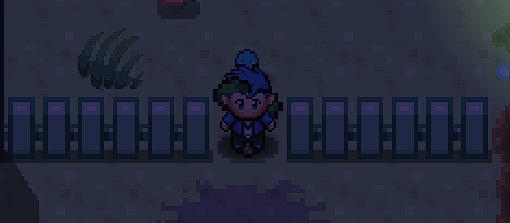
I found out that when i cut a tree it doesn't get removed and i can move through it. if that helps
-
You can read my replies to know the answers you want. anyways yes it happenes to all the accounts and i tried another device and tried a vpn so it's a problem with my PC
-
Should i use an Android Emulator and Download the android version to see if the chat works?
-
bump
-
I am on a PC. I went to try out another PC and the chat works fine!! what is wrong with my PC? I have Windows 10 64 Bits.
-
The thing is the game used to work perfectly. And this suddenly happened. Shame
-
My internet provider didn't change. And i just tried using a VPN and nothing happened. is this never gonna be solved 😞
-
I tried using another account and reinstalling the game and the glitch is still there
-
Yes i did indeed reboot my router and this issue has been here for maybe 2-4 Months
-
that's my internet speed

-
bump
-
bump
-
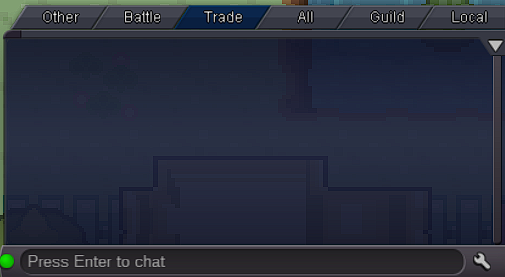
I don't see anyone typing in chat and I can't see mine aswell. I tried relogging and all of that what should i do