New Trade Zone
Trade Zone is now live
Use the new Trade Zone for auctions and instant-price trades so Pokemon and item offers are easy to find.

Cyanide343
Registered User
-
Joined
-
Last visited
Everything posted by Cyanide343
-
The screenshot isnt uploading . Heres the pokemon code ID 28715554
-
Hi, I accidentally released my togekiss with choice scarf. I was releasing gastly. That was one of my favorite pokemon and epic one. Please bring it back. Heres the screenshot
-
its sold.. it wad 24 hour bid
-
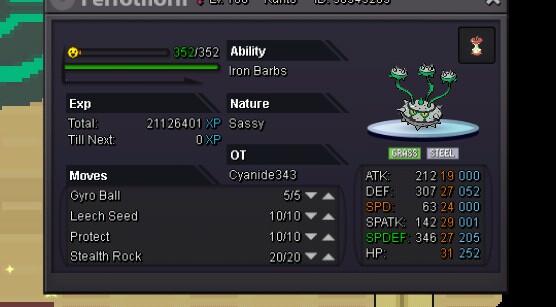
start price: 800k min raise :100k insta: 2m time 24 hour...start
-
oh sorry...it is lost from my other id prottoy009.. i have mistaken... i posted from this id..
-
i was asking for bms from long ago..but no one was replying...then someone messaged me and asked 155k for a bms.! i accepted... and brought that bms useing trade... collected the bms and gave his pokemon back.. but after i relog in i cant find the bms anywhere :( it happened like 30 minutes ago.. please do something... i am just a poor nub player :/ and there was nothing with dought thats why i didn't took screenshort...
-
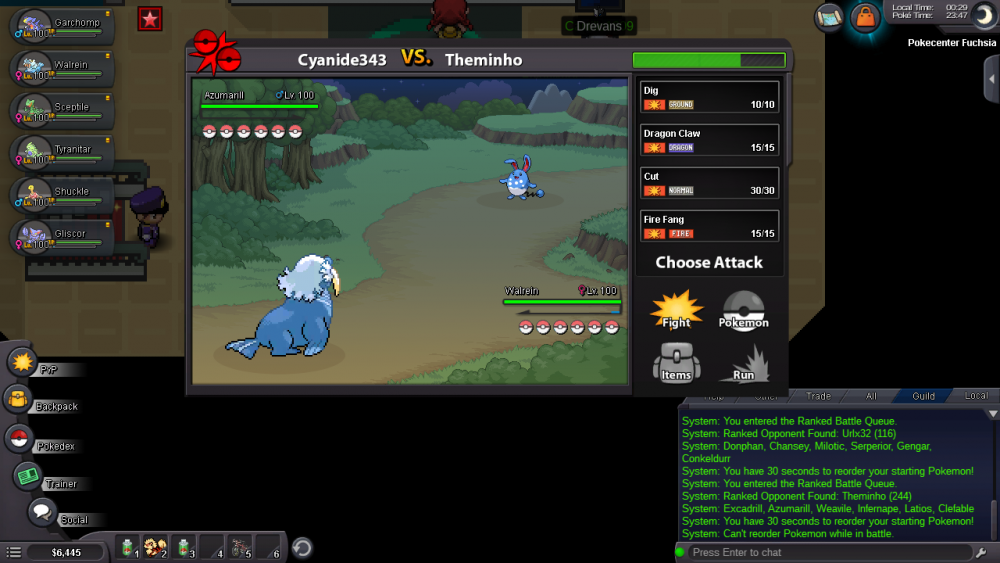
I was battleing with a guy in pvp..then a bug happend..in the end of 30 sec time i changed my pokemon..but battle was started..in screen there was walrein but moveset was grachomps...i clicked on a move that but a different move happend...