




New Trade Zone
Trade Zone is now live
Use the new Trade Zone for auctions and instant-price trades so Pokemon and item offers are easy to find.

Vegetarox
Registered User
-
Joined
-
Last visited
-
Hey Rayondx! 👋 I just came across your Kaizen project, and I have to say, it looks really interesting! As someone who has been involved in the Pokémon Revolution Online community for quite some time, I can definitely see the potential of a tool like this, especially for competitive PvP. I'd love to offer my help, not only as a beta tester, but potentially on the development side as well. A little about me: I'm a trained IT management specialist (Informatikkaufmann) from Germany, with practical experience in programming, website development, Discord bots, and various technical projects. I'm also currently working on my own multiplayer Pokémon game project, so I'm familiar with topics such as client-server communication, databases, UI development, and troubleshooting. Besides that, I'm the leader of Final eXecute, an established guild on PRO's Silver server. We have both experienced PvP players and newer members, which could provide a great environment for testing Kaizen across different skill levels. Here's how I could contribute: 🔹 Beta Testing: Testing features during real PvP battles and providing detailed feedback. 🔹 Bug Reporting: Identifying issues, reproducing bugs, and helping investigate their causes. 🔹 Development Support: Assisting with programming, debugging, and technical improvements where my experience is relevant. 🔹 UI/UX Feedback: Suggesting improvements to make Kaizen more intuitive and accessible. 🔹 Community Testing: Potentially involving interested members of my guild to gather more feedback. I currently have access to a Windows VPS rather than a local Windows PC, so we'd need to check whether that setup would work for testing. I'm genuinely interested in supporting projects that improve the PRO experience, and I'd be happy to contribute my technical knowledge. If you're interested, I'd love to hear more about your development process and where you could use some additional help! PRO IGN: Vegetarox Discord: vegetarox187 Looking forward to hearing from you! Best regards, Vegetaroxhow do u created this one?Hey! 👋 ⚔️ 🏆 ❤️ 📩 🔥
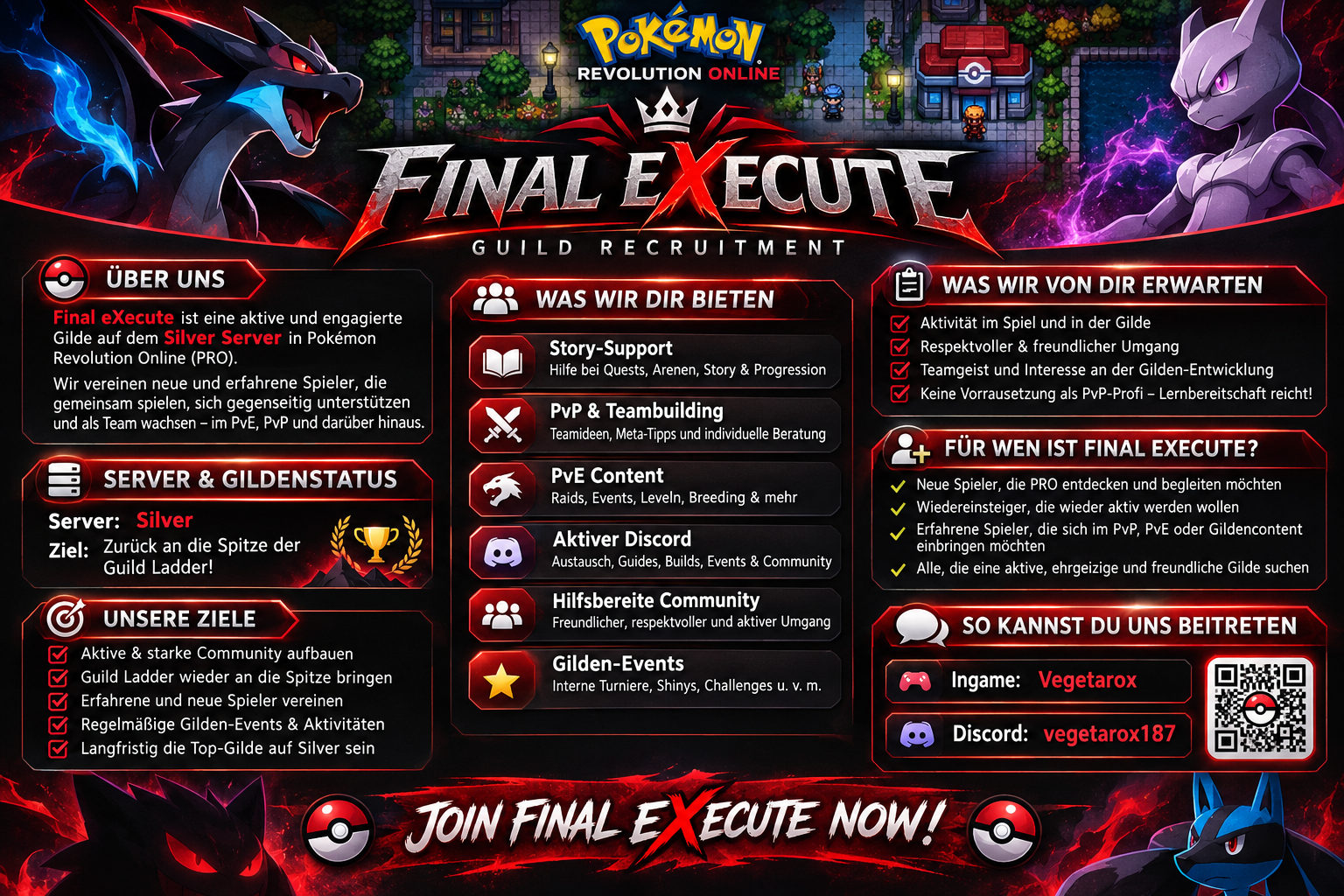
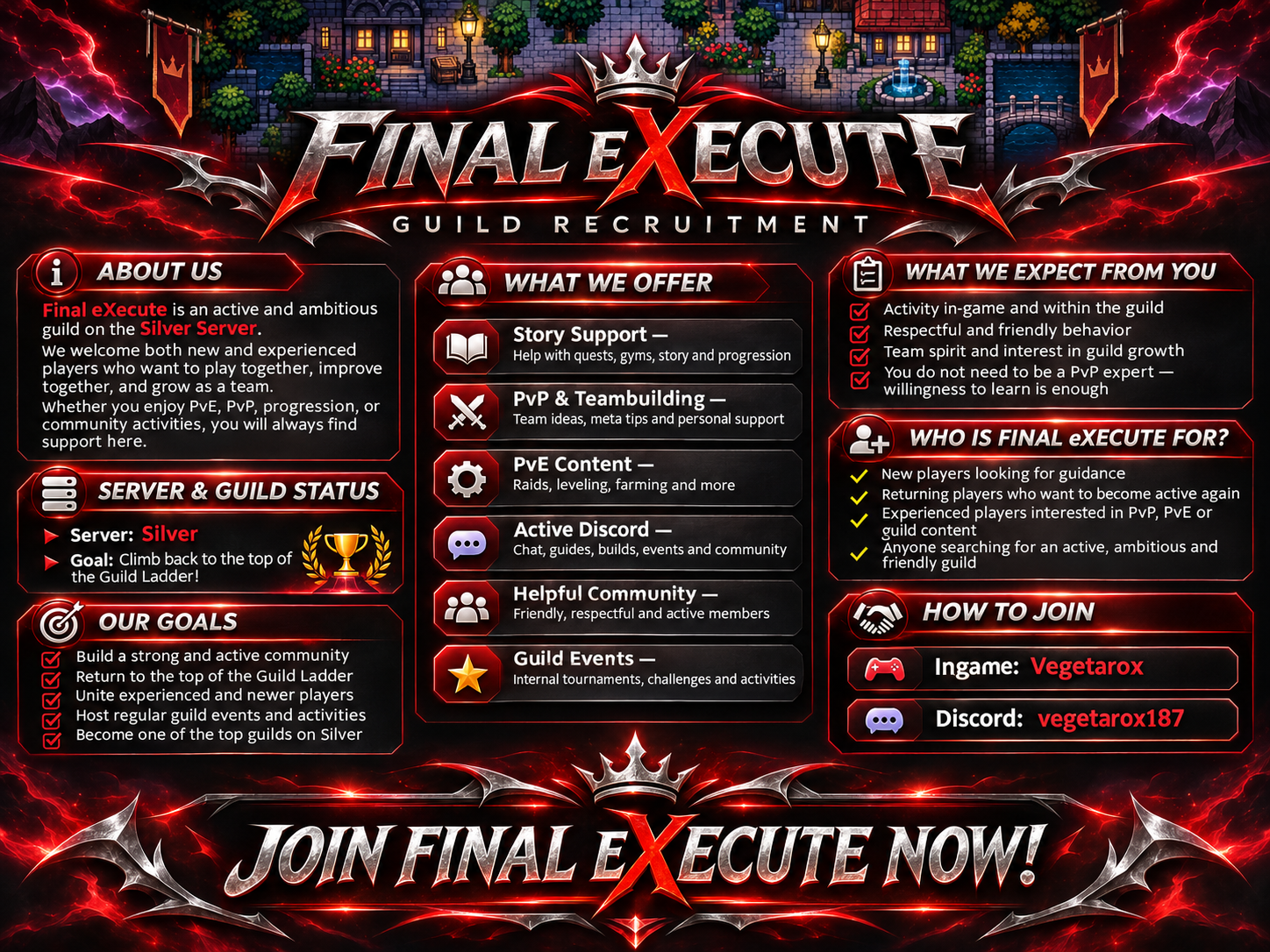
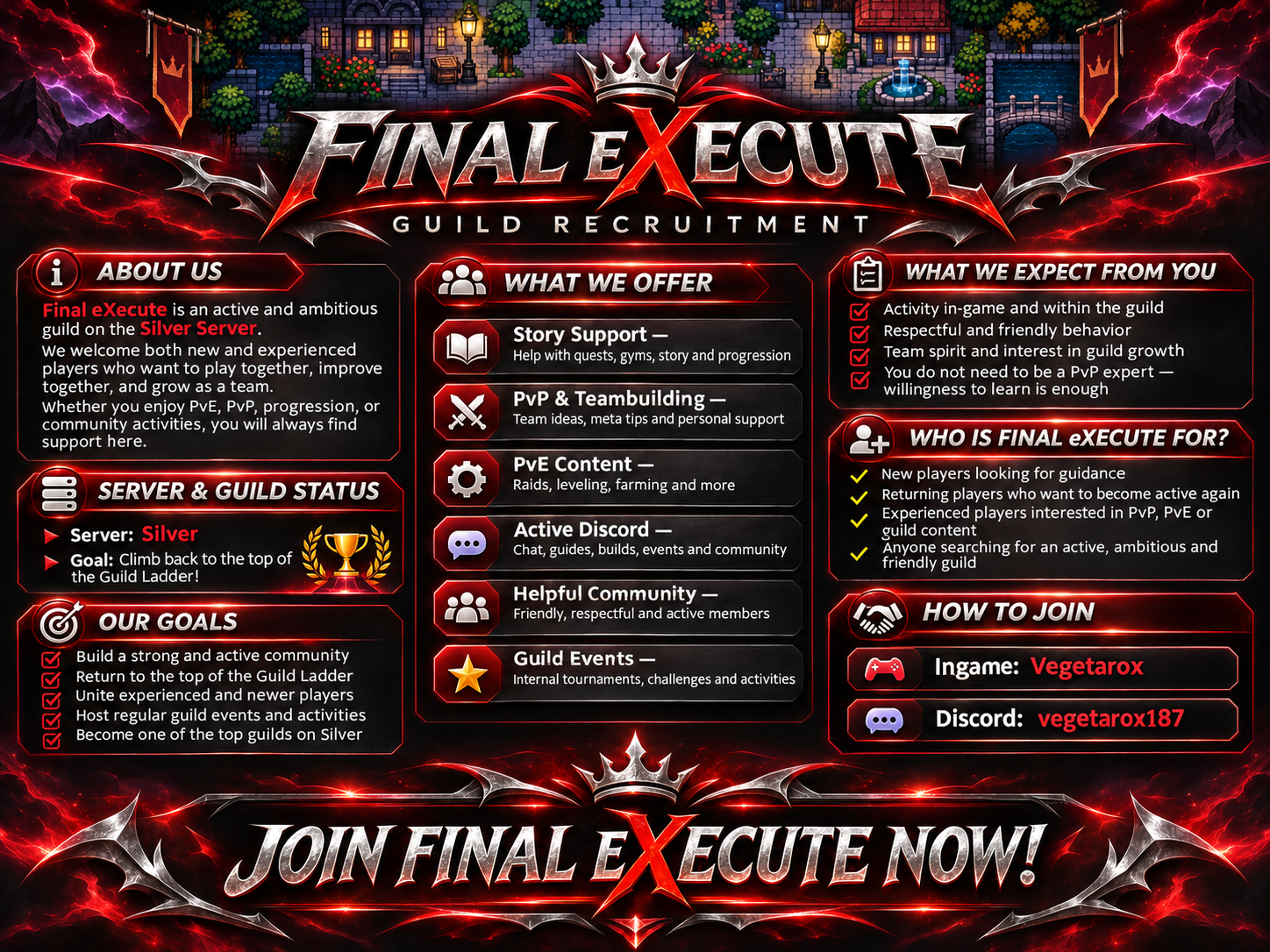
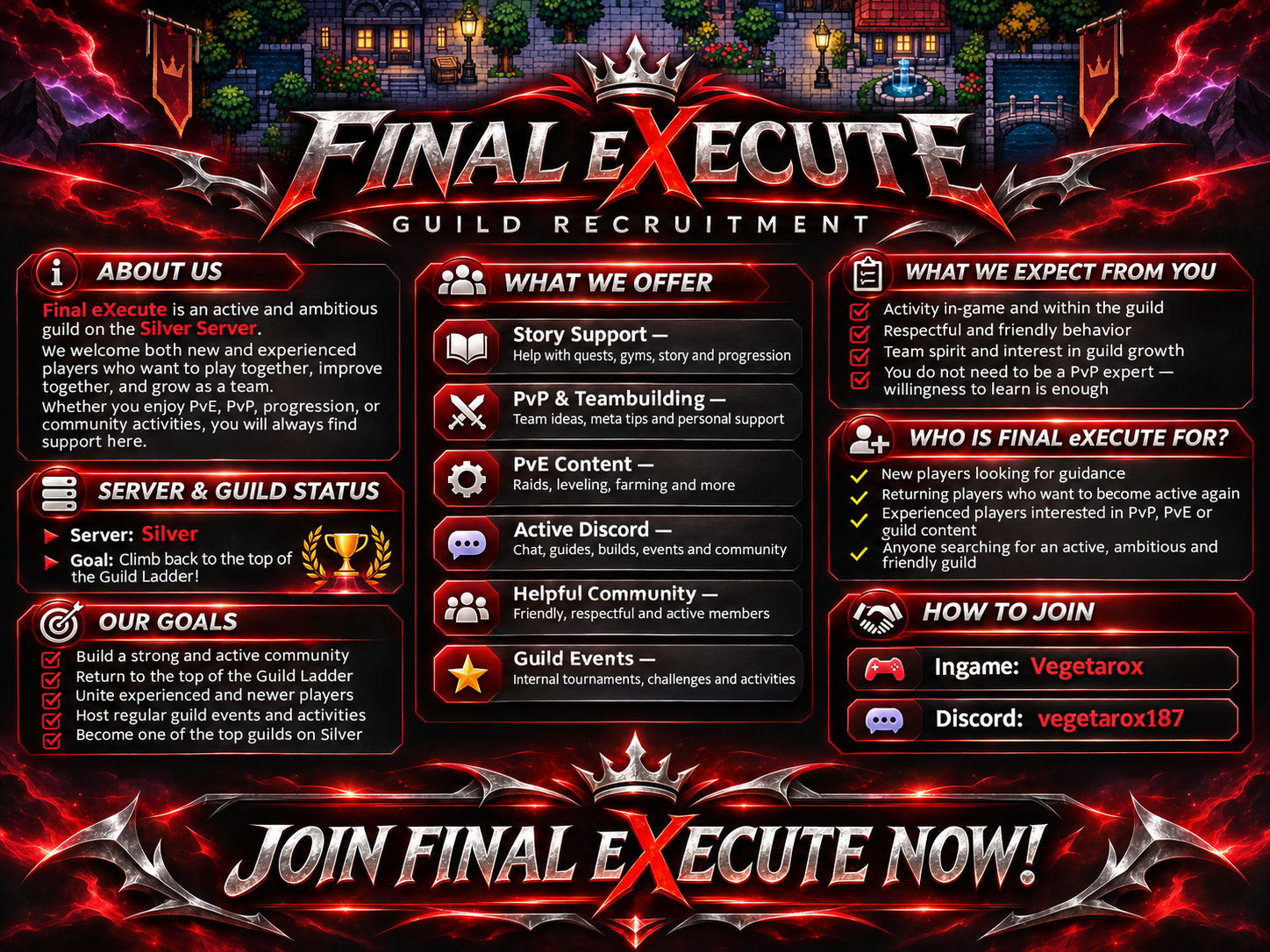
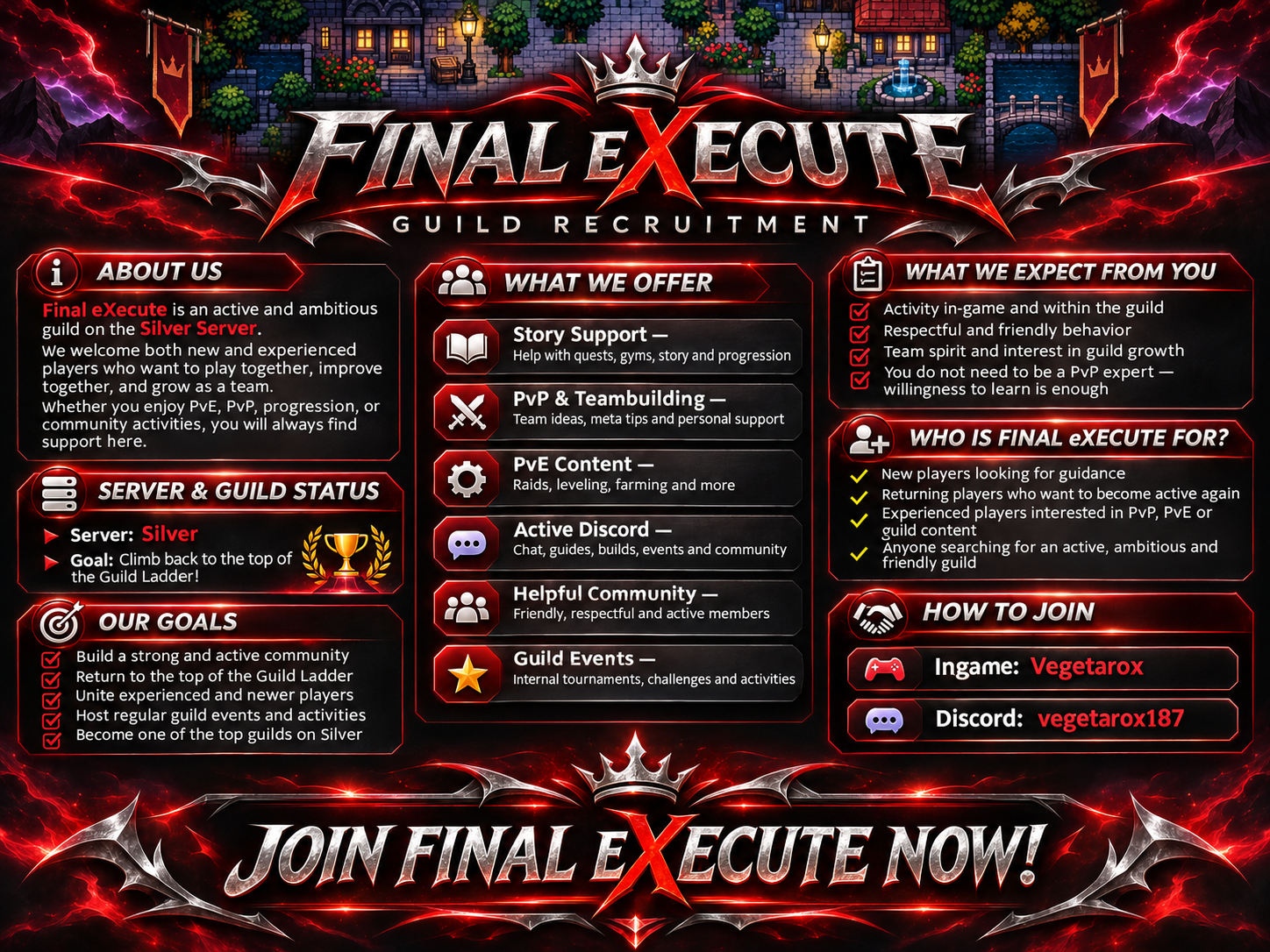
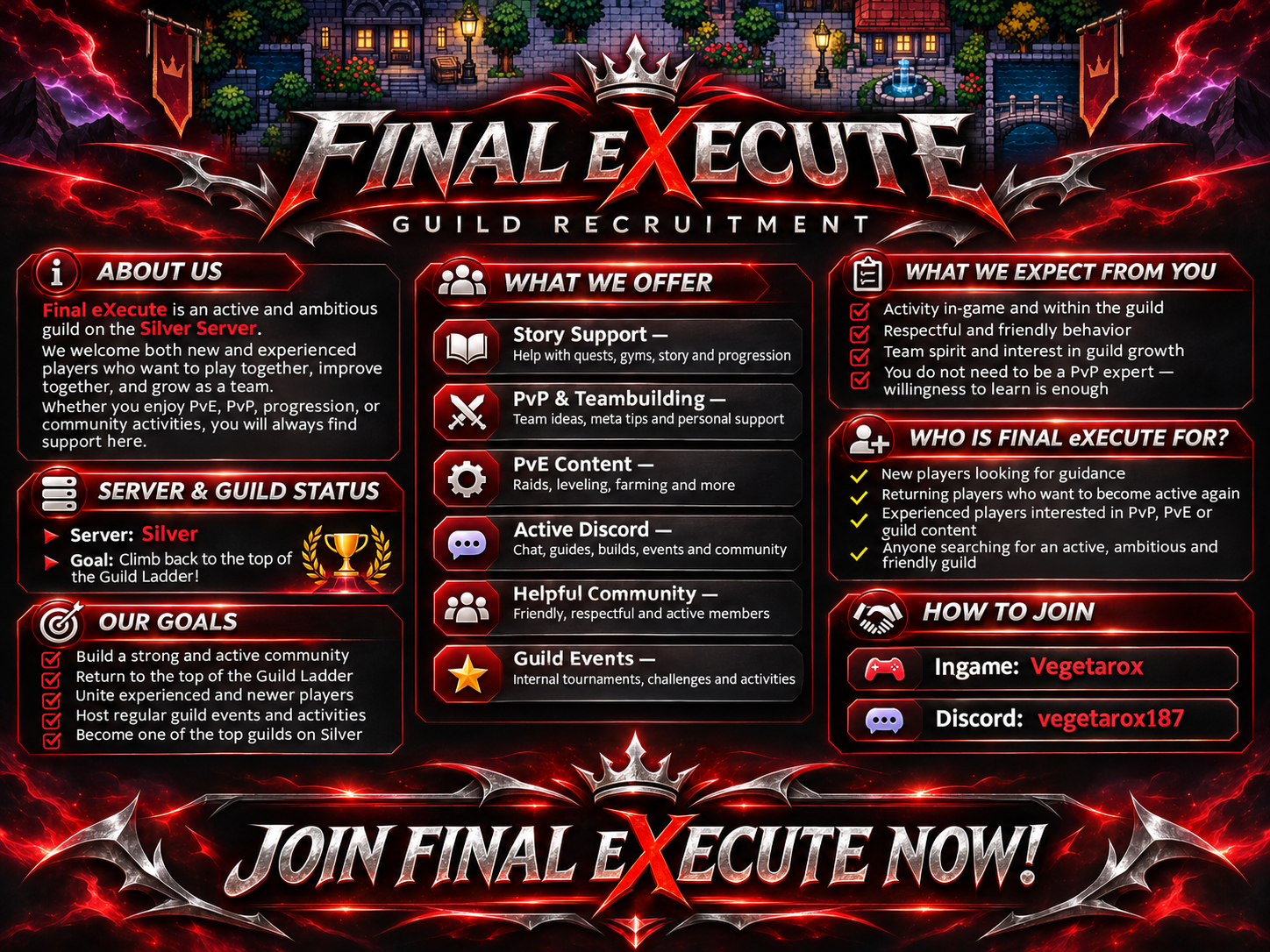 Hey 👋 @Boredhuman impressive result last season — Top 25 is exactly the kind of PvP experience we are looking for. Final eXecute is an active and fast-growing guild on Silver with a strong focus on PvP, PvE, teambuilding and long-term competitive development. We are building a serious PvP core, but also keeping a friendly and active community around it. For players like you, we can offer a place where your experience actually matters — not just as another member, but as someone who can help shape the competitive side of the guild. We use Discord actively, support each other with teams and meta discussion, and I also developed my own Discord bot for PRO with PvP/meta tools, spawn utilities and guild features. If you are looking for an ambitious guild with structure and activity, I think Final eXecute could be a very good fit. Our guild post: https://pokemonrevolution.net/forum/topic/269370-final-execute-is-recruiting-%F0%9F%93%9D%F0%9F%8E%96%EF%B8%8F%F0%9F%8F%86/ My ingame name is Vegetarox Discord: vegetarox187
Account
Navigation
Search
Configure browser push notifications
Chrome (Android)
- Tap the lock icon next to the address bar.
- Tap Permissions → Notifications.
- Adjust your preference.
Chrome (Desktop)
- Click the padlock icon in the address bar.
- Select Site settings.
- Find Notifications and adjust your preference.
Safari (iOS 16.4+)
- Ensure the site is installed via Add to Home Screen.
- Open Settings App → Notifications.
- Find your app name and adjust your preference.
Safari (macOS)
- Go to Safari → Preferences.
- Click the Websites tab.
- Select Notifications in the sidebar.
- Find this website and adjust your preference.
Edge (Android)
- Tap the lock icon next to the address bar.
- Tap Permissions.
- Find Notifications and adjust your preference.
Edge (Desktop)
- Click the padlock icon in the address bar.
- Click Permissions for this site.
- Find Notifications and adjust your preference.
Firefox (Android)
- Go to Settings → Site permissions.
- Tap Notifications.
- Find this site in the list and adjust your preference.
Firefox (Desktop)
- Open Firefox Settings.
- Search for Notifications.
- Find this site in the list and adjust your preference.