New Trade Zone
Trade Zone is now live
Use the new Trade Zone for auctions and instant-price trades so Pokemon and item offers are easy to find.

Notmint
Registered User
-
Joined
-
Last visited
Everything posted by Notmint
-
I can't use staffview in mobile. I already scroll my screen but the staffview don't appear.
-
NAME CHANGE Username : PROMint New username : MintS or NotMint or NotMints (choose MintS first,if it already exist NotMint,then NotMints) Server to charge money from : gold
-
I'm new at posting poke so I don't know Ask to nature,don't ask to me
-
I'm new at posting poke in forum Don't ask to me,ask to nature
-
It's why I say offer it
-
Like 2.5 maybe
-
But I don't think u will like it
-
Offer it
-
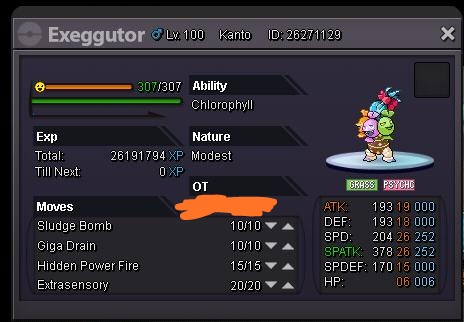
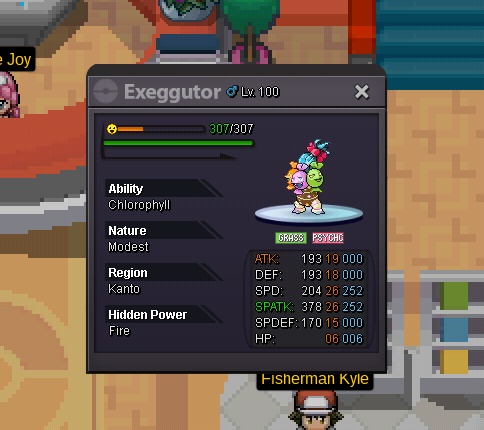
wts spd spatk 26 h.p fire ability chloro offer pm PROMint c.o 1.5m
-
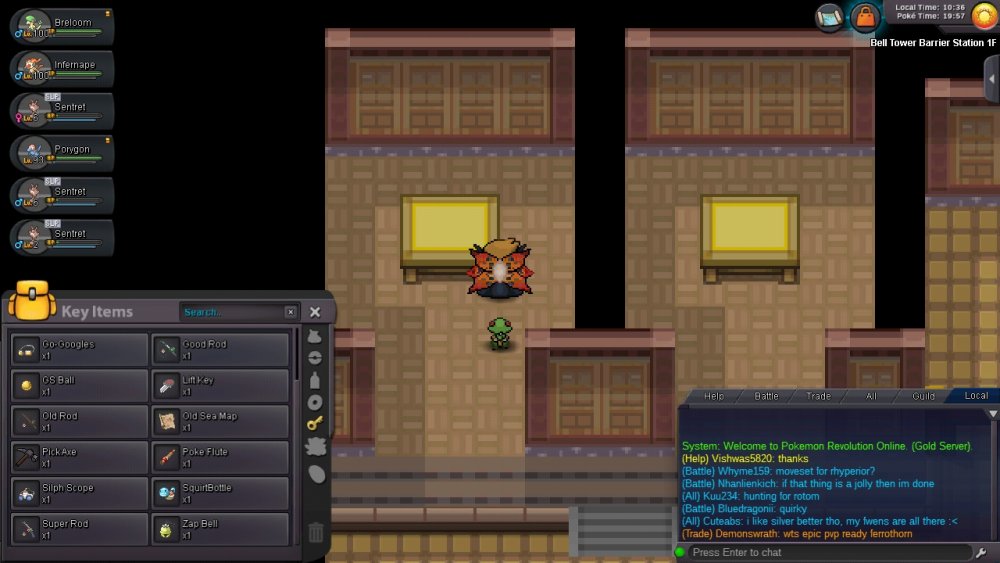
please help me change from zap bell to lava bell, I accidentally pressed zap bell. Assistant David is also not in his place
-
-
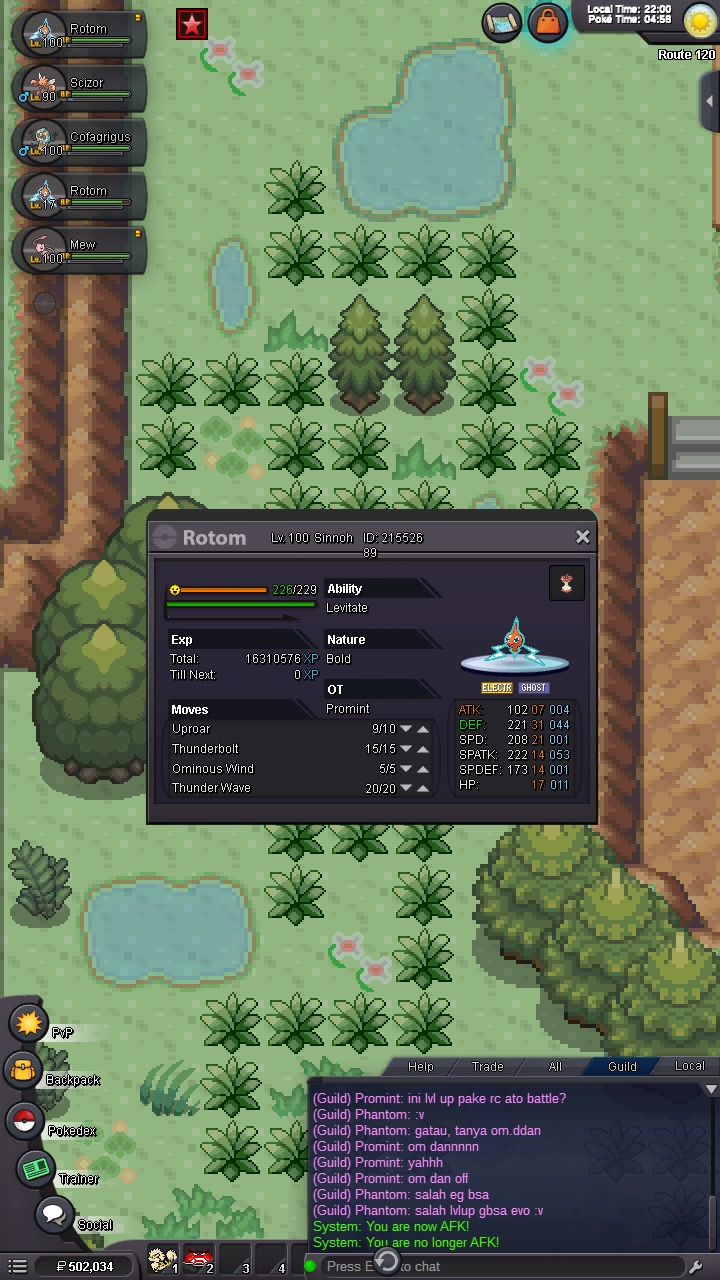
Yeah,it like freeze then disconnect for a while when i trying to evolved it
-
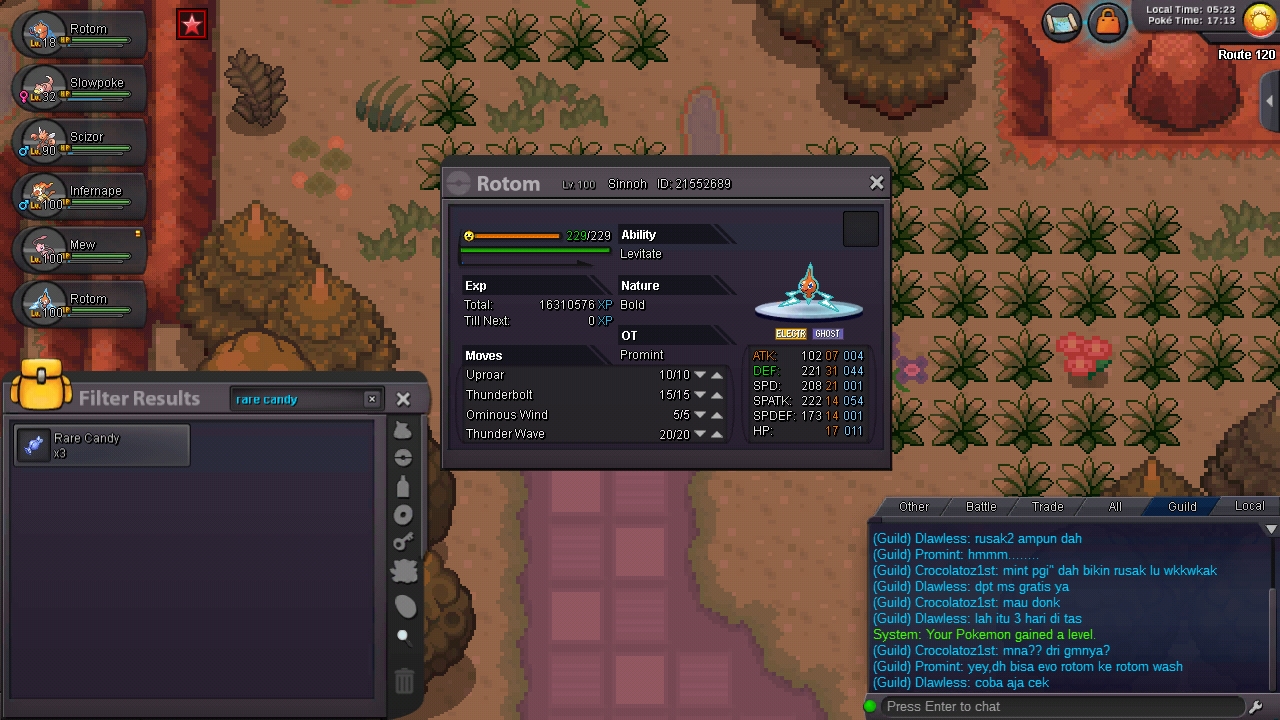
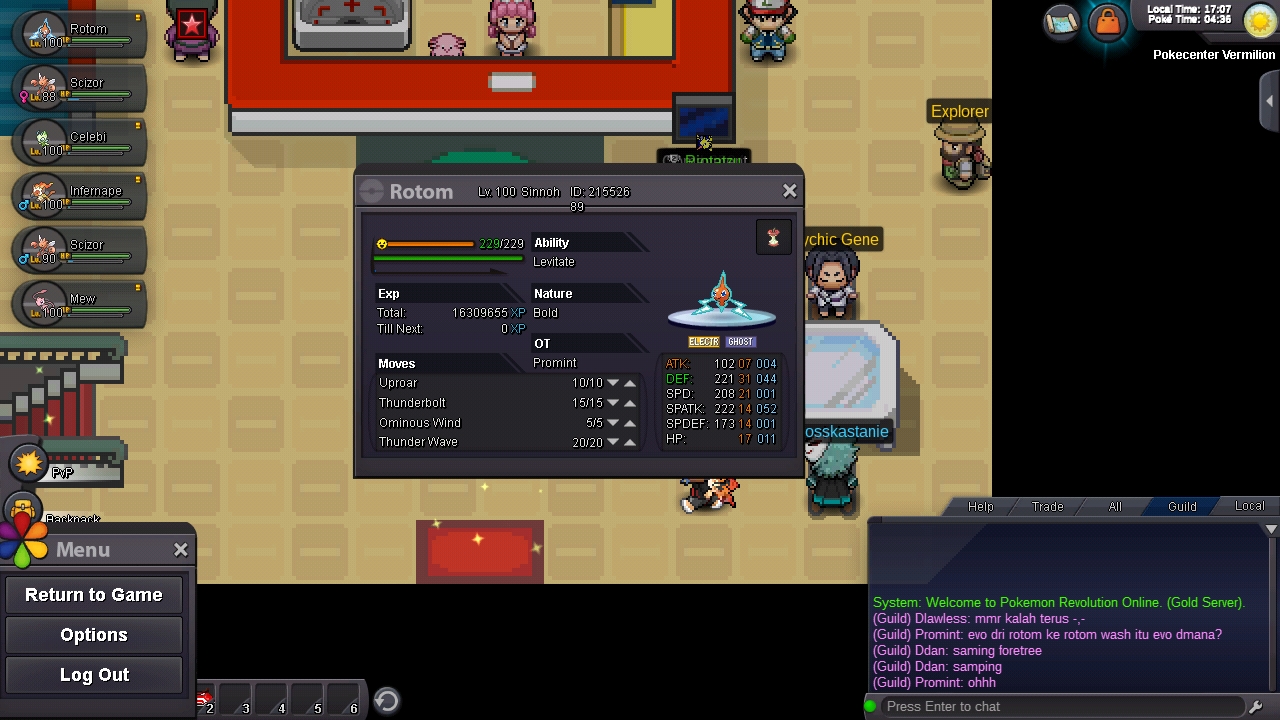
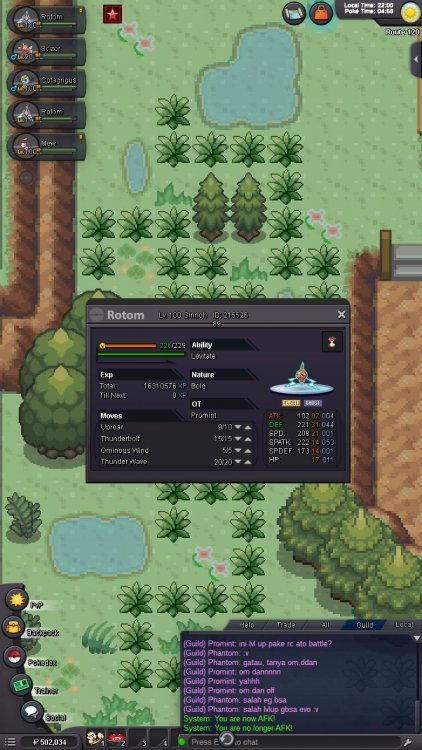
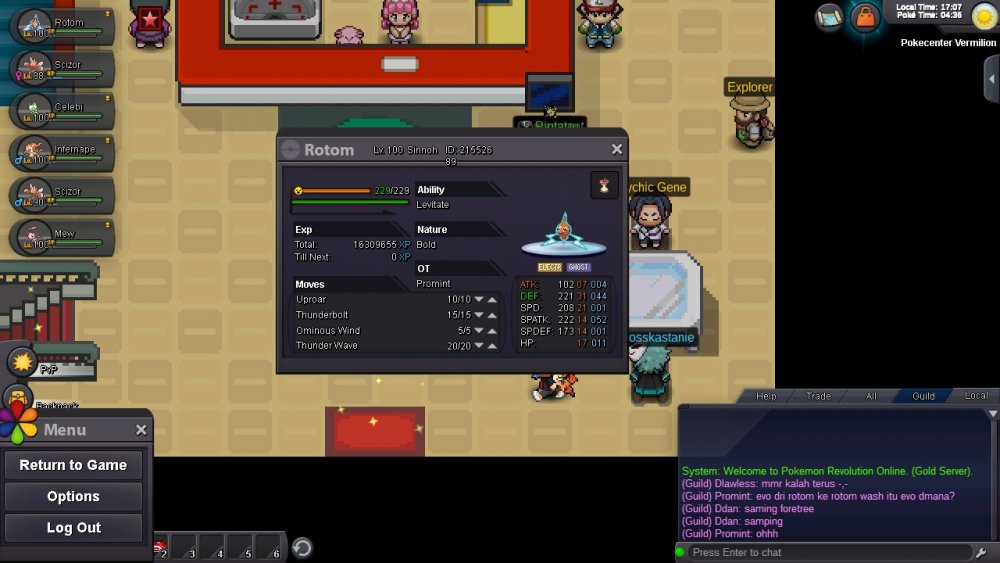
Can any mods evolve this rotom into rotom wash? I can't evolve this thing,please help me
-
when it got deleveled?
-
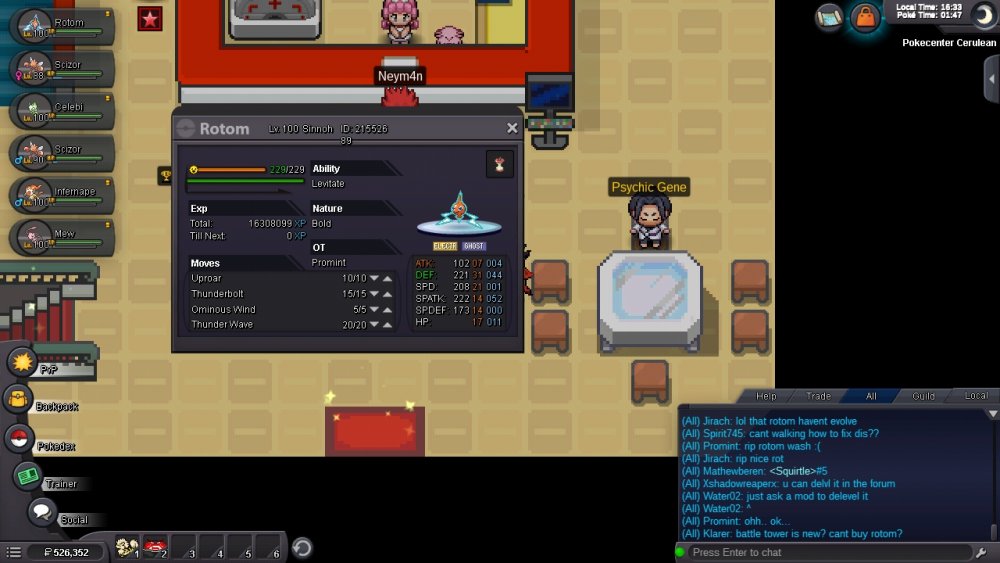
Can anymods help me by level down my rotom pls?? Ty.... Sorry for my bad english :)
-
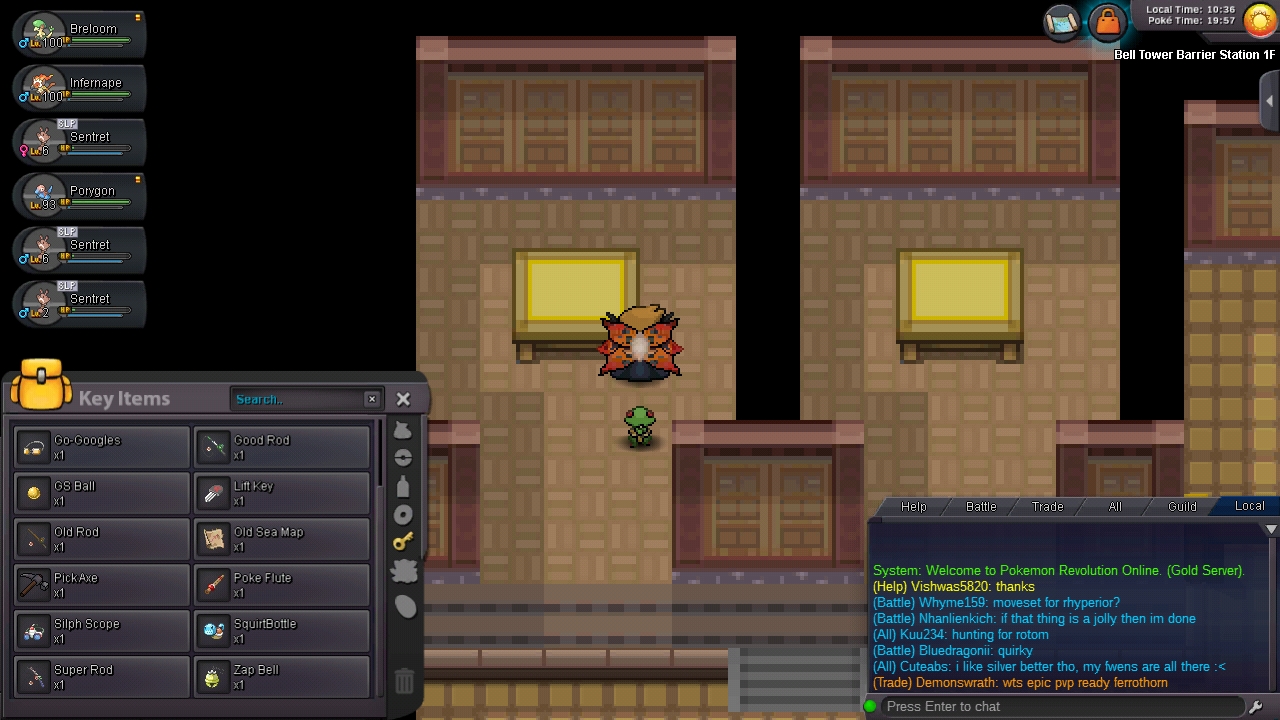
My gs ball was gone.... I'm already do all requirement for celebi quest and helping the scientist by found the gs ball. When i'm checking my backpack,I don't get the gs ball. The scientist was gone,I'm very confused... Can anyone help me??? Sorry my english it's bad :(