New Trade Zone
Trade Zone is now live
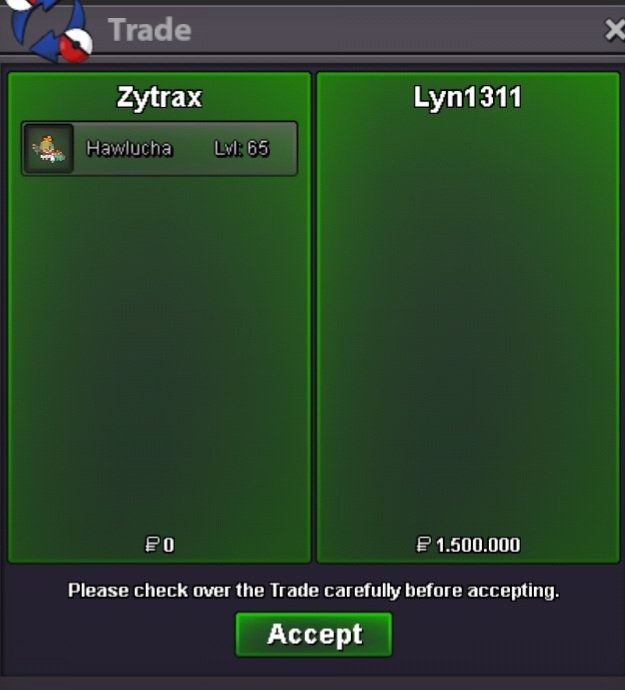
Use the new Trade Zone for auctions and instant-price trades so Pokemon and item offers are easy to find.

Zytrax
Registered User
-
Joined
-
Last visited
Everything posted by Zytrax
-
You win congrats @Lyn1311 🙂Start 400k Mimimum Raise 50k Duration 24 hour after first bid
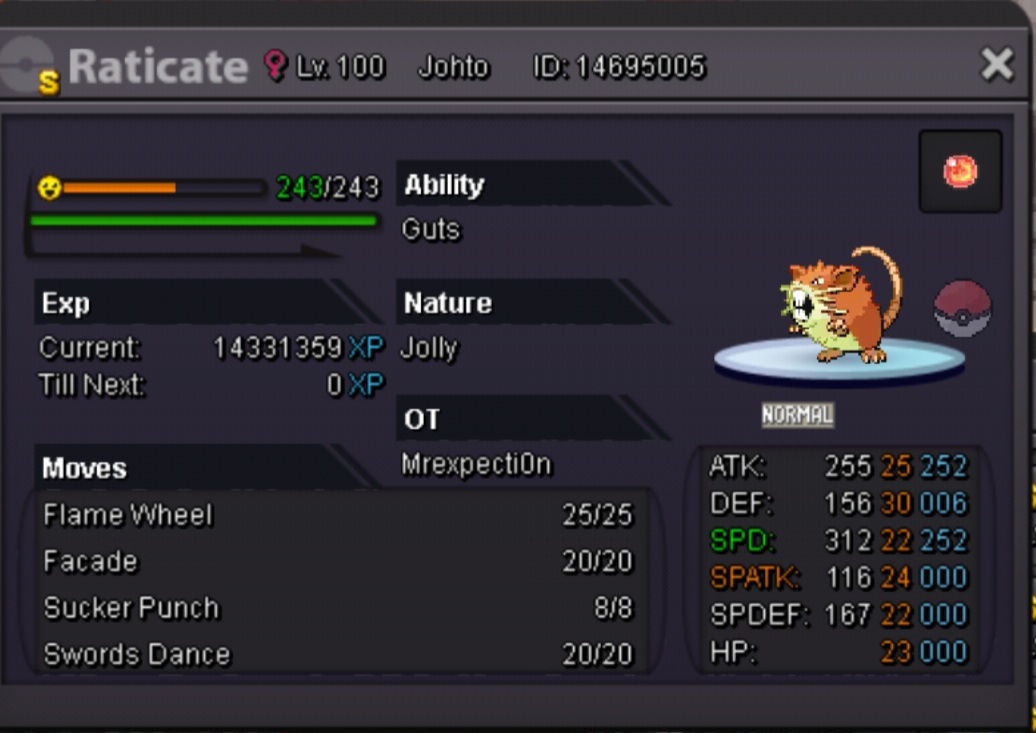
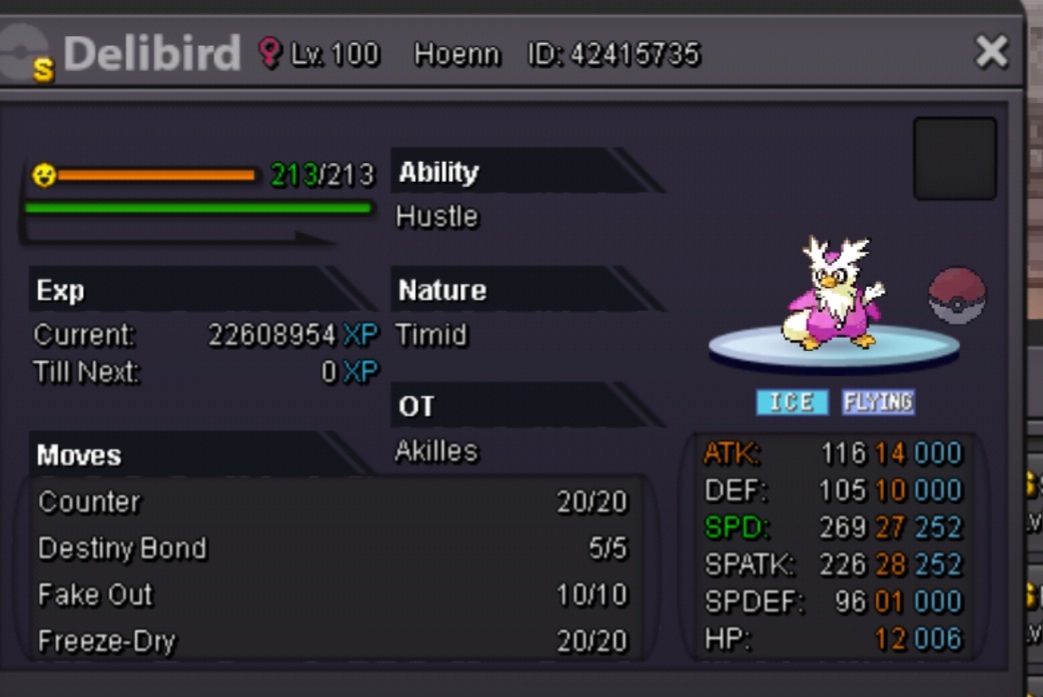
 Closed for nowSold ones taken out, New ones added.Will be online in 15 min vermillionWill be online later todayOk will be online in 10 minSome shinies for sell. Hari: 1m2 Sea: 900k Biba: 1m2 Volb: 3mil Yan: 3mil Vic: 1m4 Cro: 200k Pid: 150k Dit: 900k Whis: 300k Geo: 400k Gira: 2m3








 Tickroom Poke Start offer 500k Min raise 50k 48 hour duration after first bid
 Not well decorated but my brain doesnt feel like investing another 5+ hours.
 Shiny ninjask jolly 11mil
 8milBumpBumpCan be closed
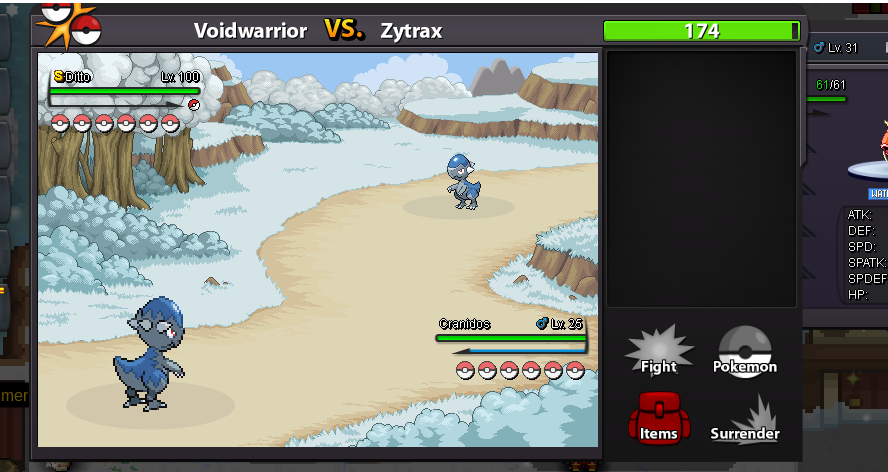
 When you enter a battle with shiny ditto h.a., ditto turns into the enemy pokemon as shiny, as it should do. The problem is, that the enemy still only sees the normal Form and only the ditto player can see the shiny form. Would be nice, if the enemy could see the shiny graphic too. Best regards, Edit: it works now ty! Edit 2: it only works on phone Client, PC enemy still sees normal. Zytrax
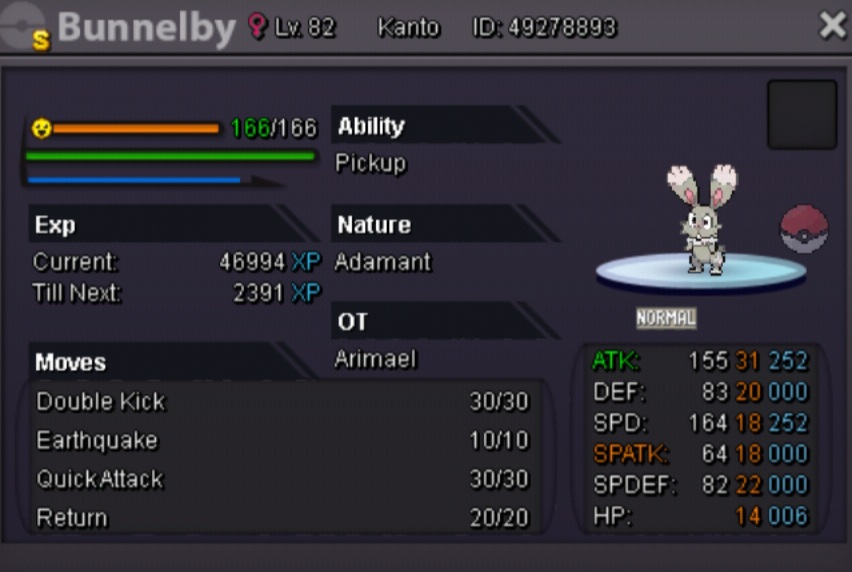
 Shiny bunnelby max atk Price: 8mil
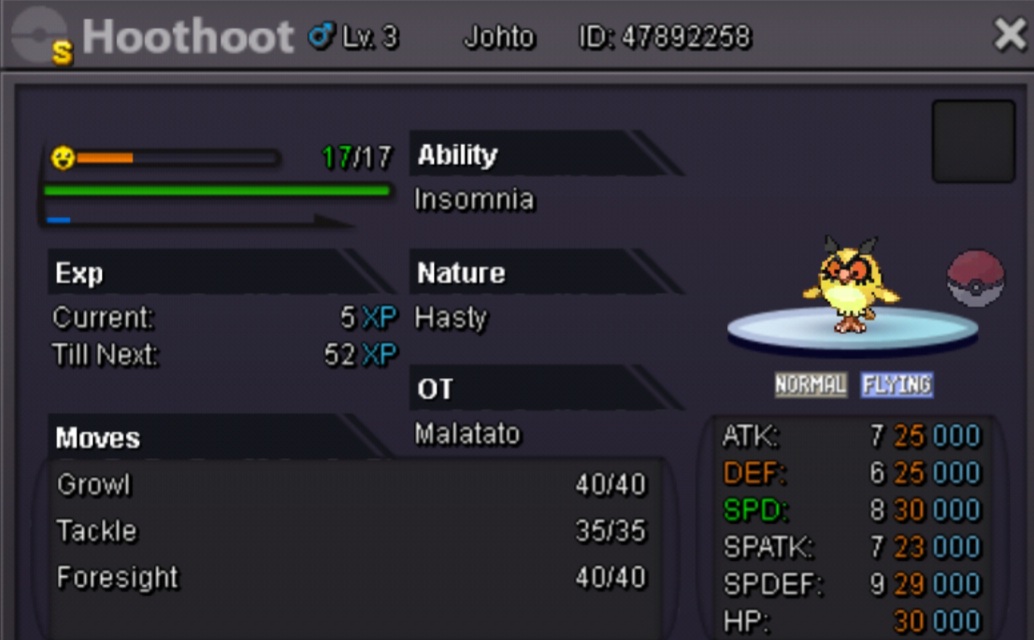
 Shop can be closed plsCan you give an update on this topic? The vote is pretty clear.Rat: 2mil Shellos: 1m4 SOLD Biba: 2m3 Hari: 2m2 Pidgeot: 1m8 Beedrill: 2m3 SOLD Crobat: 1m5 Tenta: 500k Whismur: 600k Delibird: 450k Hoot: 400k Accept cc as 400k