New Trade Zone
Trade Zone is now live
Use the new Trade Zone for auctions and instant-price trades so Pokemon and item offers are easy to find.

Bloodknight007
Registered User
-
Joined
-
Last visited
Everything posted by Bloodknight007
-
Ok I will try thanks
-
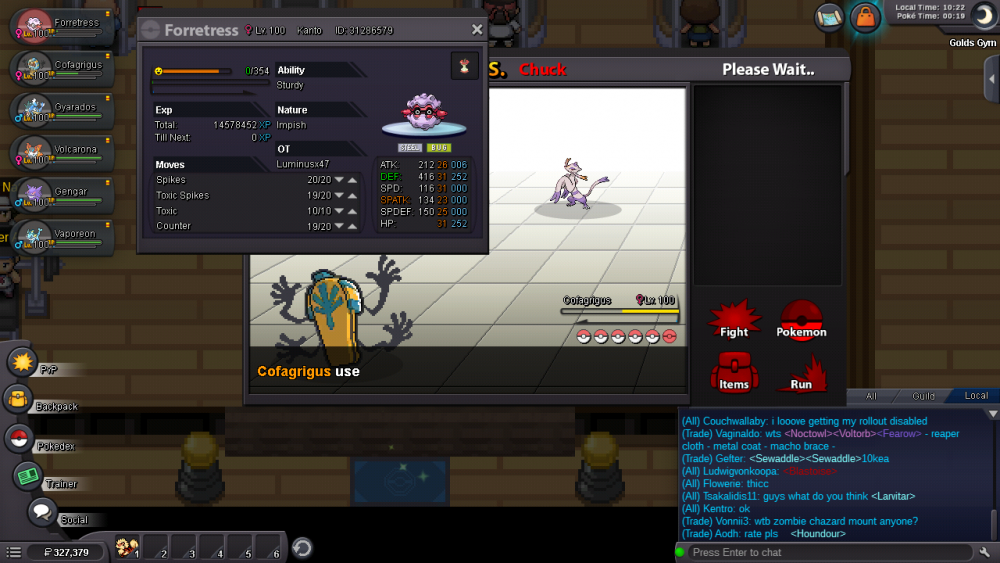
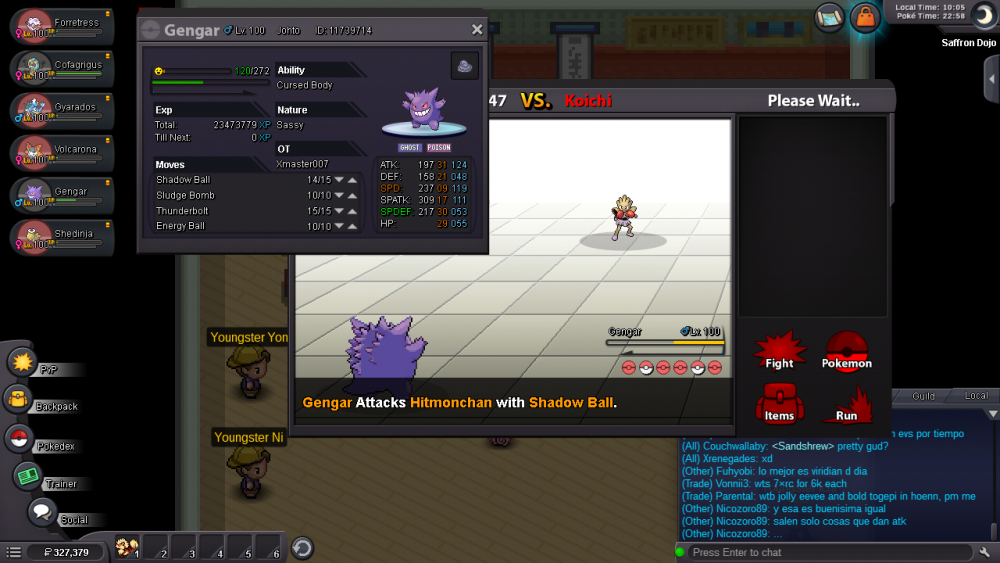
Hi when ever I am battling one on my pokemon slot is getting opened each turn .I am closing it and it again got open in next turn please help
-
And today I am also facing same problem server is online according to bot command and still unable to log in .after new update
-
But whenever I try server status it says gold and silver server is online
-
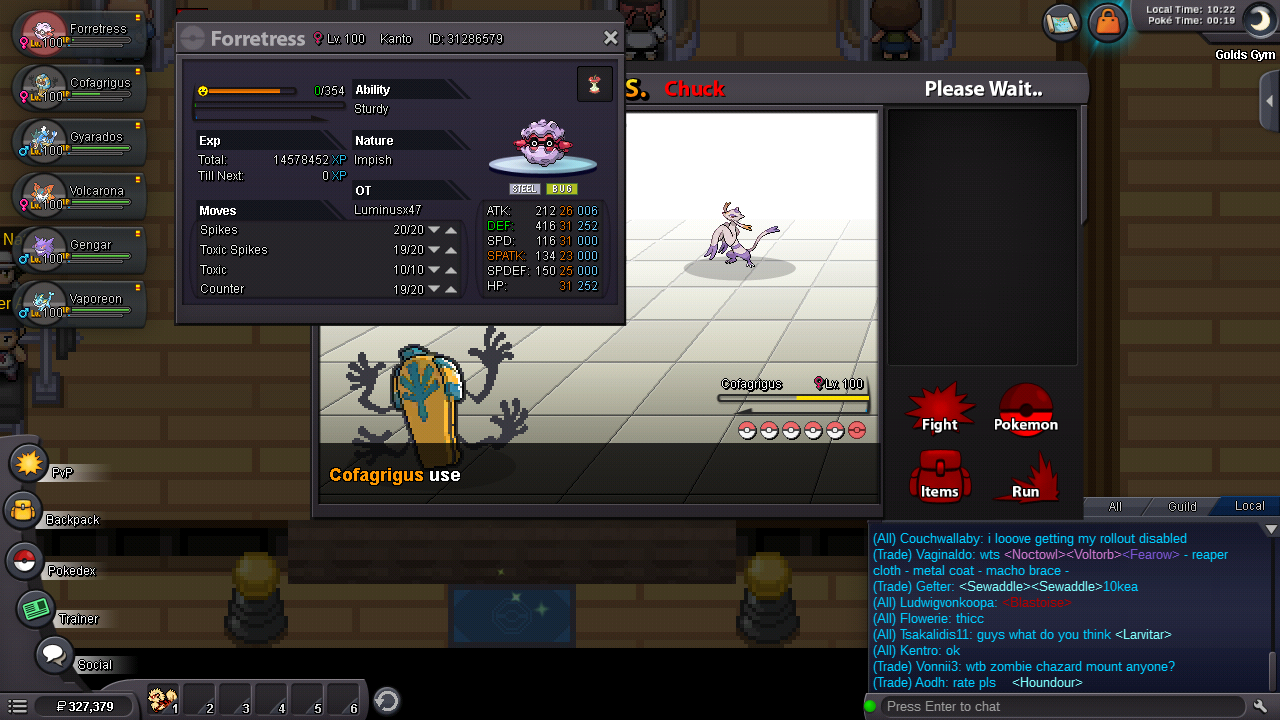
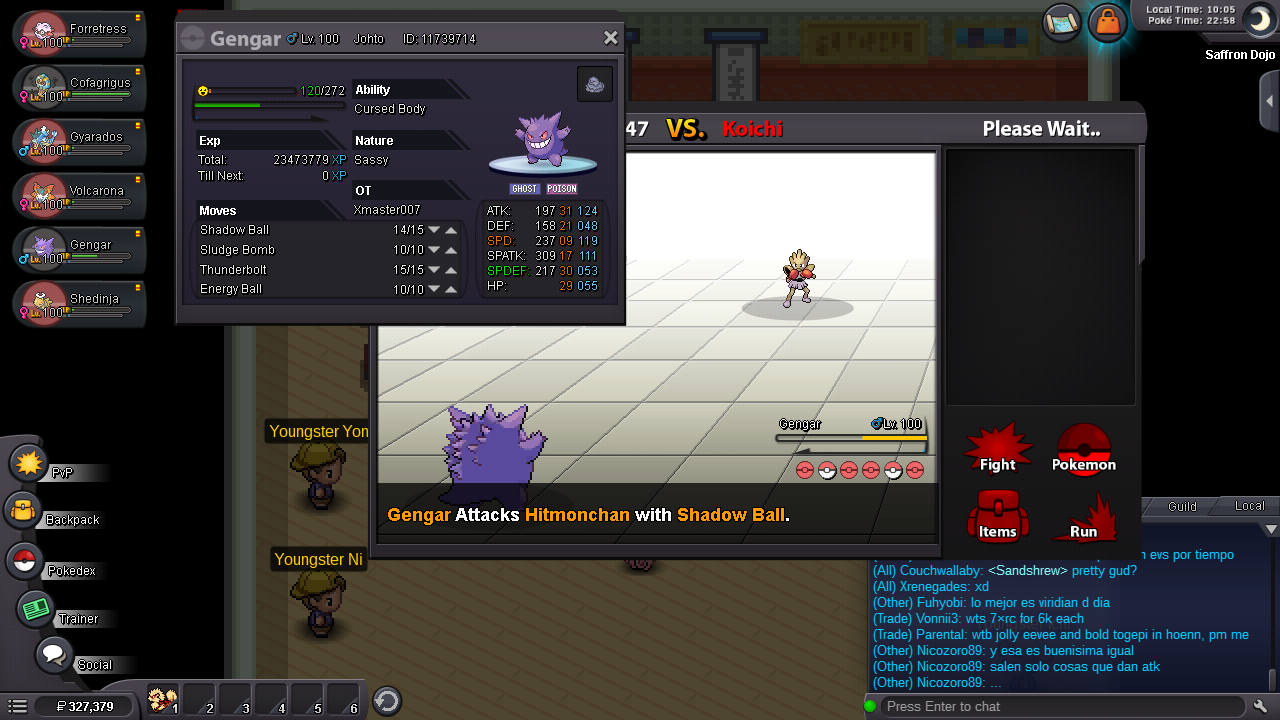
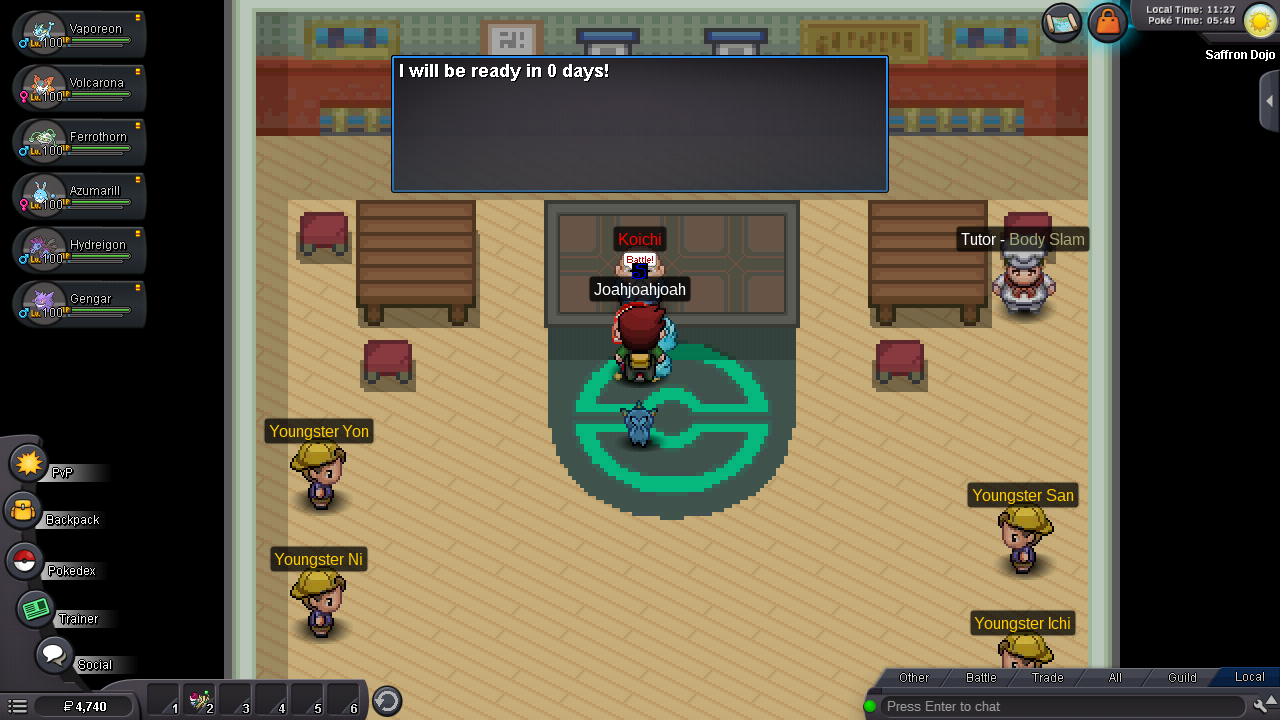
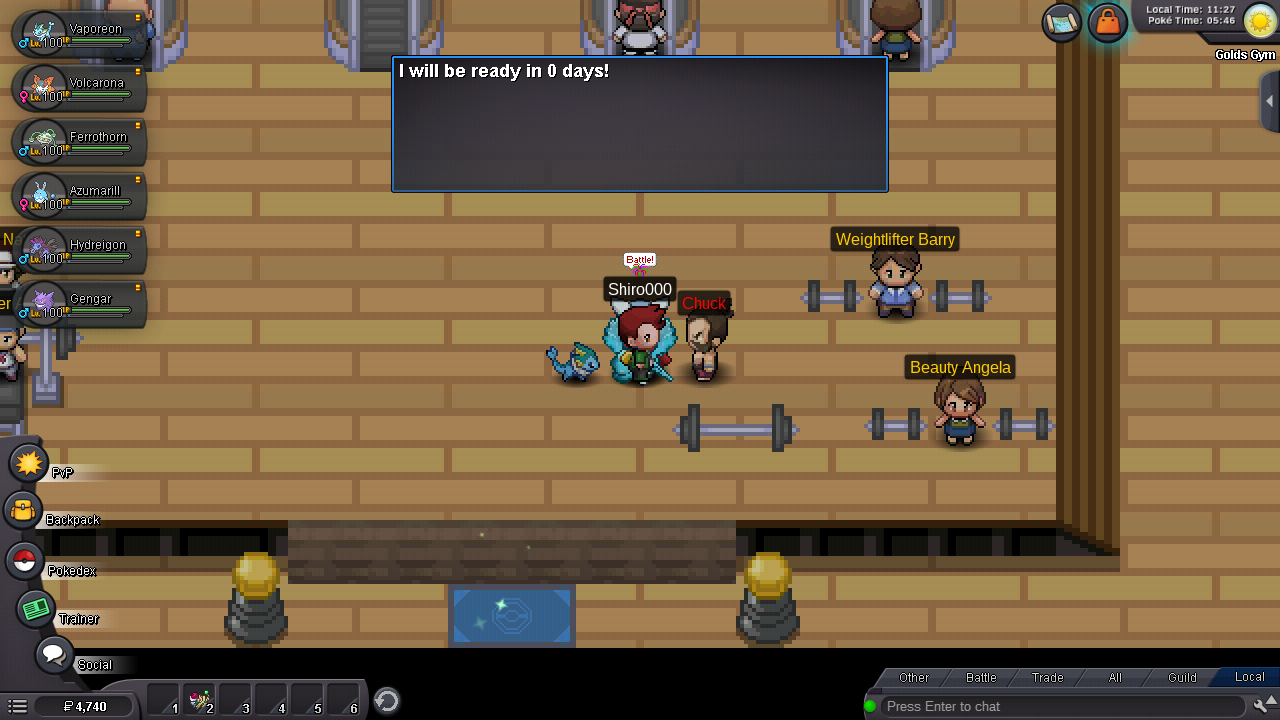
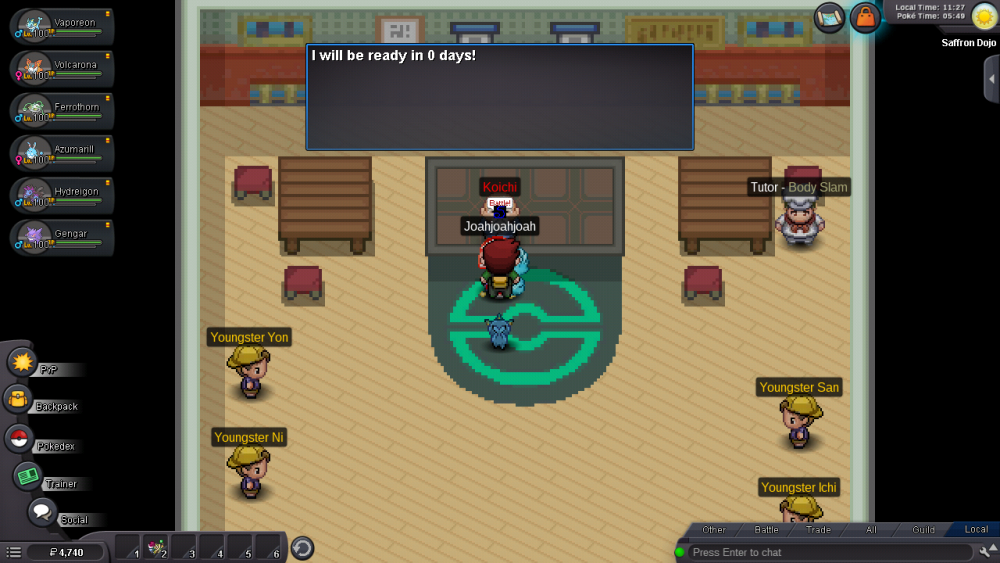
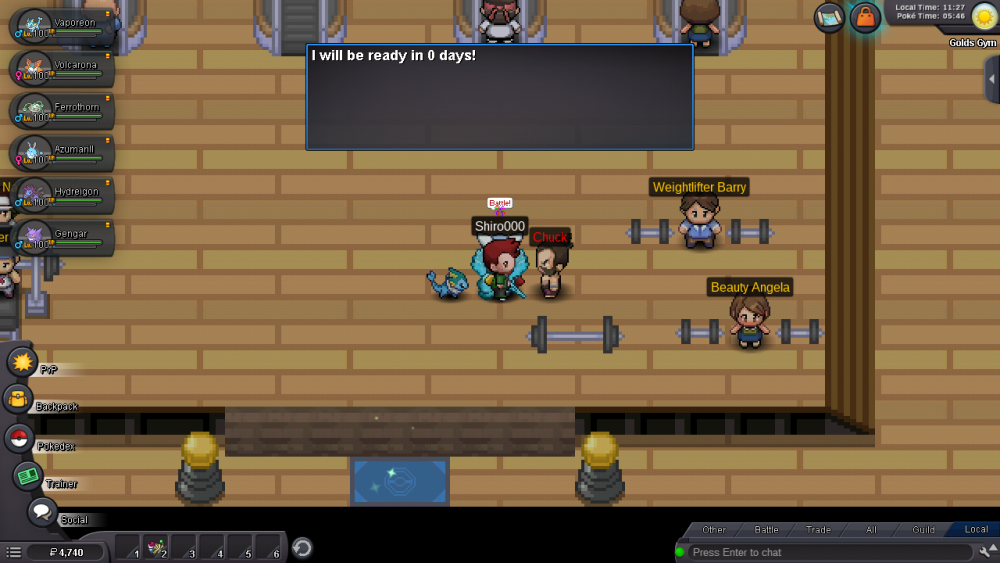
Whenever I am trying to log in to silver server I have to press the option 5 to 6 time and then loging in is righting there and suddenly write connection lost. And at same time gold server working properly and bot is saying that silver server is onlineHello sir , I want to know that is shedinja Pokemon banned in pvp ? Or I can use it. Please replyHi I am facing problem with cooldown of bosses Yesterday I had gone to pumpkin king and he told that come back in 1day and today he is saying come back in 6 days And there are some bosses too like Chuck and koichi by whom I am unable to battle because they are saying come back in 0 days Please help me and fix these problems
 Hello sir I want to know that can I use more than one evee evolution in pvp battle or not? Please help me