New Trade Zone
Trade Zone is now live
Use the new Trade Zone for auctions and instant-price trades so Pokemon and item offers are easy to find.

Exxtinguisher
Registered User
-
Joined
-
Last visited
-
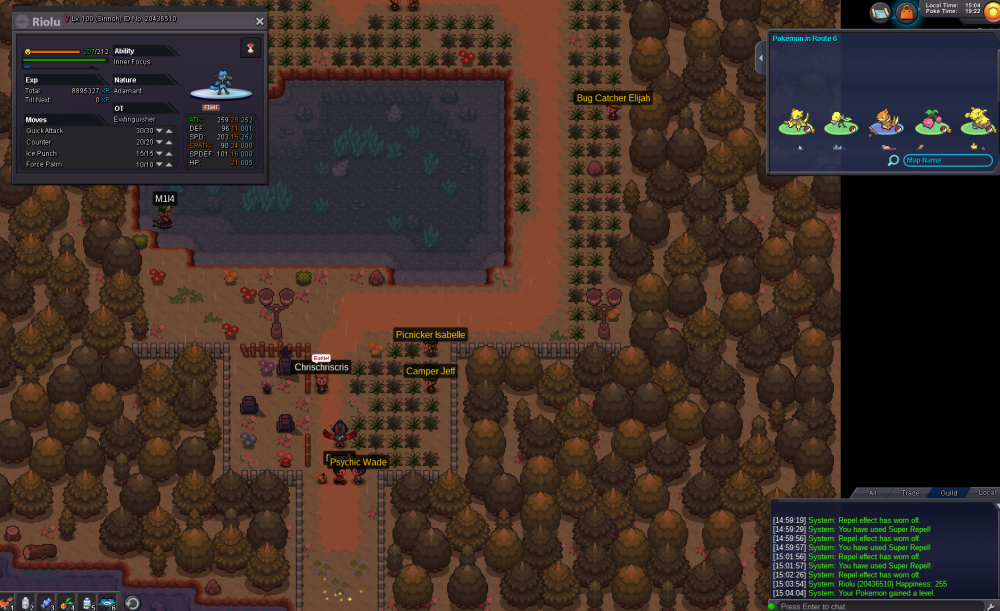
in-game name: Exxtinguisher Server: Gold Pokemon ID: 20436510 I tried to evolve my rioul to lucario during day time as shown in screenshot, but it didnt work? also double checked happiness..not sure maybe i got a bug/glitch? if possible could i have a delevel to 99 to try again or maybe evo it to lucario if thats an option.
-
In-game name: Exxtinguisher Server: Gold Pokemon ID : 19463638 I accidentaly fat fingered on lvl 99-100 gurdurr evo >.< please help and thanks in advance.
-
c.o. 350k (2 more calls next 3 min or sold :)

-
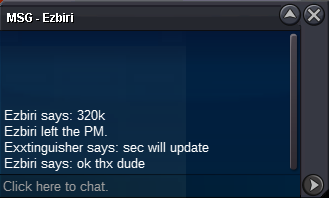
c.o. 320k by Ezbiri
-
c.o. 310k by Achyuki

-
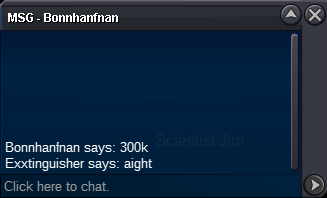
c.o. 300k by Bonnhanfnan
-
c.o. 240k by Achyuki

-
c.o. 230k by bruninho13

-
Rules: -accept cc as payment (200k) -Auction ends tomorrow (14/8) 12:00 pm (CEST) -fake offers will be reported -feel free to offer here or pm me ingame (will show the poke in trade chat during the day) - c.o. 350k by Katakuri23 -insta 750k

-
eyy so did i win?^^
-
In-game name: Exxtinguisher Server: Gold Pokemon ID and/or screenshot: 19781098 I wanted to evolve my gible at lvl 98 to lvl 99, but my connection timted out and when I logged back in, it was a lvl 99 gible. Please help (if possible only 1 lvl lower)