New Trade Zone
Trade Zone is now live
Use the new Trade Zone for auctions and instant-price trades so Pokemon and item offers are easy to find.

Accept
Registered User
-
Joined
-
Last visited
Everything posted by Accept
-
-
-
Looking for a shiny mawile budget 8m
-
Sold insta to nightcrawler
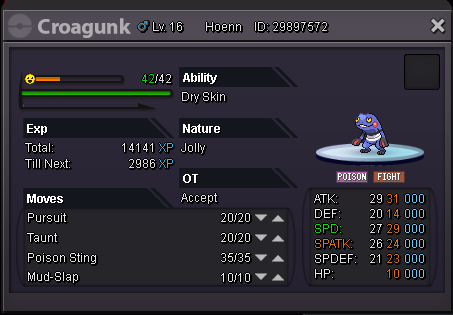

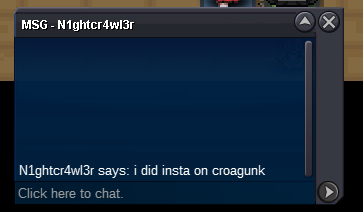
-
no reroll ticket only cc and cash
-
ty for bid gl
-
-
will be added last day of auction to see where it gets too to get a appropriate insta
-
ty noted
-
-
-
-
currently out of stock Attachments



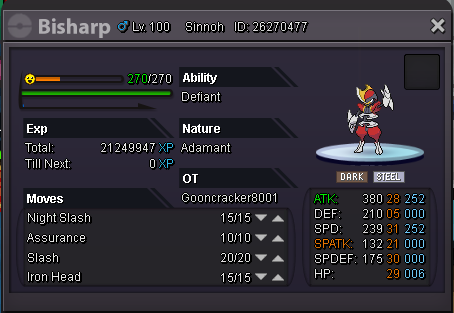

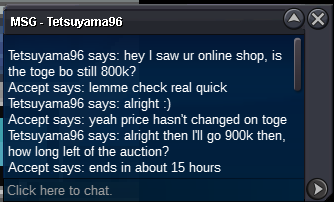


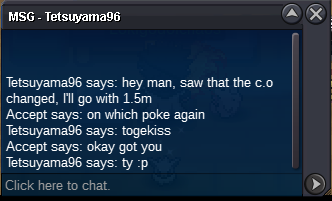


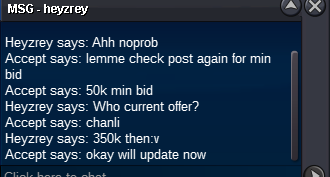
-
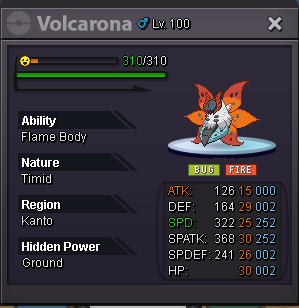
SOLD
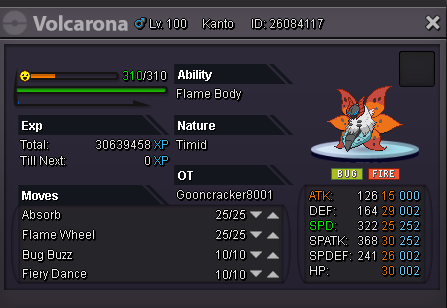
-
Fill up the following information: [u]ID Screenshot: Server:[/u] What do I need to do after my post? You only need to wait, a Staff member will edit your post once the Pokemon is successfully restored, sending you a forum Alert. What if I don't have any screenshot, or if I don't remember any accurate informations about the Pokemon? In this case unfortunately, we can't do anything for you. We need it to be able to find and restore your Pokemon. I accidentally released my Pokemon three months ago, can I get it back? Only recently released Pokemon can be restored. There is a cooldown for them to be restored. You need to request a restore as soon as possible. i accidently released my toxicroak only got a image of pokemon card before release i released it on the gold server while releasing some other pokes in my pc.


-
Looking to buy 40cc for around 250-260k each
-
-
-
-
-
Sold to elitearigus 500k min bid 50k ends at 23:05pm CEST
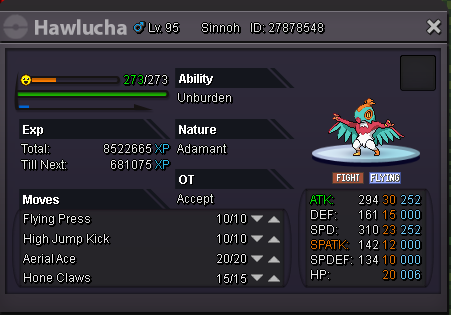


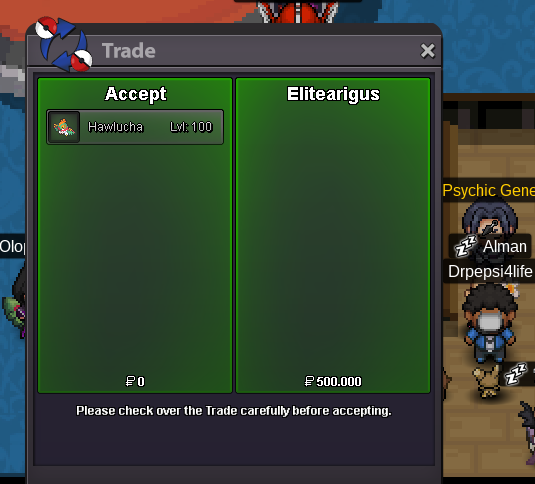
-
i will take it can u come vermi?
-
i have a few but not for sell i can go 400k for the mightyena i don't really need it anyway
-
like 600k?
-