




New Trade Zone
Trade Zone is now live
Use the new Trade Zone for auctions and instant-price trades so Pokemon and item offers are easy to find.

Tamiya4wd
Registered User
-
Joined
-
Last visited
Everything posted by Tamiya4wd
-
The mod has fixed the trades already, thanks.

-
I wasn’t late. The last bid was at 20:47, so I was allowed to bid until before 21:02.
-
Isn’t the 15-minute rule applied to all auctions? It’s stated in the GENERAL AUCTION RULES | for sellers. https://pokemonrevolution.net/forum/topic/119709-forums-and-in-game-auction-rules/
-
1m50k
-
2m750k
-
2m650k
-
700k
-
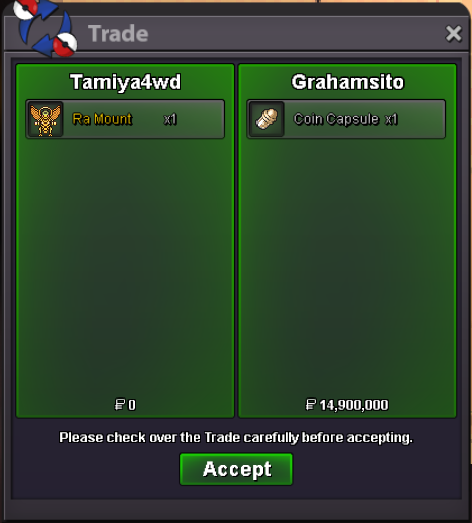
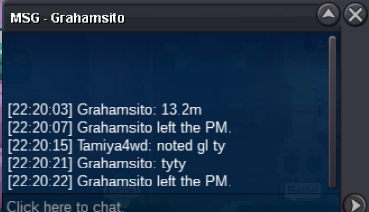
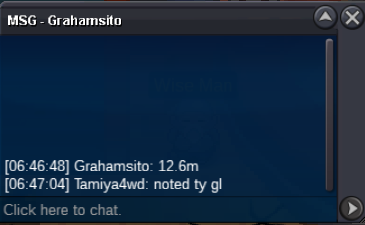
2.8mBump!1.1mBump!Congratulations to the auction winner, @Grahamsitox !!bumpbumpSorry, I can’t. This is a silver auction, so you’re responsible for transferring if you bidding from gold.Auction Details C.O. : 15.4m Started : 2:40 AM GM +7 (2 Nov 25) Ends : 2.40 AM GM +7 (4 Nov 25) Start Price : 12m Min Raise : 200k Insta : N/A Time Auction : 48 hours after first bid Accepted Payments : Pokedollar, Coin Capsule (1 Coin Capsule = 500k) Server : Silver if bid is placed within last 15 mins of the auction, auction end time will be extended by 15 mins from that bid Thank you

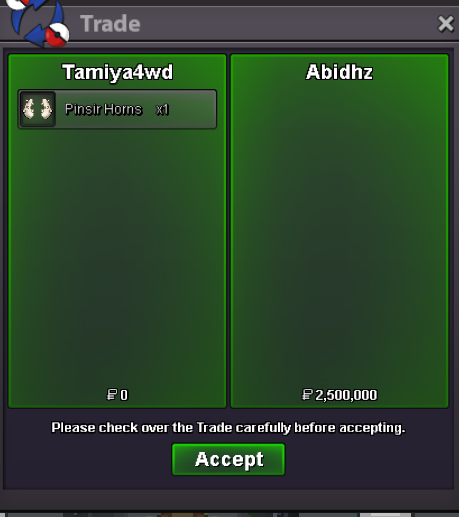
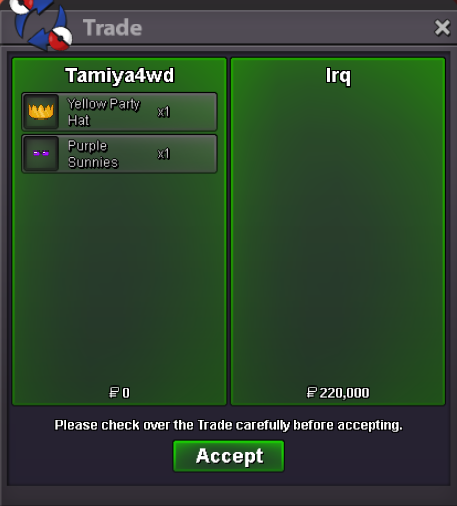
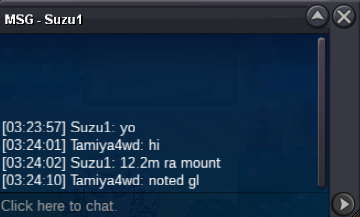
 Bump!Halo Guys Tamiya4wd's Cosmetic Shop Nickname : Tamiya4wd Discord : abelryo Accepted payment Pokedollar 💸 1 coin capsule = 500k Cosmetic Feel free to ask me for info via Discord. Thanks
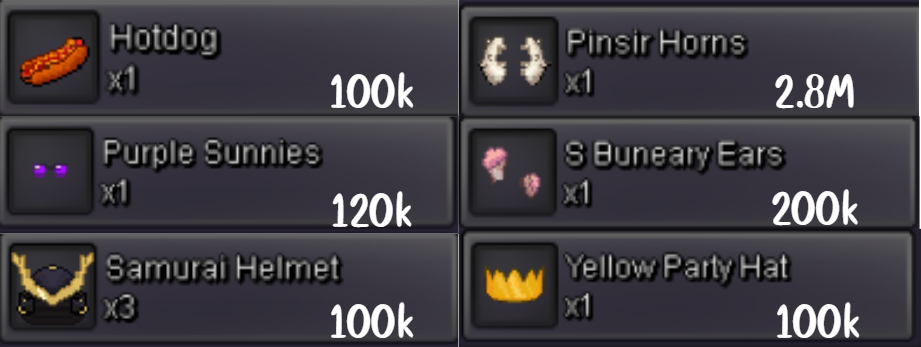 Good service, good price, discount available, fast within 1 day.


Account
Navigation
Search
Configure browser push notifications
Chrome (Android)
- Tap the lock icon next to the address bar.
- Tap Permissions → Notifications.
- Adjust your preference.
Chrome (Desktop)
- Click the padlock icon in the address bar.
- Select Site settings.
- Find Notifications and adjust your preference.
Safari (iOS 16.4+)
- Ensure the site is installed via Add to Home Screen.
- Open Settings App → Notifications.
- Find your app name and adjust your preference.
Safari (macOS)
- Go to Safari → Preferences.
- Click the Websites tab.
- Select Notifications in the sidebar.
- Find this website and adjust your preference.
Edge (Android)
- Tap the lock icon next to the address bar.
- Tap Permissions.
- Find Notifications and adjust your preference.
Edge (Desktop)
- Click the padlock icon in the address bar.
- Click Permissions for this site.
- Find Notifications and adjust your preference.
Firefox (Android)
- Go to Settings → Site permissions.
- Tap Notifications.
- Find this site in the list and adjust your preference.
Firefox (Desktop)
- Open Firefox Settings.
- Search for Notifications.
- Find this site in the list and adjust your preference.